Accusoft Car Service 3.0 Manual – Car Service Center Management Software PDF
Original price was: $95.00.$16.95Current price is: $16.95.
Official user manual for Accusoft Car Service Manager 3.0 (SMEs Business Software). Covers installation, login, main menu overview, system settings, database creation/backup, parts & service data setup, customer/vehicle/technician management, front-desk workflows (purchase, sales, quotations, repair jobs), plus reporting, charts, and support tools. Instant PDF download.
Description
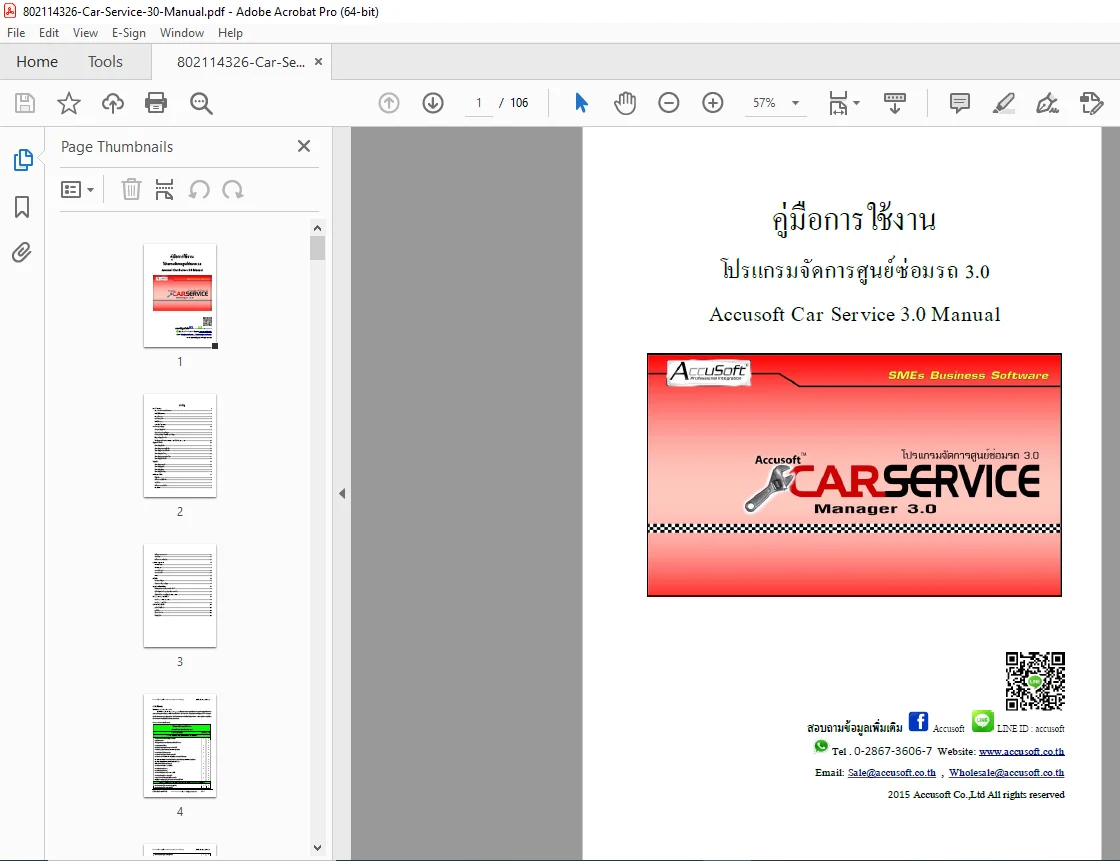
Accusoft Car Service 3.0 Manual – Car Service Center Management Software PDF DOWNLOAD
Description
This Accusoft Car Service 3.0 Manual is a step-by-step user guide for the Car Service Manager 3.0 program—built for car repair shops and service centers that want to manage work orders, spare parts sales, quotations, stock control, customer & vehicle history, invoices/tax documents, and reporting from one system.
Whether you’re setting up the software for the first time or training staff, this manual walks you through the full workflow—from installation and database setup to daily front-desk operations and monthly reports & charts.
✅ What you’ll learn / do with this manual
Install the program and start correctly (desktop icon / Start menu)
Login setup and admin/user management
Configure system settings (company details, print formats, VAT options)
Create/choose/save databases and migrate data from older versions
Build your inventory: parts, units, categories, service labor items
Manage customer and vehicle master data (including mechanics & vendors)
Run front counter tasks:
Purchase parts
Sell parts (cash/credit)
Create quotations
Register vehicles for repair and edit repair jobs
Generate reports & graphs:
Basic reports (stock, customers/vehicles, vendors)
Summary reports (repair summary, income/expense, profit/loss)
Analysis reports (stock movement, best sellers, frequent customers)
History reports and cash drawer history
Use maintenance tools:
Database backup/restore
Clean/compact database
Export files for technical support
🗂️ Table of Contents (Neatly Organized)
1) Program Introduction
Program overview
Feature list / program capabilities
2) Installation & Getting Started
Install steps (Setup.exe)
Login to system
Main menu overview
3) System Setup
System settings (company info, printing, users/permissions)
Program registration
4) Database Configuration
Create new database
Set database location
Save/change database
Open previous database
Transfer data from Car Service 2.0 → 3.0
5) Parts & Service Data
Manage parts/products
Product categories
Units of measure
Service labor items
Service categories
Storage/shelf locations
6) Partner / Customer Data
Vehicle information management
Customer management
Vendor/supplier management
Technician/mechanic management
7) Front Desk Operations
Purchase parts
Edit purchase transactions
Sell parts
Edit sales transactions
Quotation
Edit quotation
Vehicle repair intake (job order)
Edit repair job order
8) Reports & Charts
Basic reports
Summary reports
Analysis reports
History reports
Charts/graphs
9) Tools & Help
Database backup
Database cleanup/compact
Help/support options
Send file for technical support
User manual + Windows Help guide
10) Sales Channels & Company Contact
Distribution channels
Contact details
📌 File Details
| File Detail | Information |
|---|---|
| Manual Name | Accusoft Car Service 3.0 Manual |
| Models Covered | Accusoft Car Service Manager 3.0 (software) |
| Year | 2015 |
| PDF Quality | Clear scanned manual with screenshots and step-by-step instructions |
| Pages | 106 pages |
Set up your workshop software the right way and train staff faster—this Accusoft Car Service 3.0 manual shows every workflow from parts sales to repair jobs and reports. Buy now and download instantly to start using it today.