Acer Aspire 1710 Service Manual PDF DOWNLOAD
Original price was: $95.00.$18.95Current price is: $18.95.
Restore your vintage desktop-replacement laptop with the official Acer Aspire 1710 Service Manual. This comprehensive Acer laptop troubleshooting PDF covers everything from Acer Aspire 1710 disassembly to BIOS flashing. Essential for fixing hardware faults, it includes a complete Aspire 1710 spare parts list (FRU) and detailed logic for resolving intermittent power issues. Instant download for technicians and retro-computing enthusiasts.
Description
Acer Aspire 1710 Service Manual Repair, Disassembly & Parts PDF DOWNLOAD
Description:
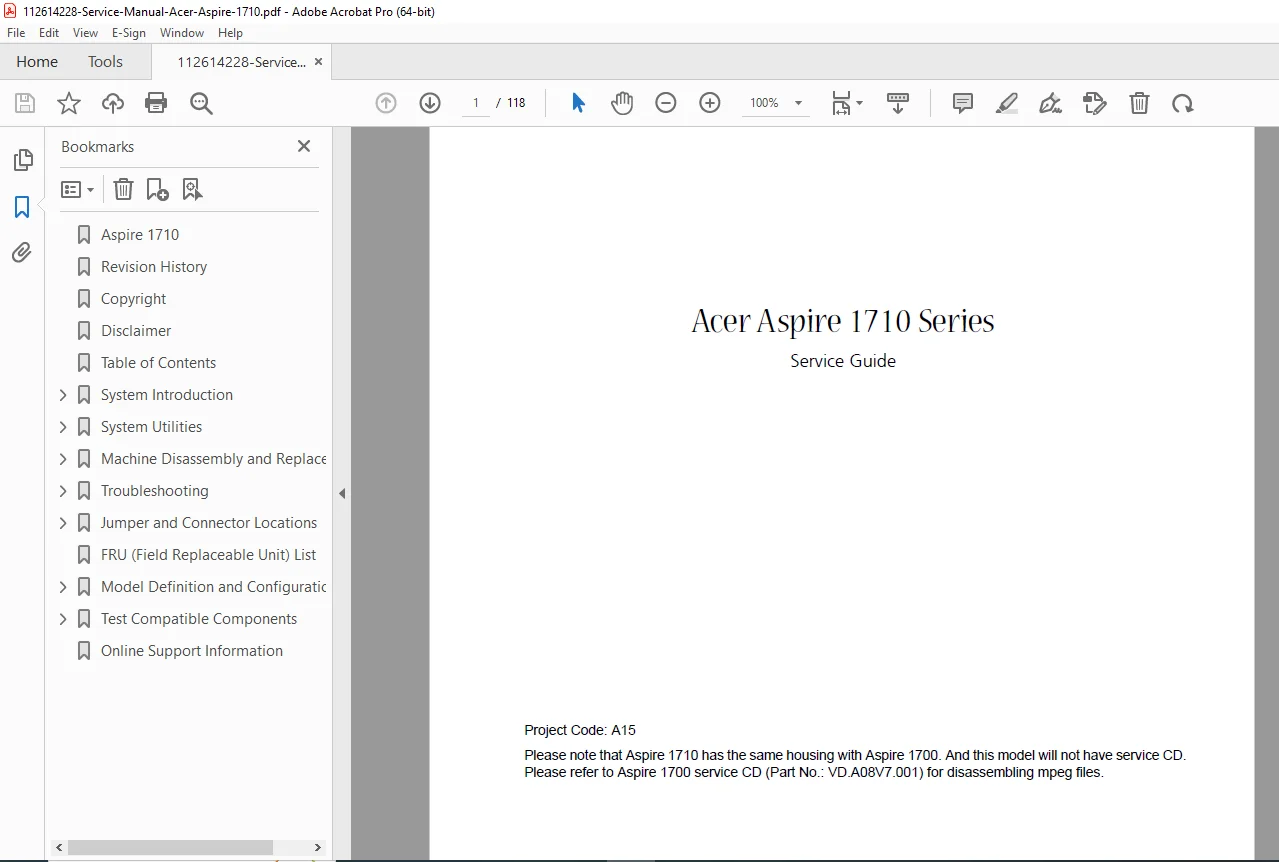
Extend the life of your classic hardware with the Acer Aspire 1710 Series Service Guide. Whether you are a professional technician or a retro-tech collector, this manual (Project Code: A15) is the authoritative resource for maintaining and repairing the massive Aspire 1710.
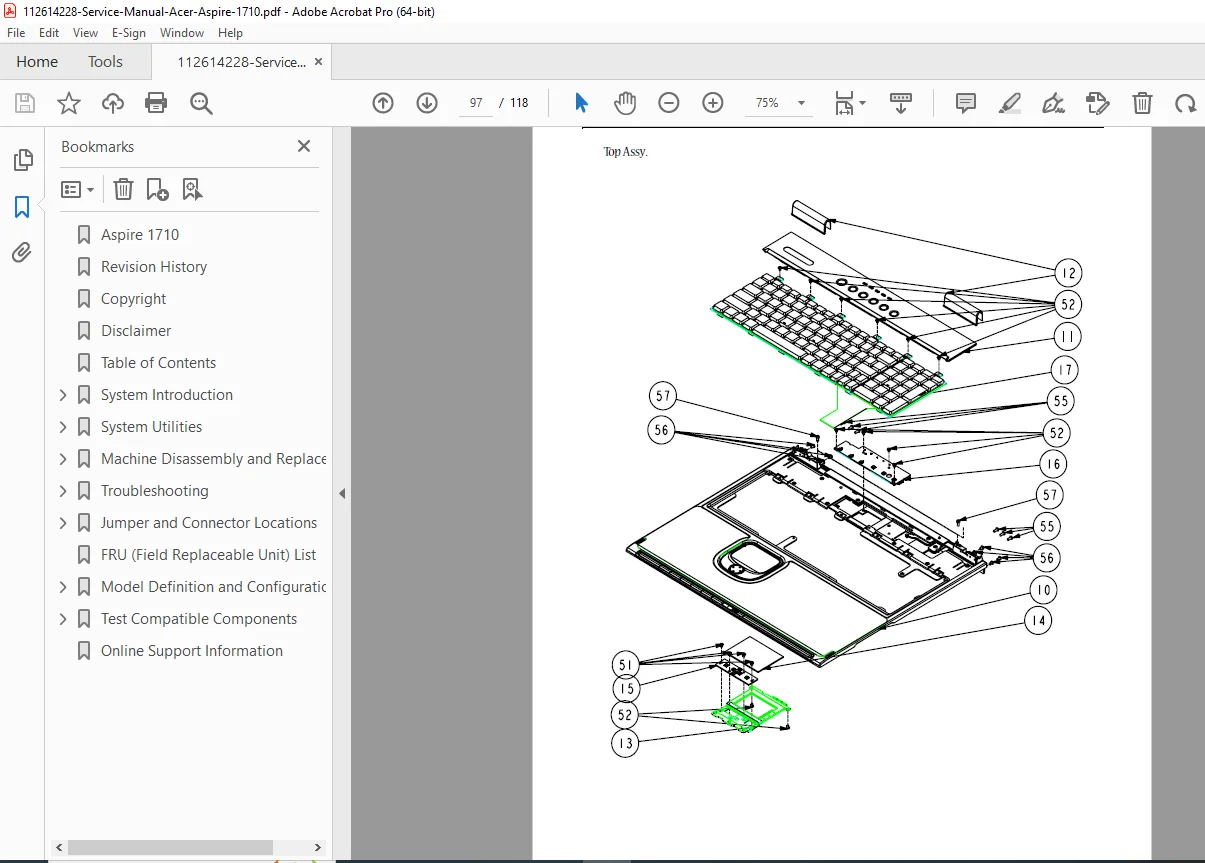
Given the unique form factor of the 1710 (which shares housing with the Aspire 1700), attempting repairs without a guide often leads to broken plastic tabs or damaged ribbon cables. This manual eliminates that risk by providing clear, step-by-step Acer Aspire 1710 disassembly manual instructions.
The guide goes beyond basic tear-downs. It offers deep technical insights into the machine’s architecture, including the proprietary “Display Standby Mode” logic and detailed Error Symptom-to-Spare Part indexes that help you identify exactly which component has failed.
Manual Features & Technical Coverage:
1. System Specifications & Architecture
Hardware Config: Detailed breakdown of the CPU, Chipset, Memory (DIMM combinations), and L2 Cache.
Interface Ports: Pinouts and specs for Parallel Port, DVD-ROM Interface, and Floppy Disk Drive.
Power Management: Deep dive into Hibernation Mode, Hard Disk Standby, and Global Power Management logic.
2. Disassembly & Reassembly (Step-by-Step) A complete flowchart and visual guide for stripping the machine down to the chassis:
Drive Removal: External CD-ROM/DVD-ROM Module and Hard Disk Drive.
Chassis Access: Removing the Keyboard, LCD Panel (Right/Left/Bottom), and Heat Sink.
Inverter Replacement: Specific steps for the DC-AC LCD Inverter (often the cause of dim screens).
3. Troubleshooting & Diagnostics
Symptom-to-Part Index: A critical lookup table linking specific failures (e.g., “No Power”) to the required spare part.
Intermittent Problems: Strategies for diagnosing faults that come and go.
System Checks: Protocols for:
Power System Check
Memory Check
Keyboard or Auxiliary Input Device Check
External CD-ROM Drive Check
4. Spare Parts & BIOS
FRU List: Field Replaceable Unit list with part numbers for ordering replacements.
Flash Utility: Instructions for safely updating the BIOS.
Jumper Settings: Switch locations and configuration settings
File Details:
Manual Name: Acer Aspire 1710 Series Service Guide
Models Covered: Acer Aspire 1710 Series (Compatible with Aspire 1700 housing)
Year: 2004
Manual Quality: High-Quality Digital PDF (Searchable Text, Flowcharts, Tables)
No. of Pages: ~118 Pages
Don’t break a classic. This machine is a beast, but its plastics are delicate. Download the Acer Aspire 1710 Service Manual today to ensure you open it safely, diagnose it accurately, and keep it running for years to come. Get your copy now and start your repair!