
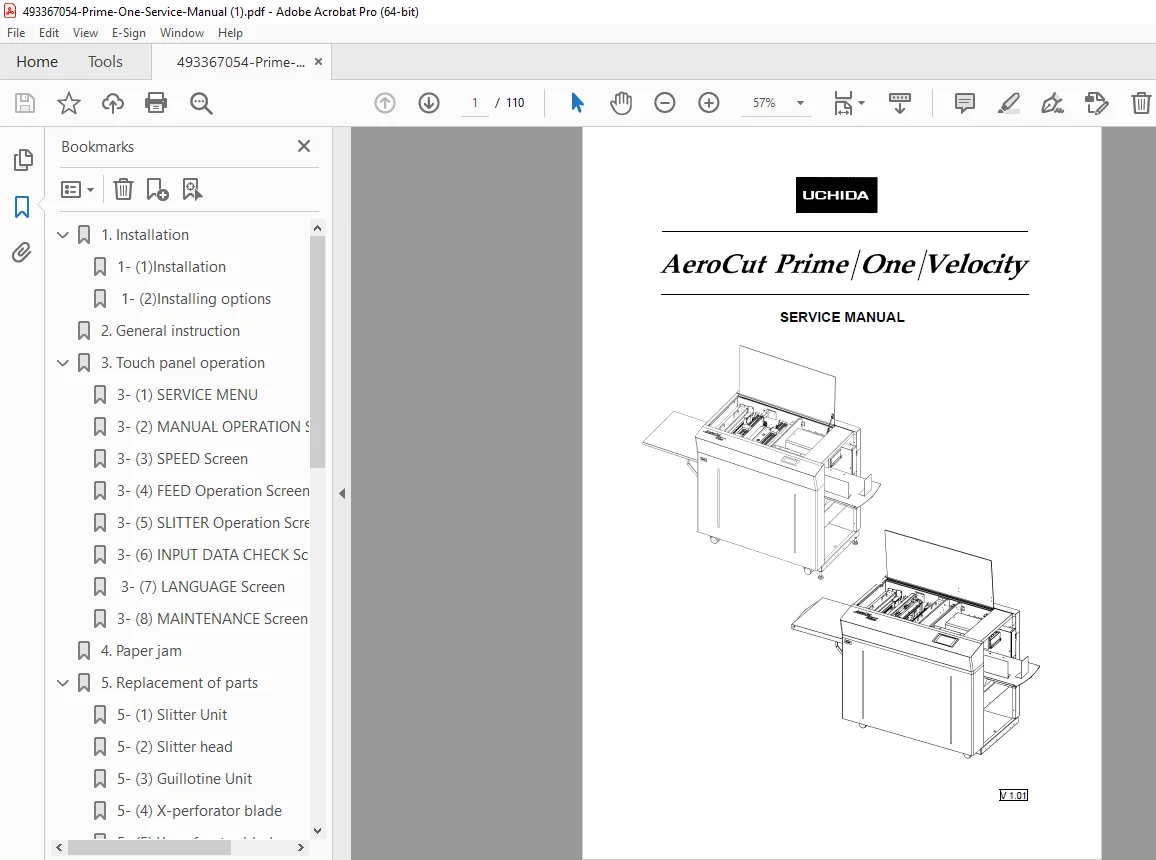
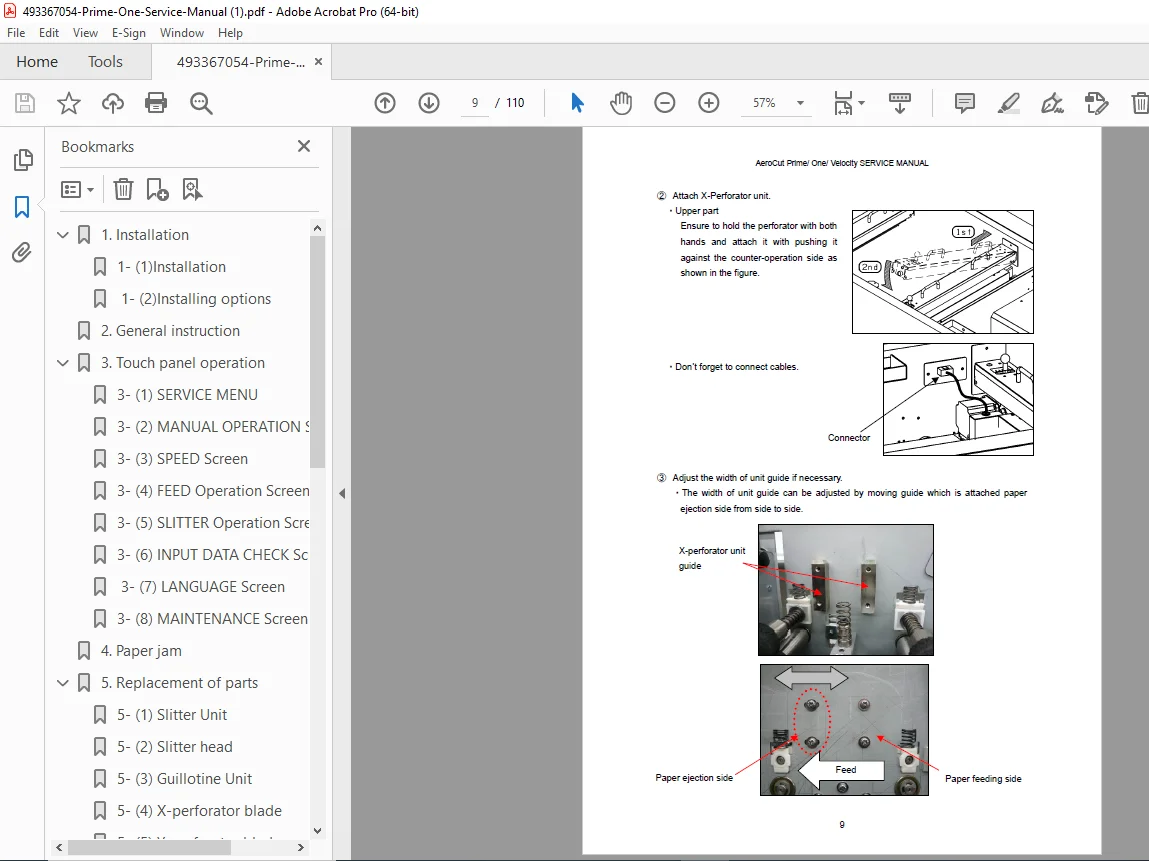
AeroCut Prime / One / Velocity Service Manual – PDF Download
$26.95
Official AeroCut Service Manual covering Prime, One, and Velocity models.
Includes installation, electrical schematics, slitter and guillotine replacement, feed adjustments, PCB settings, troubleshooting, and barcode system setup.
Ideal for technicians and print-shop engineers maintaining AeroCut digital finishing equipment.
Description
AeroCut Prime / One / Velocity Service Manual – PDF Download
Description
The AeroCut Prime / One / Velocity Service Manual is a complete technical guide for service, repair, and calibration of the AeroCut Prime, One, and Velocity paper finishing machines.
It provides step-by-step maintenance instructions, wiring diagrams, touch panel programming, and replacement part specifications, ensuring accurate operation and long-term performance.
IMAGES:
📘 Contents Overview
Installation & Options – Feed table, waste box, stacker setup, Y/X perforator installation, barcode reader mounting.
General Instructions – Tools required, cover removal, factory settings, and safety notes.
Touch Panel Operation – Full explanation of the SERVICE MENU, Manual Operation, Speed, and Feed screens.
Paper Jam Clearing – Procedures to manually inch rollers and remove jams safely.
Replacement of Parts – Instructions for slitter unit, guillotine, perforator blades, feed belt, and their adjustments.
Adjustments – Feed settings, cut mark sensor tuning, PCB and sensor calibration (VR1–VR15), and accuracy adjustments.
Layout & Barcode Setup – Barcode generation rules, machine number configuration, and preset job tables (metric & inch).
Electrical & Wiring Diagrams – Complete CPU, I/O, and servo wiring maps, LED signal guide, tap voltage references.
Software Updates – Step-by-step process for updating touch panel (VT Transfer Tool) and CPU firmware (AVR Studio).
Cleaning & Maintenance – Roller and sensor cleaning, greasing, and preventive care instructions.
Recommended Parts List – Factory part numbers for slitter blades, belts, perforators, and feed components.
Troubleshooting – Error diagnosis for sensors, servo alerts, and PCB faults.
⚙️ Technical Highlights
| Parameter | Details |
|---|---|
| Manufacturer | Uchida / AeroCut (Japan) |
| Models Covered | AeroCut Prime, AeroCut One, AeroCut Velocity |
| System Type | Automatic Slitter, Cutter, Creaser |
| Functions | Slitting, Cutting, Creasing, Perforating, Barcode Job Control |
| Touch Panel Interface | VT Transfer Tool compatible |
| PCB Calibration | Adjustable via VR1–VR15 (CPU/I-O boards) |
| Software Update Tools | AVR Studio 4, PANATERM V5.0, WinAVR |
| Language | English |
| Pages | ~100+ |
| Release Date | February 2017 (Rev. 1.01) |
| Format | Searchable PDF |
| Quality | Factory Original Manual |
| Delivery | Instant Digital Download |
📄 File Details
| Field | Information |
|---|---|
| File Name | 493367054-Prime-One-Service-Manual.pdf |
| Document Type | Factory Service & Maintenance Manual |
| Language | English |
| Pages | 100+ |
| File Size | ≈8.78 MB |
| Format | PDF (Searchable OCR) |
| Quality | Original Factory Digital Scan |
| Delivery | Instant Digital Download |