Alienware 15 R4 Laptop Service Repair Manual PDF (Regulatory Model P69F)
Original price was: $95.00.$16.95Current price is: $16.95.
Perform professional-grade repairs on your Alienware 15 R4 gaming laptop with this official digital service manual (Model P69F). This comprehensive PDF guide walks you through every disassembly step, from upgrading the M.2 SSD and replacing the RGB keyboard to removing the system board and thermal assembly. Essential for owners and technicians, it includes torque specifications, screw lists, and diagnostic LED light codes to identify hardware failures instantly.
Description
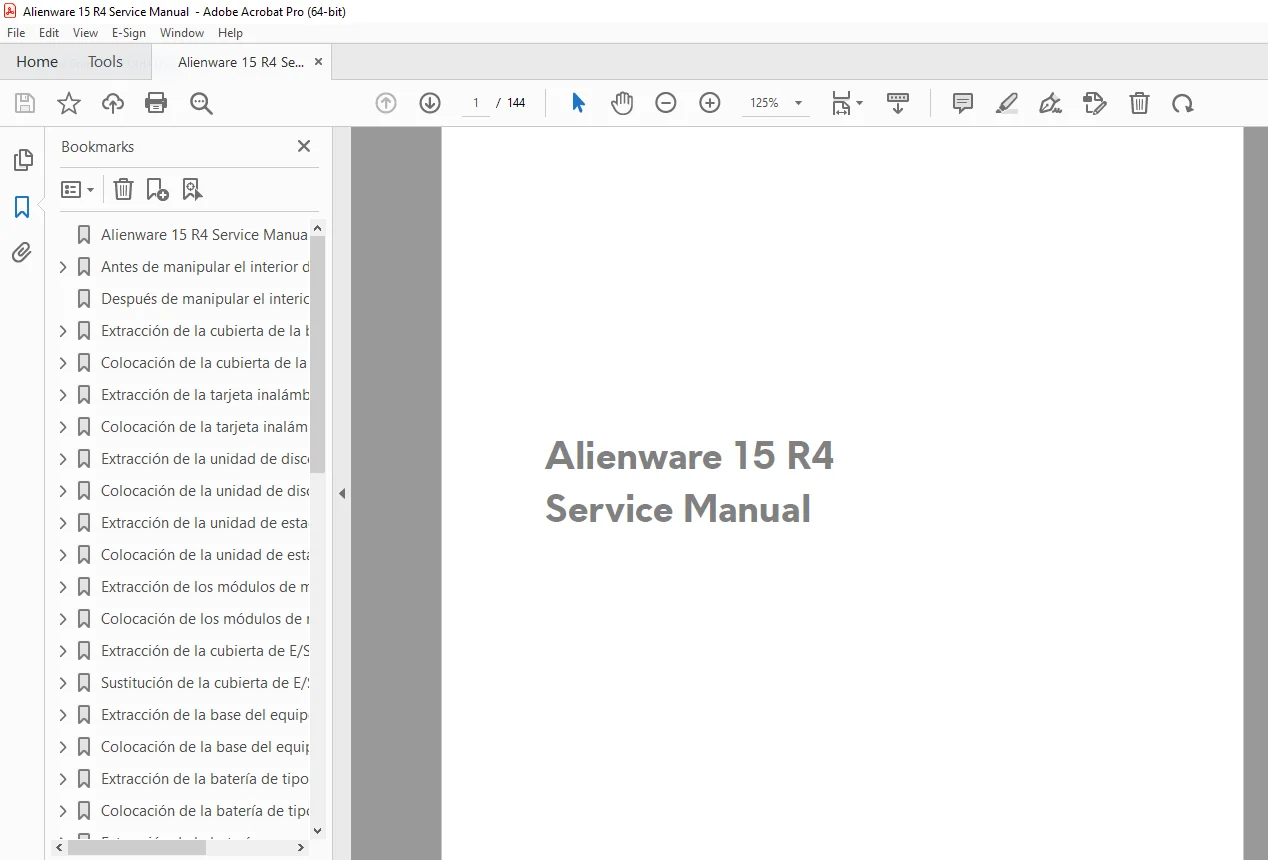
Alienware 15 R4 Laptop Service Repair Manual (Regulatory Model P69F) PDF DOWNLOAD
DESCRIPTION
This is the official Service Manual for the Alienware 15 R4 (Regulatory Model P69F). Unlike a simple user guide, this document provides deep technical instructions for completely dismantling and rebuilding your high-performance laptop. Whether you need to repaste the CPU/GPU thermal compound, replace a failing fan, or upgrade your RAM, this manual offers the exact factory procedures to do it safely.
The manual is structured logically, starting with simple component removal and progressing to deep chassis disassembly. It includes crucial safety warnings, electrostatic discharge (ESD) precautions, and troubleshooting guides.
Manual Contents & Key Categories:
Chassis & Exterior Components
Base Cover: Safe removal to access internal internals.
Rear I/O Cover: Detaching the rear thermal exhaust and port assembly.
Palm Rest: Separating the upper deck from the chassis.
Tron Lights: Accessing and replacing the signature Alienware lighting strips.
Internal Hardware Replacement
Storage: Procedures for removing M.2 PCIe SSDs (slots 1, 2, & 3) and the 2.5″ SATA Hard Drive.
Memory: Upgrading DDR4 RAM modules.
Wireless: Replacing the Wi-Fi/Bluetooth card and managing antenna routing.
Battery: Safe disconnection and removal of the main battery pack and coin-cell (CMOS) battery.
Cooling & Performance
Heatsink Assembly: Step-by-step guide to removing the thermal unit (essential for repasting).
Fans: Disconnecting and replacing CPU and GPU cooling fans.
Thermal Pads: Proper placement for voltage regulators and VRAM.
Motherboard & Input Devices
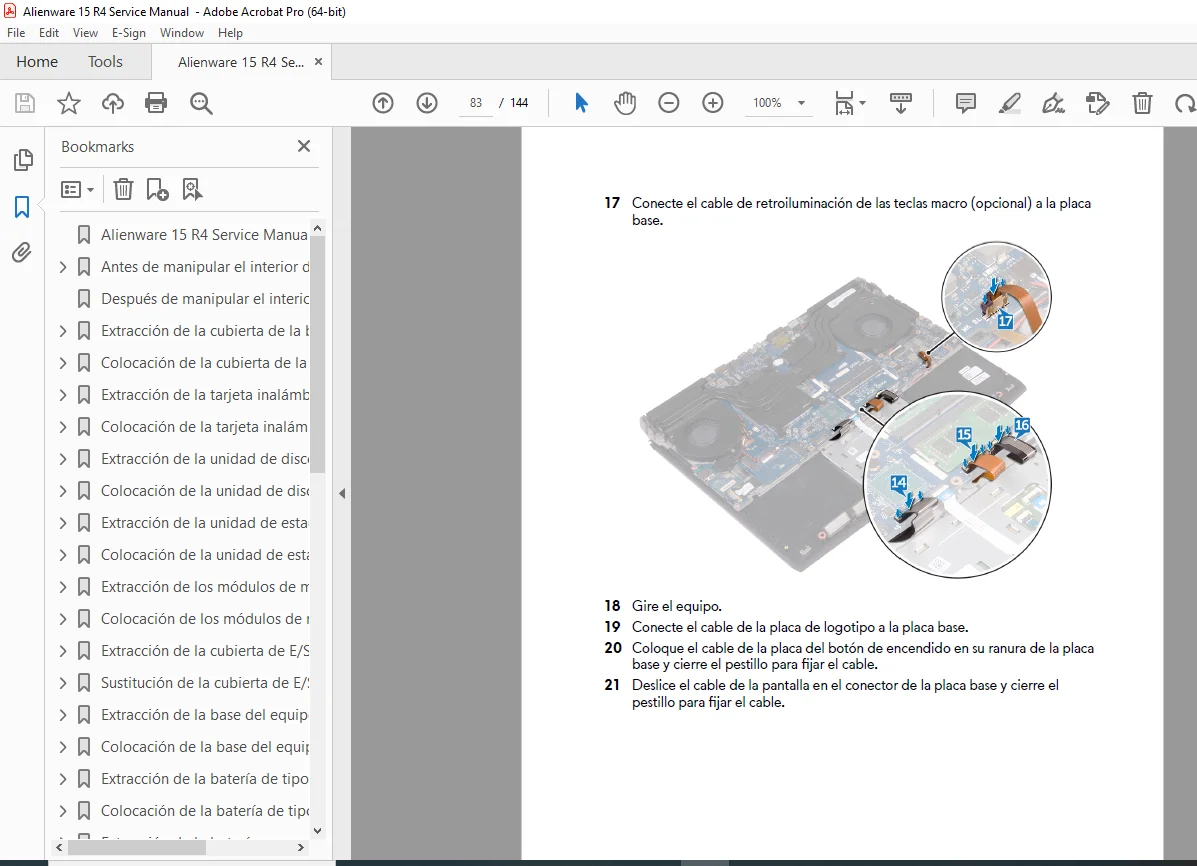
System Board: Complete removal guide, including disconnecting display, logo board, and power button cables.
Keyboard & Touchpad: Replacing the RGB keyboard assembly and trackpad module.
Macro Keys: Accessing the dedicated gaming macro key switches.
Diagnostics & Troubleshooting
Light Codes: Deciphering the battery/power LED flashes (e.g., 2 red, 3 blue = No RAM detected).
BIOS/UEFI: Navigation keys, enabling USB boot, and System Setup options.
ePSA Diagnostics: Running the Enhanced Pre-boot System Assessment to test hardware integrity.
Screw List & Specifications:
| Component | Screw Type | Quantity |
| Base Cover | M2.5×13 | 6 |
| Battery | M2.5×5 | 1 |
| SSD / Wireless Card | M2x3 | 1 (each) |
| Hard Drive Assembly | M2.5×8 | 3 |
| Heatsink Assembly | M2x3 | 7 |
| System Board | M2.5×5 | 7 |
| Display Hinge | M2.5×5 | 6 |
| Keyboard Bracket | M2x3 | 15 |
FILE DETAILS
Manual Name: Alienware 15 R4 Service Manual
Regulatory Model: P69F / P69F002
Language: Spanish (Es-Mx) – Note: Diagrams and technical values are universal.
File Type: High-Quality Searchable PDF
Total Pages: 144 pages
Don’t risk damaging your premium gaming rig with guesswork. Download this factory-grade service manual now and get the confidence to upgrade, repair, and maintain your Alienware 15 R4 like a pro—saving you time and expensive repair shop fees!