Analytik Jena contrAA 300 / 700 Series Service Repair Manual PDF
Original price was: $150.00.$40.95Current price is: $40.95.
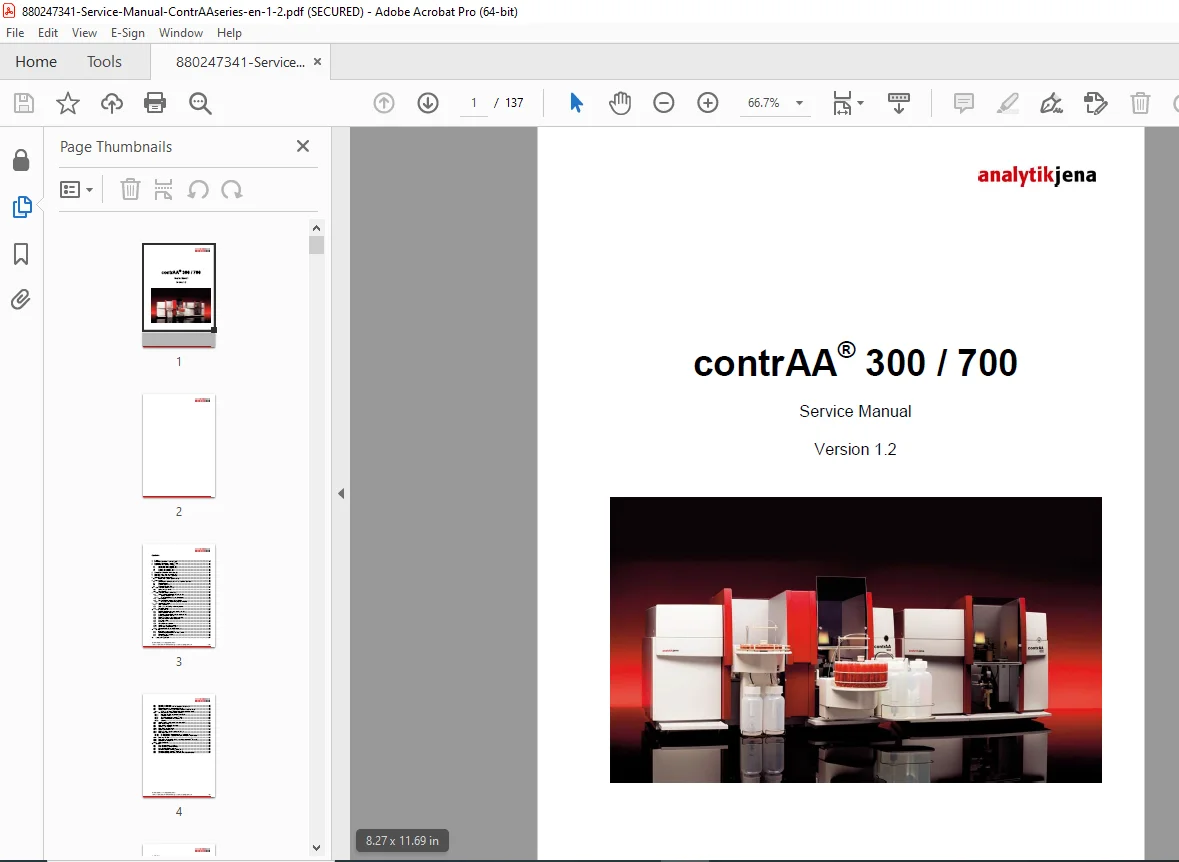
Ensure precise analysis and maximum uptime with this official Analytik Jena contrAA 300/700 Service Manual. Covering Version 1.2, this 137-page guide offers factory-level procedures for wavelength calibration, prism correction, and graphite furnace adjustment. Whether you are resolving spectrometer communication errors or performing a firmware update, this contrAA service manual PDF provides the essential test points and software protocols required.
Description
Analytik Jena contrAA 300 / 700 Series Service Repair Manual PDF DOWNLOAD
DESCRIPTION
The Essential Technical Guide for contrAA High-Resolution Continuum Source AAS
This comprehensive Analytik Jena contrAA Series Service Manual is the definitive resource for installing, calibrating, and repairing contrAA 300 and contrAA 700 Atomic Absorption Spectrometers. It is written specifically for service engineers and lab technicians, providing deep access to the instrument’s “Service Mode” and Visual Basic (VB) test software.
The manual guides you through complex optical alignments, such as neon table modifications and prism position checks, ensuring your instrument maintains peak spectral accuracy. It also includes detailed disassembly views for accessing the Xenon lamp, heat exchangers, and controller boards.
Comprehensive Table of Contents & Covered Topics
1-3. Installation & Setup
Installation: Step-by-step procedures for unpacking, gas supply connection, and cooling water tank filling for both contrAA 300 and 700 models.
Initialization: Startup bits, motor initialization values (Parameter 1), and wavelength setup (546.074 nm).
4. Assemblies & Housing
Disassembly: Instructions for removing device covers, side walls, and rear panels to access internal electronics.
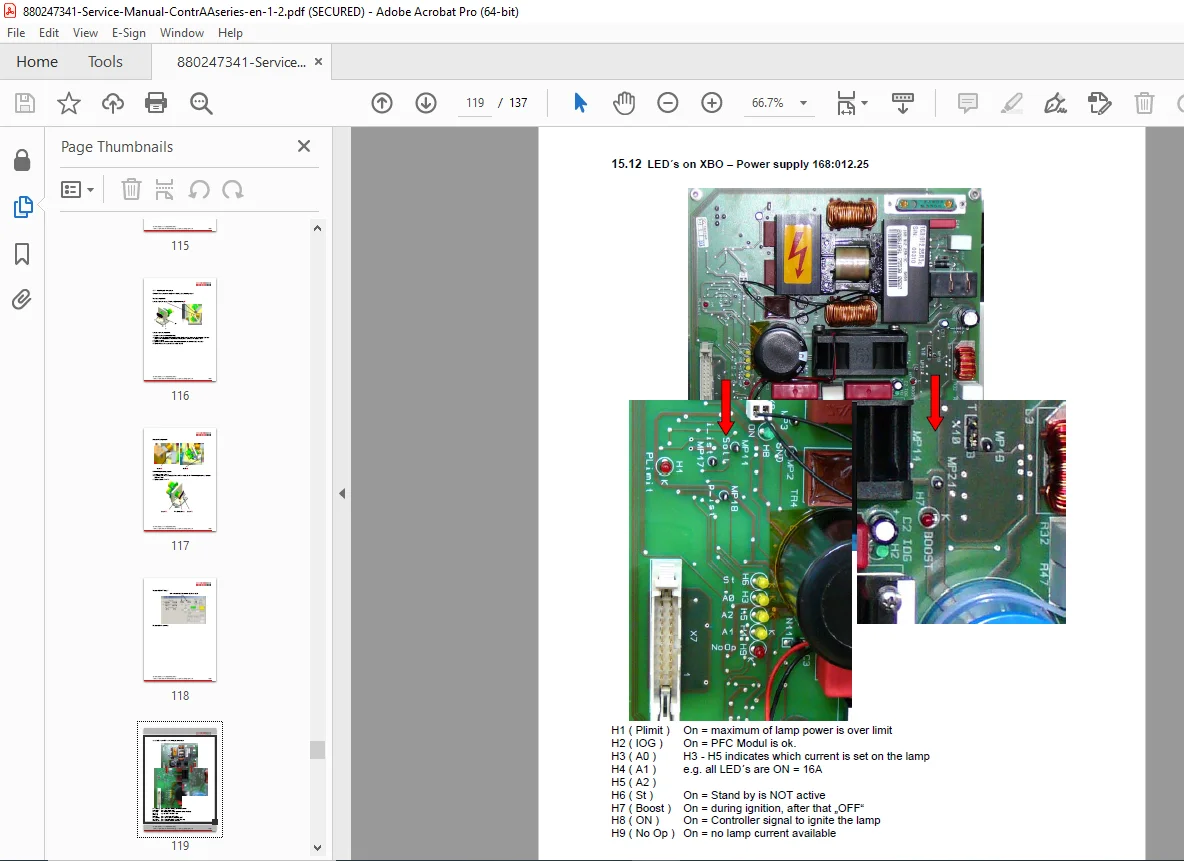
Component Location: Layouts for the Xenon lamp housing, controller board, heat exchanger, and wavelength drives (prism/grating).
5-8. Calibration & Parameters (ASpect CS)
Wavelength Calibration: Using ASpect CS to correct analytical lines and adjust peak centers.
Neon Table: Modifying neon lines (e.g., 703.241 nm) and optimizing integration times (ITIM).
Instrument Parameters: Full list of 100+ firmware parameters, including prism offset, grating stops, and burner default positions.
9. Test Software & Service Mode
Activation: How to activate “Service Mode” and “Write Monitor File” using hotkeys.
Diagnostics: Testing flame sensors, Xe lamp energy, and stray light curves.
Emula-Flag: Bit-coded table for activating simulation modes and bypassing sensor errors.
10-12. Gas Box & Furnace Adjustment
Flow Settings: Calibrating internal/external gas flows and pressure regulators for the graphite furnace.
EA Controller: Adjusting tube temperature ($980^{\circ}C$), cooling water temp, and formation factors.
Flame System: Setting nebulizer pressure, acetylene flow ratios, and oxidant flow for Air/C2H2 and N2O flames.
13. Visual Basic (VB) Software Tools
VBMFT & VBSTP: Using factory tools for grating calibration, neon energy tests, and 4-quadrant detector alignment.
Optical Alignment: Adjusting the prism parabolic mirror and X/Y adjustment board.
15. Maintenance & Troubleshooting
Firmware Update: Procedures for flashing HPS and FPGA firmware via ASpect CS or VBDown.exe.
Error Codes: Complete troubleshooting guide for error messages, including:
Error 2100: Lamp cannot be activated.
Error 3001: Communication error spectrometer.
Error 3765: No correction peak found.
Error 4206: Tube value outside tolerance range.
FILE DETAILS
Manual Name: Service Manual contrAA® 300 / 700
Version: 1.2 (Update 2010)
Models Covered: contrAA 300, contrAA 700
File Format: High-Quality PDF (Searchable, Printable, Bookmarked)
Total Pages: 137 Pages
File Size: ~7 MB
Stop relying on expensive third-party service. Download the official Analytik Jena contrAA Service Manual instantly and gain the ability to diagnose error codes, recalibrate your optics, and validate your instrument’s performance in-house. Click to download and restore your lab’s productivity today!