AOC D26W931 D32W931 LC32W053 LC42H053 TV Service Manual PDF
Original price was: $95.00.$18.95Current price is: $18.95.
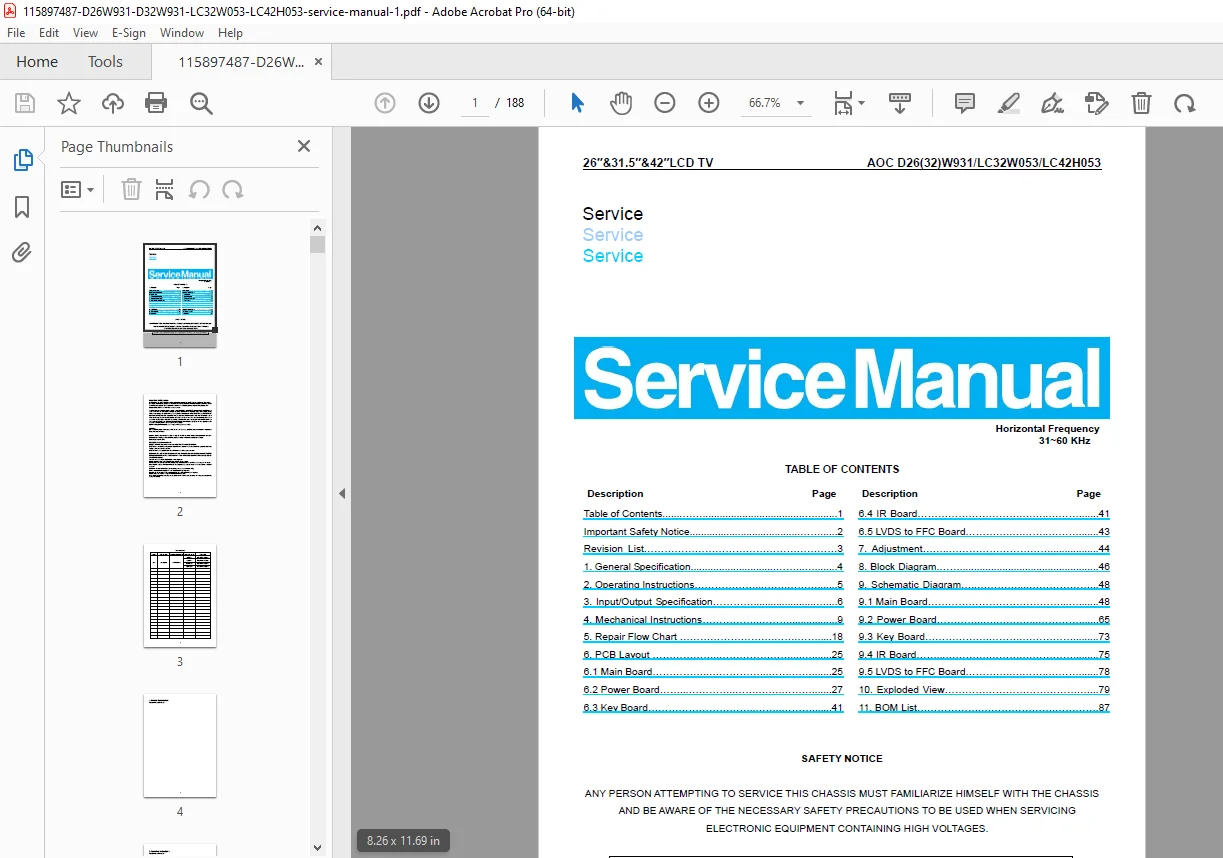
Official AOC LCD TV service manual for models D26W931, D32W931, LC32W053, and LC42H053. Includes safety procedures, I/O specifications, mechanical disassembly, repair flow charts, PCB layouts, full schematics, block diagrams, white balance adjustment, exploded views, and BOM parts list—essential for professional TV repair and diagnostics.
Description
AOC D26W931 D32W931 LC32W053 LC42H053 TV Service Manual PDF DOWNLOAD
Description
This is the official factory Service Manual for AOC 26″, 32″, and 42″ LCD TVs, covering the following models:
D26W931
D32W931
LC32W053
LC42H053
Released by TPV / AOC in July 2010, this manual is the same professional documentation used by authorized service centers. It provides complete board-level diagnostics, disassembly instructions, and calibration data for accurate repair.
📑 What This Manual Contains
🛡️ Safety & Service Information
Important safety notices for high-voltage servicing
LCD panel handling precautions
Lead-free solder guidelines
ESD protection requirements
🔌 Input / Output Specifications
VGA (RGB) 15-pin connector pinout (page 6)
HDMI digital connector pin assignments
Supported PC & video resolutions (pages 7–8):
VGA, SVGA, XGA, WXGA
480i / 480p / 720p / 1080i / 1080p
Timing tables for all models
🔧 Mechanical Disassembly (With Photos)
Step-by-step removal for each model:
Rear cover & stand/base removal
Main board & power board removal
Inverter board & speakers
IR board & keypad board
Panel and bezel separation
Each model (D26W931, D32W931, LC32W053, LC42H053) has separate illustrated procedures (pages 9–17).
🩺 Repair Flow Charts
Troubleshooting trees for:
No power (LED off)
Cannot start (LED red)
No display (LED blue)
Abnormal display
Sound problems
Remote control malfunction
OSD / keypad issues
These flowcharts guide you step-by-step to the correct board or component.
🧩 PCB Layouts & Boards
Main Board layouts
Power Board layouts (multiple revisions)
Key Board
IR Board
LVDS to FFC Board
Each board includes component placement diagrams and identifiers.
⚙️ Adjustments & Calibration
Factory mode access (Menu → 1 → 9 → 9 → 9 → Enter)
White balance adjustment using CA-210
Color temperature targets (Cold / Normal / Warm)
Procedures for AV, HDMI, VGA & Component sources
📐 Diagrams & Schematics
Complete block diagrams
Full schematic diagrams for:
Main board
Power board
Key board
IR board
LVDS board
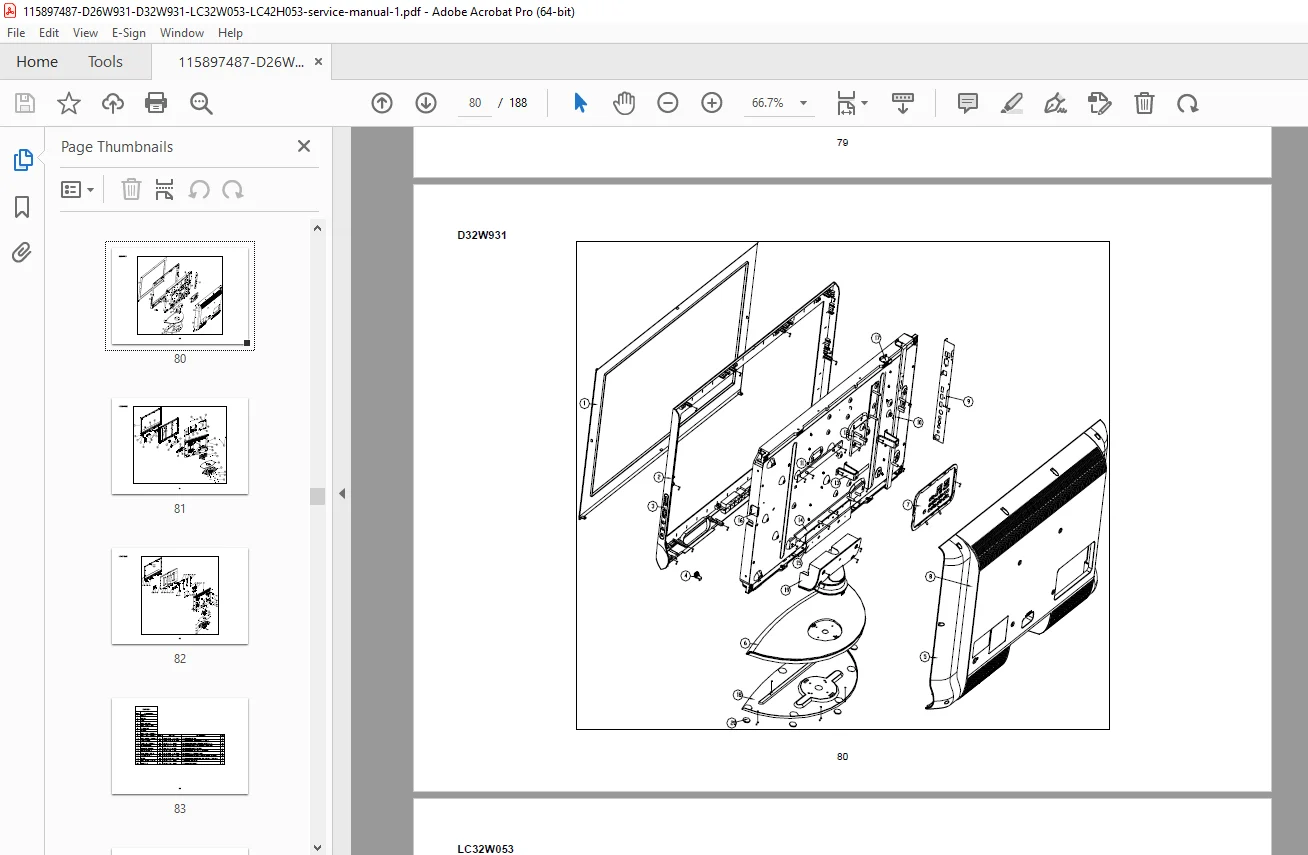
🧱 Exploded Views & Parts
Mechanical exploded views
Full BOM (Bill of Materials) with part numbers
📄 File Details
| Detail | Information |
|---|---|
| Manual Name | AOC LCD TV Service Manual |
| Models Covered | D26W931, D32W931, LC32W053, LC42H053 |
| Year | 2010 |
| Format | |
| Quality | High-resolution factory scan |
| Pages | 188 |
🚀 Why Buy This Manual?
This is not a user guide—it’s a true workshop service manual with:
Board-level schematics
Step-by-step disassembly photos
Professional repair flowcharts
Exact connector pinouts
Factory white-balance calibration data
🔧 Perfect for TV repair shops, technicians, and advanced DIY users.
Download instantly and repair AOC LCD TVs with the same precision as an authorized service center—saving time, parts, and costly guesswork.