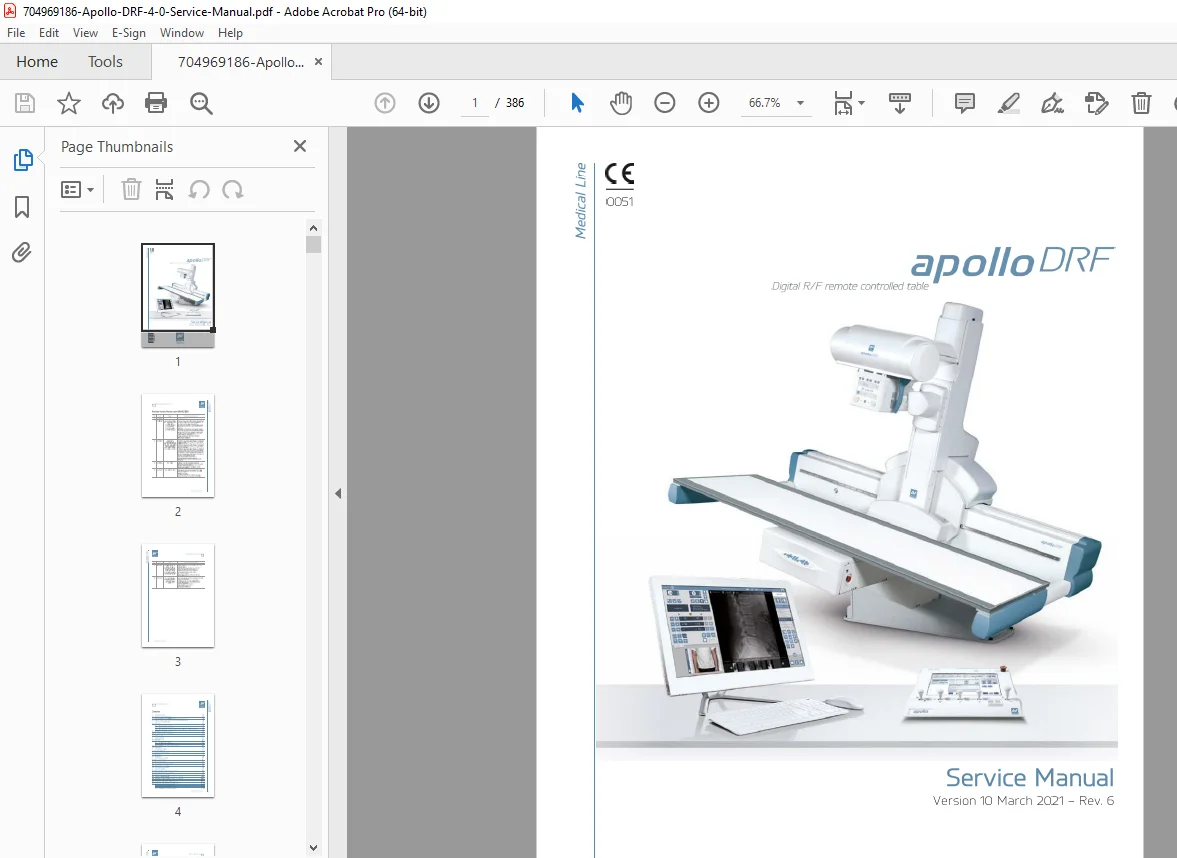
Apollo DRF 4.0 Digital R/F Table Service Manual PDF (Rev.6, 2021)
Original price was: $120.00.$30.95Current price is: $30.95.
Complete Apollo DRF 4.0 Digital R/F remote-controlled table Service Manual (PDF) by Villa Sistemi Medicali. Includes safety + radiological protection guidance, technical data/specs, pre-installation room & power requirements, full installation/assembly procedures, table motion/control logic, configuration & calibration (potmeters, SIDs, collimator/detector alignment), diagnostics & troubleshooting, inverter/PCB LED functions, and maintenance/cleaning.
Description
Apollo DRF 4.0 Digital R/F Table Service Manual (Rev.6, 2021) PDF DOWNLOAD
Apollo DRF 4.0 Service Manual (Digital PDF Download)
This is a technician-level service manual for the Apollo DRF digital radiography/fluoroscopy table. It provides step-by-step procedures to install, configure, calibrate, and troubleshoot the system—including motion controls, detector/collimator alignment, safety interlocks, and service diagnostics.
🧾 File Details
| Item | Details |
|---|---|
| Manual Name | Apollo DRF – Service Manual |
| Models Covered | Apollo DRF (Digital R/F remote controlled table) |
| Year | Version 10 (March 2021) – Rev. 6 |
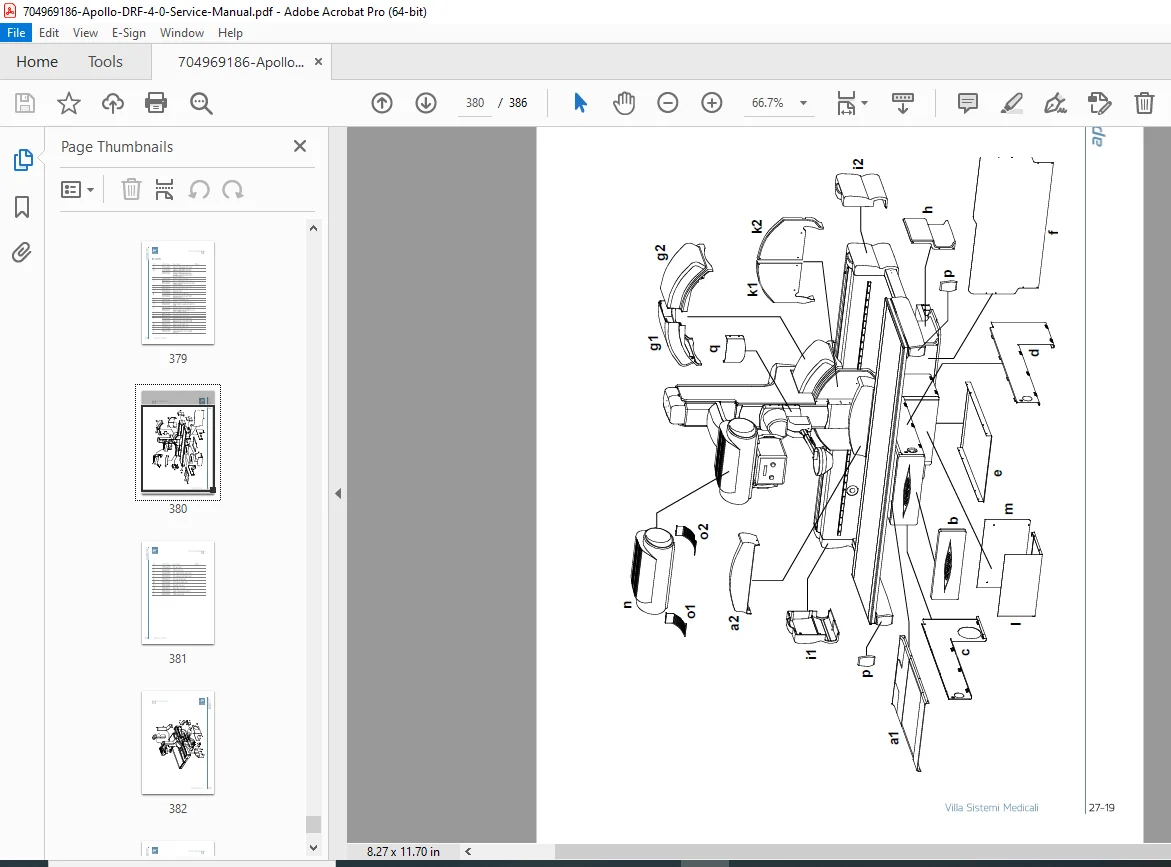
| Manual PDF Quality | Clear manual layout with tables, diagrams, and step-by-step procedures |
| Pages | 386 |
🗂️ Table of Contents
1) Introduction
Symbols used in the manual
Technical service contact information
2) Safety Information
Electromagnetic emissions & immunity guidance
Recommended separation distances (portable/mobile RF)
Radiological protection warnings and occupancy areas
Environmental risks & disposal notes (WEEE guidance)
Symbols legend
3) Description
Identification labels (CE / cMETus versions)
System description, functions, and accessories
4) Technical Data
Technical features
Standards and regulations
Dimensions (standard vs “Open” versions)
5) Pre-Installation
Space requirements (room layout guidance)
Electrical provisions (power supply, frequency, absorbed power/current)
Adapting to mains voltage
Environmental conditions
6) Installation
Base positioning with beam/column
Assembly of tube support arm
Detector holder assembly
Left/right tabletop support arms
Equipment cable connection
Tube–collimator group installation
Detector + AEC camera installation
7) Functioning Logic of the Table
Power-up & initialization sequences
Activation sequence for movements
Fault conditions & alarm generation (power circuit, generator faults)
8) I/O Interface Connection
Output signals from the DRF table
Input signals toward the DRF table
I/O signals between touch console and generator cabinet
9–12) Configuration & Data Access
Access and adjustment of Group 100 data
Potmeter adjustments (angulation, scan beam, transverse, SID, compression, etc.)
Access/data functions of groups (except Group 100)
“Quick P&D” installation data and motor check/data functions
13–16) Functionality & Operating Modes
Collision logic and anti-collision/anti-entrapment devices
Compressor and collimator functions
Anatomic programs + digital acquisition integration
Operating modes (Detector mode, Tomography, Tomosynthesis, Stitching, Direct mode)
Emergency end run
17–21) Hardware, Inverter, Adjustments, Diagnostics
Hardware adjustment procedures
Three-phase inverter (I/O functions, settings, parameters)
PCB LED functions
X-ray beam/collimator/detector alignment checks and adjustments
Diagnostics and troubleshooting
22–23) Maintenance & Touch Screen
Maintenance and cleaning (operator + authorized technician tasks)
Periodic parts replacement guidance
Touch screen configuration (console language/voice setup)
Get the factory procedures for installation, calibration, and troubleshooting—no guesswork on motion faults, alignment, or safety interlocks. Download instantly and service your Apollo DRF system with confidence today.