ATL HDI 3000 Ultrasound Diagnostics Service Manual PDF
Original price was: $95.00.$30.95Current price is: $30.95.
Download the official ATL HDI 3000 service manual PDF diagnostics supplement for troubleshooting, error codes, fault isolation, and remote access on HDI 3000 ultrasound systems. This ATL ultrasound repair guide for HDI 3000 includes diagnostic tests, PCB error interpretation, and upgrade procedures. Essential for technicians needing an HDI 3000 fault isolation tables PDF or ATL HDI 3000 remote diagnostics manual. High-quality 219-page PDF with diagrams and step-by-step instructions.
Description
ATL HDI 3000 Ultrasound Diagnostics Service Manual PDF DOWNLOAD
Description
The ATL HDI 3000 service manual PDF diagnostics supplement is a critical addendum to the main HDI 3000 Field Service Manual, providing advanced diagnostic tools, fault isolation tables, and remote service capabilities for ATL’s High Definition Imaging ultrasound systems. This guide covers error code analysis, end-to-end tests, channel walk utilities, ECG gain checks, configuration management, and Service Access Diagnostics for efficient troubleshooting and repairs, ensuring minimal downtime for clinical operations.
File Details:
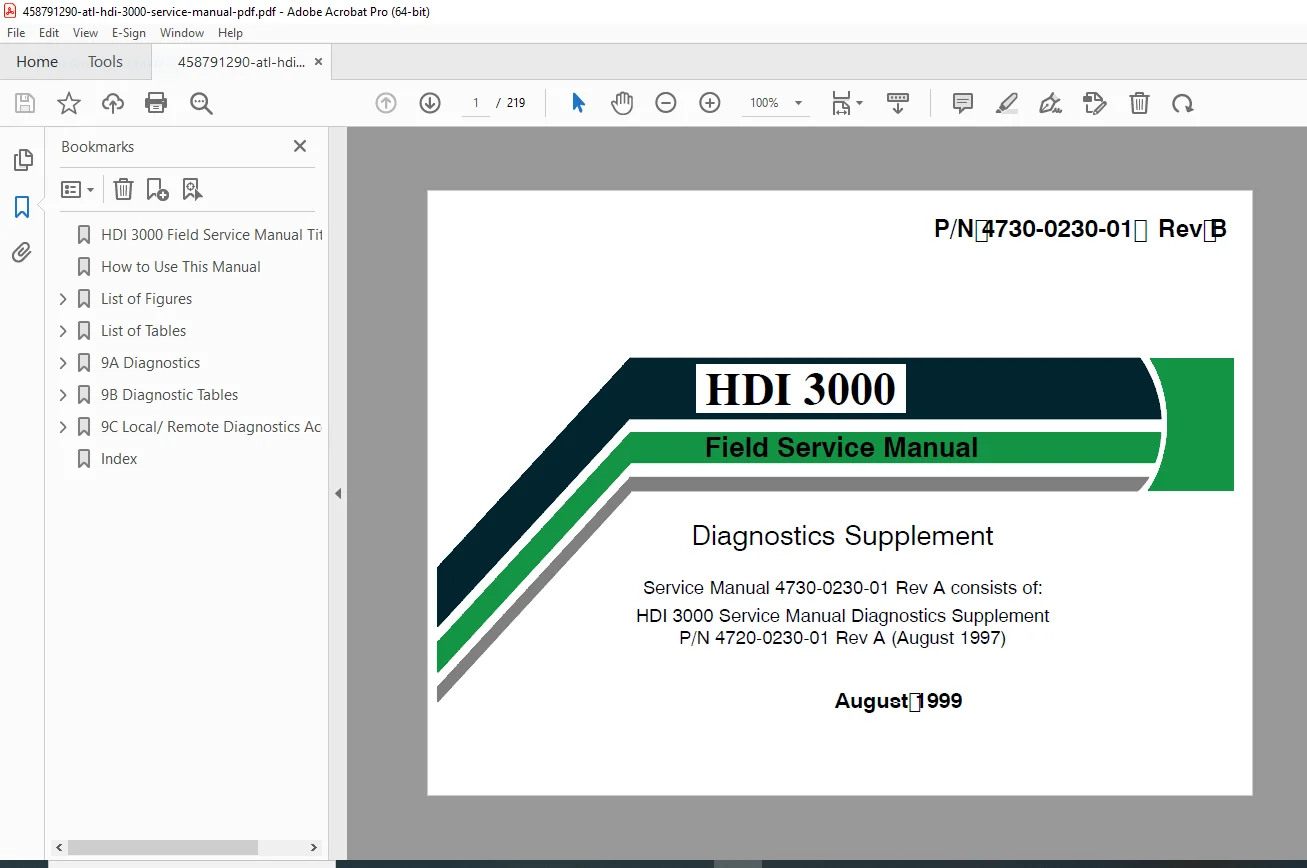
- Manual Name: HDI 3000 Field Service Manual Diagnostics Supplement
- Models Covered: HDI 3000
- Year: 1999 (Revision B, August 1999)
- Manual PDF Quality: High-resolution, searchable text with diagrams, tables, and figures
- No. of Pages: 219
The supplement is organized into sections 9A, 9B, and 9C, designed to insert directly after Section 9 of the main service manual. Extracted and categorized table of contents below using bullet points for main sections and sub-bullets for subsections, including key figures and tables for reference.
Table of Contents:
- 9A Diagnostics
- Introduction
- General Fault Isolation
- Error Code Interpretation
- 2D Tests
- Color Tests
- Comprehensive Test
- Channel Board Fault Isolation
- Channel Walk Utility
- ECG Gain Tests
- Diagnostic Tools Menu (CSR Diagnostics)
- Accessing Diagnostic Tools Menu
- Close
- Configuration
- Error Log (33.27 Software and Below)
- Error Log (34.17 Software and Above)
- Options
- Fake Scanhead
- Accessing Individual Diagnostic Tests
- File Management Utilities
- Upgrade System From Optical Disk
- 9B Fault Isolation Tables
- Core Bootup — SYSCPU Console Output Fault Symptoms
- Machine Comprehensive Test Fails
- Machine Functional Test Fails
- No Image
- No Color or Doppler
- No Audio
- No M-Mode
- No ECG or Respiration
- No Pulsed Wave
- No Continuous Wave
- No Control Panel Response
- No VCR Control
- No Printer Control
- No Hard Drive Access
- No Optical Disk Access
- No Network Access
- No Modem Access
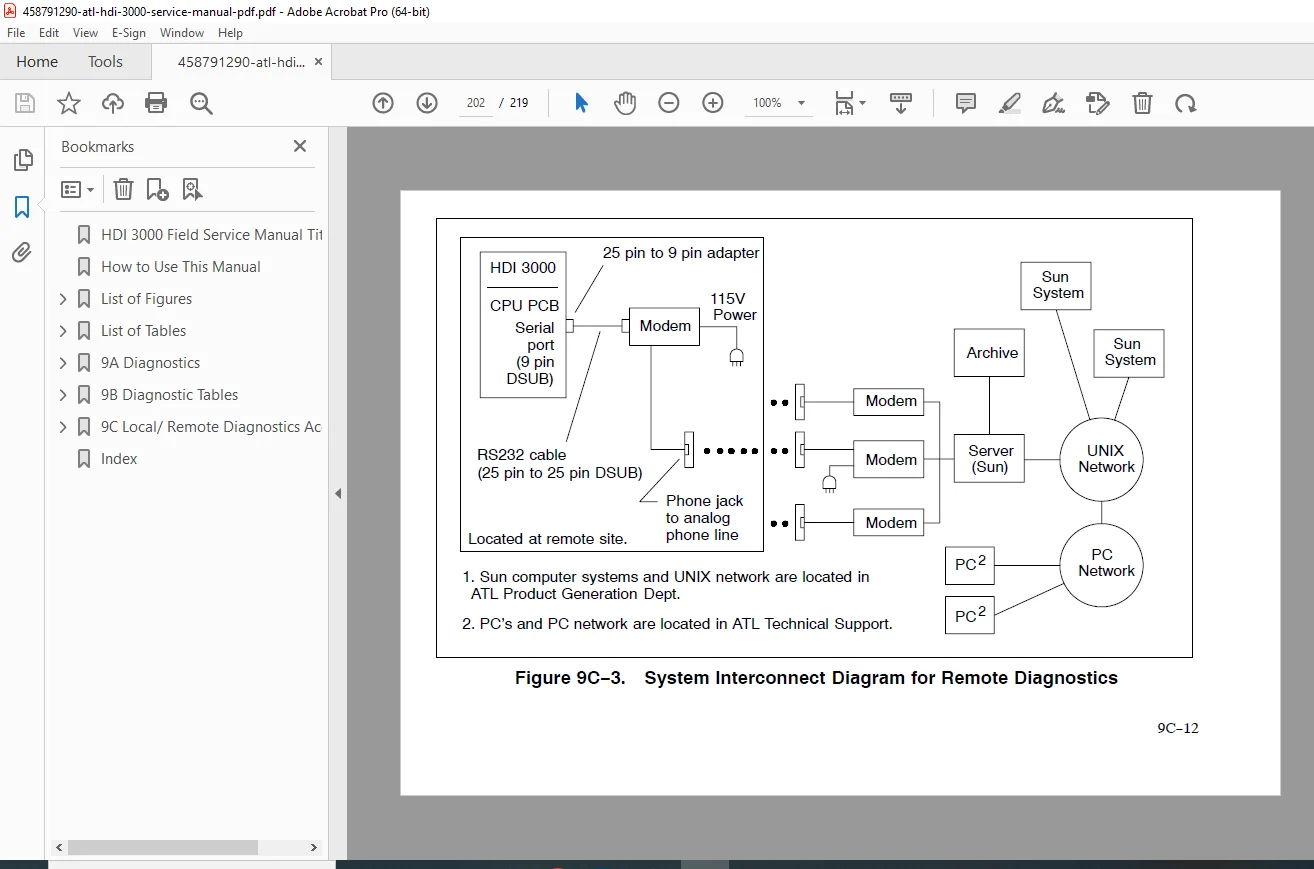
- No Remote Diagnostics
- 9C Service Access Diagnostics
- Introduction
- PCB LED, Card Cage Locations (Front and Rear)
- Remote Test Execution
- Modem Initialization
Key Tables and Figures (Extracted Examples):
- Table 9A-1: PCB and Processor Error Codes
- Table 9A-2: Chan Walk Test Receiver and Transmitter Status
- Table 9A-3: Displayed Feature Information
- Table 9A-4: Comprehensive Test Items
- Table 9A-5: Comprehensive Test Sub-Test Menu Paths
- Figure 9A-1: Channel Walk Utility Test Screen
- Figure 9A-2: Channel Walk Utility Selection Screen
- Figure 9A-3: Channel Walk Utility Help Screen
- Figure 9A-4: Channel Walk Utility Parameter Settings
- Figure 9A-5: Channel Walk Utility Display Interpretation
- Figure 9A-6: Bootup Looping Mode
- Figure 9A-7: Show Bootup Status Report
- Figure 9A-8: Error Log (33.27 and Below)
- Figure 9A-9: Error Log Properties
- Figure 9A-10: Error Log (34.17 and Above)
- Figure 9A-11: Error Log Search List Criteria
- Figure 9A-12: System Data Used at System Power Down
- Figure 9A-13: Error Log Printing Options
- Figure 9A-14: Error Log Summary
- Figure 9A-15: Machine Configuration Display
- Figure 9A-16: Machine Configuration Display (Installed vs. Expected)
- Figure 9A-17: Machine Options Display
- Figure 9A-18: Fake Scanhead Selection
- Figure 9A-19: Scanhead Tissue Specific Setups Display
This HDI 3000 ultrasound diagnostics supplement download is your essential ATL HDI 3000 remote diagnostics manual for resolving complex issues with precision.
Empower your ultrasound repairs—download this HDI 3000 fault isolation tables PDF instantly and restore system functionality with ATL’s expert guidance!