★ TRUSTED BY 321,897+ PROFESSIONALS WORLDWIDE
🏢
Trusted Business
Verified & Licensed
🛡️
Virus Free Files
100% Safe Downloads
🔒
Secure Payment
SSL Protected
Instant Delivery
Available Immediately
Sale!

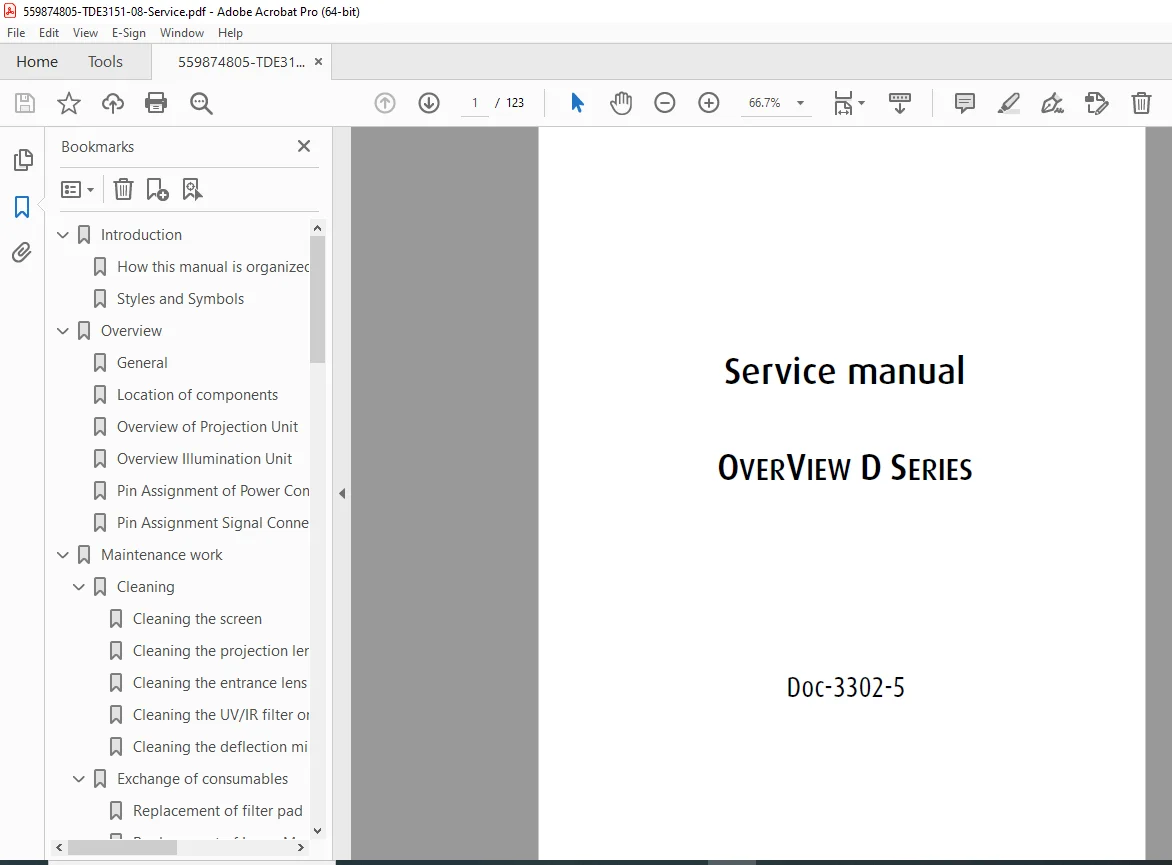
Barco OverView D Series Service Manual PDF (DOC-3302-5 Rev 08, 2006)

Original price was: $95.00.Current price is: $16.95.

Download the Barco OverView D Series Service Manual (DOC-3302-5, Revision 08 – May 2006). This detailed service guide covers system overview, maintenance & cleaning, consumables (filter pad, lamp modules), display defect troubleshooting, error codes/LED indications, RS232 diagnostics, component replacement procedures, field interventions, and parts lists. Ideal for authorized technicians servicing OverView D projection modules.

Instant PDF Download
Available immediately
💾
Save to Your Device
Download & keep forever
🛡️
Antivirus Scanned
100% virus-free
🌍
Trusted Worldwide
175,000+ customers
Description

Barco OverView D Series Service Manual (DOC-3302-5 Rev 08, 2006) PDF DOWNLOAD

Description

🔧 Barco OverView D Series — Service Manual (PDF)

This official-style service manual is built for technicians working on Barco OverView D Series projection modules. It explains the modular layout (illumination unit, projection unit, fan module), safe maintenance routines, display defect diagnosis, system errors/LED codes, and step-by-step procedures for replacing key components.


✅ Perfect for

  • Troubleshooting image issues like scrambled image, flicker, white flashing, half-screen (SXGA), bright/dark pixels

  • Understanding status LEDs, lamp door LEDs, and critical/non-critical errors

  • Performing maintenance: screen/lens/filter cleaning, filter pad replacement, lamp module replacement

  • Using RS232 status/error commands for faster diagnostics

  • Replacing service parts: fans, boards, motors, power assemblies, sensors, illumination/projection units


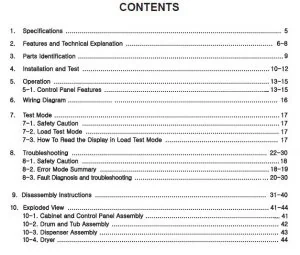
📚 Contents (neatly categorized)

1) Introduction

  • Manual organization, styles & safety symbols

2) Overview

  • General design & component locations

  • Projection unit overview

  • Illumination unit overview

  • Power/signal connector pin assignments

3) Maintenance Work

Cleaning

  • Screen, projection lens, entrance lens

  • UV/IR filter, deflection mirror
    Consumables

  • Filter pad replacement (incl. interval guidance)

  • Lamp module replacement (UHP lamp notes, life info, procedures)

  • Lamp module unpacking, removal/insertion

  • Illumination unit with 2×200W lamps (special handling)

4) Display Defects (Diagnosis + Fix)

  • Defects related to projector electronics (scrambled image, flashing, flicker, half screen, dancing pixels)

  • Defects related to DMD (bright/unstable/dark pixel guidance)

5) System Messages & Errors

  • Rear control panel: power/standby/lamp select + LED meanings

  • On-screen error menu

  • RS232 status & system error commands

  • Error list: lamp, fan, over-temp, undervoltage, illumination-unit communication, lift, reference search, lamp door, brightness faults

6) Errors Not Detected by the System

  • Practical symptom-based troubleshooting (no power, dark display, lamp ignition issues, uneven light, shadows, stripes, OSD problems, fan replacement checks, etc.)

7) Replacing Components (Service Procedures)

  • Fan module

  • Projection unit

  • DIS (Direct Illumination Sensor)

  • Color wheel cartridge

  • Electronic frame

  • Illumination unit

  • Internal fan

  • Fan & motor controller board

  • Power supply assembly + lamp power assembly

  • Lift motor

  • X/Y mirror motors

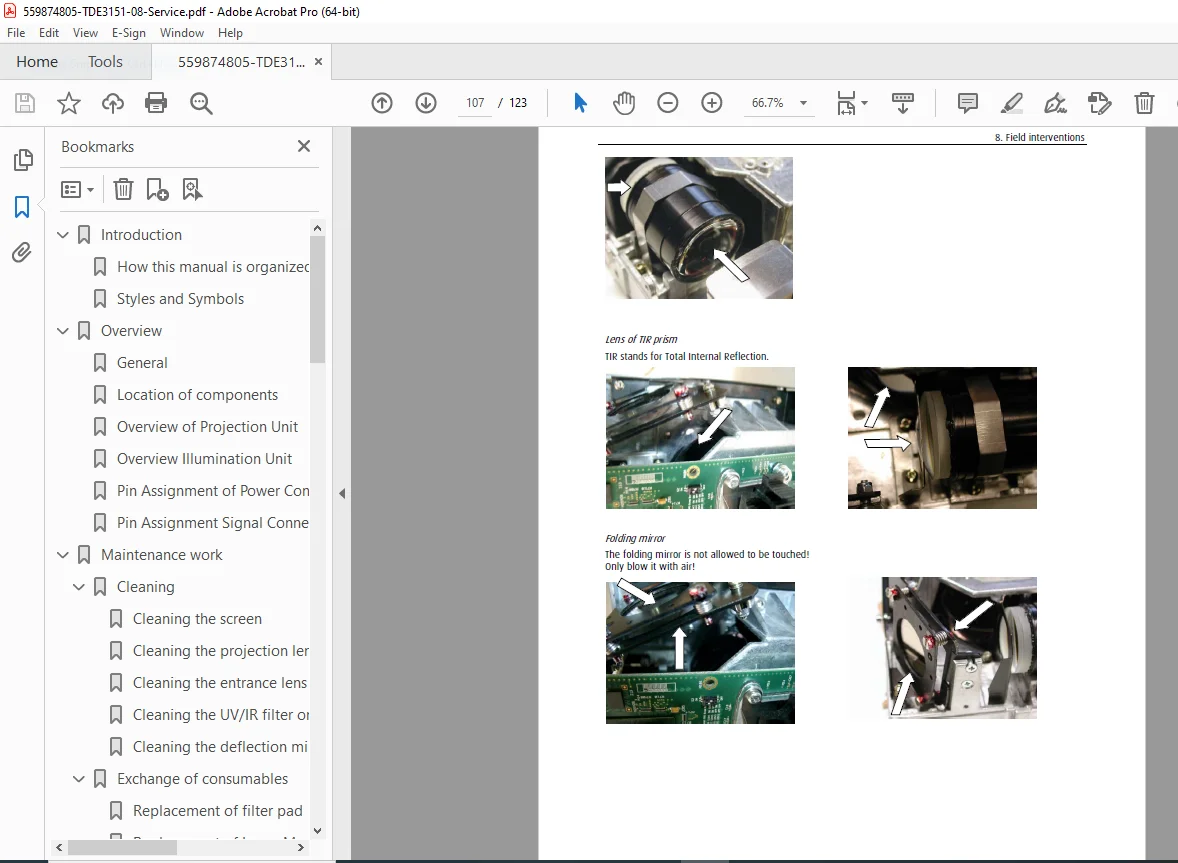
8) Field Interventions

  • Service tool for lift adjustment

  • Lamp lift lubricant exchange

  • Corrosion of light pipe

  • Input board replacement

  • Projection unit cleaning

  • System settings checks

  • 200W illumination unit fan plate replacement

9) Parts List

  • Consumables

  • Spare parts (sales articles)

  • Spare parts (internal products)

10) Hotline

  • Support addresses


📌 File Details

ItemDetails
Manual nameOverView D Series – Service Manual (DOC-3302-5)
Models coveredBarco OverView D Series
Year2006 (May)
PDF qualityIllustrated technical manual (diagrams + service photos; readable)
No. of pages123 pages

Avoid guesswork during critical repairs—use the proper factory procedures, diagnostics, and error guidance. Download instantly and service your OverView D Series with confidence.

What Our Customers Say

★★★★★ Live reviews from customers
Loading customer reviews...
0
    0
    Your Cart
    Your cart is emptyReturn to Shop
    🛒
    Recently Purchased
    🕒 verified order