
BD Phoenix M50 AST/ID System Service Manual – PDF DOWNLOAD
Original price was: $85.00.$16.95Current price is: $16.95.
This official BD Phoenix™ M50 Service Manual provides complete technical service coverage for the Phoenix M50 antimicrobial susceptibility testing system. It includes installation procedures, system architecture, optical and incubation systems, diagnostics, error codes, preventive and corrective maintenance, software upgrades, qualification tests, and detailed FRU replacement instructions—essential for biomedical engineers and service technicians.
Description
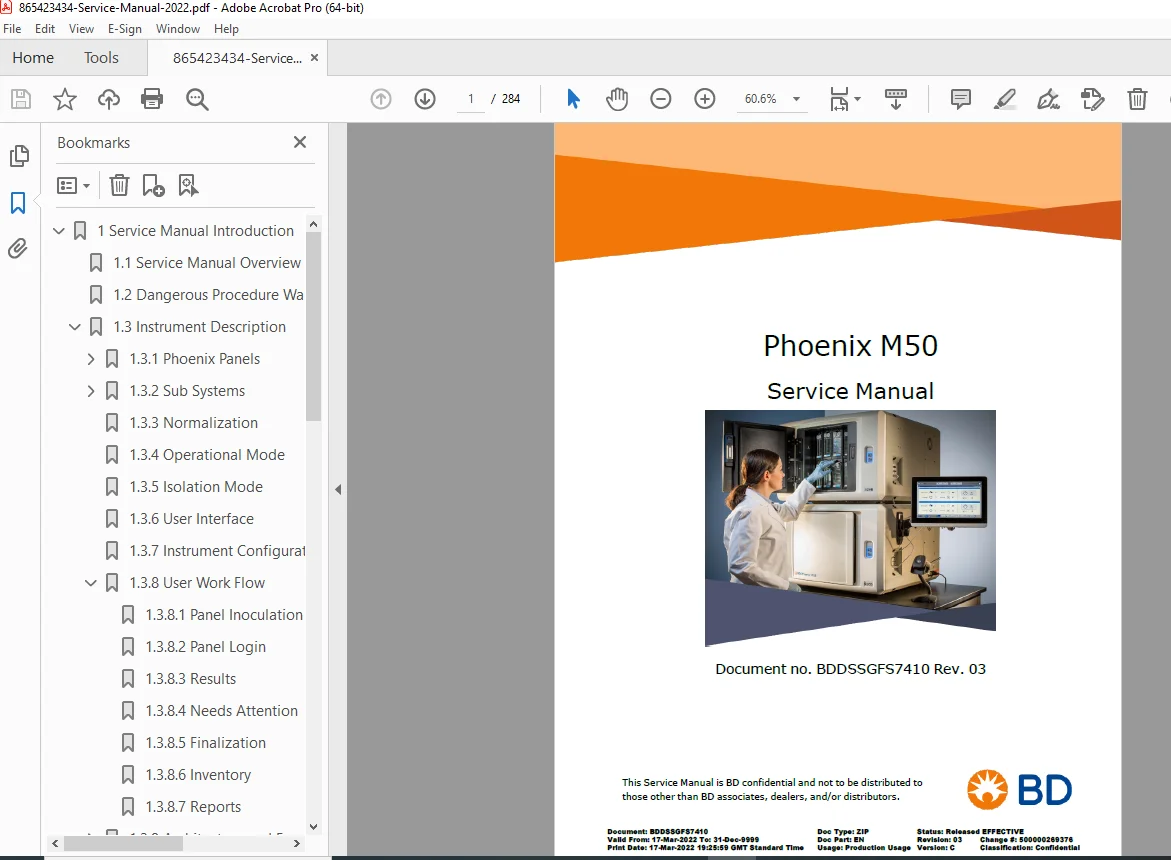
BD Phoenix M50 AST/ID System Service Manual (Rev.03, 2022) PDF DOWNLOAD
Description
The BD Phoenix™ M50 Service Manual is an OEM, field-service–level technical document intended for BD service engineers, authorized distributors, and biomedical equipment technicians. This comprehensive manual covers every critical aspect of servicing, maintaining, troubleshooting, and qualifying the Phoenix M50 Automated AST/ID System, widely used in clinical microbiology laboratories.
With nearly 300 pages of detailed procedures, flowcharts, and illustrations, this manual explains the mechanical, optical, electronic, and software architecture of the Phoenix M50, ensuring accurate diagnosis, safe servicing, and reliable long-term operation.
📂 What This Service Manual Covers
🔹 Instrument Overview & Architecture
Phoenix M50 system description and workflow
Panel capacity and test throughput
AST / ID / ID-AST panel types
Carousel, panel carriers, and drive system
Optical test system (RGB & UV fluorescence)
Incubation system (35 °C forced-air convection)
Normalizer panels (gold & silver reference panels)
Isolation mode operation
Single and stacked (dual-instrument) configurations
🔹 Installation & Configuration
Pre-installation and safety requirements
Instrument assembly and cabling
AIO tablet installation and setup
Normalizer panel installation
Instrument configuration & stacking
Integration with BACTEC FX40
Connectivity with EpiCenter v7.0+ / LIS
🔹 Software & System Control
Operating system overview
User interface & access levels
Maintenance interface
Falcon Toolkit functions
Network configuration
Remote support solutions
Service mode access (EWF OFF)
Password Generator Utility (FSE & Break-Glass)
🔹 Diagnostics & Troubleshooting
Virtual Debug Console
Fault isolation indicators
Common error codes with resolutions, including:
E01 – Incubator temperature alert
E05 – Carousel alert
E06 – Tier alert
E07 / E08 – Power supply alerts
E18 – Normalizer row averages
E84 / E85 / E86 / E87 – Board-level faults
DF85 – Hidden system alerts
Hardware troubleshooting
Log file analysis
Optical qualification troubleshooting
🔹 Maintenance & Repairs (FRU-Level)
Preventive & corrective maintenance procedures for:
Front & rear fascia
Electronics bay cover
Panel carriers & indicators
Incubation assembly
Drive belt & motor assemblies
Ion drive
Light Source Driver Board (LSDB)
Falcon Control & Distribution Board (FCDB)
Power supply module
Lens assemblies
Tier micro boards (CCD)
Internal barcode scanners
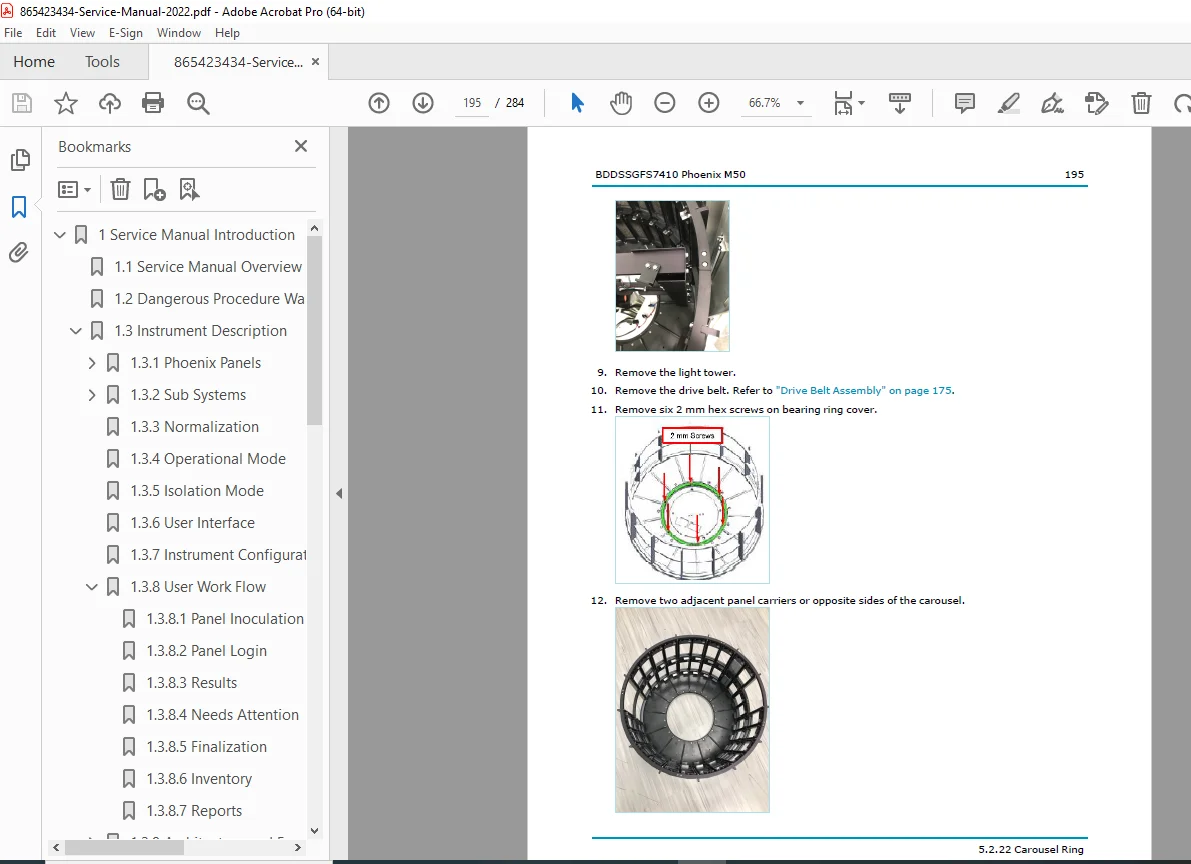
Carousel ring
Magnetic locking guard
All-In-One (AIO) PC & mounting arm
🔹 Qualification & Software Upgrades
Instrument qualification procedures
Optical inventory & CCD alignment
Focus and illumination tests
Normalizer CV test
Temperature, voltage & fan checks
Carousel speed verification
SQL database validation
Phoenix Update Data (PUD) upgrades
Database backup & restore
Windows 10 OS imaging & recovery
License file installation
🔹 Parts & Checklists
Complete service parts list
Pre-installation checklist
Installation checklist
Preventive maintenance checklist
Qualification checklist
Revision history
📊 File Details
| Item | Details |
|---|---|
| Manual Name | BD Phoenix™ M50 Service Manual |
| Instrument Covered | Phoenix M50 AST/ID System |
| Document No. | BDDSSGFS7410 |
| Revision / Year | Rev. 03 – March 2022 |
| Language | English |
| PDF Quality | High-resolution, searchable text, diagrams & photos |
| Number of Pages | 284 pages |