bioMérieux mini VIDAS Service Manual Rev 0800 – PDF DOWNLOAD
Original price was: $95.00.$30.95Current price is: $30.95.
Comprehensive bioMerieux mini VIDAS troubleshooting guide and repair manual (Rev 0800) for field service engineers. Covers mini VIDAS installation and setup manual, optics calibration procedure, error codes and diagnostics, and preventive maintenance. Ideal for biomedical engineers handling mini VIDAS repair and maintenance instructions. 178-page PDF with detailed diagrams and procedures from 2000.
Description
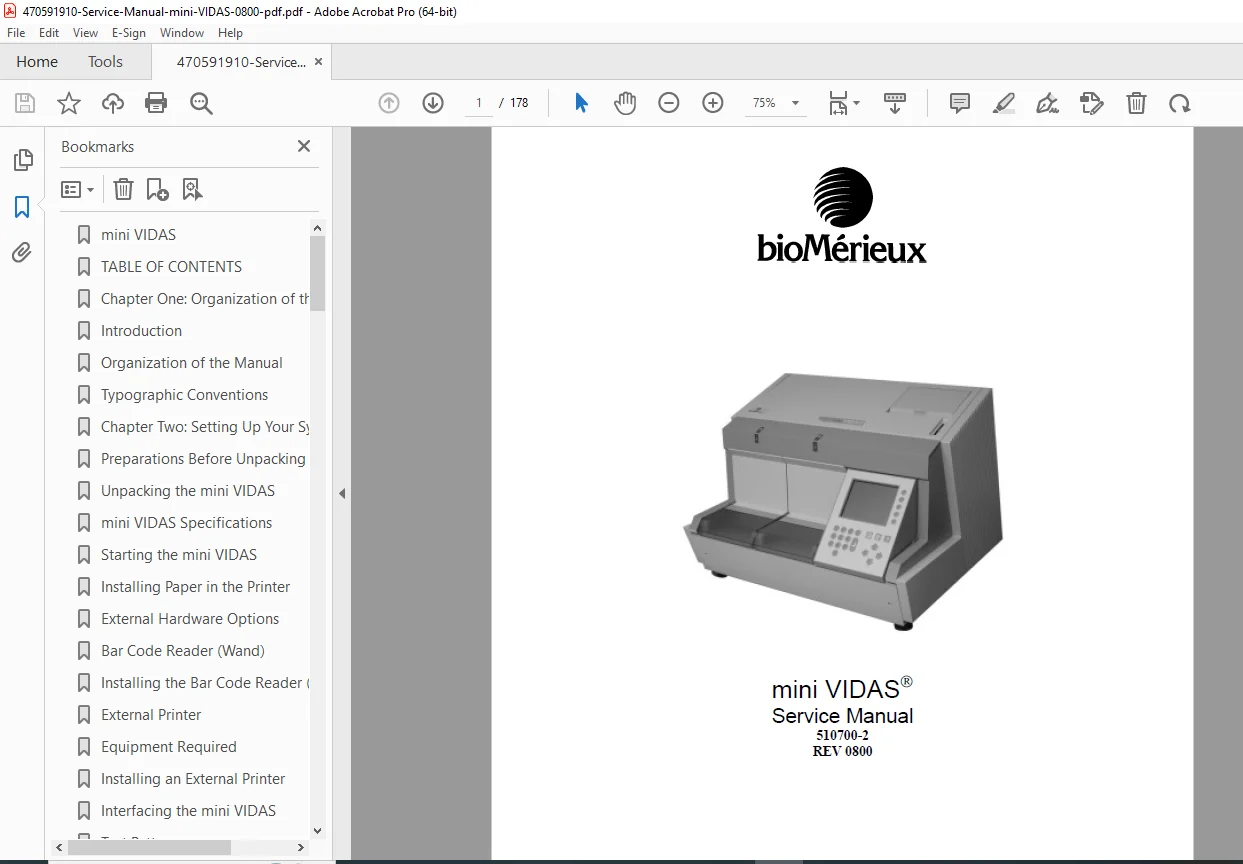
bioMérieux mini VIDAS Service Manual Rev 0800 – PDF DOWNLOAD
Description
This official bioMérieux mini VIDAS service manual PDF (Rev 0800) is an essential resource for bioMerieux mini VIDAS troubleshooting guide, providing in-depth guidance on the operation, installation, repair, and maintenance of the mini VIDAS automated immunoassay system. Designed for field service engineers and factory-trained biomedical professionals, it includes step-by-step mini VIDAS repair and maintenance instructions to diagnose malfunctions, perform alignments, and ensure optimal performance. Key sections cover mini VIDAS optics calibration procedure, error codes and diagnostics, and preventive maintenance routines to isolate issues like temperature control failures or mechanical errors.
The manual emphasizes practical troubleshooting protocols, including start errors, system errors, VIC software codes, scanner codes, and incubator status codes. It also details hardware components such as the reagent handling system, optics, auto calibration, and power supply adjustments. With a focus on safety and accuracy, it incorporates mini VIDAS installation and setup manual for unpacking, configuration, and interfacing with external devices like bar code readers and printers.
Neatly Categorized Table of Contents (extracted and formatted for clarity):
- Chapter One: Organization of the Manual
- Introduction
- Organization of the Manual
- Typographic Conventions
- Chapter Two: Setting Up Your System
- Preparations Before Unpacking
- Unpacking the mini VIDAS
- mini VIDAS Specifications
- Starting the mini VIDAS
- Installing Paper in the Printer
- External Hardware Options
- Bar Code Reader (Wand)
- Installing the Bar Code Reader (Wand)
- External Printer
- Equipment Required
- Installing an External Printer
- Interfacing the mini VIDAS
- Test Pattern
- Chapter Three: System Overview
- The mini VIDAS System
- System Description
- Reagents/Reagent Strips
- The SPR
- Operator Interface
- Protocols
- Test Description
- Antigen Detection
- Antibody Detection
- Analysis Methods
- Single Reagent Strip
- Dual Reagent Strip — Qualitative Assays
- Quantitative Assays
- Chapter Four: Parts of the System
- Temperature Control System
- Reagent Handling System
- Optics
- Auto Calibration
- Scanner Board
- Incubator Board
- Bay Interface Board
- Motors and Sensors
- VIDAS Internal Computer
- Power Supply
- Keypad Screen
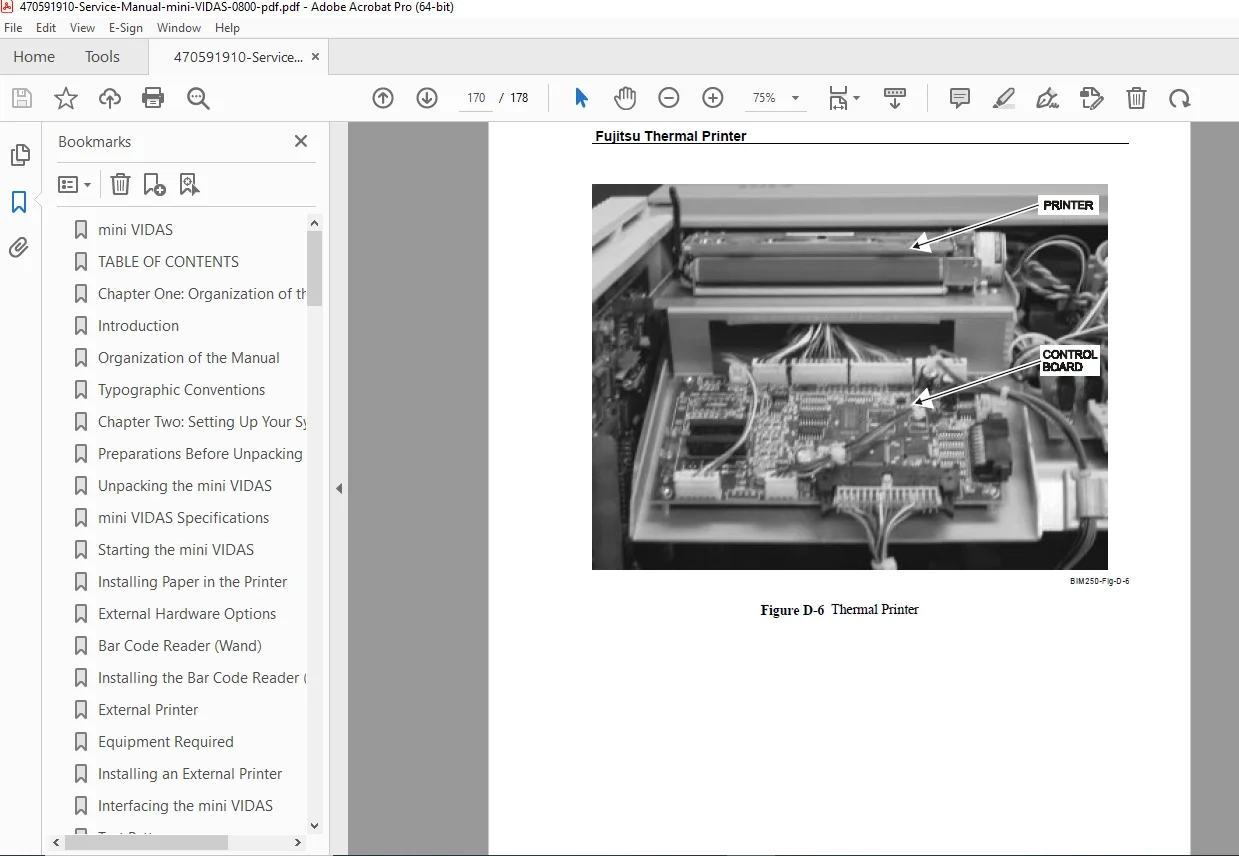
- Internal Printer
- Chapter Five: Internal Installation
- Equipment Required
- Outer Covers
- Incubator Board
- Bay Interface Board
- Scanner Board
- Tray Assembly
- Cocked Tray
- Pump Motor
- Pump Assembly
- Door/SPR Block
- SPR Door Slide Block Alignment
- Scanner/Carriage Assembly
- VIDAS Internal Computer (VIC) Board
- Keypad / Display / Speaker
- Printer / Printer Board
- Power Supply Assembly
- PS1 Power Supply
- V12 Power Supply Board
- Fan
- Chapter Six: Maintenance
- Chapter Six A: Section Alignment
- Equipment Required
- Section Setup
- Door Sensor
- Pump Sensor
- Tray Sensor
- Tower Sensor
- Section Completion
- Chapter Six B: Scanner Alignment
- Equipment Required
- Setup
- Home Flag
- Solid Standard Bracket
- Tray Edge Sensor
- Bar Code Reader
- Chapter Six C: Optics Calibration
- Equipment Required
- Optics Calibration Checks
- Optics Calibration Procedure
- Setup
- Rough Zero Adjustment
- Gain Adjustment
- Final Zero Adjustment
- Extended Range Check
- Auto Calibration Value Storage
- Final Calibration Check
- Chapter Six D: Power Supply Adjustment
- Chapter Six A: Section Alignment
- Chapter Seven: Troubleshooting
- Chapter Seven A: General Troubleshooting
- Front Panel Symptoms
- Fuse Panel Removal
- Error Message Alert System
- Error Message Screens
- Start Errors
- System Errors
- Chapter Seven B: VIC Software Codes/Errors
- Chapter Seven C: Scanner Codes / Errors
- Chapter Seven D: Section Codes
- Incubator Status Codes (Errors)
- Incubator State Codes (Information)
- Chapter Seven E: Menu Fastcodes
- Troubleshooting Protocols
- Test Menu
- Service Menus
- Chapter Seven F: Diagnostics
- Diagnostic Commands
- Diagnostics Tests
- Scanner Test
- Section Diagnostics
- Tray Test
- Pump Test
- Tower Test
- Tower Preventive Maintenance
- Section Completion
- Chapter Seven G: Temperature
- Temperature Tests
- Tray Temperature
- SPR Temperature Test
- Chapter Seven A: General Troubleshooting
- Chapter Eight: Preventive Maintenance
- Appendices
- Appendix A: Decontamination
- Appendix B: Quality Control Test Strip
- Appendix C: Terminal Setup
- Appendix D: Board & Schematics
No separate index or bookmarks are explicitly present beyond the table of contents, but the structured chapters facilitate easy navigation. This mini VIDAS service manual PDF ensures compliance with bioMérieux standards, including warranties for new and reconditioned products, and prohibits unauthorized reproduction.
File Details
- Manual Name: mini VIDAS Service Manual
- Models Covered: mini VIDAS
- Year: 2000
- Manual PDF Quality: High (clear scanned text with some images, fully readable)
- No of Pages: 178