
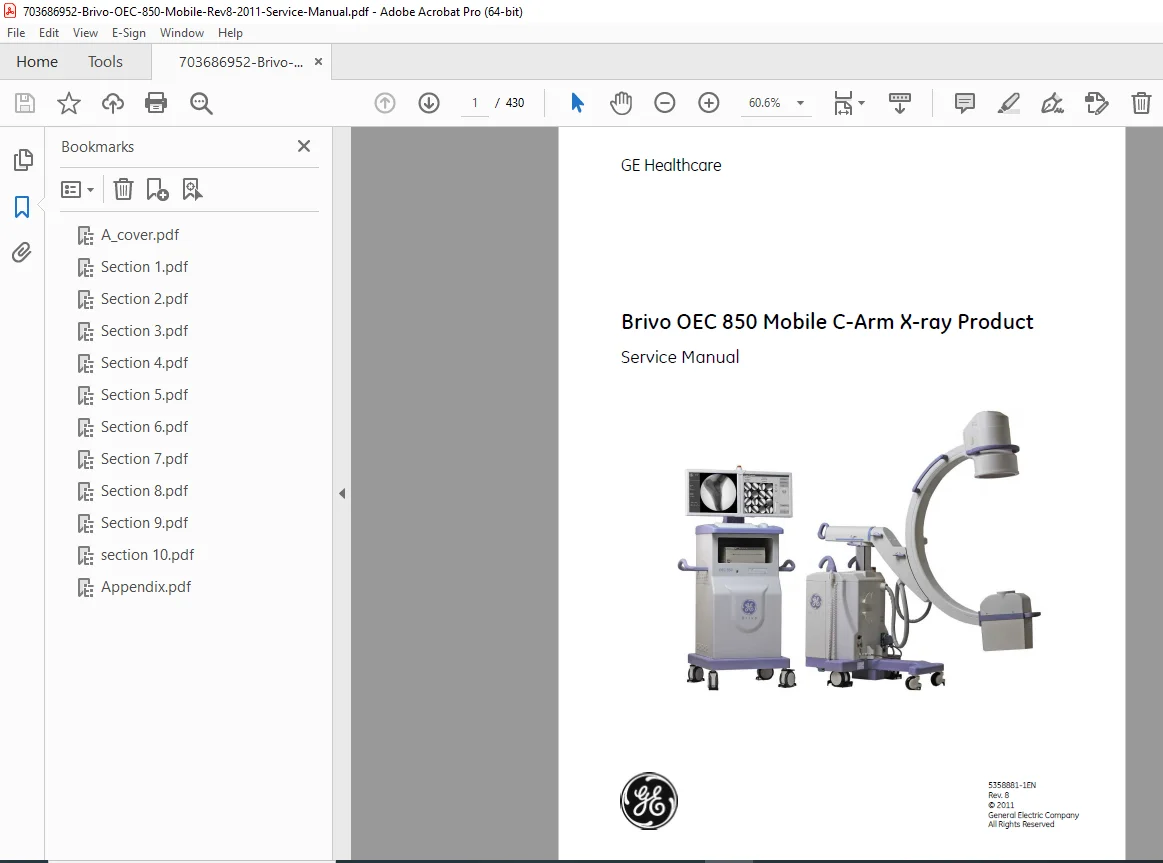
Brivo OEC 850 Mobile C-Arm Service Manual PDF
Original price was: $85.00.$29.95Current price is: $29.95.
Access the comprehensive Brivo OEC 850 mobile C-arm service manual for GE Healthcare’s advanced X-ray imaging system. This essential guide covers Brivo OEC 850 X-ray system troubleshooting, OEC 850 C-arm calibration and maintenance instructions, and Brivo OEC 850 replacement parts and FRU list. Ideal for technicians handling GE Brivo OEC 850 installation and setup, it includes detailed procedures for subsystem repairs, software upgrades, and periodic maintenance to ensure optimal performance. With step-by-step diagnostics and safety protocols, this Brivo OEC 850 periodic maintenance procedures manual helps minimize downtime in clinical environments. Download instantly for reliable support on your mobile C-arm equipment.
Description
Brivo OEC 850 Mobile C-Arm Service Manual – PDF DOWNLOAD
IMAGES:
Description
The Brivo OEC 850 mobile C-arm service manual is a vital resource for service engineers and technicians working with GE Healthcare’s Brivo OEC 850 X-ray imaging system. This detailed PDF provides in-depth guidance on Brivo OEC 850 X-ray system troubleshooting, including error codes, diagnostic tools, and recovery steps to quickly resolve issues. It features comprehensive OEC 850 C-arm calibration and maintenance instructions, covering kV/mA adjustments, beam alignment, and dose calibration for precise imaging results.
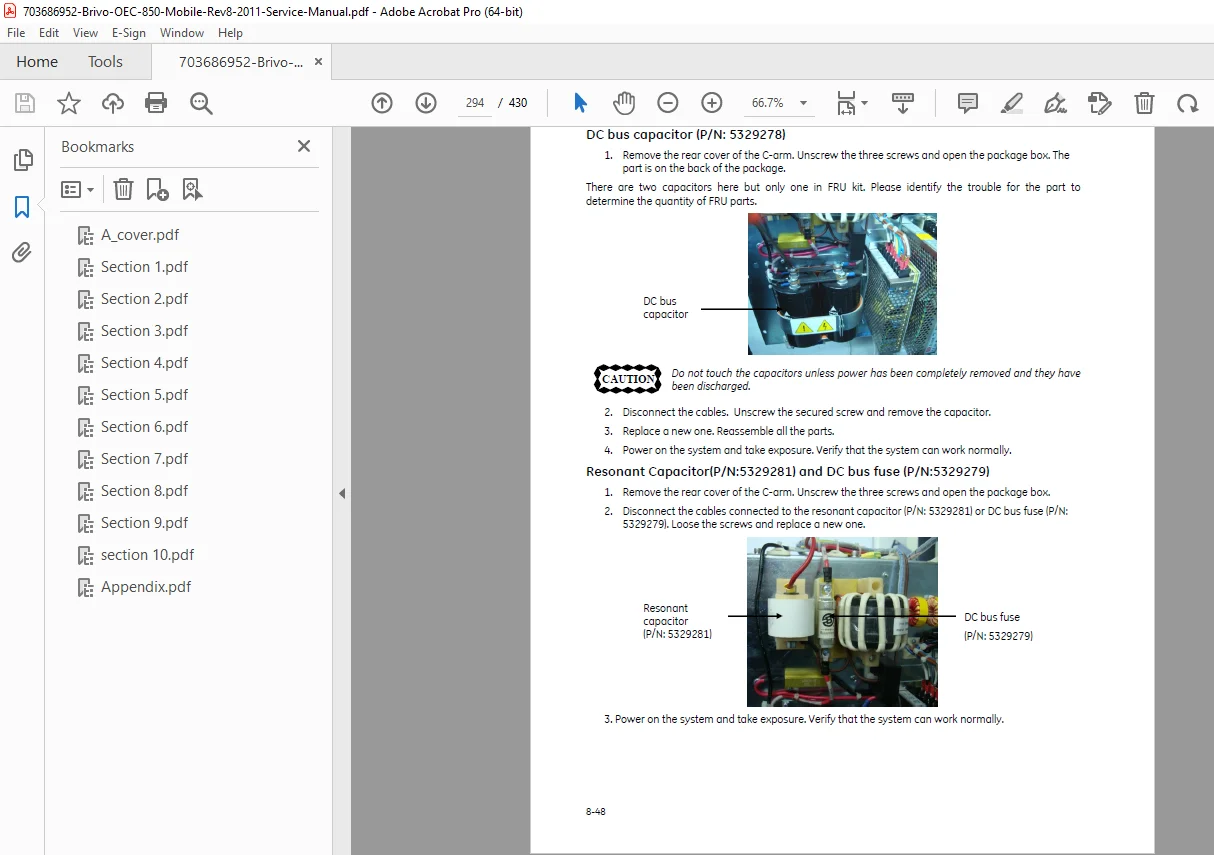
Key sections include the Brivo OEC 850 replacement parts and FRU list, with removal/installation procedures for components like generators, collimators, CCD cameras, and monitors. For new deployments, the GE Brivo OEC 850 installation and setup manual outlines pre-installation requirements, unpacking, functional checks, and options like laser aimers or printers. Additionally, Brivo OEC 850 periodic maintenance procedures ensure long-term reliability through safety inspections, accuracy tests, and cleaning protocols.
Table of Contents (Neatly Categorized):
- Chapter 1: Introduction and Safety
- Objective, Scope, Service Philosophy, Qualifications, Unauthorized Modifications, Manual Organization
- Safety Hazards: Fluids, Electrical Shock, Explosion, Thermal Harm, Equipment Stability, X-Radiation, Motorized Movement, Safety Interlock, Labels, Symbols, EMC Statement, Lock-Out/Tag-Out
- Chapter 2: System Overview
- System Descriptions, Component Locator, System Block, System Schematics
- Chapter 3: Installation
- Overview, Pre-Installation (Dimensions/Weights, Site/Power Requirements, Environments, Tools)
- Unpacking, Inspection (Labels, External/Internal)
- Setup (Power Adaption, UPS, Power On, Configuration)
- Functional Checks (C-Arm, Workstation, Auto Technique, Resolution, Dose)
- Options Installation (Laser Aimer, Video Distributor, Printers, Film Holder, DAP, Skin Spacer, Footswitch)
- Chapter 4: Subsystem
- Power Distribution/Control, MCB, Display Board, kV Control/IGBT, Filament Control, Monoblock
- X-Ray/Key/Emergency Switches, Image Chain (Collimator, Image Intensifier, CCD/CCU, Grabber Card, Monitor)
- Computer and Peripherals (Computer, DVD/USB, Keyboard/Mouse)
- Chapter 5: Calibration
- Overview, kV/mA/mAs Measurement/Adjustment/Calibration, X-Ray Generator Warm
- Beam Alignment/Image Calibration (Setup, Orientation, Centering, Field Size, Limiting Resolution, Shading)
- Dose Calibration, Monitor Brightness/Contrast Adjustment
- Chapter 6: Software
- Overview, Service Tool (ID/Multi-Language/Time Zone Setting, System Info, Exposure Management, Database Backup/Restore, Imaging Defaults, Consistency Check, Image Import/Export, Log Viewer, Config Export, Restore Default)
- Software Installation/Upgrade
- Chapter 7: Troubleshooting
- Overview, Error Recovery, Messages, Troubleshooting Guide
- Chapter 8: Replacement
- FRU List, Locations of FRU
- Replacement Procedures (Covers, Brake/Handle/Wheel, Generator, Collimator, PCBs, Computer Parts, Exposure Indicator, Monitors, CCD Camera/CCU, Image Intensifier, UPS, Misc Parts, Linear Actuator, Switch, Others)
- Chapter 9: Periodic Maintenance
- Overview, Safety, Tools, PM Checklist, Administrative Info
- Safety Inspection (Drag Wires, Plug/Cord, Cables/Connectors, Footswitch, Ground Continuity)
- PC Clean, System Function Checks (Power On, C-Arm, Workstation)
- X-Ray Generator Accuracy (kVp/mA/mAs), Field Size/Image Check (Verification, Auto Tracking, Resolution, Dose Rate), DAP Check, Reporting
- Chapter 10: Technical Reference
- Overview, System Specifications (Safety Classification, Environmental/Power Requirements, Circuit Breaker, Leakage Current, Physical Specs)
- Key Components (X-Ray Generator/Tube/Assembly, Collimator, Others)
- Tube Rating Chart (Filament Emission, Single Load Ratings, Thermal Characteristics)
- Radiation Safety (Scatter Data/Specification), Material Safety Data Sheets, Material Recycling
- Appendix
File Details:
- Manual Name: Brivo OEC 850 Mobile C-Arm X-ray Product Service Manual (Revision 8)
- Models Covered: Brivo OEC 850
- Year: 2011
- Manual PDF Quality: High-resolution, searchable text with diagrams
- Pages: 430