Canon CXDI NE V2.16 Service Manual – PDF DOWNLOAD
Original price was: $85.00.$22.95Current price is: $22.95.
In-depth service manual for Canon’s CXDI Control Software NE and CXDI Controller RF Ver.2.16, covering installation, detector registration, calibration procedures, protocol editor usage, DICOM configurations, maintenance tools, error codes, and image processing techniques for digital radiography systems. Essential for technicians handling CXDI detectors like CXDI-50RF and CXDI-70C Wireless
Description
Canon CXDI NE V2.16 Service Manual – PDF DOWNLOAD
Description
Gain expert insights into maintaining and optimizing Canon’s digital X-ray imaging systems with the Canon CXDI NE V2.16 Service Manual, a detailed guide for CXDI Control Software NE (CCS-NE) and CXDI Controller RF (CCS-RF). This resource provides step-by-step CXDI detector calibration procedure instructions, Canon digital radiography protocol editor manual overviews, and CXDI RF controller troubleshooting errors resolutions to ensure seamless operation in clinical environments. Covering hardware/software environments, upgrades, antivirus settings, and advanced features like Non Generator Connection mode, it supports models such as CXDI-40E, CXDI-50, CXDI-55, CXDI-60, CXDI-70C Wireless, CXDI-401G Wireless, CXDI-810C Wireless, CXDI-401G, CXDI-501G, and CXDI-50RF for radiographic, fluoroscopic, and dynamic imaging.
Key Highlights:
Overview: Introduces CCS-NE as software for static detectors and CCS-RF for dynamic RF detectors, with basic configurations, monitor setups, and operating environments including hardware (e.g., Intel Core i5, 8GB RAM) and software (Windows 10/11 compatibility).
Extracted and Categorized Table of Contents: The manual’s TOC spans multiple pages, organized into sections and appendices for comprehensive navigation:
1. Overview (Page 22)
- 1.1 CXDI Control Software NE (22)
- 1.2 Basic system configuration of CCS-NE (23)
- 1.3 Monitor configurations for CCS-NE (24)
- 1.4 Operating environment for CCS-NE (25-31)
- 2.1 CXDI Controller RF (32)
- 2.2 Basic system configuration of CCS-RF (33)
- 2.3 Monitor configurations for CCS-RF (34)
- 2.4 Operating environment for CCS-RF (35-41)
- List of supported resolutions (43)
2. Installation (Page 44)
- 1.1 User accounts (44)
- 2.1 System configuration of the installer (45)
- 3.1 Starting up the integrated installer (46-49)
- 3.2 Updating with the integrated installer (50-51)
- 3.3 Installing Tera Term (52-56)
- 3.4 Checking and setting the OS environment (56-60)
- 3.5 Uninstallation (60-70)
Essential Settings (Page 71)
- 4.1 OS network settings (71-75)
- 4.2 Registering the CXDI-50RF detector (75-77)
- 4.3 Registering static detectors (77-92)
- 4.4 X-ray generator settings (92-94)
- 4.5 HDD/memory settings (94-98)
- 4.6 Creating a predetermined workspace (98-101)
- 4.7 Calibration, performance test, and self-diagnosis (101-107)
- 4.8 Phototimer adjustments (110-118)
- 4.9 License issuance (118)
5. Other Settings (Page 119)
- 5.1 Use of languages other than Japanese, English, and Chinese (119)
- 5.2 Other settings (119-127)
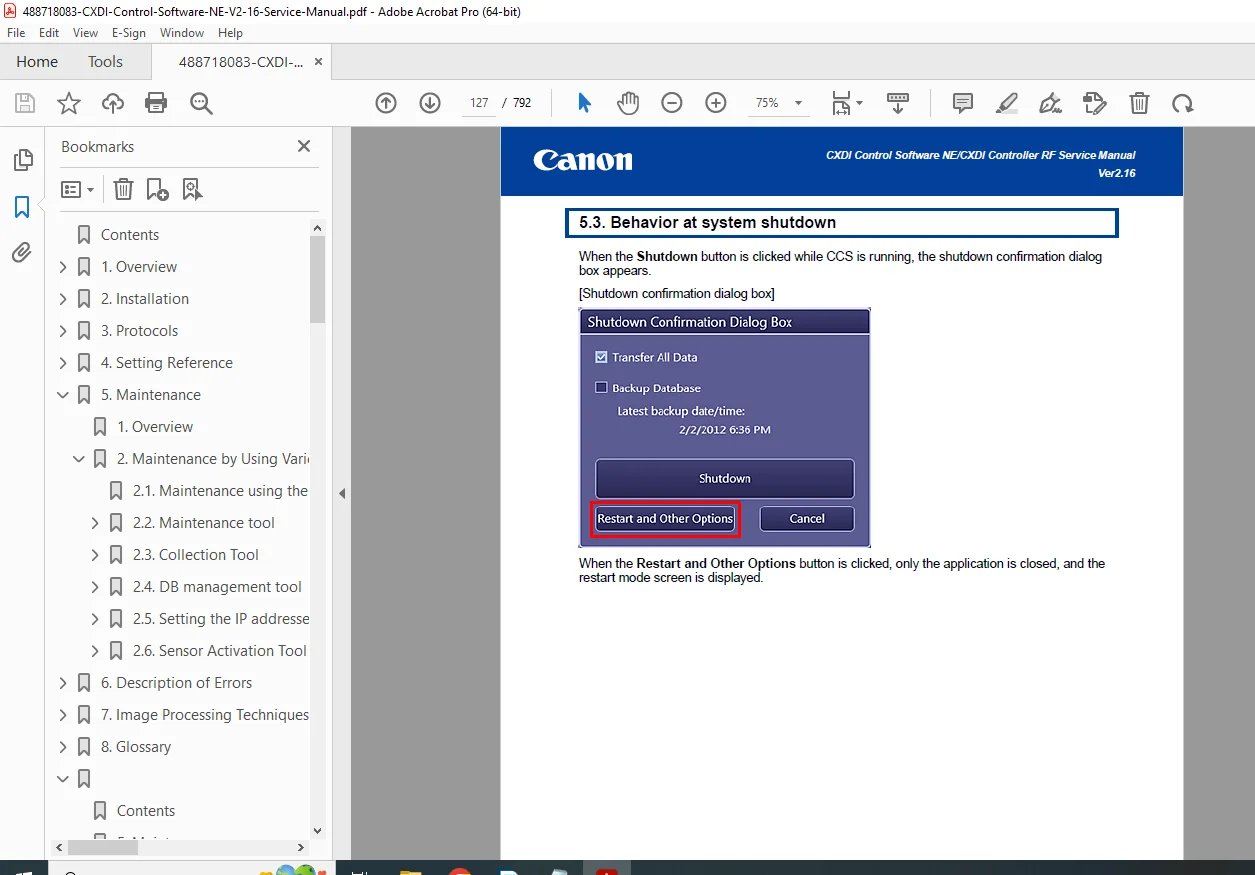
- 5.3 Behavior at system shutdown (127-132)
6. Operation in Shell Mode (Page 133)
- 6.1 Setting shell mode startup (133)
- 6.2 Canceling shell mode startup (133-134)
7. Upgrade (Page 135)
- 7.1 Requirements for an upgrade (135-136)
- 7.2 Downgrade (136)
- 7.3 Compatibility with detector models (136)
8. Migration (Page 137)
- 8.1 Migration procedure (137-141)
- 8.2 Migration procedure (old version) (142)
9. Antivirus Software Setting Procedure (Page 143)
- 9.1 Overview (143)
- 9.2 Common operation policy (143-144)
- 9.3 McAfee (145-149)
- 9.4 ESET (150-153)
- 9.5 Windows Defender (153-157)
3. Protocols (Page 158)
- Overview of Protocol Creation (158-161)
- Protocol Editor (162-233)
- EX2DB/CCR2EX (235-244)
Appendix 1: Protocol Sheet Definitions (Page 245-320)
- Detailed worksheets for protocols, workspaces, button layouts, etc.
Appendix 2: CCR2EX Protocol Sheet Conversion (Page 321-385)
4. Setting Reference (Page 386)
- Service Tool Functions (386-388)
- Menu Selection (389-530)
Appendices (Pages 531+)
- Appendix 1: DICOM Standard (531-536)
- Appendix 3: Detector Catalog (537)
- Appendix 4: Printer Catalog (538-552)
- Appendix 5: Gamma Adjustment Tool (553-572)
- Appendix 6: AP/LNK Configuration Tool (573-594)
- Appendix 8: Image Import Export Tool (595-606)
- Appendix 10: Detectors (607-616)
- Appendix 11: Password Policy Enhancement (618-622)
- Appendix 12: Original Data Acquisition (623-632)
- Appendix 13: WS Succession, Protocol Replacement (633-634)
- Appendix N2: Using Second Monitor (635-652)
- Appendix N3: Using Non Generator Connection (653-674)
- Appendix R1: Using Jog/Shuttle Device (675-682)
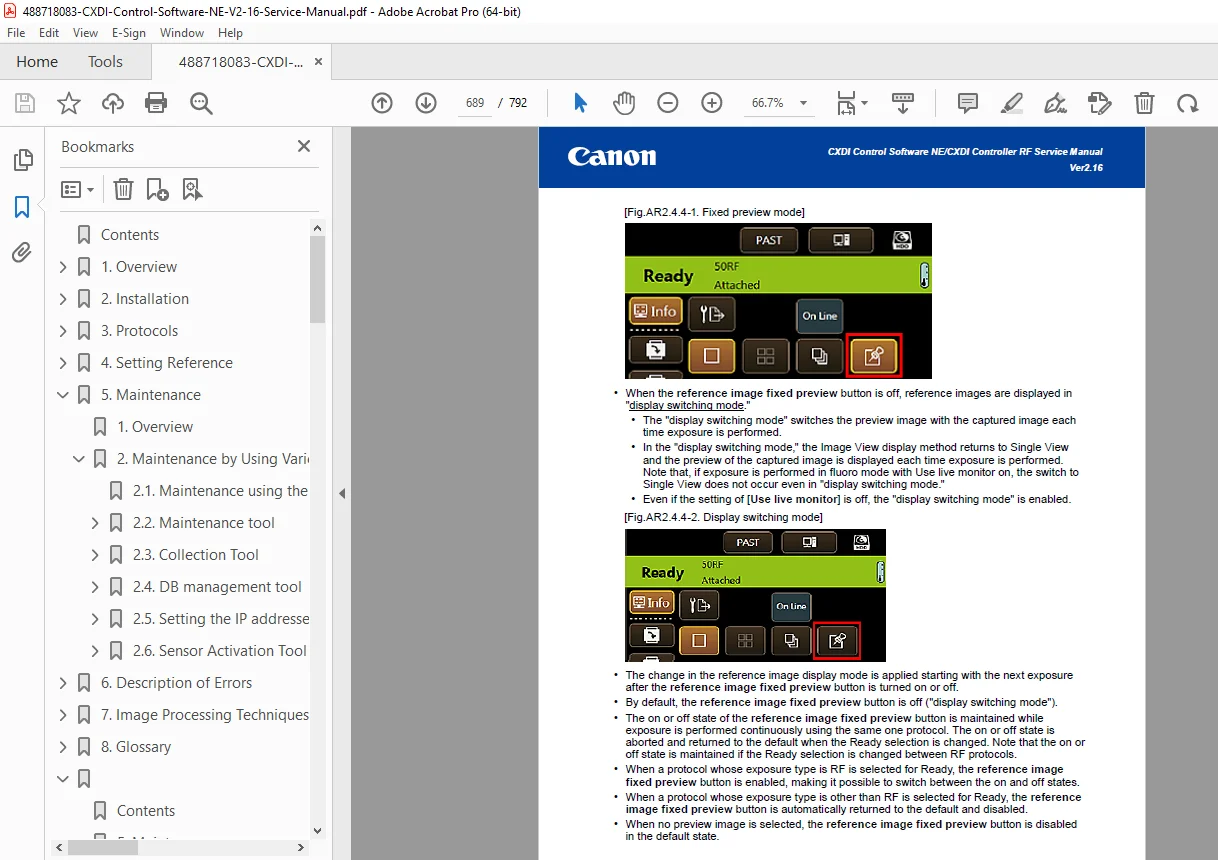
- Appendix R2: Using Live Monitor (683-707)
5. Maintenance (Page 708)
- Overview (708)
- Maintenance by Using Various Tools (709-758)
6. Description of Errors (Page 759)
- Definitions of Errors (759)
- Error Indication (760-761)
- Operations Performed When Errors Occur (762-765)
- Error Codes (766)
7. Image Processing Techniques (Page 767)
- Overview (767-768)
- Pre-processing (769-770)
- Automatic Analysis (771-776)
No dedicated index is present, but error codes and appendices serve as quick references for CXDI RF controller troubleshooting errors.
This manual integrates CXDI detector calibration procedure with practical tools like QC Tool and Gamma Adjustment, alongside Canon digital radiography protocol editor manual for custom workflows, making it crucial for CXDI NE software upgrade and migration and resolving Canon X-ray generator synchronization setup issues.
Short File Details
- Manual Name: CXDI Control Software NE / CXDI Controller RF Service Manual
- Models Covered: CXDI-40E, CXDI-50, CXDI-55, CXDI-60, CXDI-70C Wireless, CXDI-401G Wireless, CXDI-810C Wireless, CXDI-401G, CXDI-501G, CXDI-50RF, and related series
- Year: Not specified (Ver. 2.16, circa 2020s)
- Manual PDF Quality: High (clear text, diagrams, and structured content)
- No. of Pages: 792