Canon imageRUNNER 400/330 Service Manual PDF
Original price was: $95.00.$16.95Current price is: $16.95.
Official factory service manual for Canon imageRUNNER 400 and imageRUNNER 330 multi-function copiers. This comprehensive 660-page technical manual covers complete system specifications, operational principles, exposure systems, image formation, laser systems, pick-up/feeding mechanisms, fixing systems, maintenance procedures, and troubleshooting. Essential resource for copier technicians servicing Canon digital imaging systems. Includes detailed circuit diagrams, disassembly procedures, adjustment methods, and timing charts.
Description
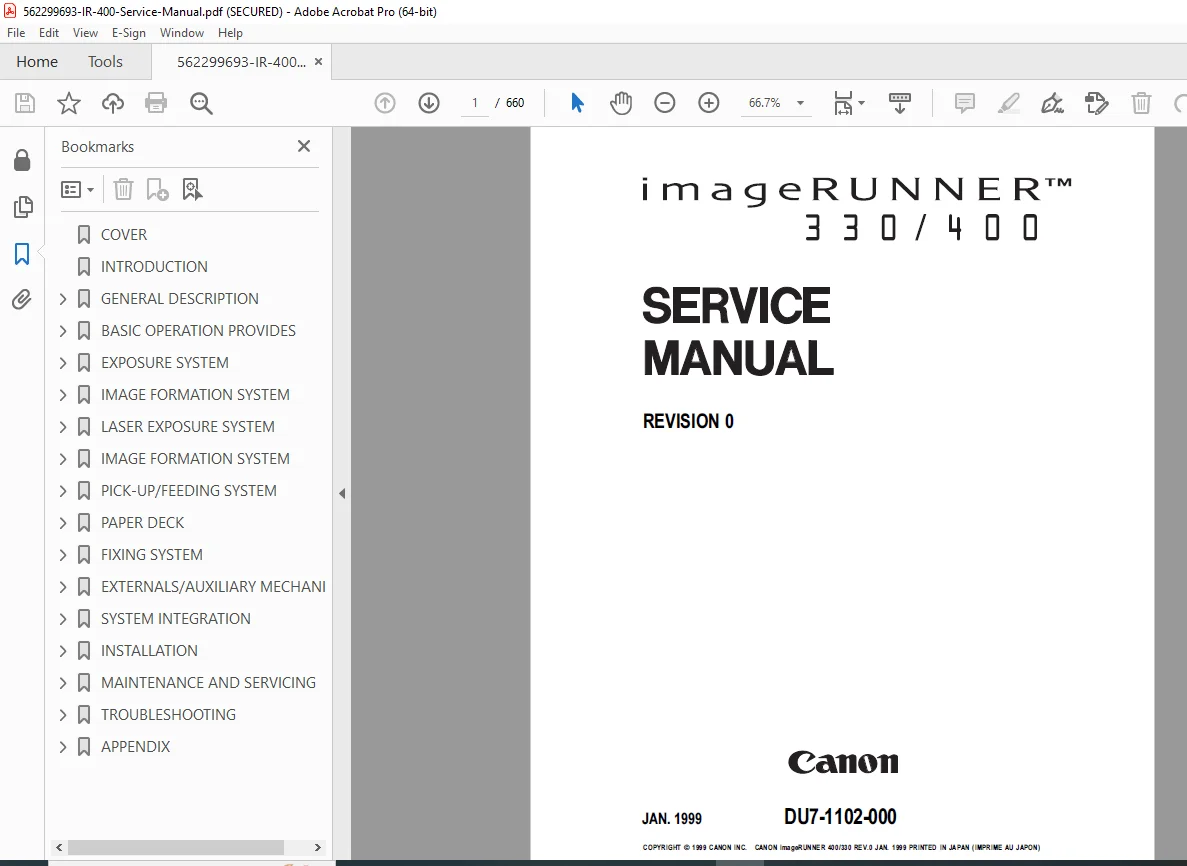
Canon imageRUNNER 400/330 Service Manual Complete Repair Technical Guide PDF DOWNLOAD
DESCRIPTION
Complete Service Manual for Canon imageRUNNER 400/330 Multi-Function Copiers
This official Canon imageRUNNER service manual is the authoritative factory documentation for servicing and maintaining the imageRUNNER 400 and imageRUNNER 330 multi-function digital copier systems. This essential Canon copier repair guide provides qualified service technicians with comprehensive technical information covering every aspect of copier diagnostics, maintenance, component replacement, and system adjustments for these advanced digital imaging systems.
📋 File Details
- Manual Name: Canon imageRUNNER 400/330 Service Manual
- Equipment Models: Canon imageRUNNER 400, imageRUNNER 330
- Manufacturer: Canon Inc., Japan
- Manual Number: DU7-1102-000
- Revision: Revision 0
- Publication Date: January 1999
- Manual Quality: Factory Original – Excellent Quality PDF
- Total Pages: 660 Pages
- File Size: 7.4 MB
📖 Complete Table of Contents
Introduction
- Service Manual Overview
- System Configuration with Accessories
- Pick-Up/Delivery Accessories (DADF-A1, Finisher-C1, Multi Output Tray C1, Saddle Finisher C2, Finisher-E1, Cassette Feeding Units, Paper Deck-B1)
- System Accessories Compatibility
Chapter 1: General Description
I. Features
- Multi-function capabilities (copier, fax, printer)
- Advanced digital imaging technology
II. Specifications
- Type: Machine classification and model information
- Method: Copy method and technology
- Performance: Speed and quality specifications
- Paper Deck-B1: Paper deck specifications
- Others: Additional technical parameters
- Default Ratios: Copy ratio specifications
- Copying Speed: Performance metrics
III. Names of Parts
- External View: Complete external component identification
- Cross Section: Internal component layout
IV. Operation
- Turning On the Power: Power-up procedures
- Control Panel: Panel functions and layout
- Special Features Modes: Advanced feature operation
- Additional Functions: Extended capabilities
V. Routine Maintenance by the User
- User-level maintenance procedures
VI. Safety
- Safety of Laser Light (CLASS 1 LASER PRODUCT): Laser safety information
- CDRH Regulations: Regulatory compliance
- Handling the Laser Unit: Safe service procedures
- Safety of Toner: Toner handling precautions
VII. Image Formation
- Outline: Image formation process overview
Chapter 2: Basic Operation
I. Basic Operation
- Functional Construction: System architecture
- Outline of the Electrical Circuitry: Circuit overview
- Sequence of Operations: Operational timing
- Main Motor (M1) Control Circuit: Motor control systems
- Inputs to and Outputs from the Major PCBs: Circuit board connections
- Image Processor Circuit
- DC Controller PCB (comprehensive input/output documentation)
Chapter 3: Exposure System
I. Outline of Operations
- Exposure system overview
- Sequence of operations (original exposure system)
II. Scanner Drive System
- Scanner mechanism and control
III. Controlling the Scanning Lamp
- Outline: Lamp control principles
- Controlling the Pre-Heating Mechanism: Warm-up systems
- Turning On and Off the Scanning Lamp: Lamp operation
- Controlling the Intensity: Lamp intensity regulation
- Detecting Errors: Fault detection
IV. Identifying the Size of an Original
- Outline: Size detection methods
- Identifying the Size by the Paper Sensors (1): First detection method
- Identifying the Size by the Paper Sensors (2): Second detection method
- Identifying the Size by the Original Width/Length Sensor of the Feeder: Automatic document feeder detection
V. Disassembly/Assembly
- Scanning System: Removal and installation procedures
- Scanner Drive Assembly: Drive mechanism service
Chapter 4: Image Formation System
I. Outline
- Image processing system overview
II. Analog Image Processing
- Outline: Analog processing principles
- CCD: Charge-coupled device operation
- AE Processing (ABC processing): Automatic exposure control
- A/D Conversion: Analog to digital conversion
- Analog Signal Processing Block: Signal processing circuits
III. Digital Image Processing
- Outline: Digital processing overview
- Shading Correction: Image uniformity correction
- Total Processing: Complete image processing chain
- Density Processing: Density control and adjustment
- Binary Processing: Halftoning and screening
- Image Memory: Memory management
- Overlay Copying: Overlay functions
IV. Disassembly/Assembly
- CCD Unit: CCD sensor service
- IP PCB: Image processor board service
- Replacing the ROM DIMM: Memory module replacement
Chapter 5: Laser Exposure System
I. Outline
- Laser scanning system overview
II. Generating the BD Signal
- Beam detect signal generation
III. Laser Driver PCB
- Outline: Laser driver circuit
- Stabilizing the Laser Output: Laser power control
- Switching the Laser Activation Mode: Mode control
- Switching the Laser Output: Output control
IV. Controlling the Laser Scanner Motor
- Outline of Operations: Motor control principles
- Turning On and Off the Laser Scanner Motor: Motor operation
V. Disassembly/Assembly
- Laser Scanner Assembly: Complete laser unit service
Chapter 6: Image Formation System
I. Outline of Image Formation Process
- Outline: Complete image formation overview
- Sequence of Operations: Timing and control
- Controlling the Primary Charging Roller Bias: Primary charging control
- Controlling the Transfer Charging Roller Bias: Transfer voltage control
- Controlling the Separation Static Eliminator Bias: Separation control
- Controlling the Transfer Guide: Transfer guide mechanisms
- Primary Charging Roller Cleaning Mechanism: Cleaning systems
II. Developing Assembly
- Outline: Developer system overview
- Controlling the Developing Bias: Development voltage control
- Controlling Toner Level Detection: Toner monitoring
III. Drum Cleaner
- Outline: Cleaning mechanism
- Detecting Waste Toner: Waste toner detection
IV. Disassembly/Assembly
- Drum Unit: Photoreceptor drum service
- Transfer Charging Roller: Transfer roller service
- Drum Sensor Unit: Sensor replacement
- Magnet Plate: Magnetic component service
- Primary Charging Roller Cleaning Solenoid: Solenoid service
- Developing Assembly: Developer unit service
Chapter 7: Pick-Up/Feeding System
I. Outline of Operations
- Outline: Paper handling overview
- Sequence of Operations (pick-up from the cassette): Cassette feed timing
- Operation in Standby State: Standby mechanisms
- Detecting the Level of Paper: Paper level detection
- Identifying the Size of Paper: Paper size detection
- Multifeeder: Manual feed operation
- Controlling the Registration Roller Clutch: Registration timing
- Making Overlay Copies: Overlay mode operation
- Operation: Detailed operational sequences
- Delivery Assembly: Paper delivery mechanisms
- Detecting Jams: Jam detection systems
II. Disassembly/Assembly
- Pick-Up Assembly: Pick-up mechanism service
- Multifeeder: Manual feeder service
- Feeding Assembly: Feed roller service
- Lower Feeding Assembly: Lower path service
- Registration Roller Assembly: Registration mechanism service
- Delivery Assembly: Delivery roller service
- Lower Feeding Motor: Motor replacement
- Pick-Up Drive Assembly: Drive mechanism service
- Vertical Path Assembly: Vertical transport service
Chapter 8: Paper Deck
I. Paper Deck
- Inputs to and Outputs from the Deck Driver: Deck control signals
- Pick-Up: Deck pick-up operations
- Detecting Paper: Paper detection in deck
- Deck Lifter: Lift mechanism control
- Opening/Closing the Deck (compartment): Deck access mechanisms
- Controlling the Deck Motor: Motor control systems
II. Detecting Jams
- Outline: Deck jam detection
III. Disassembly/Assembly
- External Covers: Cover removal
- Paper Deck: Deck unit service
- Drive System: Drive mechanism service
- Feeding System: Feed system service
- Electrical System: Electrical component service
Chapter 9: Fixing System
I. Outline of Operations
- Outline: Fusing system overview
- Fixing Drive Assembly: Drive mechanisms
- Controlling the Fixing Temperature: Temperature control and monitoring
- Protective Mechanism for the Fixing System: Safety systems
- Upper Fixing Roll Bias: Bias voltage control
II. Disassembly/Assembly
- Fixing Assembly: Complete fuser service
- Fixing Cleaner Assembly: Fuser cleaning mechanisms
- Fixing Assembly Inlet Solenoid Assembly: Solenoid service
- Fixing Drive Assembly: Drive system service
- Fixing Cleaning Belt Solenoid: Cleaning belt control
Chapter 10: Externals/Auxiliary Mechanisms
I. Control Panel
- Outline: Control panel systems
- Operation: Panel operation details
II. Fans
- Arrangement and Functions: Cooling fan layout
- Sequence of Operations: Fan control timing
Chapter 11: Systems
- System connections and specifications
- Disassembly and assembly procedures
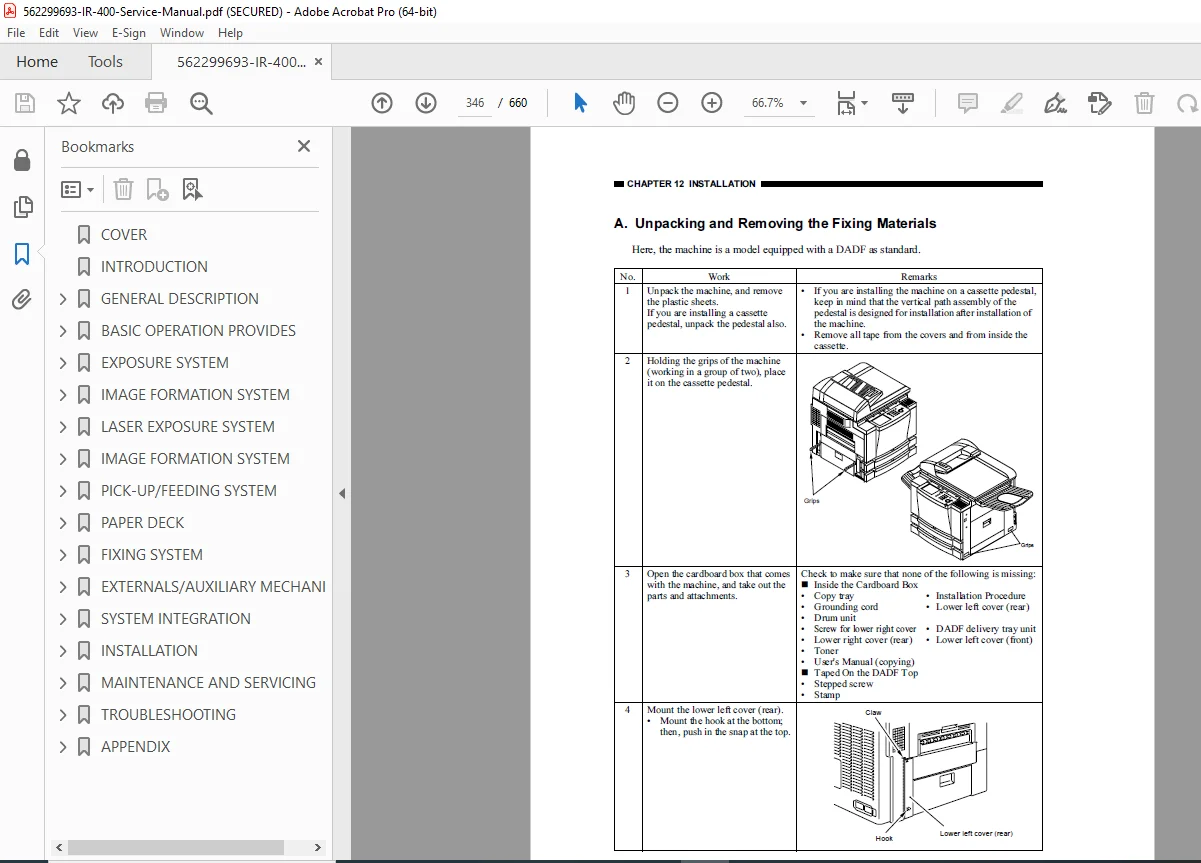
Chapter 12: Installation
- Installation site requirements
- Step-by-step installation procedures
- Setup and configuration
Chapter 13: Maintenance and Servicing
- Periodically replaced parts tables
- Consumables and durables lists
- Scheduled servicing charts
- Preventive maintenance procedures
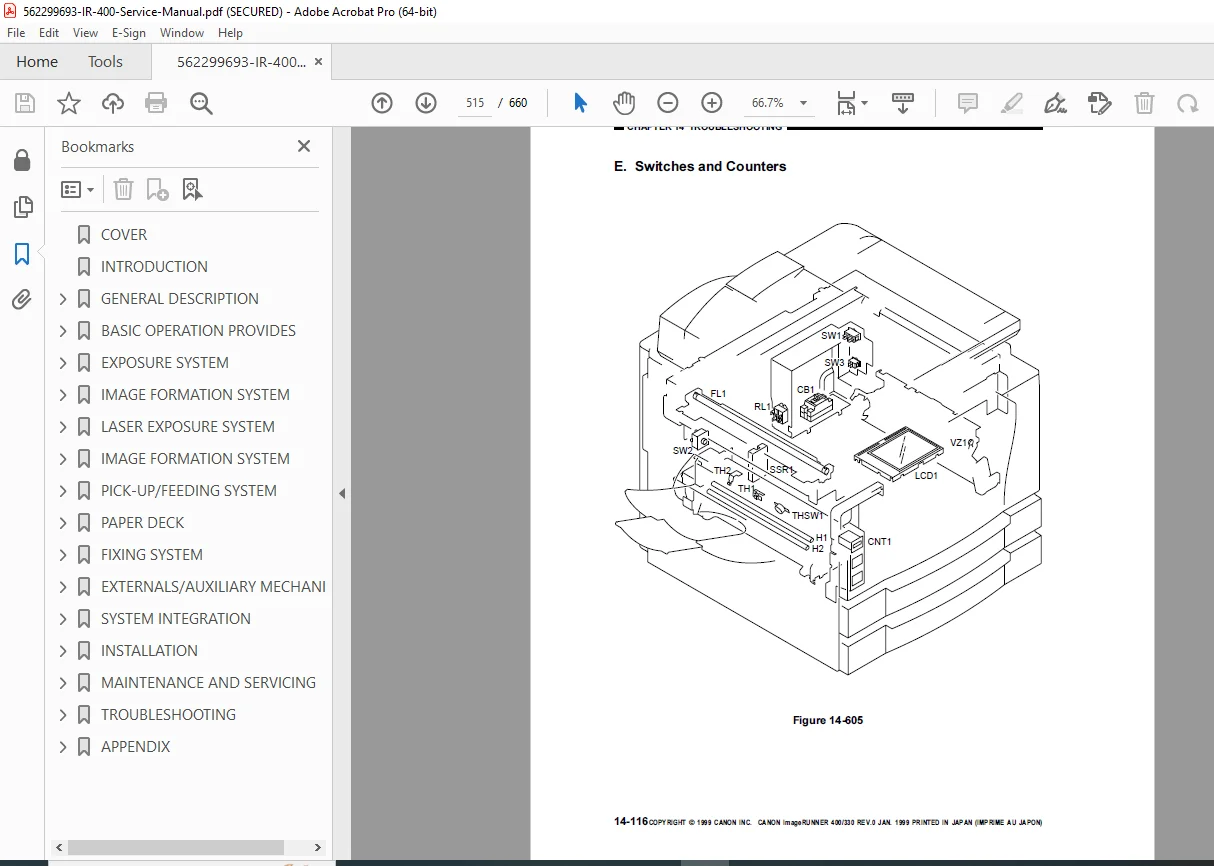
Chapter 14: Troubleshooting
- Maintenance and inspection tables
- Standards and adjustments
- Problem identification tables
- Image fault identification
- Malfunction diagnosis
- Comprehensive troubleshooting procedures
Appendix
- General timing charts
- General circuit diagrams
- Reference materials
💡 What Makes This Manual Essential
✅ Official Factory Documentation – Direct from Canon Inc., ensuring accuracy and reliability ✅ Comprehensive Coverage – 660 pages covering all systems and subsystems ✅ Detailed Circuit Diagrams – Complete electrical schematics and timing charts ✅ Multi-Function System – Covers copier, fax, and printer operations ✅ Component-Level Service – Detailed disassembly/assembly for every major unit ✅ Advanced Digital Imaging – CCD, image processing, laser exposure systems ✅ Timing Charts Included – Operation sequences and timing diagrams ✅ Troubleshooting Tables – Comprehensive fault diagnosis procedures
🔧 Who Needs This Manual
- Canon Certified Service Technicians servicing imageRUNNER systems
- Copier Repair Professionals specializing in Canon digital copiers
- Corporate Service Departments maintaining in-house Canon equipment
- Independent Service Organizations supporting Canon multifunction devices
- Document Imaging Specialists servicing high-volume copier systems
- Technical Training Programs teaching digital copier technology
- Service Companies with Canon service contracts
⚙️ Technical Coverage Includes
- Exposure System: Scanner drive, lamp control, original size detection
- Image Processing: CCD sensors, analog/digital processing, image memory
- Laser System: Laser scanner, BD signal generation, laser driver control
- Image Formation: Charging, developing, transfer, separation, drum cleaning
- Paper Handling: Pick-up, feeding, registration, delivery, jam detection
- Paper Deck: Deck lifter, paper detection, deck motor control
- Fixing System: Temperature control, drive assembly, protective mechanisms
- Control Systems: DC controller, image processor, major PCB connections
- Electrical Circuits: Complete circuit diagrams and signal flow
- Mechanical Systems: Drive mechanisms, motors, clutches, solenoids
🎯 Key Service Procedures Covered
- Complete system disassembly and reassembly for all major units
- CCD unit and image processor PCB service
- Laser scanner assembly removal and installation
- Drum unit and charging roller replacement
- Developing assembly service and toner detection
- Paper feed mechanism adjustment and repair
- Fixing assembly temperature calibration
- Scanner drive system service
- Registration roller timing adjustment
- Jam detection sensor calibration
- Control panel diagnostics and replacement
- ROM DIMM replacement procedures
🖨️ Canon imageRUNNER 400/330 Features
Multi-Function Capabilities:
- Digital copying
- Network printing
- Fax functionality (with optional equipment)
- Document scanning
Advanced Systems:
- Digital image processing
- Laser exposure technology
- Automatic document feeder compatibility
- Multiple finishing options
- High-volume paper capacity with optional decks
Optional Accessories Supported:
- DADF-A1 (Document Feeder)
- Finisher-C1, Finisher-E1
- Multi Output Tray C1
- Saddle Finisher C2
- Cassette Feeding Units (S1, R1)
- Paper Deck-B1
⚠️ Important Service Notes
- Laser Safety: CLASS 1 LASER PRODUCT – follow all safety protocols
- CDRH Compliance: Meets regulatory requirements for laser safety
- Toner Handling: Proper safety procedures outlined
- Confidential Information: Manual contains proprietary Canon service information
- Technical Support: Reference to “Copier Basic Series” for additional technical foundations
📱 Instant Access – Download Now
Get immediate access to this essential Canon imageRUNNER 400/330 service manual. Perfect for certified Canon technicians and professional copier service engineers who need comprehensive factory documentation for expert digital copier service and repair. Download instantly and service your Canon imageRUNNER systems with confidence today!
Pricing Rationale:
- 660-page comprehensive technical manual (largest manual yet)
- Official Canon factory documentation (premium brand)
- Advanced multi-function digital copier system
- Multiple complex subsystems (exposure, laser, image processing, paper handling)
- Complete with circuit diagrams and timing charts
- Professional service technician audience (certified Canon technicians)
- Comparable Canon copier service manuals typically $45-$75
- High complexity equipment (digital imaging, laser systems, CCD technology)
- Essential for authorized Canon service centers
- Multi-model coverage (imageRUNNER 400 and 330)