★ TRUSTED BY 321,897+ PROFESSIONALS WORLDWIDE
๐Ÿข
Trusted Business
Verified & Licensed
๐Ÿ›ก๏ธ
Virus Free Files
100% Safe Downloads
๐Ÿ”’
Secure Payment
SSL Protected
โšก
Instant Delivery
Available Immediately
Sale!

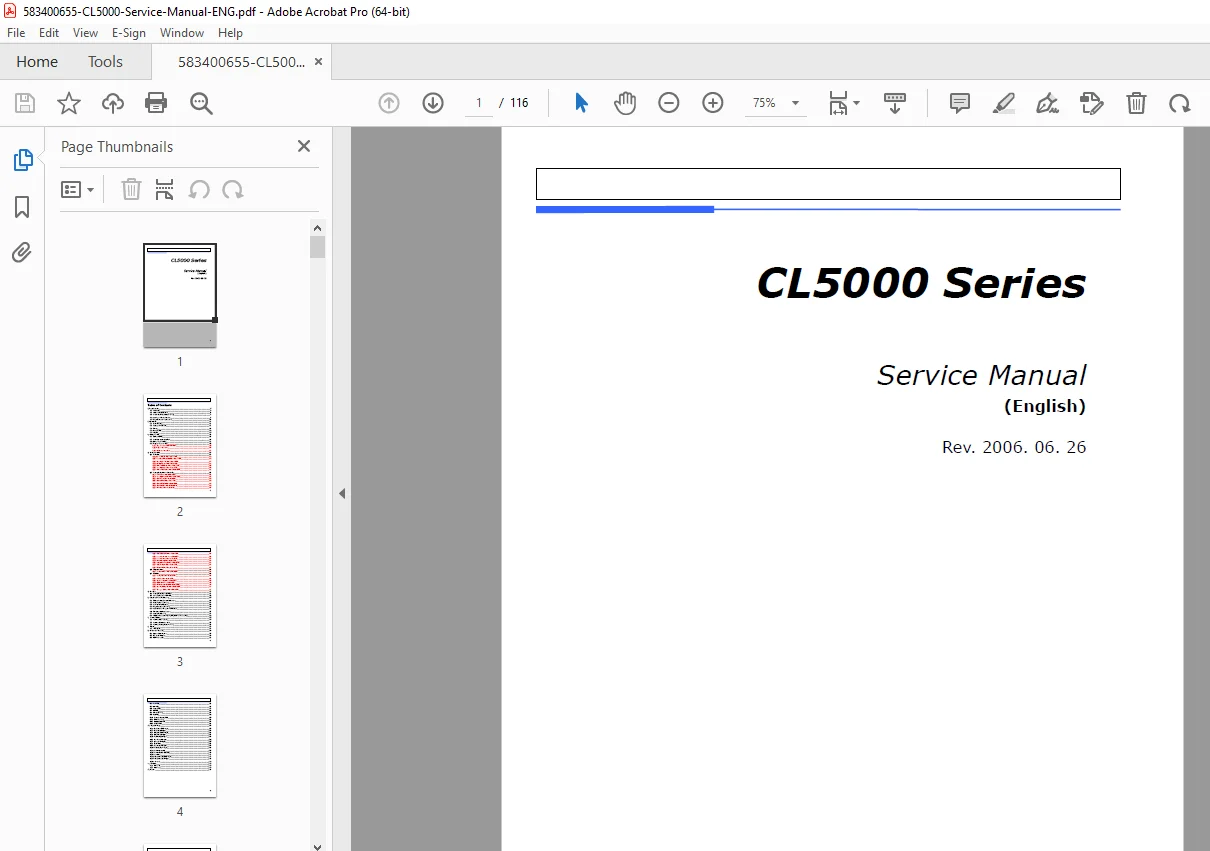
CAS CL5000 Series Service Manual (English) โ€“ Calibration, Parts & Schematics PDF

Original price was: $95.00.Current price is: $18.95.

Get the official CAS CL5000 Series Service Manual (English) covering proper operation, programming menus, calibration (span/zero/linearity), printer hardware setup, diagnostics/self-tests, parameter settings, servicing & parts replacement, network options, schematics/PCB diagrams, exploded views, and full parts list. Ideal for technicians servicing CL5000 B/P/R/H types.

โšก
Instant PDF Download
Available immediately
๐Ÿ’พ
Save to Your Device
Download & keep forever
๐Ÿ›ก๏ธ
Antivirus Scanned
100% virus-free
๐ŸŒ
Trusted Worldwide
175,000+ customers

Description

CAS CL5000 Series Service Manual (English) Calibration, Parts & Schematics PDF DOWNLOAD

Description

If you service, calibrate, or repair CAS CL5000 price computing printer scales, this manual is the complete workshop-level guide. It includes program menu trees, calibration procedures, printer settings, troubleshooting/self-tests, board diagrams, connection schematics, exploded views, and parts listsโ€”perfect for bench techs and field technicians.


๐Ÿ” Models Covered

  • CAS CL5000 Series (Price Computing Printer Scale)

  • Types: Standard/B-Type, Pole-Type (R, P), Hanging-Type (H)


๐Ÿ“Œ File Details

ItemDetails
Manual NameCL5000 Series Service Manual (English)
Models CoveredCAS CL5000 Series (B / P / R / H types)
YearRev. 2006-06-26
PDF QualityClear text + diagrams/PCB layouts
Pages116

ย Table of Contents

1) Proper Operation

  • Introduction

  • Model and Specification

  • Environmental Conditions & Safety

  • Leveling and Footer Location

  • Power Outlet and Requirements

2) Classification

  • Scale Overview

  • Display and Indicators

  • Printer

  • Communication

  • Key Pad

3) Getting Started

  • Sealing Method

  • Installation of the Label Roll

  • Turning Power On/Off

  • Program Menu and Tree

    • How to access PROGRAM MODE

    • Program Menu Tree

    • Calibration Menu Tree


๐Ÿง  Program Mode Menu Tree (Detailed)

PLU (1100)

  • Change Price (1110)

  • New/Edit (1120)

  • Discount (1130)

    • New/Edit (1131)

    • List (1132)

    • Delete (1133)

    • Delete by PLU/Dept (1137 / 1138)

    • Delete All (1139)

  • Management (1140)

    • Copy (1141)

    • Delete (1142)

    • Move (1143)

    • Inhibit (1144)

    • PLU Sale Count (1145)

    • Delete by PLU/Dept No. (1147 / 1148)

    • Delete All (1149)

  • List (1150)

  • Speed Key (1160)

  • Sample Printing (1170)

PLU Table I (1200)

  • Department (1210)

  • Group (1220)

  • Tax Rate (1230)

  • Sales Message (1240)

  • Origin (1250)

  • Barcode (1260)

  • Tare (1270)

  • Unit Symbol (1280)

PLU Table II (1300)

  • Ingredient (1310)

  • Nutrition Facts (1320)

  • Traceability (1330)

  • Country (1340)

  • Slaughter House (1350)

  • Cutting Hall (1360)

Store Data Table (1400)

  • Store (1410)

  • Customer (1420)

  • Scroll Message (1430)

    • Configuration (1431)

    • Edit (1432)

    • List (1433)

  • Currency (1440)

Global Setting (1500)

  • Label Format (1510)

  • Barcode (1520)

  • Discount (1530)

    • Priority (1531)

    • Weight Discount (1532)

    • Count Discount (1533)

    • PCS Discount (1534)

  • Tax (1540)

    • Set Global Tax (1541)

    • Global Tax No. (1542)

Report (1600)

  • X1 Report (1610)

    • Scale / PLU / Misc. PLU / Group / Department / Hourly / Clerk

  • Z1 Report (1620)

  • X2 Report (1630)

    • Scale / PLU / Misc. PLU / Group / Department / Hourly / Clerk

  • Z2 Report (1640)

  • Clear All (1650)

Printing (1700)

  • Print Inhibit (1710)

  • Markdown (1720)

  • H/W Setting (1730)

    • Print Mode (1731)

    • Label/Ticket Size (1732)

    • Sensor Calibration (1733)

    • Motor & Sensor (1734)

    • Print Intensity (1735)

    • Adjust Feed Length (1736)

    • Label Preprint (1737)

  • Serial Number Format (1740)

  • Addup Total (1750)

  • Ticket (1760)

    • Select Ticket Item (1761)

    • Select List Item (1762)

Scale Configuration (1800)

  • Sale Mode (1810)

  • Operation Mode (1820)

  • Department (1830)

  • Date/Time (1840)

  • User/Security (1850)

    • New/Edit User (1851)

    • Change Password (1852)

    • List User (1853)

    • Delete User (1854)

    • Config Permission (1855)

    • Clerk Key (1856)

  • Test (1860)

    • Display (1861)

    • A/D (1862)

    • Keypad (1863)

    • Printer (1864)

    • Printer Sensor (1865)

    • Memory Info (1866)

    • Firmware Version (1867)

  • Scale Parameter (1870)

    • Display (1871)

    • Printing Oper (1872)

    • Sale Setup (1873)

    • Clerk Logout (1874)

  • Function Key Define (1880)

Network Communication (1900)

  • Network Setting (1910)

    • Service Type (1911)

    • DHCP (1912)

    • IP (1913)

    • Remote IP (1914)

    • RS232C (1915)

    • WLAN Setting (1916)

    • WLAN Config (1917)

  • Application (1920)

  • Scale Lock/Unlock (1930)

  • Check Scale (1940)

  • Backup to Scale (1950)


๐ŸŽฏ Calibration Mode (Core Service Section)

  • Span Calibration (8110)

  • Span/Zero Fine Adjust (8120)

  • Capacity & Units (8130)

  • Gravity Constant (8140)

  • Percent Calibration (8150)

  • Linearity Adjust (8160)

  • Zero & Tare Setting (8170)

  • Factory Setting (8180)

    • A/D Initialize (8183)

    • Linearity Fine Adjust (8184)


๐Ÿ›  Servicing & Parts Replacement

  • Platform Safety Overload Adjustment

  • Removing Upper Case

  • Main Board / Power Supply Replacement

  • Load Cell & A/D Converter Replacement

  • Print Assembly / Display / Keyboard Replacement


๐ŸŒ Installing Options

  • Ethernet Card

  • Wireless LAN Card

  • Memory Expansion Card


๐Ÿ”„ Update

  • Firmware Update (F/W update)


๐Ÿ“ Schematics & Diagrams

  • System Block Diagram

  • Connection Diagram

  • I/O Pin Connection

  • Main PCB / A/D PCB / Display PCB / I/O PCB

  • Printer I/O PCB / Slot PCB / Extension Memory PCB

  • Wired LAN PCB / Wireless LAN PCB / CF Card PCB


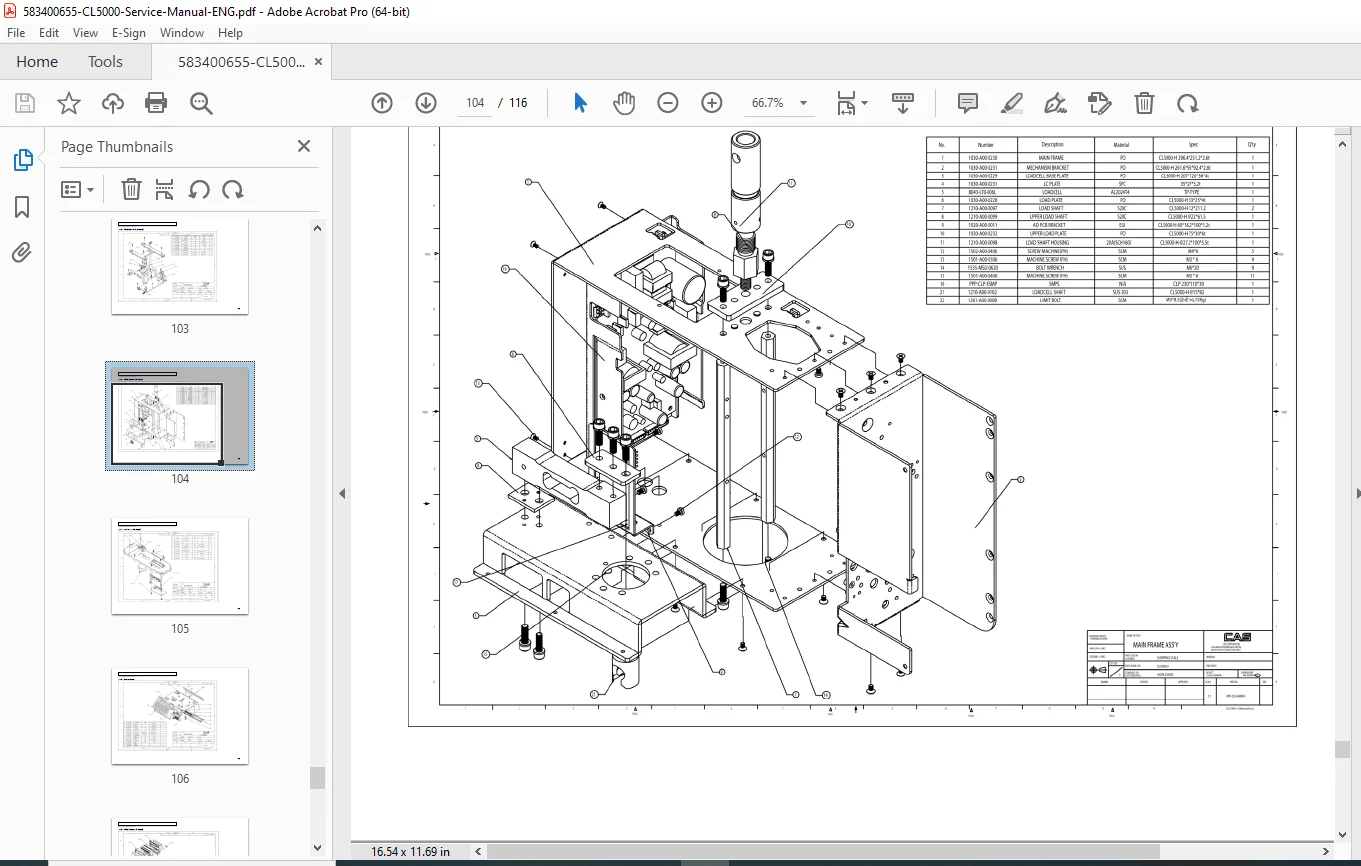
๐Ÿงฉ Exploded Views + Part List

Exploded Views

  • Scale Assy (B/P/R)

  • Scale Assy (H)

  • Body Assy (B/P/R)

  • Body Assy (H)

  • Platform

  • Main Frame (H)

  • I/O Cover (H)

  • Upper Case

  • Pole Display (R/P)

  • Printer Assembly

  • Printer Header

  • Cartridge

  • Tray Assembly (B/P/R & H)

  • Tray Assembly (H)

  • LAN Card

Part List

  • Electronic

  • Mechanical

  • Revision

Fix it right the first timeโ€”this CL5000 service manual gives you the calibration steps, diagnostics, schematics, and parts breakdown you need to service the scale confidently. Download instantly and get your CL5000 back in perfect working order today.

What Our Customers Say

โ˜…โ˜…โ˜…โ˜…โ˜… Live reviews from customers
Loading customer reviews...
0
    0
    Your Cart
    Your cart is emptyReturn to Shop
    ๐Ÿ›’
    Recently Purchased
    ๐Ÿ•’ verified order