Case Wheel Loader 621D Repair Manual 87723028A – PDF DOWNLOAD
Original price was: $89.95.$34.95Current price is: $34.95.
Case Wheel Loader 621D Repair Manual
Part No: 87723028A
Description
Case Wheel Loader 621D Repair Manual
FILE DETAILS:
Case Wheel Loader 621D Repair Manual
Size : 307 MB
Format : PDF
Language : English
Brand: Case
Number of page: 1064 page
Type of machine: Case Wheel Loader
Type of document: Repair Manual
Model: Case Wheel Loader 621D
Part No: 87723028A
DESCRIPTION:
Case Wheel Loader 621D Repair Manual
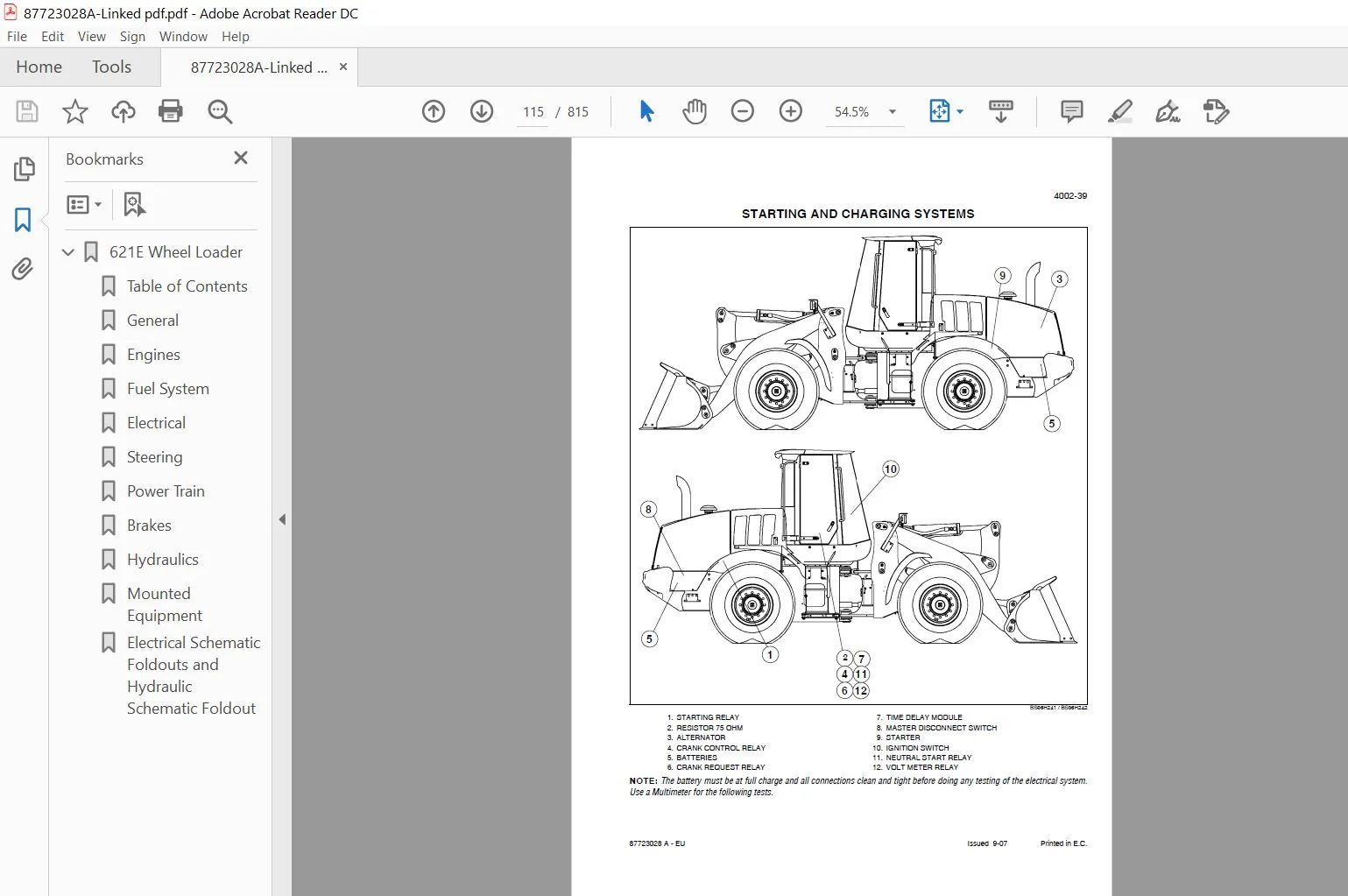
SAMPLE PAGE OF THE MANUAL:
- If damage causes an electrolyte leak, replace the battery. Inspect the battery at regular intervals for dirt, corrosion, and damage. Electrolyte and dirt on the top of the battery can cause the battery to discharge by making a passage for the current to flow. If the battery must be cleaned, remove the battery from the battery carrier and clean the battery, cable terminals, and the battery carrier.
- When available, use Case Battery Saver and Cleaner according to the instructions on the container. Case Battery Saver and Cleaner also helps prevent corrosion. If Case Battery Saver and Cleaner is not available, use baking soda and water as a cleaner. DO NOT permit any type of cleaner to enter the cells of the battery.
- Install the battery in the machine and make sure the fasteners are tight. Apply Case Battery Saver and Cleaner or Urethane Seal Coat to the cable terminals to prevent corrosion. See the Parts Counter Catalog. DO NOT apply grease.
- Information will be displayed in different zones on the LCD, as directed by the operator or machine. In most situations the operator or technician will be given specific information to follow if conditions are not correct.
- In the example above the machine hours are displayed. Machine hours will always be displayed briefly on start up. After the machine is started the display will show engine rpm’s. After beginning travel the machine will display travel speed provided default settings were not changed by the operator.
- The power mode allows the operator to choose the most effective machine power for the current job conditions. Most commonly auto is chosen, as the power will automatically increase or decrease between maximum power and standard power while the machine is working.
- This allows for maximum power if necessary, but will switch to standard mode for economy. Maximum power can be chosen for more severe work conditions. Economy can be chosen for limited power and fuel efficiency. Press and hold the confirmation button for two seconds to arrive at the service screen.
CASE WHEEL LOADER 621D REPAIR MANUAL 87723028A – PDF DOWNLOAD:
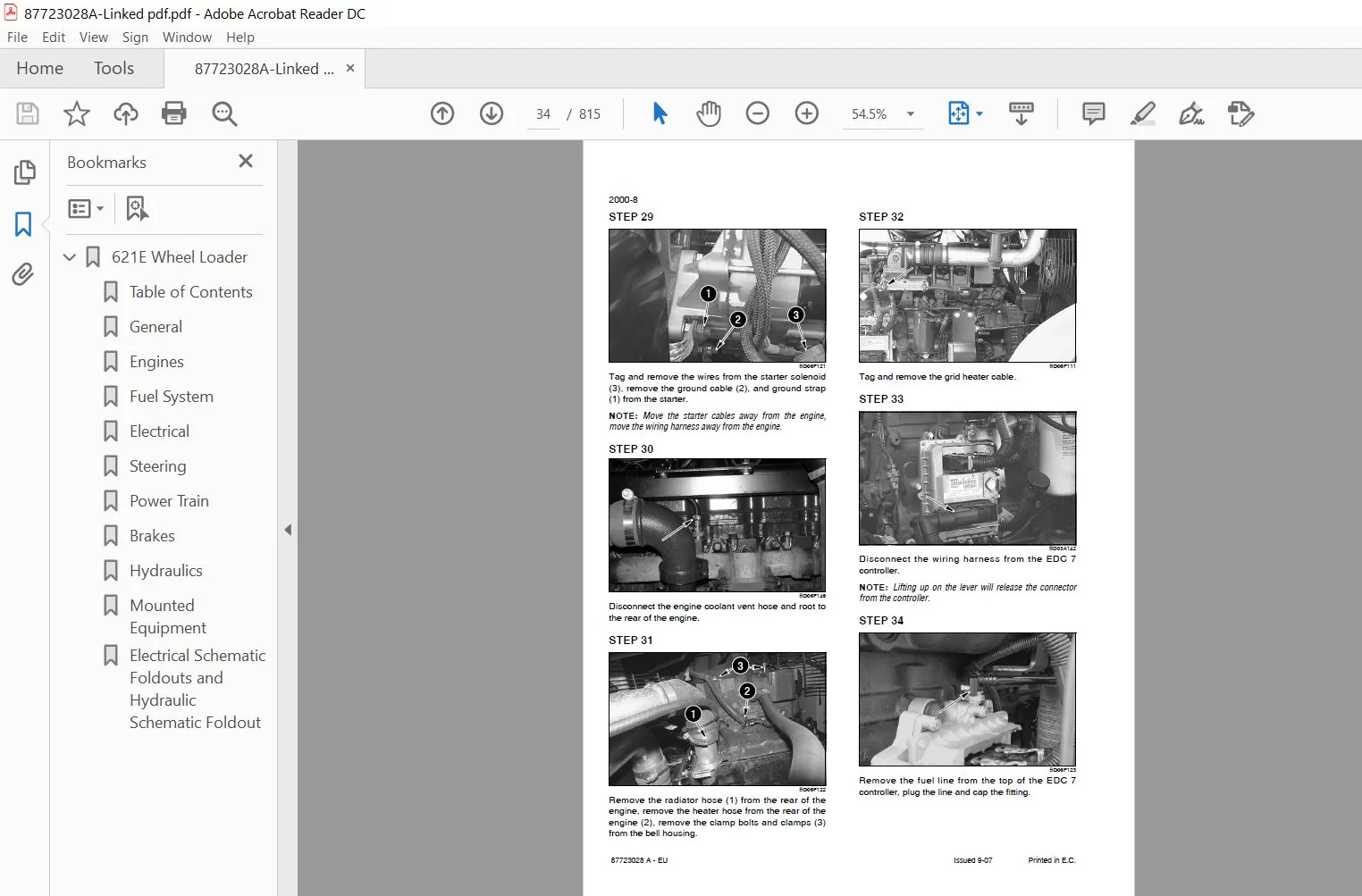
IMAGES PREVIEW OF THE MANUAL:
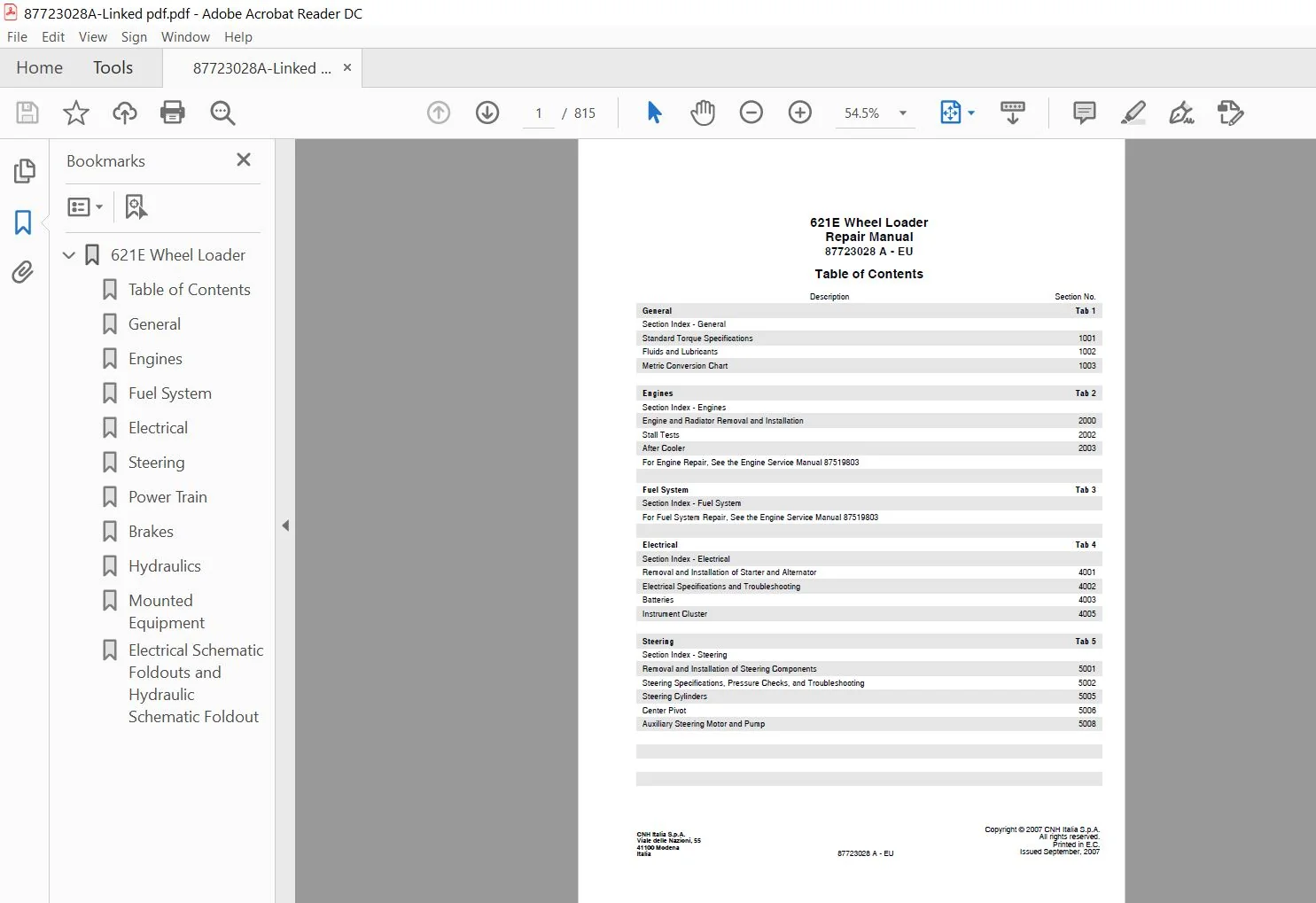
TABLE OF CONTENTS:
Case Wheel Loader 621D Repair Manual
General Tab 1
Section Index – General
Standard Torque Specifications 1001
Fluids and Lubricants 1002
Metric Conversion Chart 1003
Engines Tab 2
Section Index – Engines
Engine and Radiator Removal and Installation 2000
Stall Tests 2002
After Cooler 2003
For Engine Repair, See the Engine Service Manual 87519803
Fuel System Tab 3
Section Index – Fuel System
For Fuel System Repair, See the Engine Service Manual 87519803
Electrical Tab 4
Section Index – Electrical
Removal and Installation of Starter and Alternator 4001
Electrical Specifications and Troubleshooting 4002
Batteries 4003
Instrument Cluster 4005
Steering Tab 5
Section Index – Steering
Removal and Installation of Steering Components 5001
Steering Specifications, Pressure Checks, and Troubleshooting 5002
Steering Cylinders 5005
Center Pivot 5006
Auxiliary Steering Motor and Pump
Section Index – Power Train
Removal and Installation of Power Train Components 6001
Transmission Specifications, Pressure Checks, and Troubleshooting 6002
Transmission 6003
Front Axle 6004
Rear Axle 6004
Drive Shafts, Center Bearing, and Universal Joints 6005
Wheels and Tires 6006
Transmission Control Valve 6007
Brakes Tab 7
Section Index – Brakes
Removal and Installation of Brake Components 7001
Hydraulic Brake Troubleshooting 7002
Brake Pump 7003
Brake Accumulators 7004
Parking Brake 7008
Hydraulics Tab 8
Section Index – Hydraulics
How to Read Hydraulic Schematics 8000
Removal and Installation of Hydraulic Components 8001
Hydraulic Specifications, Troubleshooting, and Pressure Checks 8002
Cleaning the Hydraulic System 8003
Hydraulic Pump 8004
Loader Control Valve 8005
Cylinders 8006
Coupler Solenoid Locking Valve 8007
Ride Control Accumulator 8013
Ride Control Valve 8014
Mounted Equipment Tab 9
Section Index – Mounted Equipment
Air Conditioning Troubleshooting and System Checks For Systems with HFC-134a Refrigerant 9002
Air Conditioner System Service 9003
Removal And Installation Of Air Conditioning And Heater Components 9004
Loader 9006
Roll Over Protective Structure (ROPS), Cab Structural Frame (CSF) 9007
Cab Glass Installation 9010
Electrical Schematic Foldouts and Hydraulic Schematic Foldout
PLEASE NOTE:
- This is the same manual used by the DEALERSHIPS to SERVICE your vehicle.
- The manual can be all yours – Once payment is complete, you will be taken to the download page from where you can download the manual. All in 2-5 minutes time!!
- Need any other service / repair / parts manual, please feel free to contact us at heydownloadss @gmail.com . We may surprise you with a nice offer