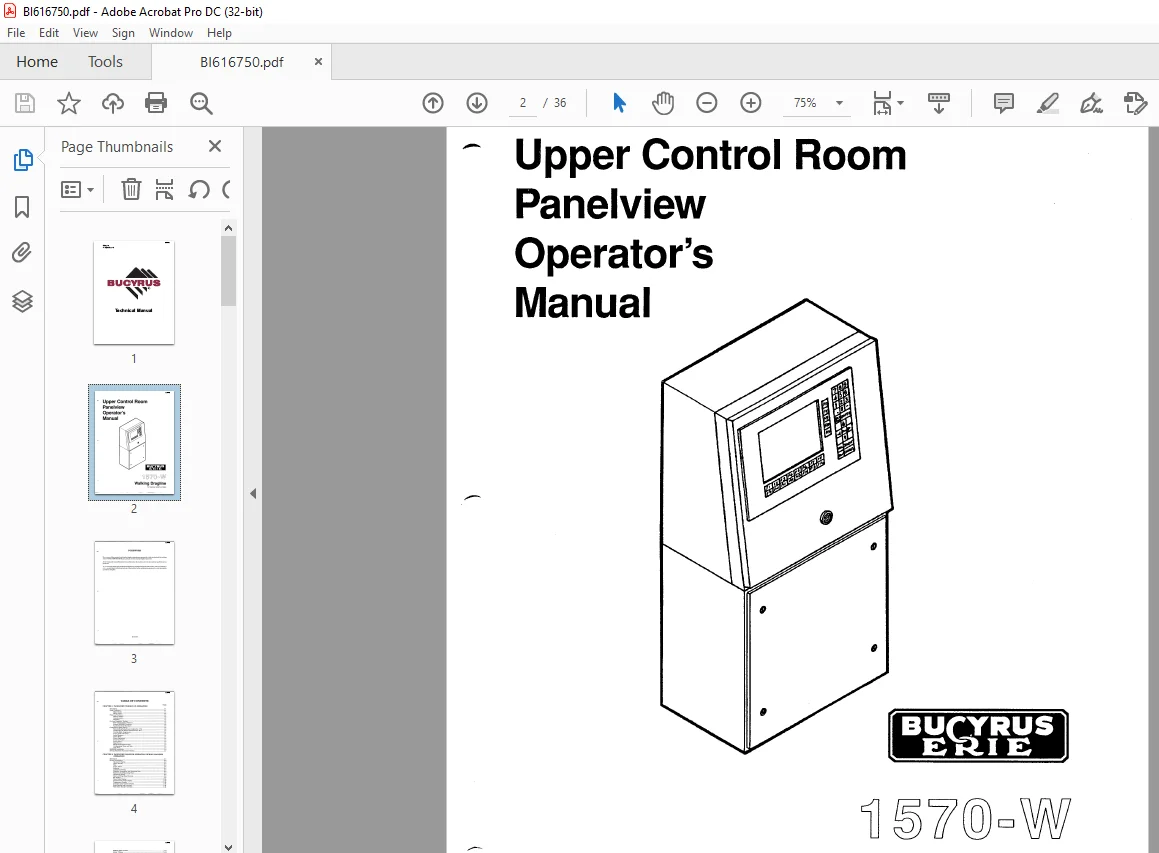
Cat Bucyrus 1570-W Walking Dragline Upper Control Room Panelview Operator’s Manual BI616750 – PDF DOWNLOAD
$14.95
Cat Bucyrus 1570-W Walking Dragline Upper Control Room Panelview Operator’s Manual BI616750 – PDF DOWNLOAD
Description
Cat Bucyrus 1570-W Walking Dragline Upper Control Room Panelview Operator’s Manual BI616750 – PDF DOWNLOAD
FILE DETAILS:
Cat Bucyrus 1570-W Walking Dragline Upper Control Room Panelview Operator’s Manual BI616750 – PDF DOWNLOAD
Language : English
Pages : 36
Downloadable : Yes
File Type : PDF
DESCRIPTION:
Cat Bucyrus 1570-W Walking Dragline Upper Control Room Panelview Operator’s Manual BI616750 – PDF DOWNLOAD
FOREWORD:
- The purpose of this manual is to help the dragline maintenance personnel or oiler understand the working
of the PANELVIEW MONITOR as it pertains to them during dragline operation. - All servicing and most calibrations to be performed on the monitor are to be done only by qualified service
personnel. - The first chapter of this manual deals with the theory or technical aspects of the monitor. The second chapter
of this manual deals with the actual use of the monitor by the maintenance personnel or oiler to properly
operate the dragline.
IMAGES PREVIEW OF THE MANUAL:
TABLE OF CONTENTS:
Cat Bucyrus 1570-W Walking Dragline Upper Control Room Panelview Operator’s Manual BI616750 – PDF DOWNLOAD
CHAPTER 1 PANELVIEW THEORY OF OPERATION
Description 1-1
Fault Conditions 1-1
Major Faults 1-1
Minor Faults 1-2
Power-up Functions 1-2
Battery Failure 1-2
Communication 1-2
Watchdog 1-2
On-Line Diagnostic Testing 1-2
PLC Communication Timeout 1-2
System EEPROM Checksum 1-2
Application Data Checksum ; 1-2
Configuration Mode Set-Up 1-2
Downloading/Uploading an Application File 1-3
Configuring the Serial Communication Port 1-3
Viewing Rack Assignments 1-4
Access Codes (Security) 1-4
Audio Response 1-4
Alarm Relay 1-4
Preset Operations 1-4
Power-Up Values 1-4
Screen Saver 1-5
Align Screen 1-5
Stuck Button/Cell Timeout 1-5
Configurating Time and Date 1-5
Unit Tests 1-5
EEPROM Installation 1-6
Solving Panelview Terminal Problems 1-7
CHAPTER 2 PANELVIEW MONITOR OPERATION DURING MACHINE
OPERATION
Description 2-1
Screen Descriptions 2-2
Operator’s Display 2-2
Alarm Overlay 2-3
Title 2-3
Active Alarm 2-4
Selection 2-4
Lubrication Timing 2-6
Tightline Parameters and Operating Data 2-6
Fault Counters/Operating Hours 2-6
Hoist/Drag Limits 2-8
Hoist and Drag Rope Reeving 2-8
Bit Display 2-8
Word Value Display 2-10
Timer/Counter Value Display 2-10
Temperature Display 2-10
Armature Loop Current Display 2-14
Boom Raising and Lowering 2-14
Walk Shoe Encoder Calibrate 2-14
BI616750
Walking Shoe Position 2-14
Alarm History 2-14
Walk Parameters 2-17 _,,
Swing Parameters 2-17
Lube Report 1 2-17
Lube Report 2 2-19
APPENDICES
Alarm Window Messages Appendix lA
Security Codes Appendix 2A
PLEASE NOTE:
- This is the SAME exact manual used by your dealers to fix your vehicle.
- The same can be yours in the next 2-3 mins as you will be directed to the download page immediately after paying for the manual.
- Any queries / doubts regarding your purchase, please feel free to contact [email protected]
S.V