Cat Bucyrus 3400 Series Flat Panel Industrial PC Hardware Reference Manual BI619355 – PDF DOWNLOAD
$20.95
Cat Bucyrus 3400 Series Flat Panel Industrial PC Hardware Reference Manual BI619355 – PDF DOWNLOAD
Description
Cat Bucyrus 3400 Series Flat Panel Industrial PC Hardware Reference Manual BI619355 – PDF DOWNLOAD
FILE DETAILS:
Cat Bucyrus 3400 Series Flat Panel Industrial PC Hardware Reference Manual BI619355 – PDF DOWNLOAD
Language : English
Pages : 98
Downloadable : Yes
File Type : PDF
IMAGES PREVIEW OF THE MANUAL:
DESCRIPTION:
Cat Bucyrus 3400 Series Flat Panel Industrial PC Hardware Reference Manual BI619355 – PDF DOWNLOAD
System Overview:
- The 3408, 3408KP, 3410, 3410KP, 3410KPT, 3412KP(T) and 3412T Industrial PCs
combine a PC/AT computer with a flat-panel display to offer a powerful, compact pack- age for the
factory floor and other harsh environments. - The units feature an open architecture to meet a variety of applications requiring both a powerful
PC and a durable industrial enclosure. The units’ front panels–sealed to NEMA 4/4X/12–are protected
by an impact-resistant shield. - The units’ processor boards combine all the functions of an IBM PC/AT-compatible computer on an
industrially hardened circuit board. Refer to the Xycom Automation CHIP4e+ CPU manual for more
information on processor and hardware features.
The units offer the following standard features:
• 3.3-inch (3408 and 3408KP) and 3.5-inch (3410, 3410KP,3410KPT, 3412T and
3412KP(T)) mounting depth
• Flat-panel displays
• 7.7-inch STN flat-panel display, 640×480 (3408 and 3408KP)
• 10.4-inch TFT flat-panel display (3410, 3410KP and 3410KPT)
• 12.1-inch flat panel color display, 800×600 (SVGA) 3412T, 3412KP(T)
• CHIP4e+ board, which supports the latest 5×86 technology
• 133 MHz AMD5x86 processor
• 72-pin EDO DRAM SIMM site support (16, 32, and 64 MB)
• PCI 64-bit video controller, 1-MB video RAM
• PCI-bus IDE controller
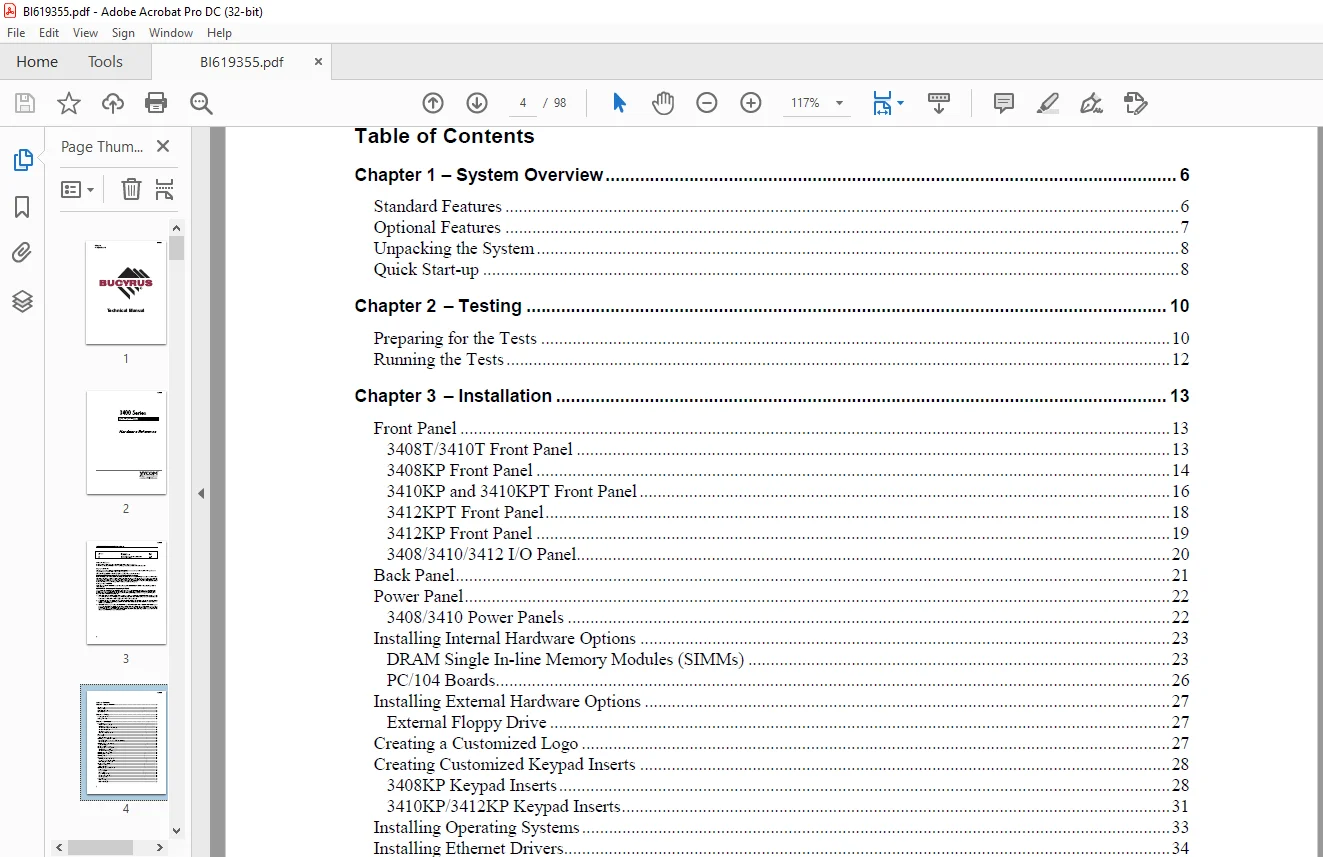
TABLE OF CONTENTS:
Cat Bucyrus 3400 Series Flat Panel Industrial PC Hardware Reference Manual BI619355 – PDF DOWNLOAD
Chapter 1 – System Overview 6
Standard Features 6
Optional Features 7
Unpacking the System 8
Quick Start-up 8
Chapter 2 – Testing 10
Preparing for the Tests 10
Running the Tests 12
Chapter 3 – Installation 13
Front Panel 13
3408T/3410T Front Panel 13
3408KP Front Panel 14
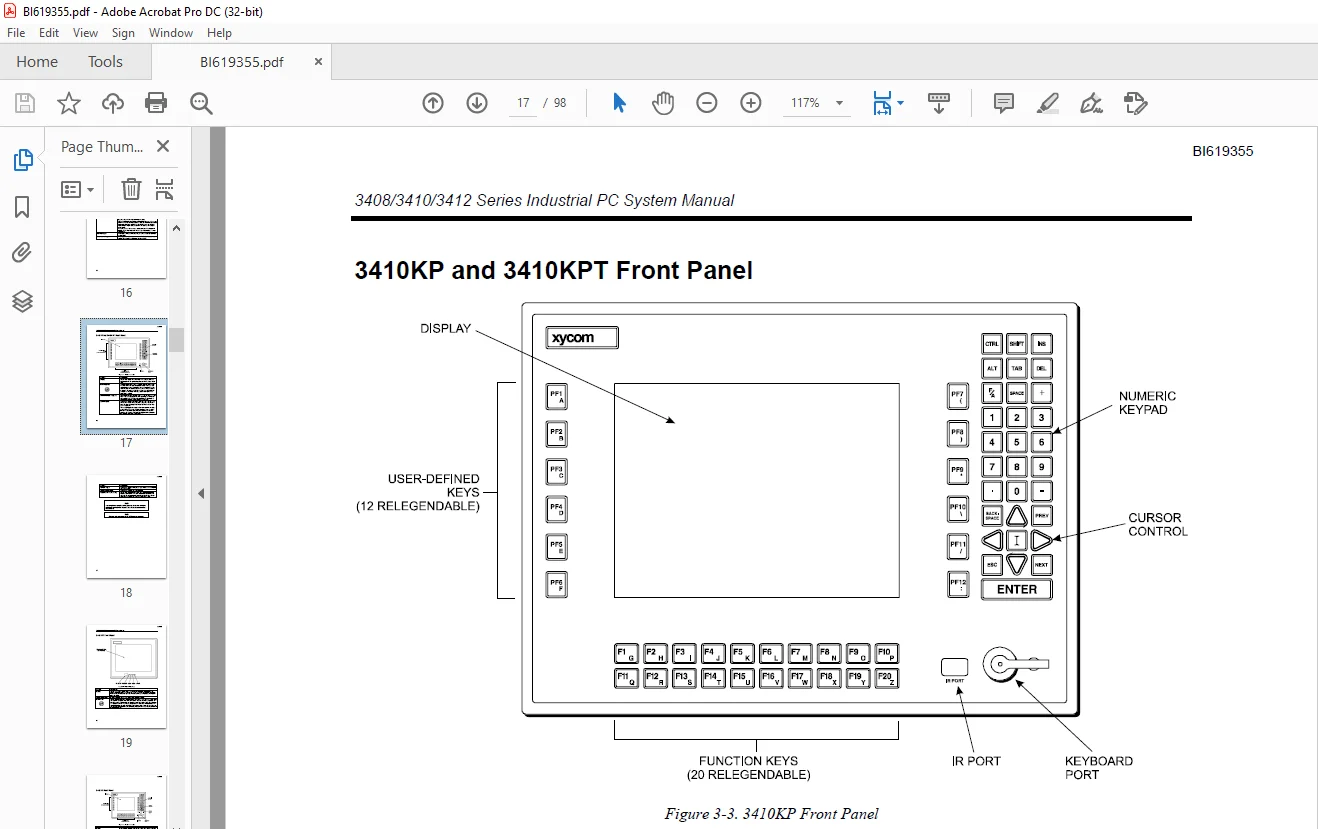
3410KP and 3410KPT Front Panel 16
3412KPT Front Panel 18
3412KP Front Panel 19
3408/3410/3412 I/O Panel 20
Back Panel 21
Power Panel 22
3408/3410 Power Panels 22
Installing Internal Hardware Options 23
DRAM Single In-line Memory Modules (SIMMs) 23
PC/104 Boards 26
Installing External Hardware Options 27
External Floppy Drive 27
Creating a Customized Logo 27
Creating Customized Keypad Inserts 28
3408KP Keypad Inserts 28
3410KP/3412KP Keypad Inserts 31
Installing Operating Systems 33
Installing Ethernet Drivers 34
Installing Video Drivers 34
Using a Touchscreen 35
Installing Touchscreen Drivers 35
Specifying a Touchscreen Port 36
Calibrating the Touchscreen 37
Creating a Power Cable 39
AC Power Cable 39
DC Power Cable 40
Installing the System into a Panel 42
System Power 42
Excessive Heat 43
Electrical Noise 43
Line Voltage Variation 43
Mounting Considerations 44
Mounting the Unit 44
Power Supply 50
AC Power Supply 50
DC Power Supply 50
BI619355
3408/3410/3412 Series Industrial PC System Manual
4
Expansion Power 50
Hazardous Location Installations 50
Definitions 52
Group Ratings 53
Enclosures 54
Power Switch 54
Cable Connections 54
Operation and Maintenance 55
Safety Agency Approval 56
Chapter 4 – Keypad Functionality (3408KP/3410KP/3412KP) 57
Control Keypad 57
3408KP 57
3410KP/3412KP 57
Alternate Configuration 58
Function and Alpha Modes 58
Contrast Control 59
Numeric Keypad 59
Cursor Control Keypad 59
Function/Alpha Keypads 60
3408KP 60
3410KP 60
Chapter 5 – Keypad Utility 3408KP/3410KP/3412KP 62
Loading the Keypad Utility 62
Using the Keypad Utility 62
Startup 63
Utility Batch Mode 63
Main Menu 63
Exit 64
Files Menu 64
Macros Keypad Type Menu 64
Macros Edit Menu 65
Upload Menu 66
Download Menu 67
Utilities Menu 67
Keypad Scan Codes 68
Chapter 6 – Maintenance 74
Preventive Maintenance 74
Xycom Recommended Hard Drive Preventative Maintenance 74
Replacing the Fuse 75
Chemical Compatibility 75
Compatible Lubricants 76
Compatible Cleaning Agents 77
Non-compatible Cleaning Agents 77
Spare Parts 77
Product Repair Program/Returning a Unit to Xycom Automation 78
Appendix A– Technical Specifications 80
Hardware Specifications 80
Environmental Specifications 81
Appendix B – Pinouts 82
Parallel Port Connector 82
PS/2 Keyboard Connector 83
Mouse Port Connector 83
External Floppy Drive Connector 84
Power Connector 84
Ethernet Connector 84
COM1 Connector 85
RS-232 Connector 85
RS-485 Connection 85
COM2 Connector 86
Appendix C – Replacing Flat-Panel Display Bulbs 87
3408 Units 87
3410 Units 89
3412 Units 91
Appendix D – Installing the IDE Flash Drive 93
Installing the IDE Flash Drive 93
Configuring the IDE Flash Drive 94
Customer Support: [email protected]
PLEASE NOTE:
- This is the SAME exact manual used by your dealers to fix your vehicle.
- The same can be yours in the next 2-3 mins as you will be directed to the download page immediately after paying for the manual.
- Any queries / doubts regarding your purchase, please feel free to contact [email protected]
S.V