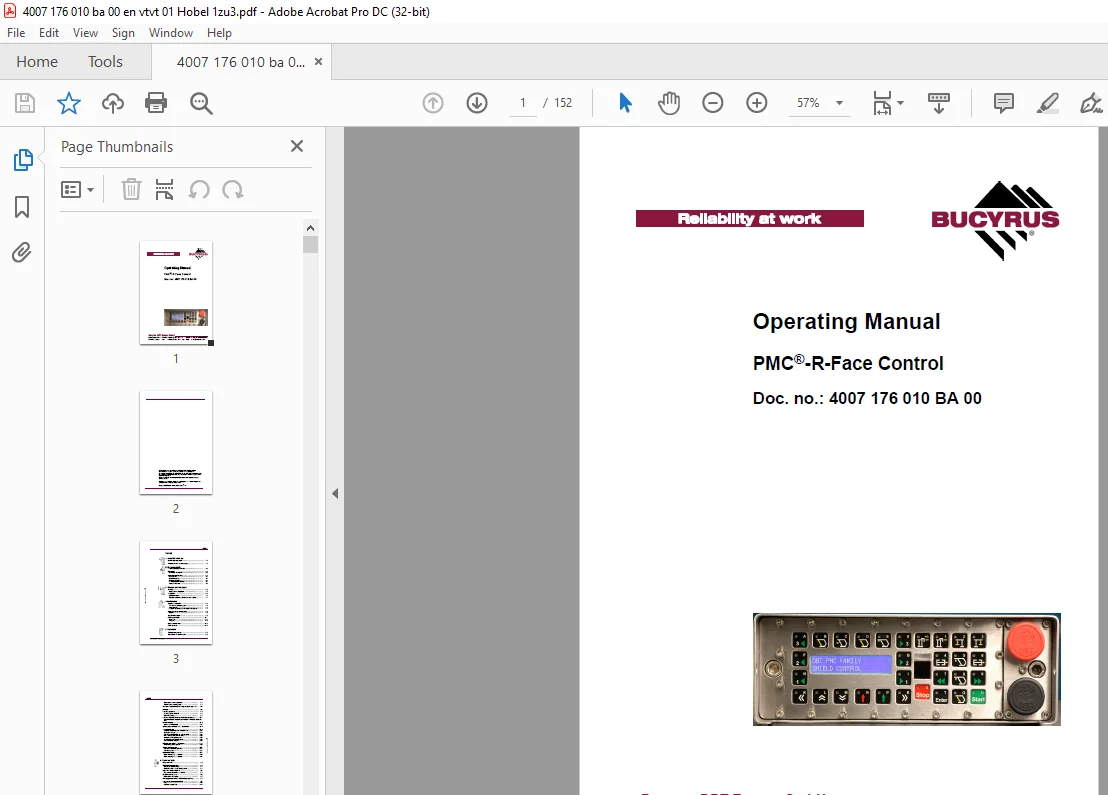
Cat Bucyrus PMC-R-Face Control Operating Manual – PDF DOWNLOAD
$25.95
Cat Bucyrus PMC-R-Face Control Operating Manual – PDF DOWNLOAD
Description
Cat Bucyrus PMC-R-Face Control Operating Manual – PDF DOWNLOAD
FILE DETAILS:
Cat Bucyrus PMC-R-Face Control Operating Manual – PDF DOWNLOAD
Language :English
Pages :152
Downloadable : Yes
File Type : PDF
IMAGES PREVIEW OF THE MANUAL:
DESCRIPTION:
Cat Bucyrus PMC-R-Face Control Operating Manual – PDF DOWNLOAD
About this manual
This chapter contains important information that will make it easier for you to use this manual. It provides you with information about the structure of the manual and the symbols and characters used in it.
PMC-R-Face Control
ID No.: PMC-R-Face Control
It is only permitted to be used for shearers of this type
to Atex directive
to Equipment Group I, Category M2.
The operating manual must be available at all times to all persons
working on or with the PMC-R-Face Control.
If possible, there should always be an operating manual for the
PMC-R-Face Control available at the place of operation
This operating manual is intended for those persons who work with
or on the shearer.
All persons working on the face, at the edge of the face or at the
gate must read this operating manual.
This includes persons who:
are in charge of transport,
perform assembly/disassembly work,
operate the shearer,
correct malfunctions,
carry out daily routine work on the face,
perform maintenance work,
perform repair work.
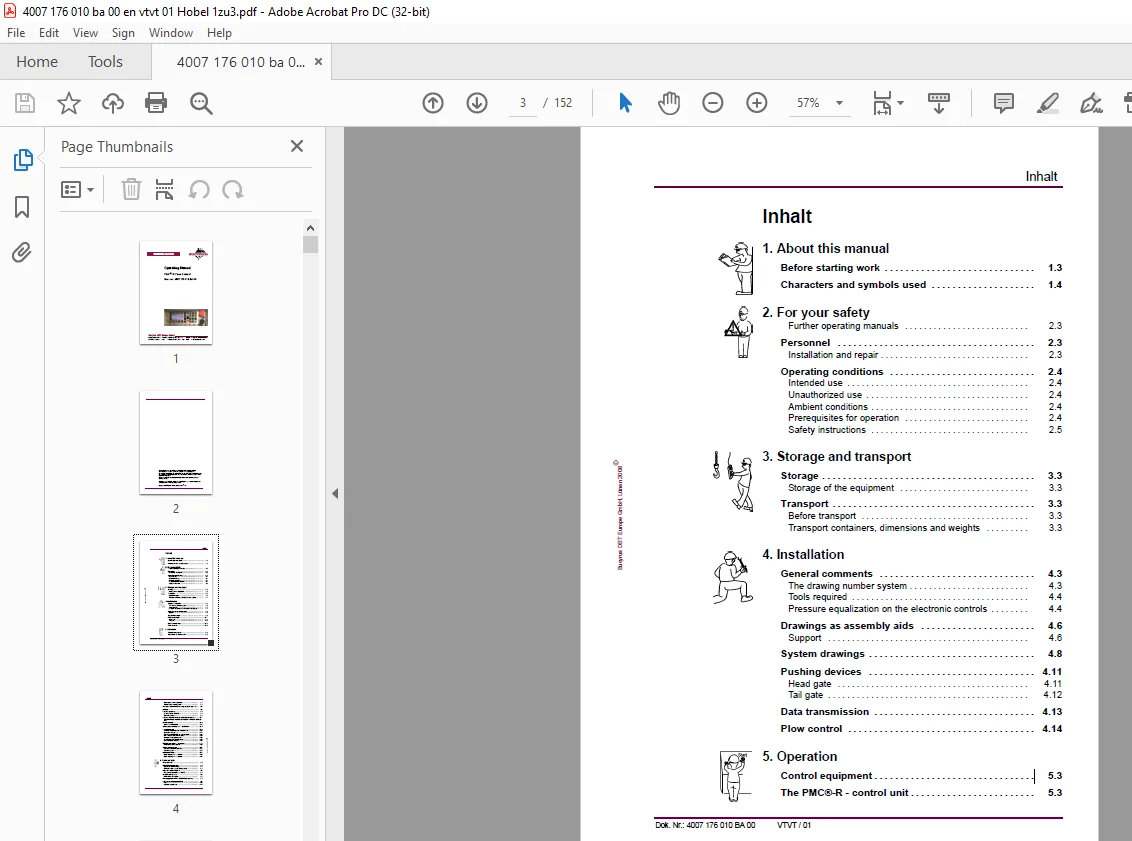
TABLE OF CONTENTS:
Cat Bucyrus PMC-R-Face Control Operating Manual – PDF DOWNLOAD
Inhalt
1 About this manual
Before starting work 1 3
Characters and symbols used 1 4
2 For your safety
Further operating manuals 2 3
Personnel 2 3
Installation and repair 2 3
Operating conditions 2 4
Intended use 2 4
Unauthorized use 2 4
Ambient conditions 2 4
Prerequisites for operation 2 4
Safety instructions 2 5
3 Storage and transport
Storage 3 3
Storage of the equipment 3 3
Transport 3 3
Before transport 3 3
Transport containers, dimensions and weights 3 3
4 Installation
General comments 4 3
The drawing number system 4 3
Tools required 4 4
Pressure equalization on the electronic controls 4 4
Drawings as assembly aids 4 6
Support 4 6
System drawings 4 8
Pushing devices 4 11
Head gate 4 11
Tail gate 4 12
Data transmission 4 13
Plow control 4 14
5 Operation
Control equipment 5 3
The PMC®-R – control unit 5 3
Maintenance of the computers 5 3
Tightening the mounting bolts 5 3
Keyboard layout PMC®-R program plow face 1:3 5 4
Display 5 6
Loading program 5 8
Loading a single PMC®-R 5 8
Beginning loading 5 8
Loading from the underground central control 5 11
Transfer PMC®-R program from PMC®-R to PMC®-R (boot up)
5 12
Default display 5 13
Standard default display 5 13
Setting up a network with 1:3-solution 5 14
Troubleshooting 5 16
Selected shield function is not performed 5 18
Incomplete network 5 21
One or several PMC®-R are without power 5 23
One PMC®-R control unit is faulty 5 25
Shutdown of one power group 5 26
All of the PMC®-R displays flash 5 26
Data connection (DÜSE) 5 28
PMC®-R operations 1:3 system 5 30
Neighboring control system 5 30
Automatic sequence 5 31
Sequence controlled manually 5 31
Sequence group 5 31
Block anchorage 5 32
Block anchorage in 1:1 solution 5 32
Block anchorage in 1:3 solution 5 34
6 Technical data
Prop controls 6 3
PMC®-R/2 control unit 6 3
Design suitable for mining 6 4
Emergency stop / Shield locking switch 6 4
Rear side of the PMC®-R 6 4
Plug connections for Face-PMC®-R 6 5
Brass retaining strip 6 5
Maintenance information 6 5
Pin assignment for the PMC®-R-connectors 6 7
ExPC central computer MCU2 6 7
Base 6 10
Keyboard accessories 6 12
PMC®-P XP optical Ethernet “Provider” 6 12
Patch cable 6 16
Fiber-optic connector box 6 16
Solenoid Driver 6 18
Function 6 20
Solenoid driver PMC-SD1 6 20
Function 6 22
Coding plug 6 22
Coding plug SKK24 6 22
6 22
Other coding plugs 6 23
Sensors 6 24
Pressure sensor 6 24
Safety instructions 6 24
Reed-switch rod 6 28
Safety instructions 6 28
Reed-switch rod supplied by Tiefenbach 6 29
Maintenance information 6 29
Additional components 6 29
Universal holding plate 6 29
Cables and lines 6 30
SKK 24 hose cable system 6 31
Loading cable 6 32
Power supply 6 32
Double power supply 6 37
Coupler 6 41
SUPPLY ADAPTER PM4/*** and PMC/***; ATEX 6 41
Optocoupler (Isolation adapter – IA) 6 41
Optocoupler (Isolation adapter – IA) 6 42
LD coupler 6 45
RS 485 coupler 6 47
TTY coupler 6 50
Potential-free contact (PFC1 coupler) 6 53
External shield support blocking switch 6 55
Warning lamp 6 58
Beeper TB27 and TP27 6 60
Control system PMC®-R 6 61
PMC control system®-LD 6 63
Components System 6 65
Authorized accessories 6 65
Control System_ExPC 6 66
7 For your information
Service addresses 7 3
Europe 7 3
Northamerica, Canada, Southamerica 7 4
Australia 7 4
Africa 7 4
Asia 7 4
Standards and guidelines 7 5
Referenced national standards and guidelines 7 5
Referenced European standards and guidelines 7 6
S.M 27/3/2025