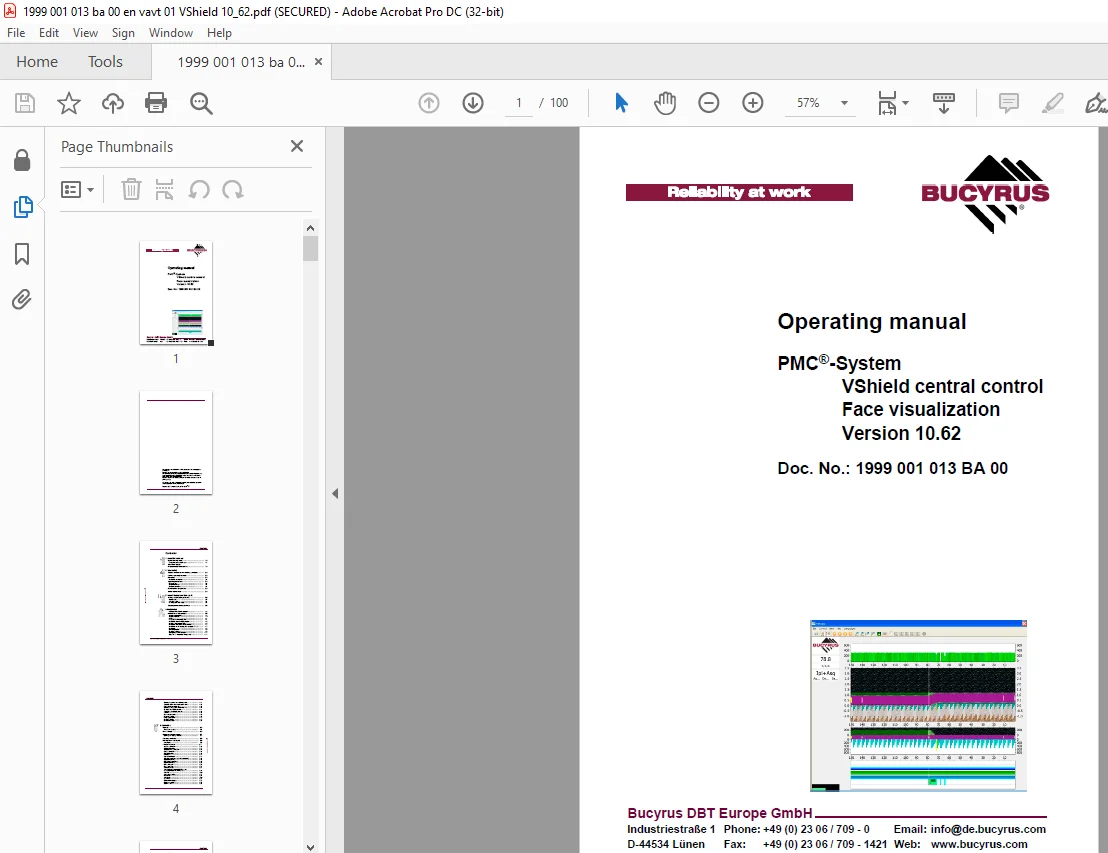
Cat Bucyrus PMC®-System VShield central control Face visualization Version 10.62 Operating manual
$25.95
Cat Bucyrus PMC®-System VShield central control Face visualization Version 10.62 Operating manual – PDF DOWNLOAD
Description
Cat Bucyrus PMC®-System VShield central control Face visualization Version 10.62 Operating manual – PDF DOWNLOAD
FILE DETAILS:
Cat Bucyrus PMC®-System VShield central control Face visualization Version 10.62 Operating manual – PDF DOWNLOAD
Language :English
Pages :100
Downloadable : Yes
File Type : PDF
IMAGES PREVIEW OF THE MANUAL:
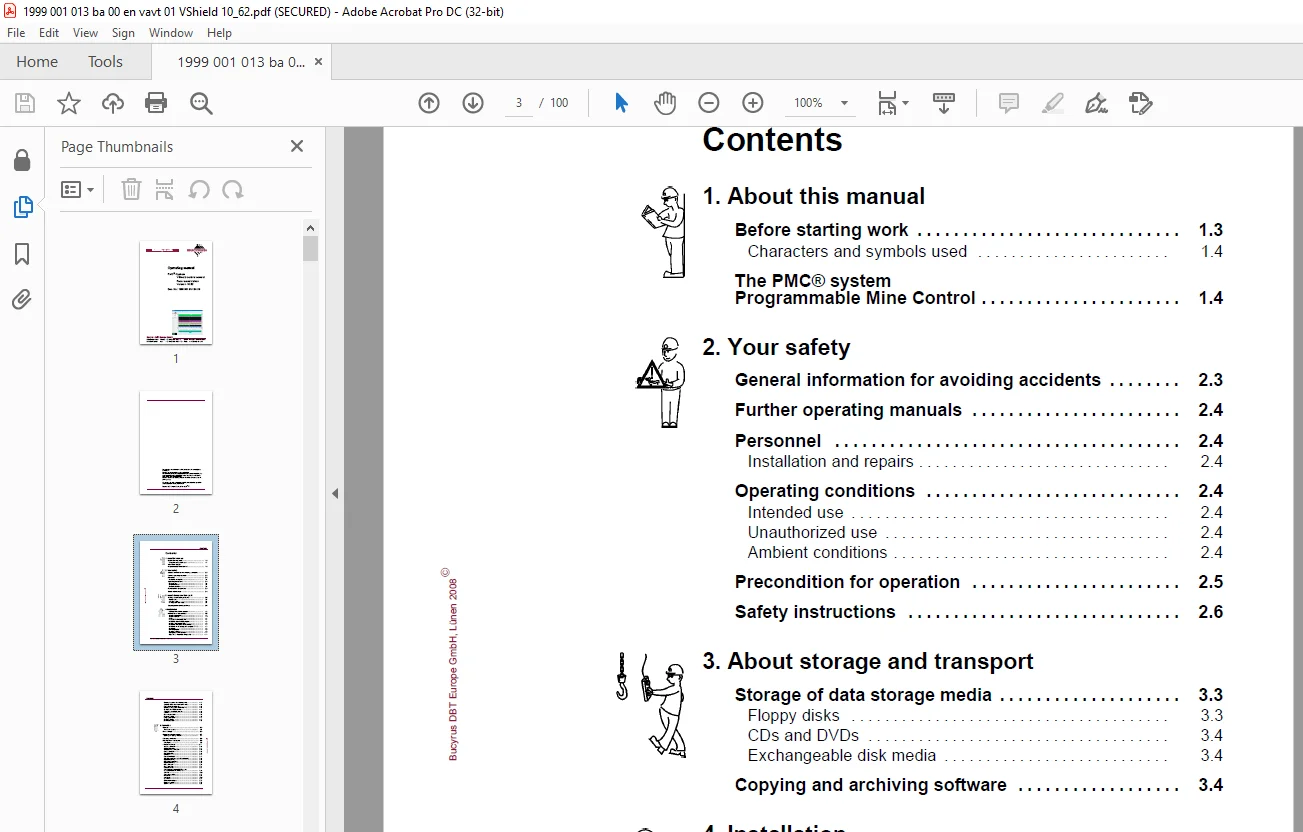
TABLE OF CONTENTS:
Cat Bucyrus PMC®-System VShield central control Face visualization Version 10.62 Operating manual – PDF DOWNLOAD
Contents
1 About this manual
Before starting work 1 3
Characters and symbols used 1 4
The PMC® system
Programmable Mine Control 1 4
2 Your safety
General information for avoiding accidents 2 3
Further operating manuals 2 4
Personnel 2 4
Installation and repairs 2 4
Operating conditions 2 4
Intended use 2 4
Unauthorized use 2 4
Ambient conditions 2 4
Precondition for operation 2 5
Safety instructions 2 6
3 About storage and transport
Storage of data storage media 3 3
Floppy disks 3 3
CDs and DVDs 3 4
Exchangeable disk media 3 4
Copying and archiving software 3 4
4 Installation
Delivery of the VShield program 4 3
Installation of the software 4 3
System requirements 4 3
Scope of delivery 4 4
Users 4 4
Preparation of the installation 4 4
Installation of the VShield program 4 5
Installing with PowerArchiver 4 5
Installation without the PowerArchiver 4 7
Installation on the underground computer EX PC 4 7
Installation 4 8
Uninstall process 4 9
Creating a shortcut 4 9
Configuration of the shortcut 4 11
Open the “ Properties” dialogue box 4 11
Bucyrus DBT Europe GmbH, Lünen 2008E
Contents
VShield
Entering the path to the initialization file 4 12
Selection of the window size at the start 4 13
Editing the initialization file 4 13
Before you change the initialization file 4 13
Changing the initialization file 4 14
Testing the new initialization file 4 15
sections 4 15
[Passwords] section 4 15
[Settings] section 4 16
Languages] section 4 17
[ComSrc] section 4 17
[ComNext] section 4 18
5 Operation
General 5 3
The screen structure 5 3
Plow settings 5 6
Operation with the mouse 5 7
Opening and closing windows 5 7
Changing windows 5 8
Description of the menus 5 9
Save report 5 9
The Control menu 5 11
System parameters 5 13
Global parameters 5 14
Autosequence parameters 5 15
Batch parameters 5 16
PSA parameters 5 16
Bankpush 5 17
Conveyor pullback 5 17
SRB parameters (not in the Plow program) 5 18
Regulated plowing 5 18
Water spray parameters 5 19
Flipper parameters 5 20
BLK parameters 5 20
Line parameters 5 21
Local parameters 5 21
Save parameters for all PMC-Rs and
Load parameters into all PMC-Rs 5 22
Set lines 5 22
Send conveyor line 5 23
Move lines 5 24
Save lines 5 24
Load lines 5 25
Clear error messages 5 25
Function modules 5 26
Start new shift 5 28
Bucyrus DBT Europe GmbH, Lünen 2008E
Contents
Doc No : 1999 001 013 BA 00 VAVT / 01
The View menu 5 29
The Main text view 5 29
Trends, VShieldTrends 5 31
Graphic options 5 31
Maintenance 5 35
Service, ShieldDataDriver 5 37
The Help menu 5 42
External data (only shearer program) 5 43
The Languages menu 5 44
6 Technical Data
Central computer 6 3
Accessories – keyboard with integrated mouse 6 8
7 For your information
Service addresses 7 3
Europe 7 3
North America, Canada, South America 7 4
Australia 7 4
Africa 7 4
Asia 7 5
Standards and Guidelines 7 6
Referenced national standards and guidelines 7 6
Referenced European standards and directives 7 6
Bucyrus DBT Europe GmbH, Lünen 2008E
S.M 26/3/2025