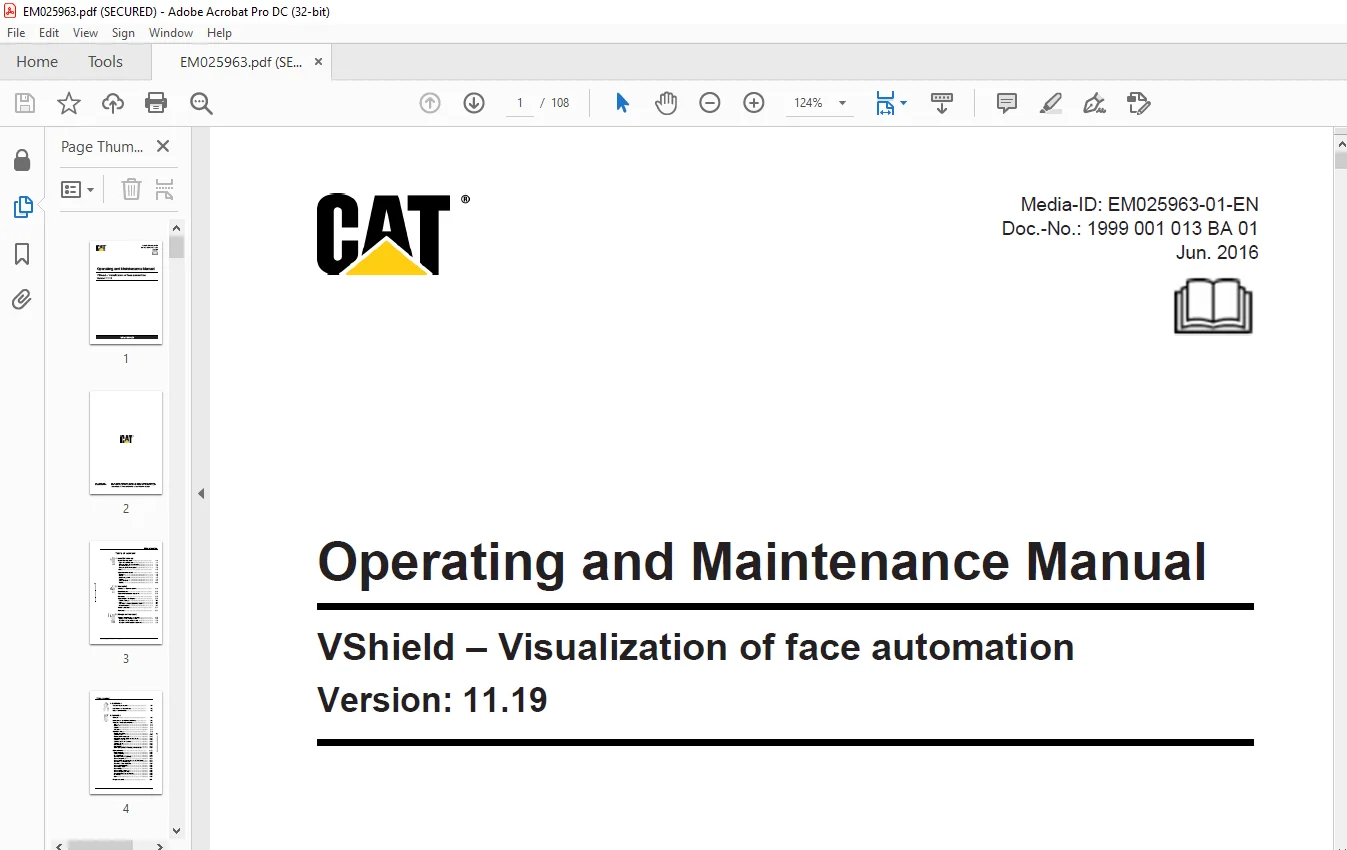
Cat VShield – Visualization of face automation Operating & Maintenance Manual EM025963-01 – PDF DOWNLOAD
$24.95
Cat VShield – Visualization of face automation Operating & Maintenance Manual EM025963-01 – PDF DOWNLOAD
Description
Cat VShield – Visualization of face automation Operating & Maintenance Manual EM025963-01 – PDF DOWNLOAD
FILE DETAILS:
Cat VShield – Visualization of face automation Operating & Maintenance Manual EM025963-01 – PDF DOWNLOAD
Language : English
Pages : 108
Downloadable : Yes
File Type : PDF
DESCRIPTION:
Cat VShield – Visualization of face automation Operating & Maintenance Manual EM025963-01 – PDF DOWNLOAD
About this manual:
This chapter contains important information that makes it easier for you to use this manual. You
also get information about the structure of the instructions and the used symbols, characters,
abbreviations and frequently used terms.
This operating manual belongs to the:
program version:
and describes the visualization program
The designation PMC® is legally protected and is the property of Caterpillar Global Mining Europe
GmbH, Lünen. For the purpose of improved legibility, the registered trademark symbol ® will
henceforth not be used in this manual.
- If this manual is used for other program versions, then it could happen that existing program
functions are not described or that described parts are not present. As a general rule: the greater
the difference between the version numbers of the program and of the manual used, the greater the
differences will be. - Some of the program functions described here are optional and may not be available in the program
with which you are operating. - The PMC system and all system components conform to European
directive 94/9/EC.
IMAGES PREVIEW OF THE MANUAL:
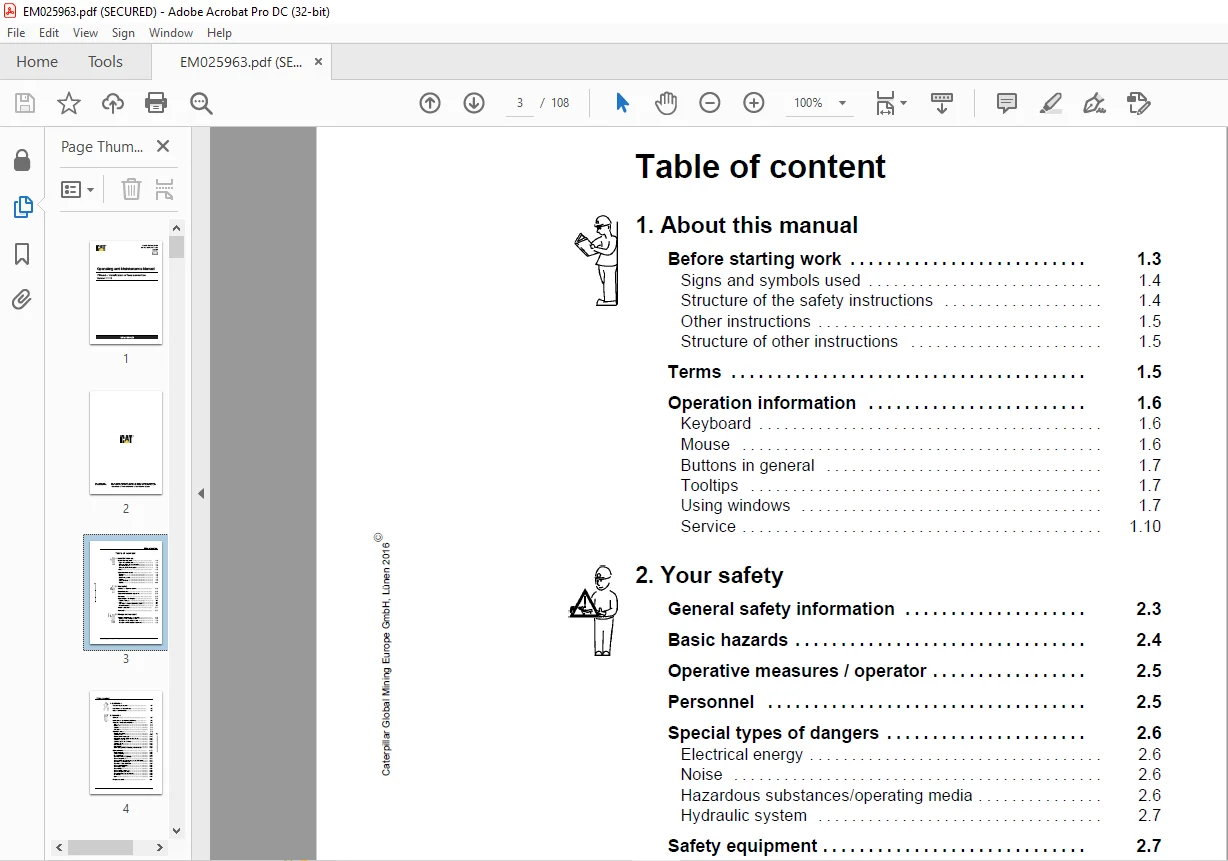
TABLE OF CONTENTS:
Cat VShield – Visualization of face automation Operating & Maintenance Manual EM025963-01 – PDF DOWNLOAD
1 About this manual
Before starting work 1 3
Signs and symbols used 1 4
Structure of the safety instructions 1 4
Other instructions 1 5
Structure of other instructions 1 5
Terms 1 5
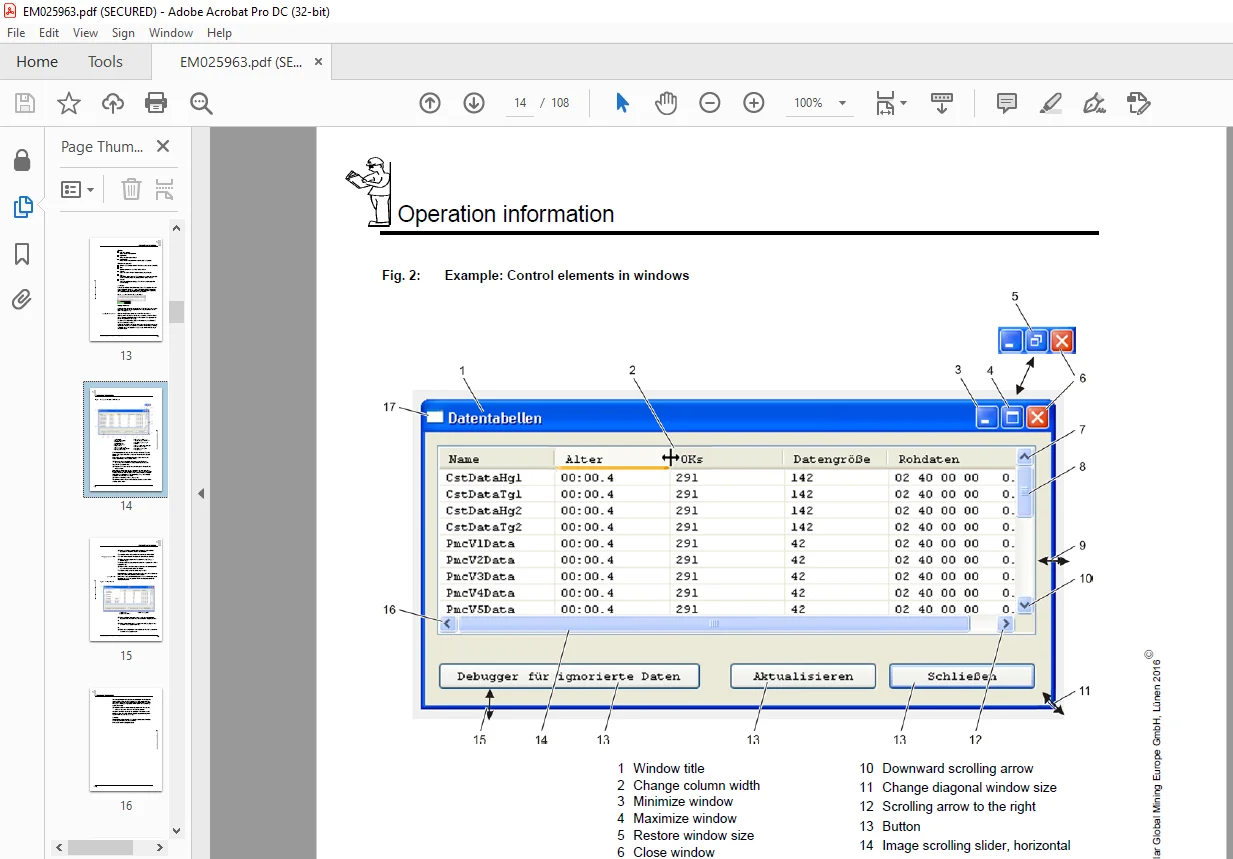
Operation information 1 6
Keyboard 1 6
Mouse 1 6
Buttons in general 1 7
Tooltips 1 7
Using windows 1 7
Service 1 10
2 Your safety
General safety information 2 3
Basic hazards 2 4
Operative measures / operator 2 5
Personnel 2 5
Special types of dangers 2 6
Electrical energy 2 6
Noise 2 6
Hazardous substances/operating media 2 6
Hydraulic system 2 7
Safety equipment 2 7
Warranty 2 7
3 Storage and transport
General information for storage 3 3
Storage of data storage media 3 3
Transport of data storage media 3 3
Transport of PMC system components 3 3
Caterpillar Global Mining Europe GmbH, Lünen 2016E
Table of content
VShield
4 Installation
System requirements 4 3
Installation of the software 4 3
User Administration 4 3
5 Operation
General 5 3
Hierarchy of VShield installations 5 4
Structure of the user interface 5 6
Title bar 5 6
Menu Bar 5 6
Toolbar 5 6
Data area 5 8
Standard views 5 9
Position and speed 5 9
Communication 5 10
Pooled system messages 5 12
General information about the face views 5 13
Selecting a face view 5 16
Selecting automatic functions 5 17
Selecting views 5 17
Prop pressure 5 19
Face position 5 21
Shield status, function modules, network status 5 22
Optional views 5 27
Front cantilever 5 27
Collision Warning 5 27
Rear cantilever 5 29
Show ram strokes separately 5 31
Show conveyor load 5 31
Show counter of received datasets for PMC status 5 31
Show PMC error messages 5 31
Show PMC status messages 5 33
Show virtual/real PMCs 5 34
Show debug values 5 34
Show voltage 5 34
Show support advance time 5 34
Show conveyor push time 5 35
Show prop pressures overlapping 5 35
Downtimes 5 35
Alerts 5 37
Program menus 5 41
Caterpillar Global Mining Europe GmbH, Lünen 2016E
Table of content
Doc no : 1999 001 013 BA 01 VRSL / 07
File menu 5 41
Reset Passwords 5 41
Save settings 5 41
Save Snapshot / Save Report 5 41
Quit 5 41
Control menu 5 42
Parameter 5 43
Save Parameters from all PMC-Rs 5 46
Load Parameters into all PMC-Rs 5 46
Set Lines 5 47
Move Lines 5 48
Save Lines 5 50
Load Lines 5 50
Line corrections (conveyor line) 5 52
Clear Error Msgs 5 54
Function modules 5 54
View menu 5 55
Toolbar 5 55
status bar 5 55
Graphic Options 5 55
Main Text View 5 55
PMC-R Network 5 57
Trends, VShieldTrend 5 57
Start New Shift 5 57
Statistics (Hourly, Shift, Daily) 5 58
Reports (optional component) 5 60
Show List of Downtimes 5 67
Select Alarms 5 68
Maintenance 5 69
Service, ShieldDataDriver 5 71
Help menu 5 73
Languages menu 5 73
Playback (replay log files) 5 74
Questions? Email us: [email protected]
https://vimeo.com/869101567?share=copy
PLEASE NOTE:
- This is the SAME manual used by the dealers to troubleshoot any faults in your vehicle. This can be yours in 2 minutes after the payment is made.
- Contact us at [email protected] should you have any queries before your purchase or that you need any other service / repair / parts operators manual.
S.V