CLAAS GPS PILOT Operation Manual PDF
Original price was: $78.00.$21.95Current price is: $21.95.
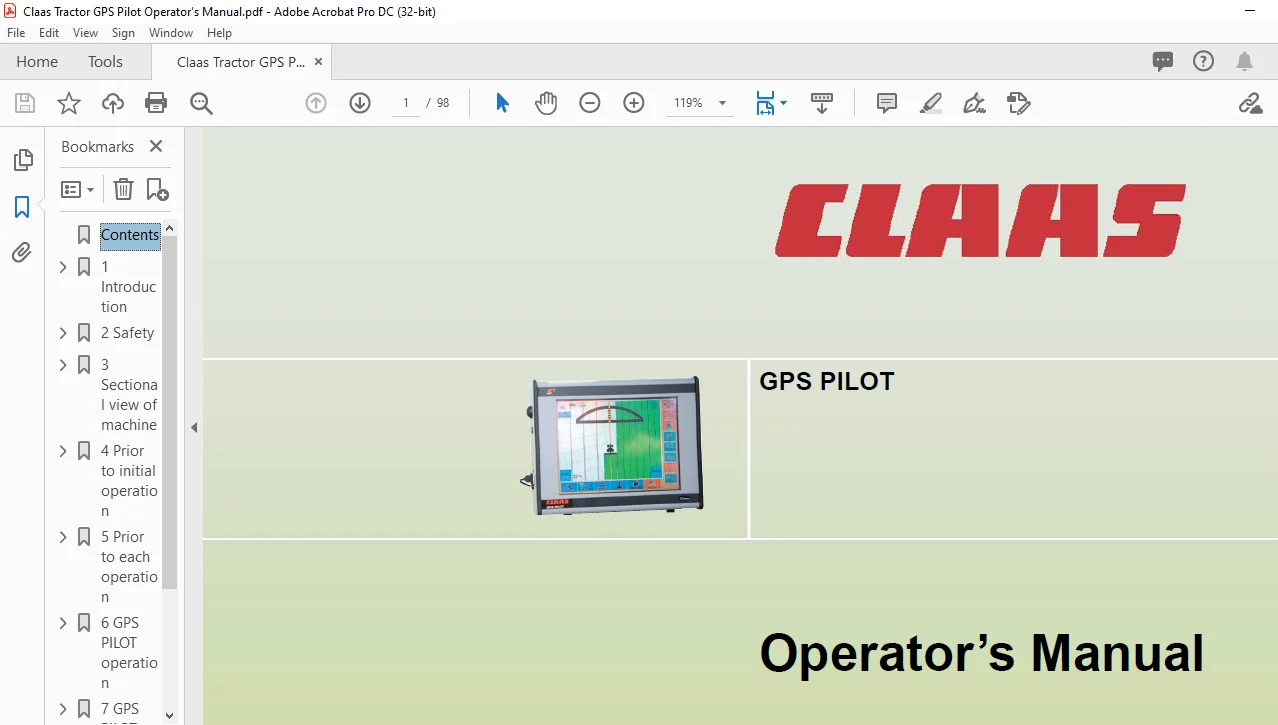
CLAAS GPS PILOT Operator’s manual – PDF DOWNLOAD
Description
CLAAS GPS PILOT Operator’s manual – PDF DOWNLOAD
DESCRIPTION:
CLAAS GPS PILOT Operator’s manual – PDF DOWNLOAD
Introduction
1.1 General Information
1.1.1 How to use this manual
This Operator’s manual is intended primarily for the machine operator and provides information about the use, the settings and operation of the machine. Provided all instructions regarding maintenance and care of your machine are followed, you can count on many years of reliable service. Please have your authorised CLAAS dealer carry out the recommended regular inspections. The neglecting of regular maintenance and proper machine operation result in reduced performance and loss of time. If proper operation and careful maintenance is ensured, your machine which incorporates the latest technology will render you excellent service. Separate Operator’s manuals are available for front attachments and hitched trailers.
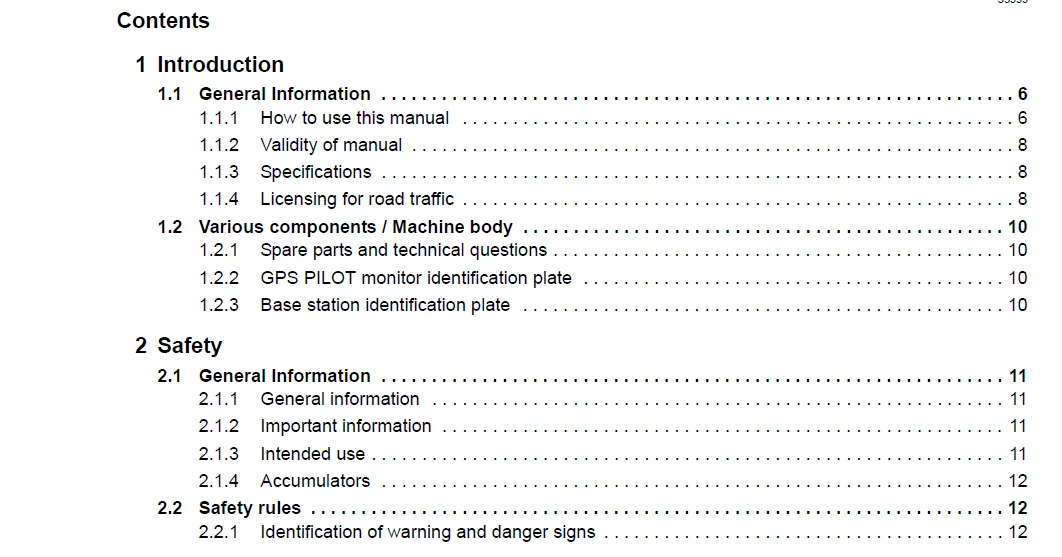
TABLE OF CONTENTS:
CLAAS GPS PILOT Operator’s manual – PDF DOWNLOAD
1 Introduction
11 General Information 6
111 How to use this manual 6
112 Validity of manual 8
113 Specifications 8
114 Licensing for road traffic 8
12 Various components / Machine body 10
121 Spare parts and technical questions 10
122 GPS PILOT monitor identification plate 10
123 Base station identification plate 10
2 Safety
21 General Information 11
211 General information 11
212 Important information 11
213 Intended use 11
214 Accumulators 12
22 Safety rules 12
221 Identification of warning and danger signs 12
3 Sectional view of machine
31 Antennas – Overview 13
311 GPS antenna (BASELINE HD, SBAS) 13
312 Antenna (BASELINE HD) 13
313 GPS antenna (OMNISTAR HP, RTK) 14
314 Antenna (RTK) 14
32 Signal overview 15
321 GPS PILOT SBAS 15
322 GPS PILOT OMNISTAR 16
323 GPS PILOT BASELINE HD 17
324 GPS PILOT RTK 18
33 GPS PILOT monitor 19
331 Connections at the rear of the GPS PILOT monitor 19
332 Connections on the left of the GPS PILOT monitor 19
34 Base station for BASELINE HD 20
341 Base station 20
342 Charger (up to serial no ) 20
343 Charger (from serial no ) 21
344 Cable for external power supply 21
345 Cable for PC connection 21
4 Prior to initial operation
41 General Information 22
411 General warnings 22
42 Initial operation of base station 23
421 Base station initial operation check list 23
422 Making the charger (up to serial no ) available 23
423 Making the charger (from serial no ) available 23
4 00 0290 452 0 – BA CLAAS GPS PILOT – 05/09
53999
424 Charging the base station battery 24
425 Switching on the base station 25
426 Supplying the base station with an external battery 26
427 Changing the base station frequency 26
43 GPS antenna initial operation (OMNISTAR HP, RTK) 27
431 Check list for initial operation of GPS antenna (OMNISTAR HP, RTK) 27
432 Having the GPS antenna enabled (OMNISTAR HP, RTK) 27
44 Initial operation of GPS PILOT monitor 28
441 Check list for initial operation of GPS PILOT monitor 28
45 Initial operation 29
451 LEXION initial operation check list 29
452 COUGAR initial operation check list 29
453 XERION initial operation check list 29
454 Tractor initial operation check list 29
5 Prior to each operation
51 General Information 30
511 General warnings 30
512 Preparing fieldwork with the GPS PILOT 31
6 GPS PILOT operation
61 General Information 32
611 General warnings 32
62 Settings and displays 33
621 Layout conventions of buttons and displays 33
622 Overview of buttons 34
623 Start screen 36
63 Operation of screen menus 37
631 Basic settings 37
632 GPS status information 41
633 Steering settings 48
634 Machine settings 51
635 Job management 54
636 Field view 58
637 Function buttons in the screen menus 60
7 GPS PILOT fieldwork
71 General Information 63
711 General warnings 63
72 Base station 64
721 Setting up the base station 64
722 Switching on the base station 65
723 Setting the frequency with BASELINE HD 66
73 LEXION 68
731 Learning the ATP front attachment zero point 68
732 Selecting the AUTOPILOT signal (from CEBIS version 82) 69
733 Learning the steering zero point 69
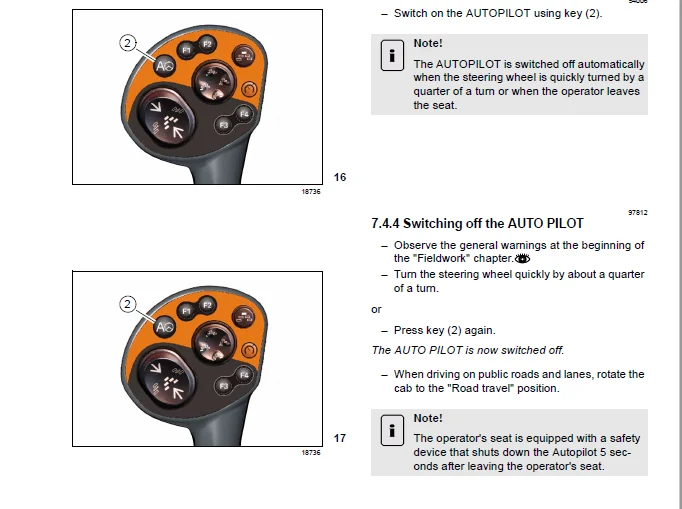
734 Switching on the AUTO PILOT 70
735 Switching off the AUTO PILOT 71
00 0290 452 0 – BA CLAAS GPS PILOT – 05/09 5
53999
74 COUGAR 72
741 Enabling the AUTO PILOT 72
742 Selecting the AUTO PILOT signal 72
743 Switching on the AUTO PILOT 72
744 Switching off the AUTO PILOT 73
75 XERION 74
751 Enabling the AUTO PILOT 74
752 Selecting the AUTO PILOT signal 74
753 Switching on the AUTO PILOT 74
754 Switching off the AUTO PILOT 75
76 Tractor 76
761 Switching the eDrive box on / off 76
762 Switching on the AUTO PILOT 76
763 Switching off the AUTO PILOT 77
764 Basic settings 77
765 Entering the antenna height 78
766 Calibrating the inclination sensor 79
767 Setting the steering adjustment 80
768 Adjusting the steering speed 81
77 Performing fieldwork with the GPS PILOT 82
771 Types of field drives 82
772 Activate straight guidance 83
773 Activating contour guidance 88
774 Activating circular guidance 89
775 Relocating A=B lines in the A=B mode 91
8 Maintenance
81 General Information 92
811 General warnings 92
82 Electric system / Electronics 93
821 Battery 93
822 Removing / installing the base station battery 93
IMAGES PREVIEW OF THE MANUAL:
CLAAS GPS PILOT OPERATOR’S MANUAL – PDF DOWNLOAD:
PLEASE NOTE
- This is the SAME MANUAL used by the dealerships to diagnose your vehicle
- No waiting for couriers / posts as this is a PDF manual and you can download it within 2 minutes time once you make the payment.
- Your payment is all safe and the delivery of the manual is INSTANT – You will be taken to the DOWNLOAD PAGE.
- So have no hesitations whatsoever and write to us about any queries you may have : heydownloadss @gmail.com
s.m