Claas Quantum 6800 S P 5800 S P 5700 S P 4700 S with ISOBUS control Operator’s Manual – PDF DOWNLOAD
Original price was: $82.95.$19.95Current price is: $19.95.
Claas Quantum 6800 S P 5800 S P 5700 S P 4700 S with ISOBUS control Operator’s Manual – PDF DOWNLOAD
Description
Claas Quantum 6800 S P 5800 S P 5700 S P 4700 S with ISOBUS control Operator’s Manual – PDF DOWNLOAD
DESCRIPTION:
Claas Quantum 6800 S P 5800 S P 5700 S P 4700 S with ISOBUS control Operator’s Manual – PDF DOWNLOAD
General information :
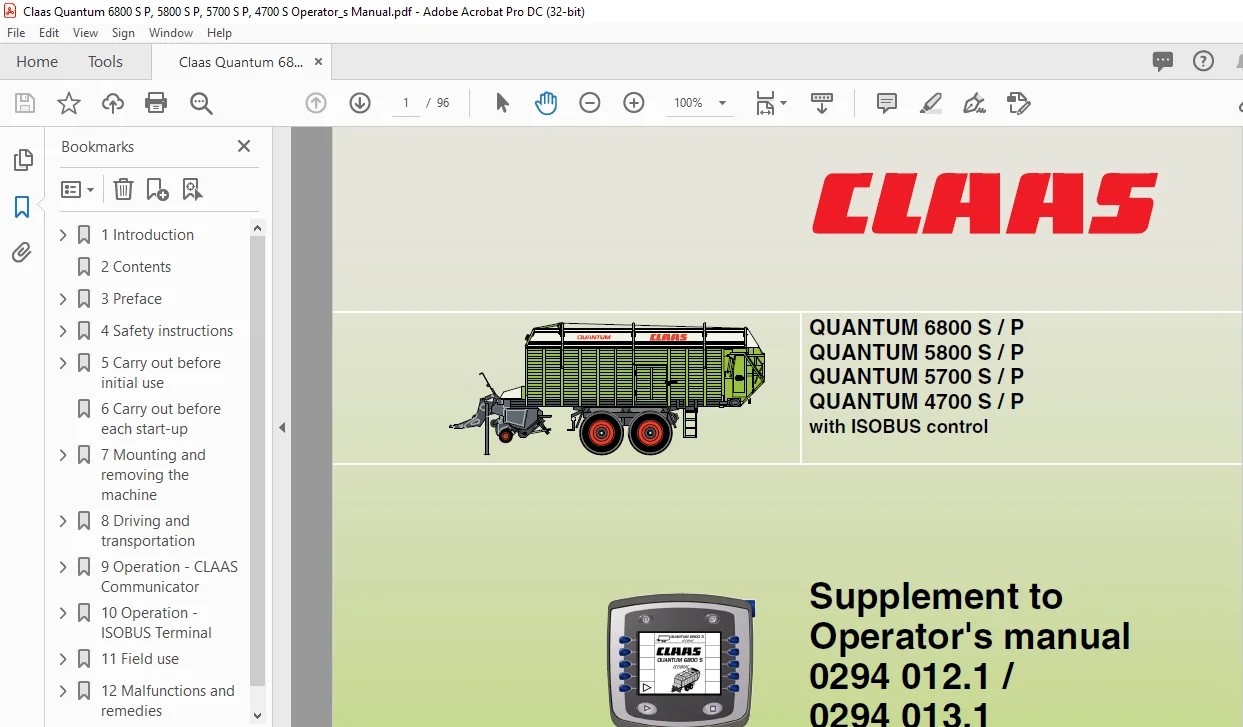
This Operator’s Manual contains supplementary notes to the QUANTUM operator’s manual and is applicable to self-loading forage wagons with ISOBUS Terminal / CLAAS Communicator. It provides information concerning the functionality of the ISOBUS control system for the self-loading forage wagon.
- The information for use, setting and operation of the CLAAS self-loading forage wagon can be taken from the QUANTUM operator’s manual. Follow the advice on correct maintenance and servicing in order to ensure maximum performance and a long service life of your machine.
- Also, have assembly of your machine and regular inspections carried out by your specialist workshop. Failure to carry out maintenance work, or incorrect operation will result in poor machine efficiency and loss of valuable time.
- By ensuring correct operation, and carrying out maintenance and service work with care, you will be able to make full use of the technical knowledge and the experience with which your self-loading forage wagon has been designed.
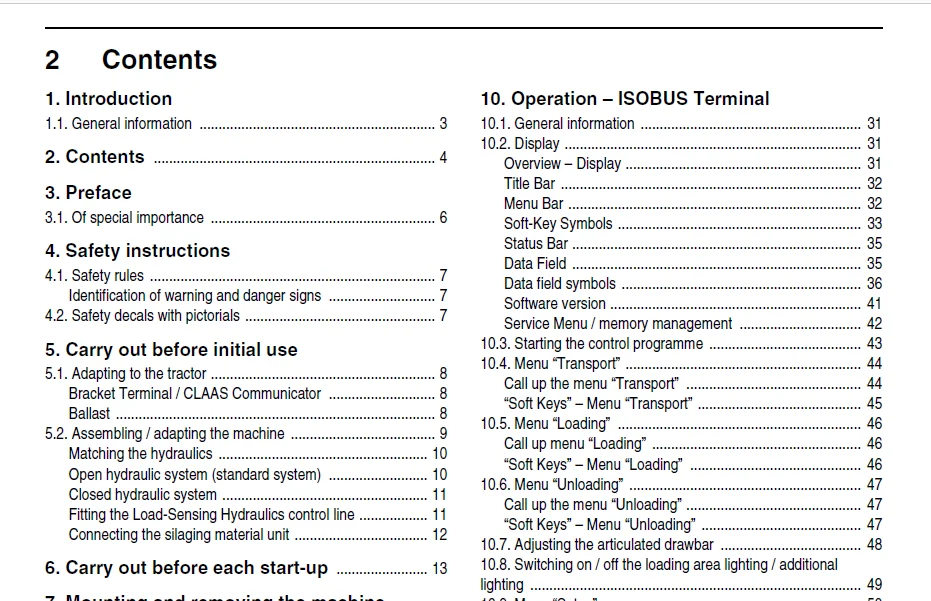
TABLE OF CONTENTS:
Claas Quantum 6800 S P 5800 S P 5700 S P 4700 S with ISOBUS control Operator’s Manual – PDF DOWNLOAD
1 Introduction
1 1 General information 3
2 Contents 4
3 Preface
3 1 Of special importance 6
4 Safety instructions
4 1 Safety rules 7
Identification of warning and danger signs 7
4 2 Safety decals with pictorials 7
5 Carry out before initial use
5 1 Adapting to the tractor 8
Bracket Terminal / CLAAS Communicator 8
Ballast 8
5 2 Assembling / adapting the machine 9
Matching the hydraulics 10
Open hydraulic system (standard system) 10
Closed hydraulic system 11
Fitting the Load-Sensing Hydraulics control line 11
Connecting the silaging material unit 12
6 Carry out before each start-up 13
7 Mounting and removing the machine
7 1 Removing the machine 14
Connecting ISOBUS Terminal 15
7 2 Removing / storing the machine 16
8 Driving and transportation
8 1 Road transport 18
Transportation by road 18
8 2 Transport position with ISOBUS Terminal 19
9 Operation – CLAAS Communicator
9 1 CLAAS Communicator 22
Overview – Hardware keys 22
Overview – Display 23
“Soft-Keys” 23
Soft-Key “STOP” 23
Switching the CLAAS Communicator on / off 24
“Menu Selection” button 25
“Terminal” button 25
9 2 Service Menu 26
Service – Start menu 26
Brightness and contrast 27
Changing the contrast of the screen 27
Changing the brightness of the screen 27
Setting the date / time of day 27
Software care 28
Memory management 28
Freeing memory space 28
Country-specific settings 29
Aux 30
10 Operation – ISOBUS Terminal
10 1 General information 31
10 2 Display 31
Overview – Display 31
Title Bar 32
Menu Bar 32
Soft-Key Symbols 33
Status Bar 35
Data Field 35
Data field symbols 36
Software version 41
Service Menu / memory management 42
10 3 Starting the control programme 43
10 4 Menu “Transport” 44
Call up the menu “Transport” 44
“Soft Keys” – Menu “Transport” 45
10 5 Menu “Loading” 46
Call up menu “Loading” 46
“Soft Keys” – Menu “Loading” 46
10 6 Menu “Unloading” 47
Call up the menu “Unloading” 47
“Soft Keys” – Menu “Unloading” 47
10 7 Adjusting the articulated drawbar 48
10 8 Switching on / off the loading area lighting / additional
lighting 49
10 9 Menu “Setup” 50
Call up the menu “Setup” 50
“Soft Keys” – Menu “Setup” 50
Data field – Menu “Setup” 52
Changing the settings 52
Data input 52
Resetting the maintenance counter 53
Switching on / off the silaging material feed 54
Deposition direction – setting the cross conveyor 54
Leaving the “Setup” menu 54
10 10 Menu “Order management” 55
Calling up the “Order management” menu 55
“Soft Keys” – Menu “Order management” 55
Data field – menu “Order management” 56
Order storing 56
Moving the insertion marker (M) 57
Deleting text 58
Entering text 58
Ending the input 58
Activating the order 59
Leaving the menu “Order management” 59
10 11 Information system 59
Calling up the “info” menu 59
“Soft Keys” – Menu “Info” 60
Data field – Menu “Info” 60
Symbols error messages 61
Deleting error messages 61
Leaving the “info” menu 61
10 12 Manual mode 62
Of special importance 62
Contents
000 295 387 0 – Erg BA QUANTUM 6800 S / P 5
Contents
10 13 Manual mode “Loading” 63
Calling up the menu “Manual loading” 63
Operating the pickup 65
Operating the floor conveyor 65
End of loading operation 66
Ending the manual mode “Loading” 67
10 14 Manual mode “Unloading” 67
Calling up the menu “Manual unloading” 68
Operating the tailgate 69
Operating the floor conveyor 69
Switching on / off of the shredder drums 70
Cross conveyor – changing the direction of rotation 70
Ending the manual mode “Unloading” 70
10 15 Basic setting (initialisation) 71
Starting the initialisation sequence 72
11 Field use
11 1 General information 74
Notes concerning automatic operation 75
11 2 Automatic mode “Loading” 76
Starting the automatic operation “Loading” 76
Headland – Lifting / lowering pickup 77
Floor conveyor control 78
Switch on the floor conveyor 79
Opening / closing the knife frame 79
Opening / closing the knife frame completely 80
Feed chute – removing blockages 82
Filling level indicator (optional equipment) 82
End of loading operation 83
Ending the automatic mode “Loading” 84
11 3 Automatic mode “Unloading” 85
Starting the automatic mode “Unloading” 85
Floor conveyor control 86
Switching the floor conveyor on / off 87
Reversing the floor conveyor drive 87
Changing the floor conveyor drive 88
Ending automatic mode “Unloading” 88
11 4 Steering axle 89
General information 89
Lock / unlock the steering axle 90
12 Malfunctions and remedies
12 1 Error messages on the display 91
Sensor error 91
PTO shaft switched on! 92
Fault finding 92
12 2 General errors 93
IMAGES PREVIEW OF THE MANUAL:
CLAAS QUANTUM 6800 S P 5800 S P 5700 S P 4700 S WITH ISOBUS CONTROL OPERATOR’S MANUAL – PDF DOWNLOAD:
PLEASE NOTE:
- This is the same manual used by the dealers to diagnose and troubleshoot your vehicle
- You will be directed to the download page as soon as the purchase is completed. The whole payment and downloading process will take anywhere between 2-5 minutes
- Need any other service / repair / parts manual, please feel free to contact [email protected] . We still have 50,000 manuals unlisted
S.V