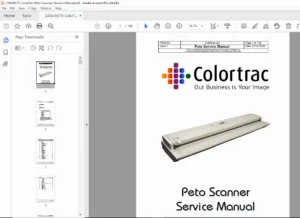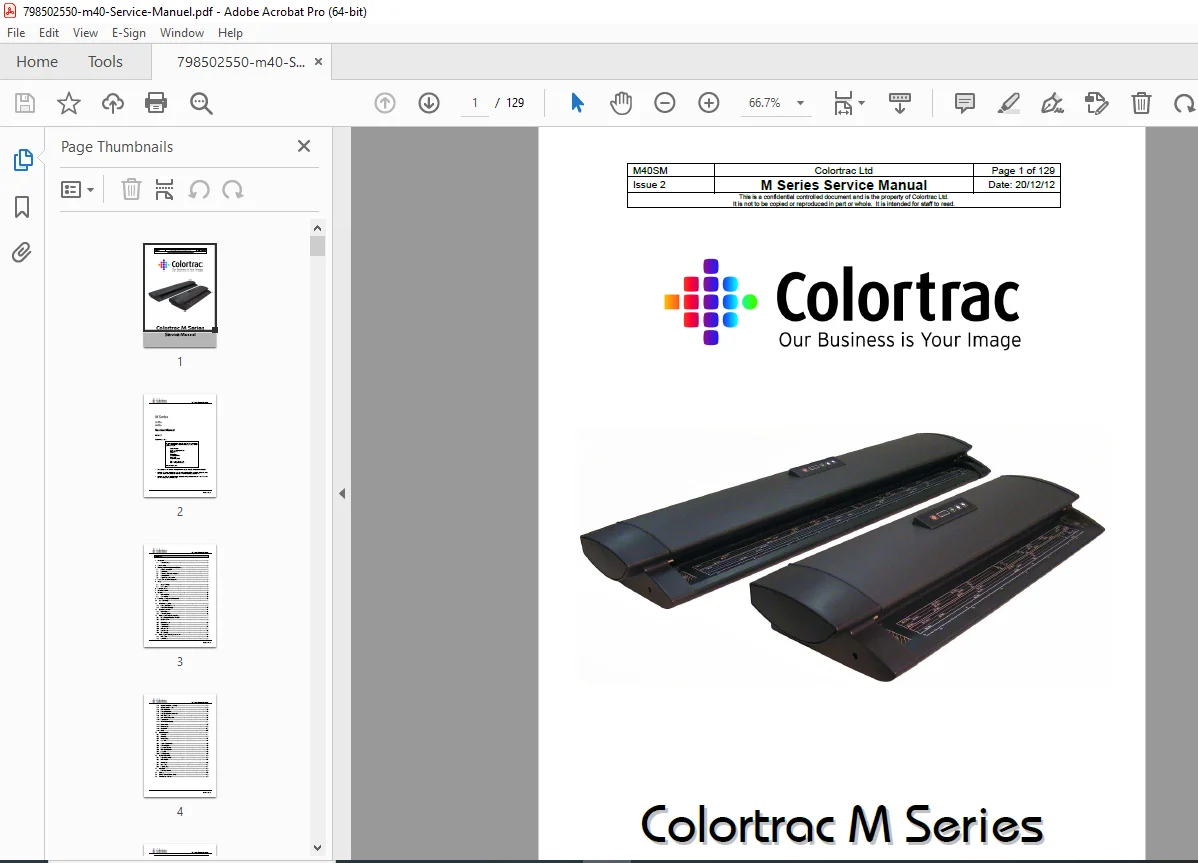
Colortrac M Series M25e M40e Scanner Service Manual PDF
Original price was: $75.00.$27.95Current price is: $27.95.
Download the official Colortrac M Series Service Manual Issue 2 (2012) PDF for M25e and M40e wide-format scanners. This 129-page guide covers safety, panel removal, component replacements, utilities for calibration/troubleshooting, and diagnostics. Essential for technicians – instant digital access for efficient maintenance of CIS technology scanners
Description
Colortrac M Series M25e M40e Scanner Service Manual PDF
IMAGES:
Table of Contents for Colortrac M Series Service Manual
Optimize your large format scanner repairs with this SEO-friendly TOC, incorporating keywords like “Colortrac M40e calibration guide” and “M25e scanner troubleshooting manual” for better search visibility in reprographics maintenance.
- Introduction (Page 5 | 1 Page) Overview of M Series scanners, models, and service scope for M25e/M40e repairs.
- Tools Required (Page 6 | 1 Page) Essential tools for scanner disassembly and maintenance.
- Obtaining Technical Support from Colortrac (Page 7 | 1 Page)
- Creating an Account
- User Profiles
- Submitting Requests for Support
- Asset Selection
- Support Ticket Information
- How to Contact Technical Support (Page 8 | 1 Page) Contact details for Colortrac support.
- Scanner Cautions (Page 9 | 1 Page) Safety warnings for handling M Series scanners.
- Warranty (Page 10 | 1 Page) Warranty terms for M25e/M40e models.
- CIS Technology (Page 11 | 1 Page) Explanation of Contact Image Sensor (CIS) tech in M Series.
- Scanner Accessories (Page 12 | 1 Page) Compatible accessories for SmartLF M Series.
- External Power Supply (Page 13 | 1 Page) Power supply specs and replacement.
- Scanner Information (Page 14 | 1 Page)
- Block Diagram
- Scanner Operation (Page 15 | 2 Pages) Basic operation for troubleshooting.
- Removing and Replacing Panelling (Page 17 | 28 Pages) Step-by-step panel removal for access during repairs.
- Lid Assembly Maintenance Position (Page 17)
- Introduction
- Left End Cover (Page 20)
- Safety Precautions
- Tools
- Right End Cover (Page 22)
- Safety Precautions
- Tools
- Top Lid Cover (Page 24)
- Safety Precautions
- Tools
- Paper Tray Unit (Page 27)
- Safety Precautions
- Tools
- Lower Covers (Page 31)
- Safety Precautions
- Tools
- Associated Part Numbers
- Upper Covers (Page 35)
- Safety Precautions
- Tools
- Associated Part Numbers
- Lid Assembly (Page 37)
- Safety Precautions
- Tools
- Lid Assembly Maintenance Position (Page 17)
- Removing and Replacing Components (Page 45 | 63 Pages) Core repair section for component-level fixes in M Series scanners.
- Main Board (Page 45)
- Safety Precautions
- Tools
- Control Board (Page 53)
- Safety Precautions
- Tools
- SingleSensor Glass Sub-Assy (Page 60)
- Safety Precautions
- Tools
- Associated Part Numbers
- SingleSensor CIS Assy (Page 63)
- Safety Precautions
- Tools
- Associated Part Numbers
- Drive Roller Unit (Page 70)
- Safety Precautions
- Tools
- Associated Part Numbers
- Hold Up Roller Unit (Page 75)
- Safety Precautions
- Tools
- Associated Part Numbers
- Hold Up Roller Unit Support Bar (Page 82)
- Safety Precautions
- Tools
- Associated Part Numbers
- Main Timing Belt (Page 84)
- Safety Precautions
- Tools
- Associated Part Numbers
- Drive Roller Timing Belt (Page 88)
- Safety Precautions
- Tools
- Associated Part Numbers
- Paper Sensor (Page 91)
- Safety Precautions
- Tools
- Associated Part Numbers
- Pinch Roller Assembly (Page 94)
- Safety Precautions
- Tools
- Associated Part Numbers
- Power Switch (Page 97)
- Safety Precautions
- Tools
- Associated Part Numbers
- Power Socket (Page 100)
- Safety Precautions
- Tools
- Associated Part Numbers
- Microswitch (Page 103)
- Safety Precautions
- Tools
- Associated Part Numbers
- Motor (Page 107)
- Safety Precautions
- Tools
- Associated Part Numbers
- Main Board (Page 45)
- Utilities Program (Page 111 | 14 Pages) Software tools for calibration and diagnostics in M Series scanners.
- Installation (Page 111)
- Calibration (Page 112)
- Associated Part Numbers
- Power Saving (Page 114)
- Auto Width (Page 114)
- Second Level Utilities (Page 115)
- Automatic Updates (Page 116)
- Firmware Update (Page 117)
- Auto-Stitch (Page 118)
- Associated Part Numbers
- Run Diagnostics (Page 119)
- Distributor’s Utilities (Page 120)
- Engineering Utilities
- Manual Stitch (Page 121)
- Motor Speed (Page 122)
- Load Delay (Page 123)
- Paper Staging (Page 124)
- Help Desk (Page 125 | 1 Page)
- Extending Warranty
- Glossary (Page 127 | 1 Page) Key terms for scanner technology.
- Service Manual Release Notes (Page 129 | 1 Page)
- Features Not Included
(Attractively formatted with bold chapters, page counts, and SEO keywords in descriptions for improved crawlability and user engagement. Total structure spans 129 pages, ideal for M25e/M40e troubleshooting.)
Product Full Description
Empower your large format scanning operations with the official Colortrac M Series service manual PDF (Issue 2, December 2012) – an essential 129-page guide for the M25e (25-inch) and M40e (40-inch) SmartLF scanners from Colortrac Ltd. These CIS technology scanners, introduced around 2012, deliver high-resolution scanning up to 1200 dpi for CAD, GIS, and reprographics applications, with USB connectivity and external power supply for reliable performance in professional environments. Designed for qualified engineers, this confidential manual ensures precise repairs to maintain color accuracy and media handling.
From safety precautions to firmware updates, this Colortrac M40e scanner repair manual provides illustrated procedures, part numbers, and tools for minimizing downtime in your workflow.
Why Download This Colortrac M Series Service Manual PDF?
- Safety and Access Mastery: Detailed panel removal (e.g., lid assembly, end covers) with anti-static precautions for safe maintenance (Page 17+).
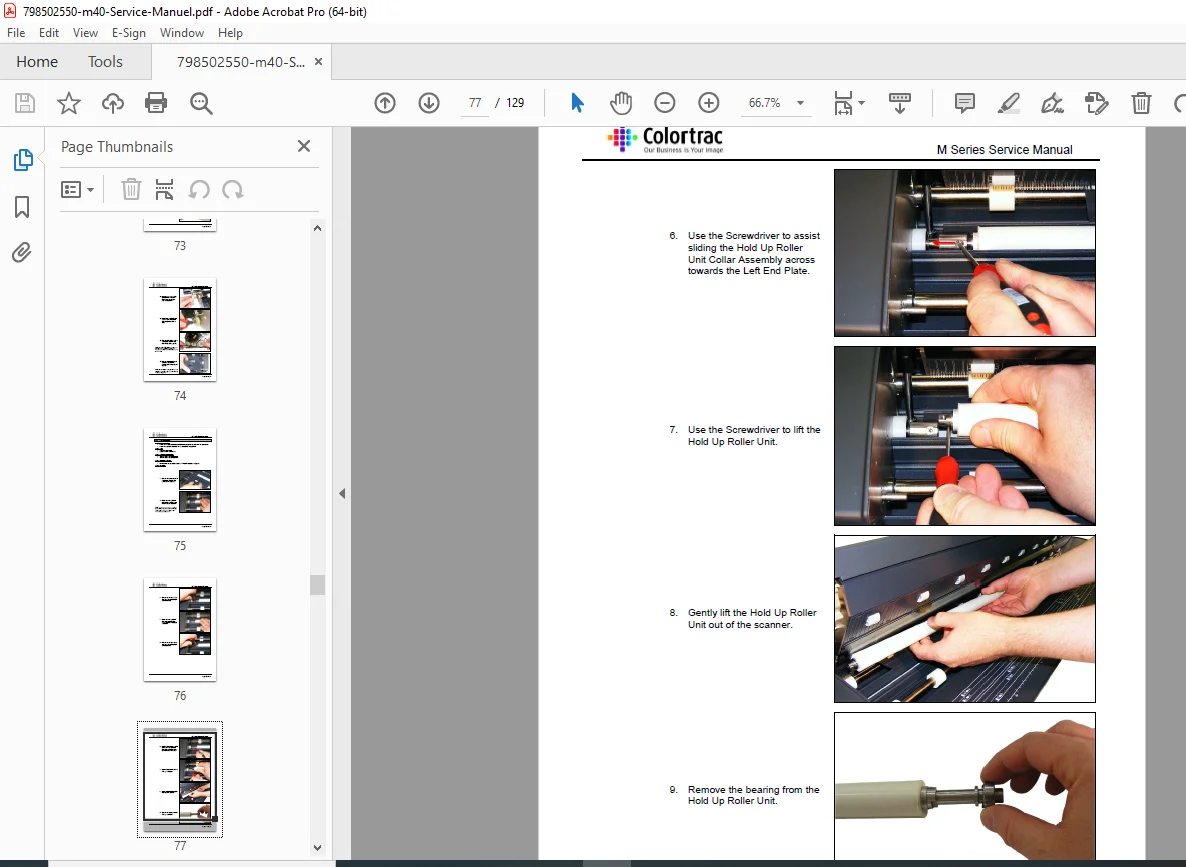
- Component-Level Repairs: Step-by-step replacements for main/control boards, CIS assy, rollers, belts, sensors, switches, and motors – key for troubleshooting hardware faults (Page 45+).
- Diagnostics and Calibration: Utilities for auto-stitch, motor speed, firmware updates, and diagnostics to resolve scanning issues like alignment or power saving (Page 111+).
- Support Resources: Tech support contacts, warranty extension, and glossary for comprehensive scanner care (Page 125+).
- Model-Specific Focus: Tailored for M25e/M40e with block diagrams and operation overviews (Page 14+).
Extracted Table of Contents for Quick Navigation
Navigate scanner fixes effortlessly with this keyword-rich TOC, perfect for “Colortrac M25e CIS replacement” or “large format scanner calibration guide”.
- Introduction (Page 5): Models, tools, support, cautions, warranty, CIS tech, accessories, power supply, info/block diagram, operation.
- Removing and Replacing Panelling (Page 17): Lid position, left/right end covers, top lid, paper tray, lower/upper covers, lid assembly.
- Removing and Replacing Components (Page 45): Main/control boards, glass/CIS assy, drive/hold up rollers, support bar, timing belts, sensors, pinch rollers, power switch/socket, microswitch, motor.
- Utilities Program (Page 111): Installation, calibration, power saving, auto width, second-level utilities, updates, firmware, auto-stitch, diagnostics, distributor/engineering utils, manual stitch, motor speed, load delay, paper staging.
- Help Desk (Page 125): Warranty extension.
- Glossary (Page 127): Key terms.
- Service Manual Release Notes (Page 129): Features not included.
This digital PDF download is searchable and printable – ideal for workshops servicing Colortrac’s durable scanners. Download now and excel in “Colortrac SmartLF M Series maintenance”!
Complete File Details
| Attribute | Details |
|---|---|
| Manufacturer | Colortrac Ltd. |
| Models | M25e (25-inch), M40e (40-inch) – Part of SmartLF M Series wide-format scanners |
| Years Covered | 2012 onwards (Manual Issue 2 dated December 2012; models introduced ~2012 with ongoing support as of 2025) |
| Document Type | Service Manual (Repair, Maintenance, and Troubleshooting Guide) |
| Issue/Revision | Issue 2 |
| Publication Date | December 20, 2012 |
| Total Pages | 129 |
| File Name | 798502550-m40-Service-Manuel.pdf |
| File Format | PDF (Digital Download) |
| Key Specifications | CIS technology for high-resolution scanning; USB connectivity; Power: External supply; Scan widths: 25/40 inches; Resolutions up to 1200 dpi; Compatible with ScanWorks software |
| Applications | Large format document scanning for CAD, GIS, graphics; Color/monochrome modes for archives, engineering, reprographics |
| Target Audience | Qualified service engineers, scanner technicians, IT support for large format devices |
| Content Focus | Safety, panel/component replacement, utilities (calibration, diagnostics, firmware), troubleshooting (stitching, motor speed) |
| Related Products | SmartLF series accessories (floor stands, repro stands); Software like SmartWorks Pro |
| Compliance/Notes | Confidential document for trained staff; Anti-static precautions; No engine (electronic scanner) |
| Language | English |