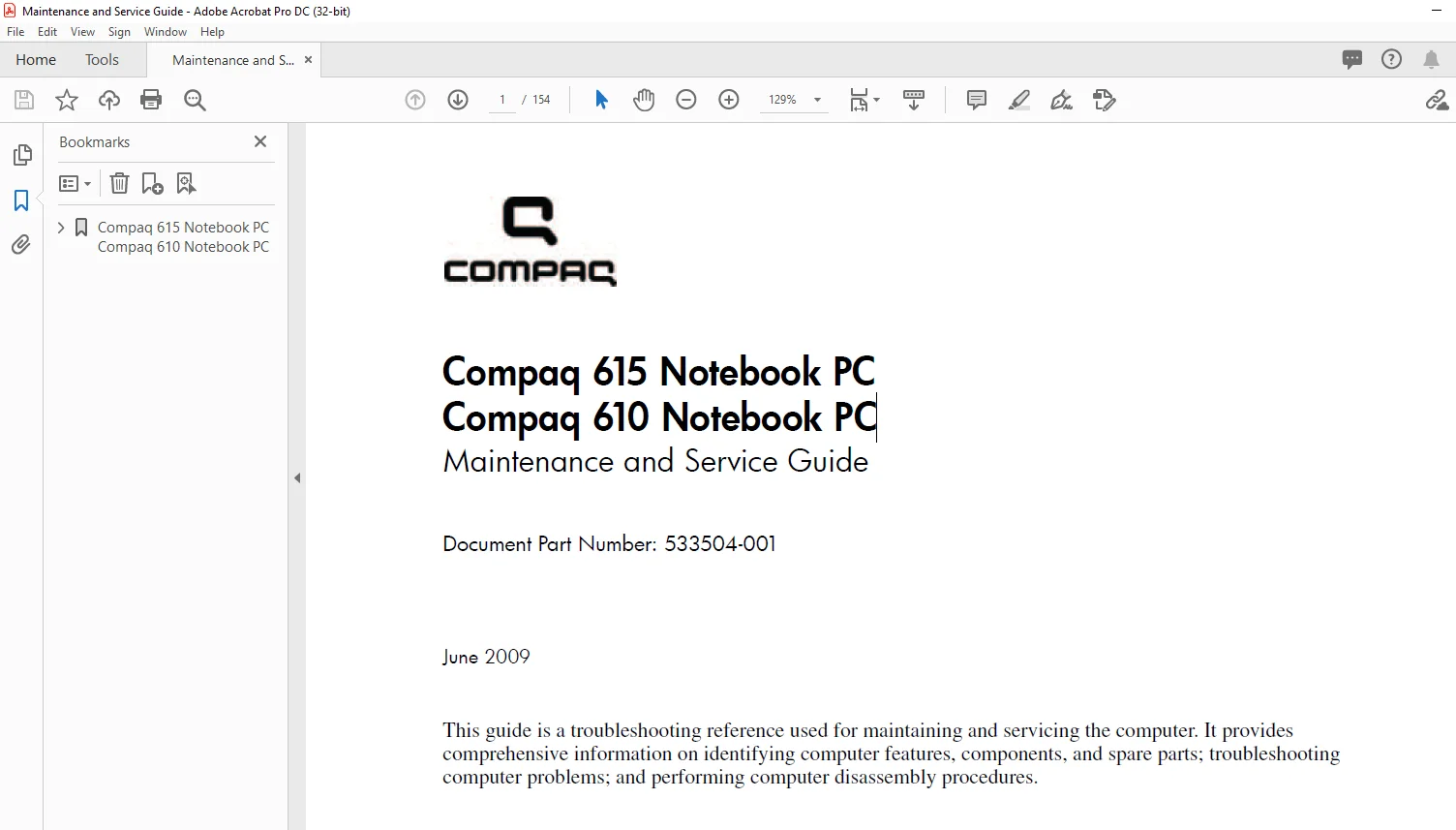
Compaq 615 Notebook PC Compaq 610 Notebook PC laptop Maintenance and Service Guide Manual – PDF DOWNLOAD
Original price was: $80.00.$18.95Current price is: $18.95.
Compaq 615 Notebook PC Compaq 610 Notebook PC laptop Maintenance and Service Guide Manual – PDF DOWNLOAD
Document Part Number: 533504-001
Description
Compaq 615 Notebook PC Compaq 610 Notebook PC laptop Maintenance and Service Guide Manual – PDF DOWNLOAD


WARNING:
To reduce the possibility of heat-related injuries or of overheating the computer, do not place the computer directly
on your lap or obstruct the computer air vents. Use the computer only on a hard, flat surface. Do not allow another hard surface,
such as an adjoining optional printer, or a soft surface, such as pillows or rugs or clothing, to block airflow. Also, do not allow
the AC adapter to contact the skin or a soft surface, such as pillows or rugs or clothing, during operation. The computer and the
AC adapter comply with the user-accessible surface temperature limits defined by the International Standard for Safety of
Information Technology Equipment (IEC 60950).
Compaq 615 Notebook PC Compaq 610 Notebook PC laptop Maintenance and Service Guide Manual – PDF DOWNLOAD
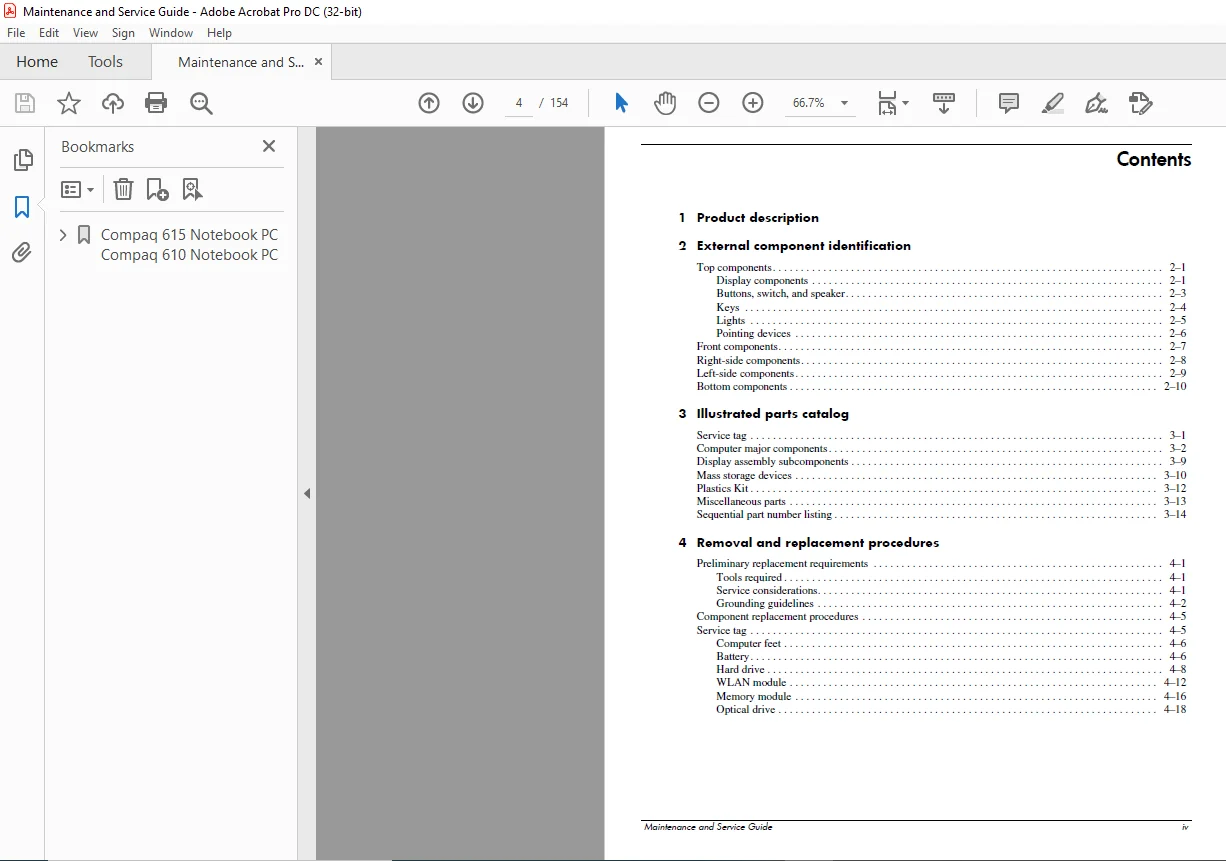
1 Product description
2 External component identification
Top components 2–1
Display components 2–1
Buttons, switch, and speaker 2–3
Keys 2–4
Lights 2–5
Pointing devices 2–6
Front components 2–7
Right-side components 2–8
Left-side components 2–9
Bottom components 2–10
3 Illustrated parts catalog
Service tag 3–1
Computer major components 3–2
Display assembly subcomponents 3–9
Mass storage devices 3–10
Plastics Kit 3–12
Miscellaneous parts 3–13
Sequential part number listing 3–14
4 Removal and replacement procedures
Preliminary replacement requirements 4–1
Tools required 4–1
Service considerations 4–1
Grounding guidelines 4–2
Component replacement procedures 4–5
Service tag 4–5
Computer feet 4–6
Battery 4–6
Hard drive 4–8
WLAN module 4–12
Memory module 4–16
Optical drive 4–18
Keyboard and switch cover 4–20
Speaker 4–24
Display assembly 4–25
Top cover 4–32
Bluetooth module 4–34
System board and optical drive connector board 4–35
Fan 4–38
RTC battery 4–40
Modem module 4–42
Heat sink 4–44
Modem module cable 4–48
Processor 4–49
5 Computer Setup
Computer Setup for computer models equipped with an AMD processor 5–1
Starting Computer Setup 5–1
Using Computer Setup 5–1
Computer Setup menus 5–3
File Menu 5–3
Security Menu 5–4
Diagnostics Menu 5–4
System Configuration Menu 5–5
Computer Setup for computer models equipped with an Intel processor 5–7
Starting Computer Setup 5–7
Using Computer Setup 5–7
Computer Setup menus 5–8
File Menu 5–8
Security Menu 5–9
Diagnostics Menu 5–9
System Configuration Menu 5–10
6 Specifications
Computer specifications 6–1
156-in display specifications 6–2
Hard drive specifications 6–3
DVD±RW and CD-RW SuperMulti Double-Layer Drive specifications 6–4
DVD-ROM Drive specifications 6–5
System DMA specifications 6–5
System memory map specifications 6–6
System interrupt specifications 6–6
System I/O address specifications 6–7
7 Screw listing
Phillips PM20×60 captive screw 7–1
Phillips PM25×110 captive screw 7–2
Phillips PM30×40 screw 7–3
Phillips PM25×40 screw 7–4
Phillips PM25×40 screw 7–6
Slotted Torx T8M25×80 screw 7–7
Phillips PM20×30 screw 7–8
Phillips PM20×30 screw 7–9
Phillips PM20×20 broadhead screw 7–10
Phillips PM20×30 broadhead screw 7–11
Phillips PM25×80 screw 7–12
Phillips PM20×40 screw 7–13
Phillips PM25×60 screw 7–14
Phillips PM25×50 screw 7–16
Phillips PM25×90 captive screw 7–17
Phillips PM20×50 captive screw 7–19
8 Backup and recovery
Backup and recovery in Windows Vista 8–1
Overview 8–1
Backing up your information 8–2
Performing a recovery 8–3
Using the Windows recovery tools 8–3
Using f11 8–4
Using a Windows Vista operating system DVD (purchased separately) 8–4
Backup and recovery in Windows XP 8–5
Overview 8–5
Backing up your information 8–5
Performing a recovery 8–6
9 Connector pin assignments
Audio-in (microphone) 9–1
Audio-out (headphone) 9–1
External monitor 9–2
RJ-11 (modem) 9–3
RJ-45 (network) 9–3
Universal Serial Bus 9–4
10Power cord set requirements
Requirements for all countries and regions 10–1
Requirements for specific countries and regions 10–2
11Recycling
Battery 11–1
Display 11–1
PLEASE NOTE:
- This is the same manual used by the DEALERSHIPS to SERVICE your vehicle.
- The manual can be all yours – Once payment is complete, you will be taken to the download page from where you can download the manual. All in 2-5 minutes time!!
- Need any other service / repair / parts manual, please feel free to contact us at heydownloadss @gmail.com . We may surprise you with a nice offer
S.M