Cummins – ISX CM870 Common Approach To Control System Diagnostics Manual – PDF DOWNLOAD
$28.95
Cummins – ISX CM870 Common Approach To Control System Diagnostics Manual – PDF DOWNLOAD
Description
Cummins – ISX CM870 Common Approach To Control System Diagnostics Manual – PDF DOWNLOAD
FILE DETAILS:
Cummins – ISX CM870 Common Approach To Control System Diagnostics Manual – PDF DOWNLOAD
Language : English
Pages : 113
Downloadable : Yes
File Type : PDF
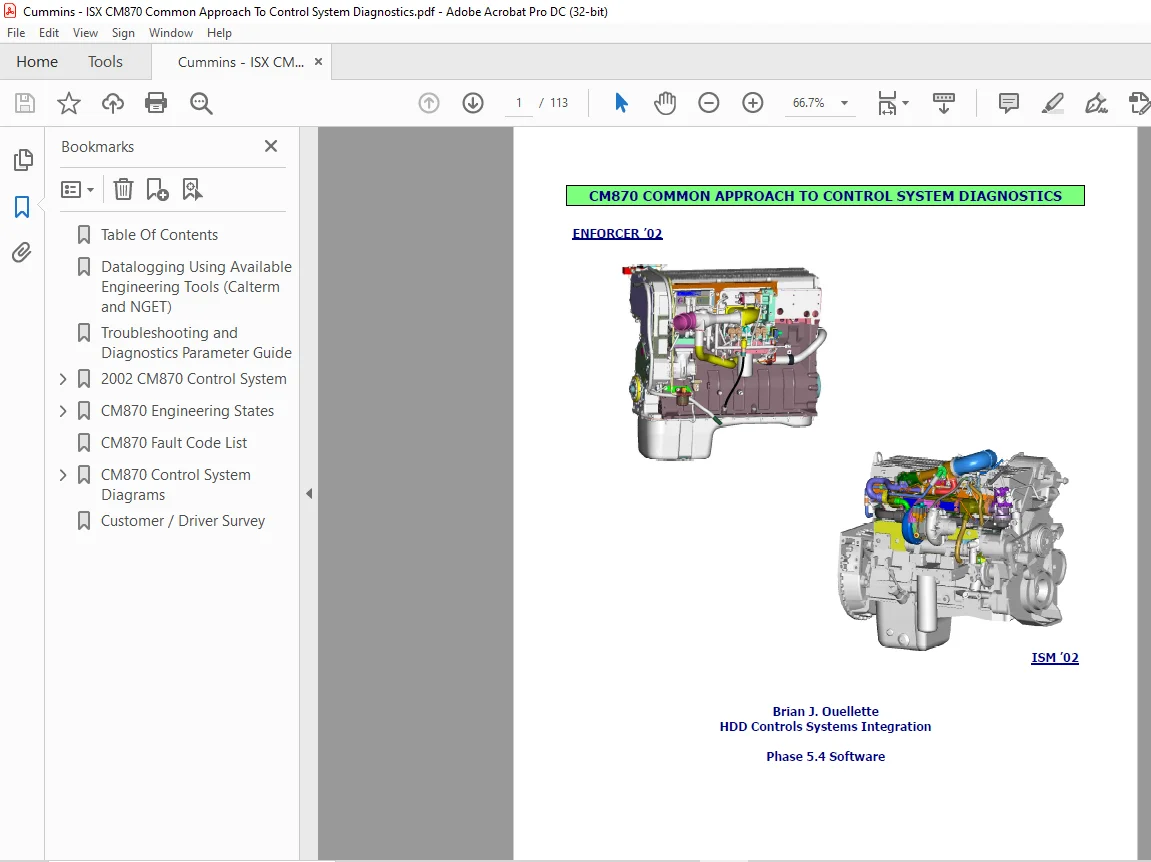
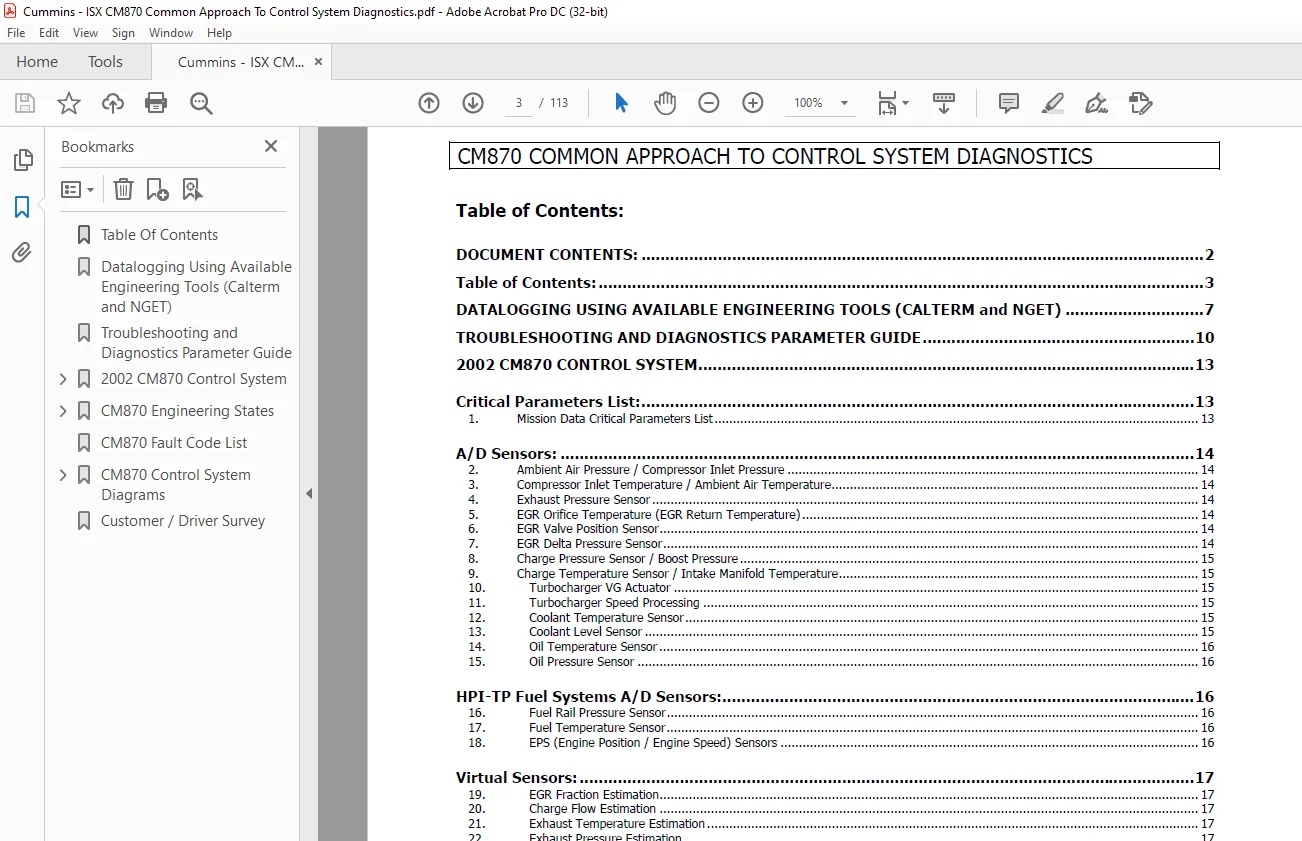
IMAGES PREVIEW OF THE MANUAL:
DESCRIPTION:
Cummins – ISX CM870 Common Approach To Control System Diagnostics Manual – PDF DOWNLOAD
Overview:
- This document is intended to support on-site troubleshooting and diagnostics of customer complaints for 2002 Heavy-Duty engine platforms with the CM870 Controls System. This document can be used along with NGET or CalTerm for investigation, troubleshooting, and diagnosis of engine performance and electronic controls related issues.
Purpose:
- The information contained in this document is based in part on documented tests and procedures best suited to support in-field efforts for Cummins CM870 heavyduty engine platforms. Much of this information comes from legacy procedures contained in the document “Common Approach To Diagnostics Using Calterm” authored by Wayne Eberhard and Richard Croft.
- Because the CM870 control system uses a new naming convention for engineering parameters, I have converted legacy information over to the new naming convention. In addition, the CM870 control system includes new control strategies for Air Handling and emissions to meet the 2002 requirements.
- Information on troubleshooting and diagnostics for these systems is included here. My intent for this document is to provide information and support to those in the field as well as those based in Cummins engineering facilities. With tools like NGET and CalTerm, documentation of data within this document will provide more detailed definition of engine conditions associated with specific issues.
- This information, along with driver comments and concerns, will help in achieving a better responsiveness to customer needs and allow us to develop products which meet or exceed customer expectations.
INSTRUCTION FOR USING THE EXTERNAL (MONITOR) DATA LOGGER
CALTERM INSTRUCTIONS:
1. Set-up Monitor Screen with parameters to data log. Use CM870 Common Approach to Diagnostics to determine which parameters to datalog.
2. In the Monitor Screen, hit the ALT-L keys to bring up the Monitor Log Menu.
3. Select MANUAL LOG by moving down to MANUAL LOG and hitting the Enter key. A Check mark should be next to MANUAL LOG.
4. Select the INTERVAL TIME by moving down to INTERVAL TIME and hitting Enter.
5. For INTERVAL TIME, enter the time in which data will be collected, anywhere from 0.1 seconds to 3600 seconds.
6. DESTINATION should read DISK. If not, select DESTINATION and press the Enter key. Select DISK and press the Enter key.
7. Enter the LOG FILE NAME. Select LOG FILE NAME and press the Enter key. Manually type in the name of the datalog file you wish to save.
8. Datalog files are saved to the location shown in the UTILITY-EDIT CONFIGURATION screen next to DATA PATH. The default location is the Calterm root directory.
9. You may select to Overwrite the datalog file with a new file if OVERWRITE LOG FILE is Yes. It is suggested to keep OVERWRITE LOG FILE be set to No. This requires the user to enter
a new datalog file name [7.] ever time Monitor Data Logger is invoked.
10. Select whether to log Fault Codes. Select LOG FAULTS and press the Enter key. Select ALL faults logged, ACTIVE faults logged, or NONE and press the Enter key.
11. Choose Exit to Start the Monitor Data Logger.
12. To STOP Monitor Data Logger, press the ALT-L keys.
13. To PLOT the data logged within Calterm, press the ALT-L keys to enter the Monitor Log Screen. Select PLOT and press the Enter key. Choose the file you wish to plot and press the
Enter key.
TABLE OF CONTENTS:
Cummins – ISX CM870 Common Approach To Control System Diagnostics Manual – PDF DOWNLOAD
Table Of Contents...................................................  3
Datalogging Using Available Engineering Tools (Calterm and NGET)....  7
Troubleshooting and Diagnostics Parameter Guide..................... 10
2002 CM870 Control System........................................... 13
	Critical Parameters List........................................ 13
	A/D Sensors..................................................... 14
	HPI-TP Fuel Systems A/D Sensors................................. 16
	Virtual Sensors................................................. 17
	Emission Features............................................... 21
		Emission Controls AECDs..................................... 28
	Performance Diagnostics......................................... 31
		ETIF Performance Evaluation................................. 34
	Application Features............................................ 43
	Engineering Features............................................ 51
		Engine Protection Parameters................................ 52
	HPI-TP Fuel System.............................................. 55
	Legacy Information.............................................. 59
CM870 Engineering States............................................ 70
	System Switch Status............................................ 83
CM870 Fault Code List............................................... 84
CM870 Control System Diagrams....................................... 90
	Air Handling Controls........................................... 91
	Torque To Fuel Determination.................................... 92
	SOI Determination............................................... 93
	Air Handling EGR Valve / VG Turbocharger Controls............... 94
	Ndot Governor Controls.......................................... 95
	Sensor Interface (Enforcer '02)................................. 96
	Sensor Interface (ISM '02)...................................... 97
	Air Handling Control System..................................... 98
	A/D Sensor Input System Name Configuration...................... 99
	Inlet Density Chi Value Determination (Enf '02).................100
	Inlet Density Chi Value Determination (ISM '02).................101
	Ambient Operating Conditions - Chi Value (Enf '02)..............102
	Ambient Operating Conditions - Chi Value (ISM '02)..............103
	Condensation Overview...........................................104
Customer / Driver Survey............................................105
Need help? Contact: [email protected]
S.V