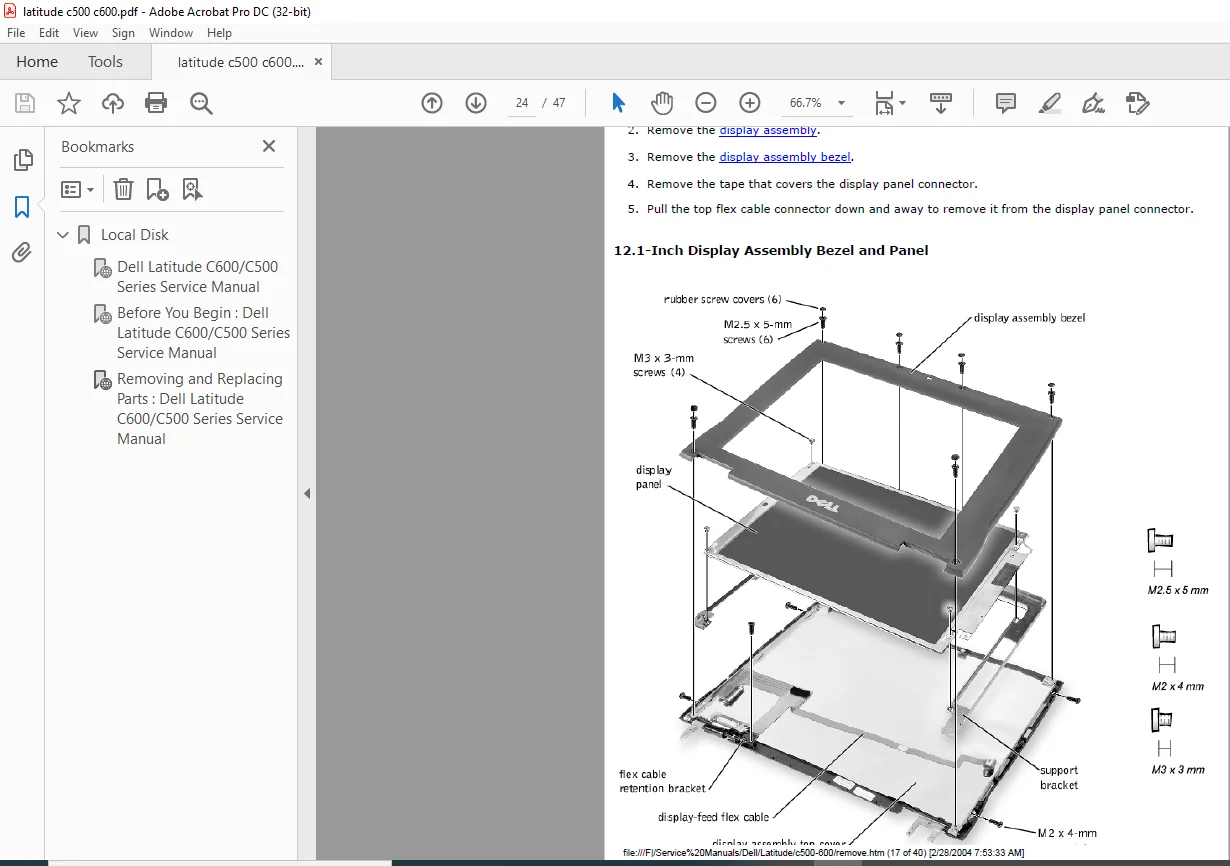
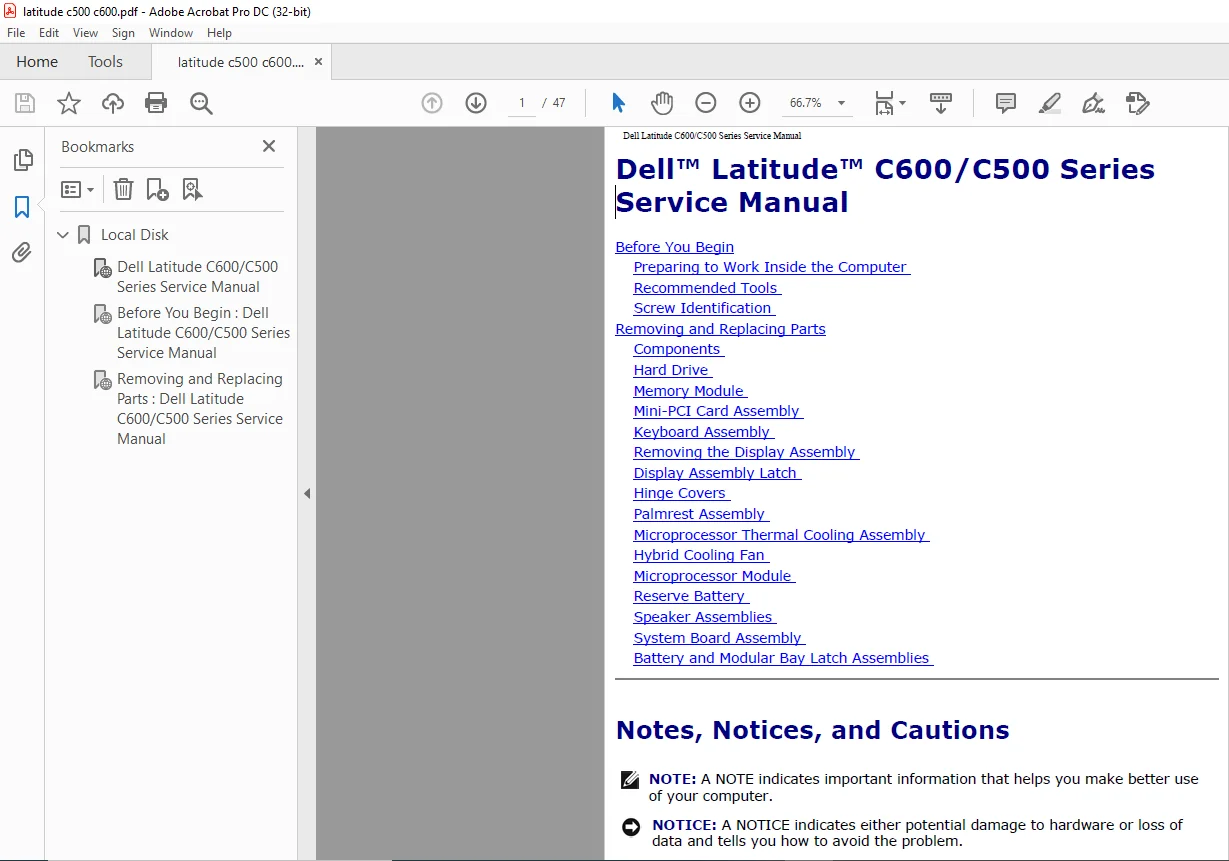
Dell Latitude C600 C500 Series Laptop Service Manual – PDF DOWNLOAD
Original price was: $80.00.$18.95Current price is: $18.95.
Dell Latitude C600 C500 Series Laptop Service Manual – PDF DOWNLOAD
Description
Dell Latitude C600 C500 Series Laptop Service Manual – PDF DOWNLOAD


Preparing to Work Inside the Computer
NOTICE: Only a certified service technician should perform repairs on your
system. Damage due to servicing that is not authorized by Dell is not covered
by your warranty.
NOTICE: To avoid damaging the computer, perform the following steps before
you begin working inside the computer.
1. Make sure that the work surface is clean to prevent scratching the computer
cover.
2. Save any work in progress and close all open application programs.
3. Turn off the computer and all attached devices.
NOTE: Make sure the computer is turned off and not in suspend-to-disk or
hibernate mode. If you cannot shut down the computer using the computer’s
operating system, press and hold the power button for 4 seconds.
4. Make sure the computer is undocked.
5. Disconnect the computer from the electrical outlet.
6. To avoid possible damage to the system board, wait 10 to 20 seconds and then
disconnect any attached devices.
file:///F|/Service%20Manuals/Dell/Latitude/c500-600/begin.htm (1 of 6) [2/28/2004 7:53:27 AM]
Before You Begin : Dell Latitude C600/C500 Series Service Manual
7. Disconnect all other external cables from the computer.
8. Remove any installed PC Cards or plastic blanks from the PC Card slot.
9. Close the display and turn the computer upside down on a flat work surface.
NOTICE: To avoid damaging the system board, you must remove the main
battery and secondary battery (if present) before you service the computer.
10. Remove the primary battery from the battery bay and the secondary battery
from the modular bay, if a secondary battery is in use.
11. Remove any installed device in the modular bay.
12. To dissipate any static electricity while you work, use a wrist grounding strap or
periodically touch an unpainted metal surface.
13. Handle components and cards with care. Do not touch the components or
contacts on a card. Hold a card by it edges or by its metal mounting bracket.
Hold a component such as a microprocessor by its edges, not by its pins.
Dell Latitude C600 C500 Series Laptop Service Manual – PDF DOWNLOAD
Local Disk…………………………………………………………………0
Dell Latitude C600/C500 Series Service Manual ……………………………..1
Before You Begin : Dell Latitude C600/C500 Series Service Manual …………….2
Removing and Replacing Parts : Dell Latitude C600/C500 Series Service Manual ….8
PLEASE NOTE:
- This is the SAME manual used by the dealers to troubleshoot any faults in your vehicle. This can be yours in 2 minutes after the payment is made.
- Contact us at [email protected] should you have any queries before your purchase or that you need any other service / repair / parts operators manual.
s.m