Dell OptiPlex 960 Service Manual – PDF DOWNLOAD
Original price was: $85.00.$18.95Current price is: $18.95.
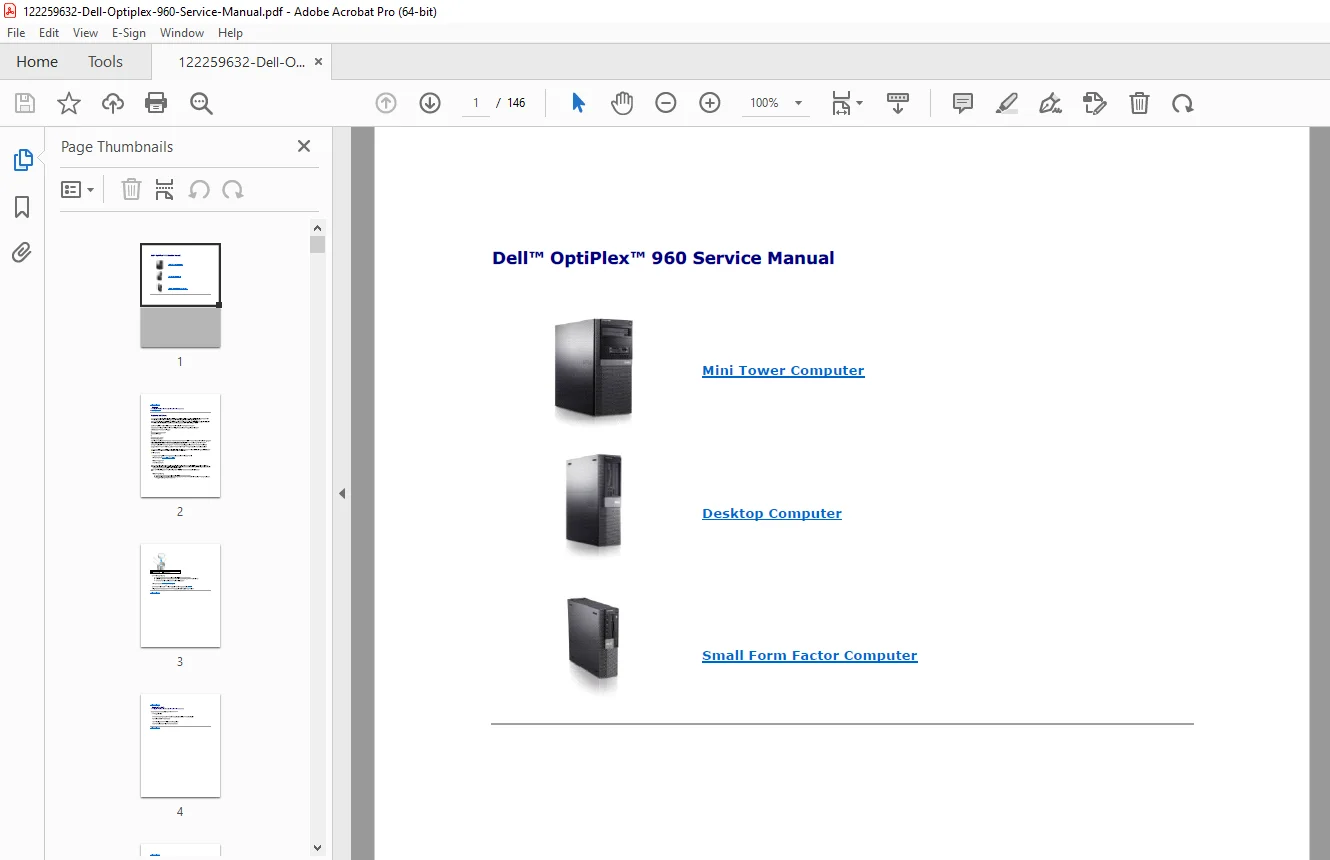
This comprehensive Dell OptiPlex 960 Service Manual covers the Mini Tower (MT), Desktop (DT), and Small Form Factor (SFF) models. It provides essential instructions for troubleshooting diagnostic lights, interpreting beep codes, and performing hardware upgrades. Whether you need to replace a power supply, upgrade memory, or configure BIOS settings, this guide offers step-by-step disassembly instructions and system specifications
Description
Dell OptiPlex 960 Service Manual – Repair, Troubleshooting & Hardware Guide (MT, DT, SFF) – PDF DOWNLOAD
Description
Unlock the full potential of your Dell OptiPlex 960 with this detailed service manual, designed for IT professionals and DIY enthusiasts. This document serves as the ultimate resource for maintaining and repairing the OptiPlex 960 series, covering all three chassis form factors: Mini Tower (MT), Desktop (DT), and Small Form Factor (SFF).
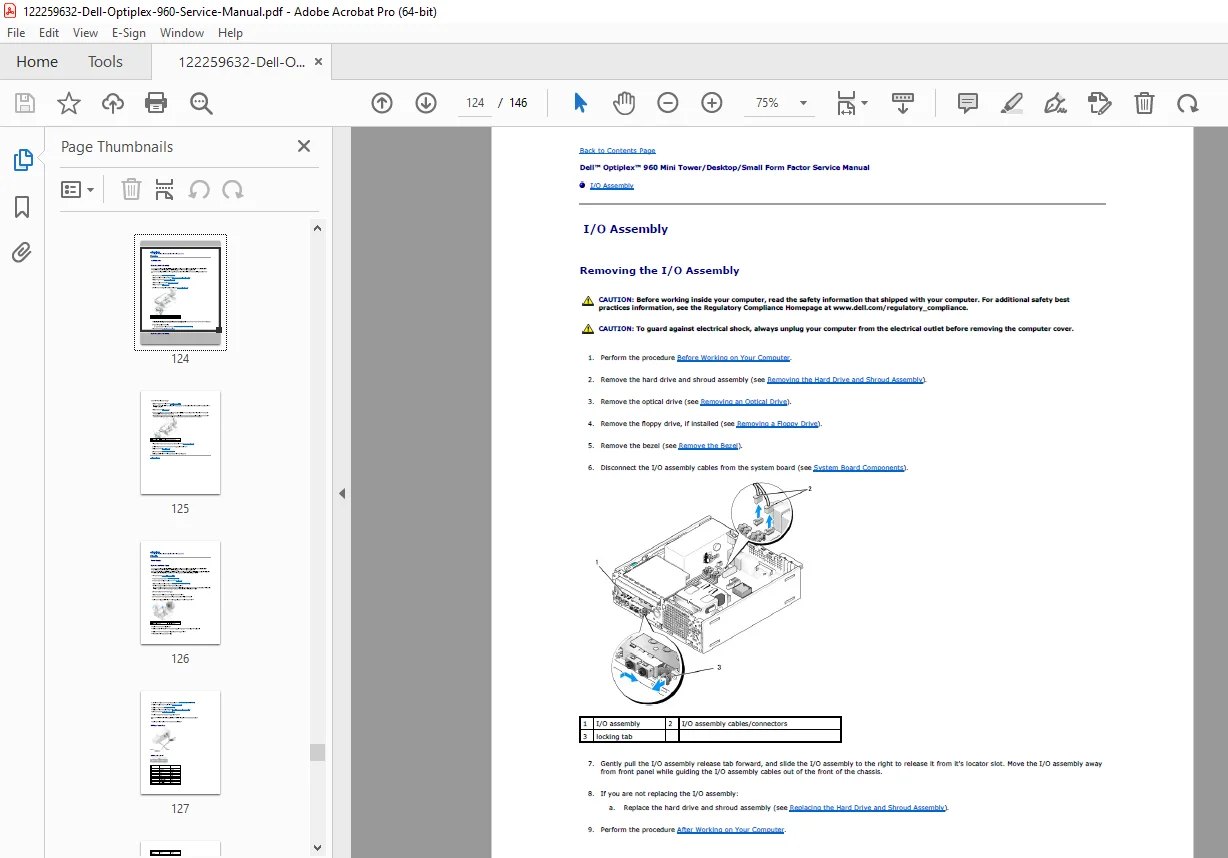
The manual includes critical sections on Dell OptiPlex 960 troubleshooting, helping you diagnose boot failures using the integrated diagnostic lights codes and audible beep codes. It features high-quality diagrams for identifying system board components and detailed procedures for OptiPlex 960 SFF disassembly, ensuring safe removal of internal parts like the hard drive, optical drive, and heatsink assembly.
Key technical sections include:
System Setup: Comprehensive guide to BIOS settings (System Setup), boot sequences, and enabling Intel vPro/iAMT features.
Hardware Repair: Step-by-step instructions for removing and replacing the power supply unit, system board, I/O panel, and expansion cards.
Diagnostics: A full list of error messages, beep codes (e.g., 1-3-1 through 2-4-4), and LED indicators to quickly pinpoint memory or motherboard failures.
Upgrades: Detailed specifications for supported memory types (DDR2), processor compatibility (Intel Core 2 Duo/Quad), and storage configurations (SATA/eSATA).
Table of Contents & Index:
About Your Computer
Front & Back View (Mini Tower, Desktop, Small Form Factor)
Back Panel Connectors (USB, Serial, Parallel, eSATA)
Working on Your Computer
Safety Instructions & Electrostatic Discharge (ESD) Protection
Coin-cell Battery Replacement
Installing & Removing Parts
Memory: Removing and Installing DIMMs
Cards: PCI and PCIe Expansion Cards
Drives: Hard Drives, Optical Drives, Floppy Drives
Processors: Heatsink Assembly & CPU Removal
Power Supply: Testing & Replacement Procedures
System Setup (BIOS)
Enter System Setup (F2)
Boot Sequence & Drive Configuration
Security & Password Settings
Troubleshooting
Diagnostic Lights: Pattern Codes (1-2-3-4 LEDs)
Beep Codes: Audible Error Indicators
Dell Diagnostics Utility
Power Problems & Power Supply Check Button
Specifications
Technical Specs (Chipset, Audio, Video, Network)
File Details
Manual Name: Dell OptiPlex 960 Service Manual
Models Covered: OptiPlex 960 Mini Tower (MT), Desktop (DT), Small Form Factor (SFF)
Year: 2008-2009
File Quality: High-Quality PDF (Text Searchable)
No. of Pages: Approx. 146 Pages