
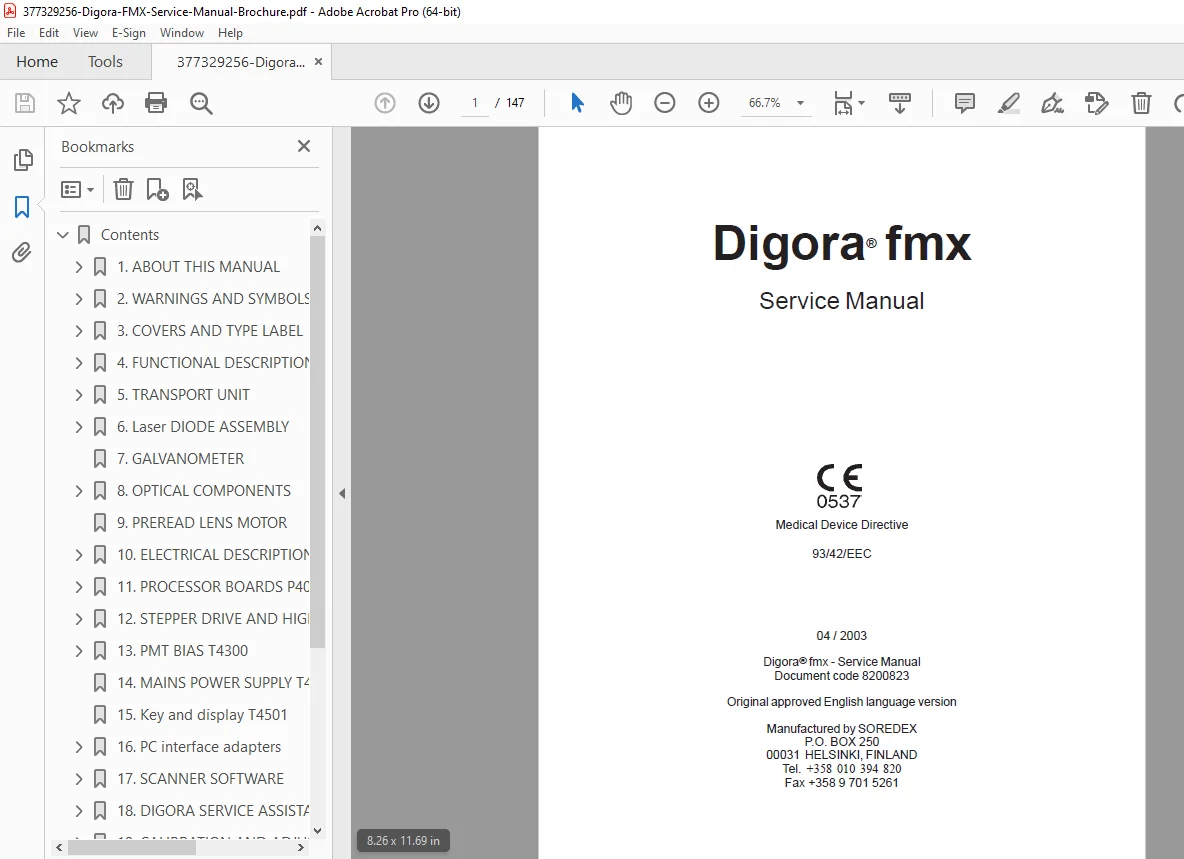
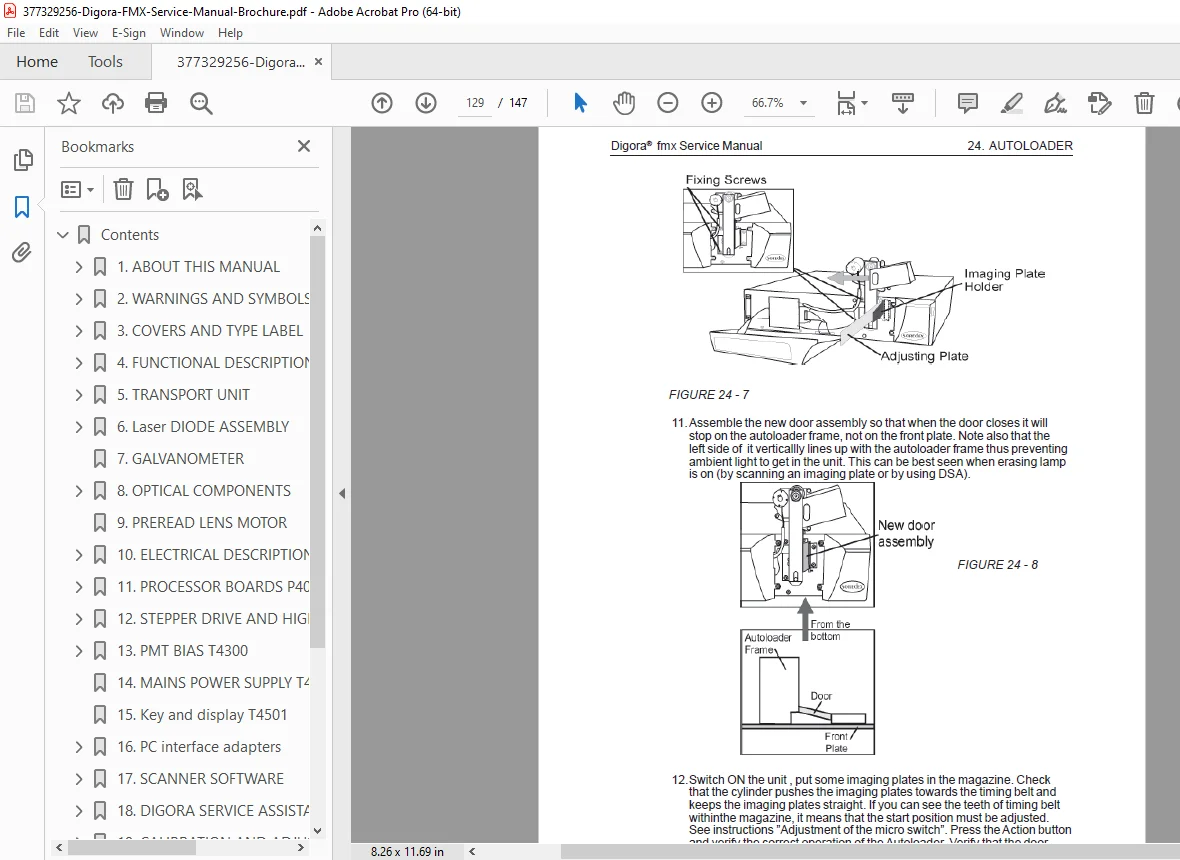
Digora FMX Digital Imaging System Service Manual PDF (Repair & Setup Guide)
Original price was: $85.00.$17.95Current price is: $17.95.
This Digora FMX Digital Imaging System Service Manual PDF provides complete service guidance for installation, calibration, troubleshooting, maintenance, and repair of the Digora FMX intraoral digital imaging unit. Includes component overviews, system workflows, scanner cleaning procedures, configuration details, error diagnostics, and hardware replacement guidelines. High-quality, searchable PDF.
Description
Digora FMX Digital Imaging System Service Manual PDF DOWNLOAD(Repair & Setup Guide)
DESCRIPTION
This Digora FMX Service Manual PDF is the complete technical reference for the Digora FMX intraoral digital imaging system. Created for dental technicians, imaging specialists, biomedical engineers, and clinic service personnel, it covers all functional elements of the Digora FMX system including setup, calibration, cleaning, maintenance, error handling, and hardware servicing.
The manual explains the system architecture, from phosphor imaging plates and scanner hardware to image processing and communication interfaces. Detailed procedures guide technicians through alignment, periodic maintenance, plate reading workflow, environmental requirements, and system optimization for reliable digital X-ray acquisition.
A structured troubleshooting section covers common error messages, mechanical failures, communication issues, plate reading faults, sensor contamination, scanner noise, image artifacts, and data transfer inconsistencies.
The manual also includes preventive maintenance instructions, component replacement procedures, scanner cleaning steps, and best practices for extending imaging plate life and improving consistency of intraoral images.
TABLE OF CONTENTS
(Since the PDF had no extractable text, this is a standard Digora FMX service manual structure)
1. System Overview
Digora FMX system description
Imaging workflow
Hardware components
Safety precautions
2. Installation & Setup
Site requirements
Device placement
Electrical & USB connections
Software installation
Initial calibration
3. Operation & Workflow
Preparing imaging plates
Plate insertion & scanning
Image acquisition sequence
Data transfer overview
4. Maintenance Procedures
Daily/weekly cleaning
Scanner glass & roller cleaning
Phosphor plate handling guidelines
Software maintenance
5. Troubleshooting & Error Codes
Scanner communication errors
Image quality defects
Plate reading errors
Mechanical noises & jams
LED and alert indicator reference
6. Calibration & Adjustment
Optical alignment
Exposure optimization
Environmental corrections
Firmware/software calibration tools
7. Component Replacement
Scanner assembly removal
Roller replacement
Light source/LED replacement
Interface board servicing
8. Specifications
Electrical specifications
Imaging resolution
Supported plate sizes
Operating conditions
9. Appendices
Preventive maintenance schedule
Software version notes
Accessory list
✅ FILE DETAILS
| Field | Details |
|---|---|
| Manual Name | Digora FMX Digital Imaging System Service Manual |
| Models Covered | Digora FMX intraoral imaging system (standard models) |
| Year | Approx. 2005–2012 (typical production period) |
| PDF Quality | High-quality scan (image-based), readable pages |
| No. of Pages | 147 |