Trusted Business
Verified & Licensed
Virus Free Files
100% Safe Downloads
Secure Payment
SSL Protected
Instant Delivery
Available Immediately
Ditch Witch TK Series Guidance System Operator’s Manual 053-2832 PDF
$17.95
Instant PDF Download
Available immediately
Save to Your Device
Download & keep forever
Antivirus Scanned
100% virus-free
Trusted Worldwide
175,000+ customers
Description
Ditch Witch TK Series Guidance System Operator’s Manual 053-2832 – PDF DOWNLOAD
FILE DETAILS:
Ditch Witch TK Series Guidance System Operator’s Manual 053-2832 – PDF DOWNLOAD
Language : English
Pages : 67
Downloadable : Yes
File Type : PDF
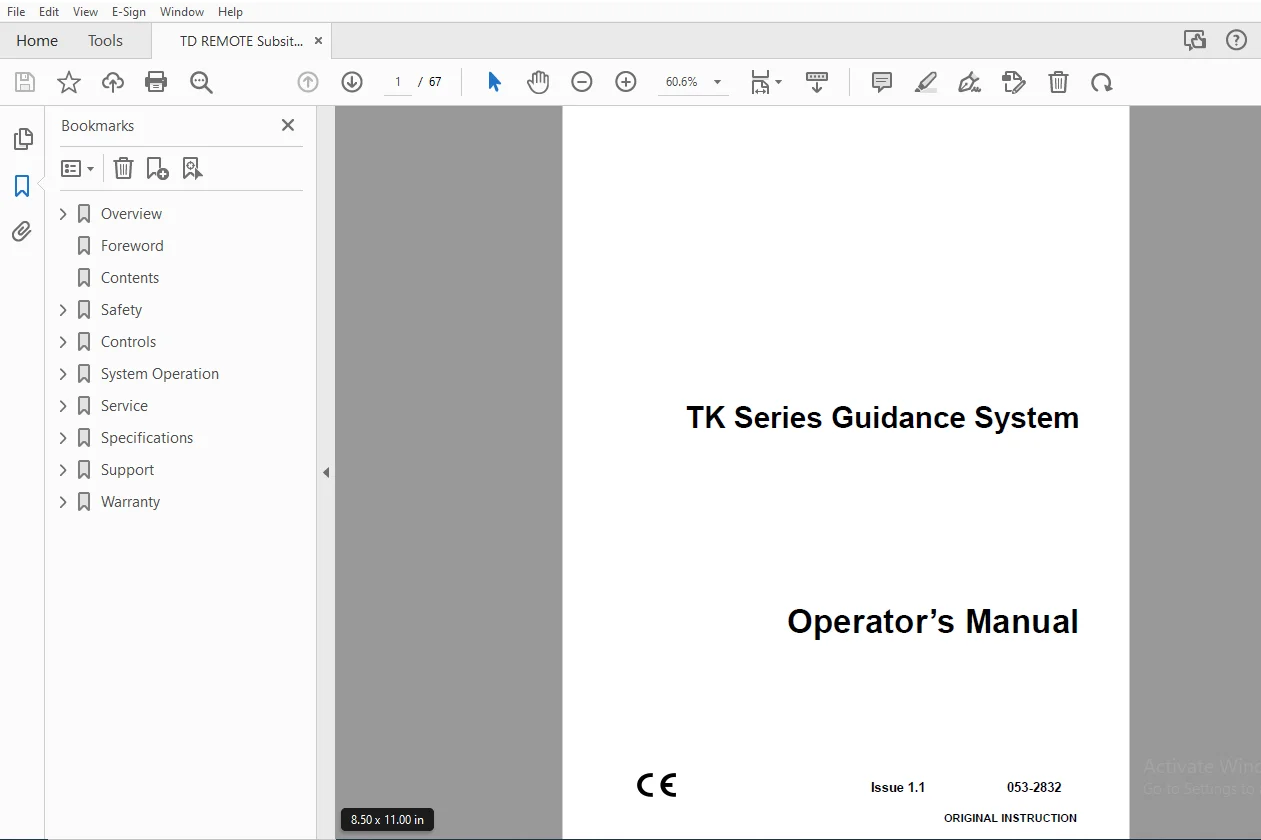
IMAGES PREVIEW OF THE MANUAL:
TABLE OF CONTENTS:
Ditch Witch TK Series Guidance System Operator’s Manual 053-2832 – PDF DOWNLOAD
Overview.................................... 2
	Serial Number Location.................. 3
	System Components....................... 4
		TK Tracker.......................... 4
		TX Transmitter...................... 4
		TD Remote Display................... 4
	Intended Use............................ 5
	FCC Statement - Internal Transmitter.... 5
	RF Exposure Statement................... 6
	About This Manual....................... 6
		Bulleted Lists...................... 6
		Numbered Lists...................... 6
Foreword.................................... 8
Contents....................................10
Safety......................................12
	Guidelines..............................13
	Safety Alert Classifications............14
	Safety Alerts...........................15
	Safety Alert............................16
Controls....................................18
	TK, TKD, TKQ............................19
		Tracker Status Icons................19
		Beacon Status Icons.................21
		Buttons.............................23
		Menus...............................24
	TD, TDR.................................27
		Display Status Icons................27
		Beacon Status Icons.................29
		Buttons.............................31
		Menus...............................33
System Operation............................36
	Tracking Overview.......................37
	Setup...................................38
		Analyze Bore Path (TKD and TKQ).....38
		Program Beacon (TXQ and TXQG).......38
		Activate Beacon.....................39
		Install Beacon into Tool Housing....40
		Calibrate Tracker to Beacon.........40
	Activate DrillLok™/Tracker Control......42
		DrillLok............................42
		Tracker Control.....................44
	Locate..................................45
		Walkover Location...................45
		Drill-To Location Mode..............47
		Procedure...........................48
		Displayed Information...............50
	Finish Locating.........................52
	Log Data................................52
	Transfer Data...........................53
Service.....................................54
	General Care............................55
	As Needed...............................55
		Change Batteries....................55
	Update Software.........................56
Specifications..............................58
	TK Series Tracker.......................59
	Universal Display.......................61
	TX Series Beacons.......................62
Support.....................................64
	Procedure...............................64
	Resources...............................64
		Publications........................64
		Training............................64
Warranty....................................65
	Electronics Limited Warranty Policy.....65
S.S 02/24