Doosan DBC130II Installation Manual – PDF DOWNLOAD
Original price was: $43.95.$20.95Current price is: $20.95.
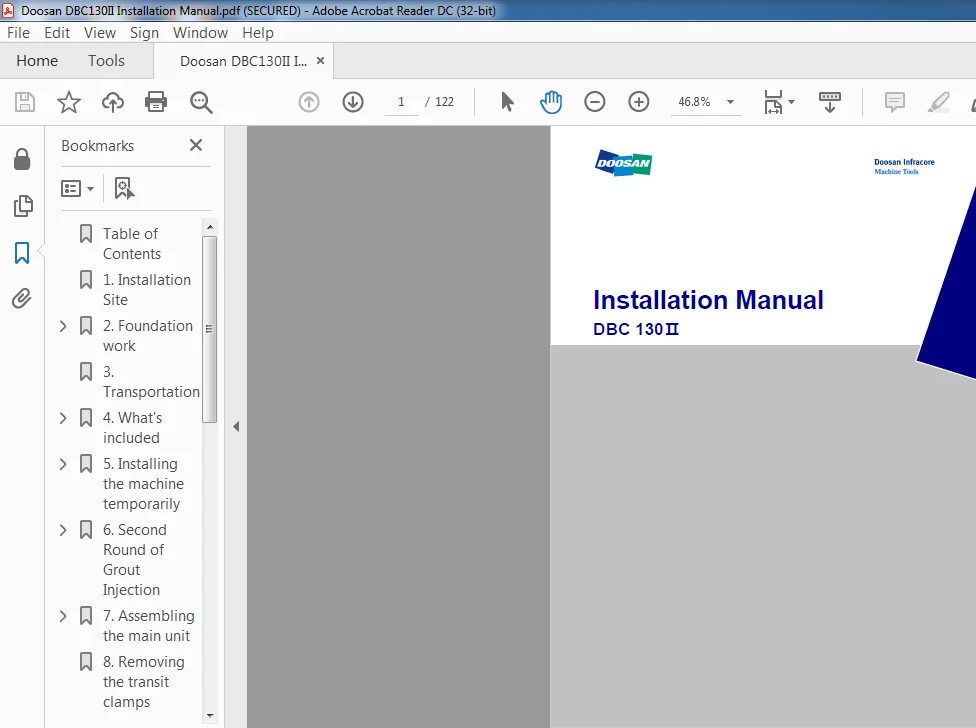
Doosan DBC130II Installation Manual
Description
Doosan DBC130II Installation Manual
FILE DETAILS:
Doosan DBC130II Installation Manual
Language: English
Size: 9.52 MB
Pages: 122
Format: PDF
Downloadable: YES
DESCRIPTION:
Doosan DBC130II Installation Manual
Installation Site :
TABLE OF CONTENTS:
Doosan DBC130II Installation Manual
Table of Contents 3
1 Installation Site 6
2 Foundation work 11
2 1 Foundation work timing and post checkpoints 11
2 2 Foundation work for installing the machine 11
3 Transportation 17
4 What’s included 18
4 1 Table Bed Ass’y 18
4 2 Column Bed Ass’y 20
4 3 Column Body Ass’y 22
4 4 Spindle Head Ass’y 23
4 5 Duct Ass’y 24
4 6 Coolant Tank, Chip Bucket, Chip Conveyor, TSC Ass’y, T/F(Option) 25
4 7 Tool Magazine Ass’y (Option) 26
4 8 Semi Splash Guard – Operator Part (Option) 27
4 9 Semi Splash Guard – Magazine Part (Option) 29
4 10 Semi Splash Guard – Table Part (Option) 30
4 11 List of tools related to the foundation work (1) 32
4 12 List of tools related to the foundation work (2) 33
4 13 BOLT KIT Shipping LIST 35
5 Installing the machine temporarily 38
5 1 Temporary installation of the column bed (Z-axis bed) assembly 38
5 2 Temporary installation of the table bed (X-axis bed) assembly 41
5 3 Temporary Installation of ATC Base 44
6 Second Round of Grout Injection 46
6 1 Checkpoints before injecting grout 46
6 2 Selection of Grout 46
6 3 Blending the grout mixture 47
6 4 Injecting the grout mixture 48
6 5 Curing the surface of grout 49
7 Assembling the main unit 50
7 1 Installing the column 50
7 2 Installing the spindle head 52
7 3 Installing the hydraulic power unit, electric cabinet, OP box and ducts 55
7 4 Wiring 57
7 5 Connecting the hydraulic and air hoses 61
7 6 Connecting the tool magazine wires and hydraulic hoses 62
8 Removing the transit clamps 63
9 Checking and fueling the oil tanks 64
9 1 Hydraulic tank 64
9 2 Oil Cooler Tank 64
9 3 Table 64
9 4 Lub Tank 64
9 5 Spindle Air Oil Tank 65
9 6 Air Service Unit Oiler Tank 65
9 7 Spindle Head Air Filter Unit Oiler Tank 65
10 Connecting the main power and air sources 66
10 1 Connect the main power source 66
10 2 Connecting the main air source 66
11 Power On 68
12 Checking the pressure on each unit 69
13 Assembling and adjusting the Y axis 71
13 1 Installing the ball screw nut in the Y axis 71
13 2 Installing the Y-axis taper gib and back plate gib 71
13 3 Installing the reference gib 72
13 4 Installing the ball screw nut 72
14 Machine Leveling 73
15 Precision Accuracy & Correction 79
15 1 Straightness of Z axis 81
15 2 Straightness of X Axis 82
15 3 Straightness of Y Axis 83
15 4 Straightness of Pallet Deck 84
15 5 Squareness between coordinate axes 85
15 6 Parallelism of movement to X/Z axis, parallelism of pallet deck, and shaking of index table 88
15 7 Squareness in division of index table 91
15 8 Parallelism of the X-axis movement for the T-slot 92
15 9 Parallelism between center line of spindle and movement of Z-axis 94
15 10 Run-out on the spindle 96
15 11 Movement of spindle in the Z-axis direction 96
16 Resetting the reference point for each axis 97
16 1 Resetting the reference point for the W axis (W-axis stroke : 700mm) 97
16 2 Resetting the reference point for the X axis (X-axis stroke: 3000mm) 98
16 3 Resetting the reference point for the Z axis (Z-axis stroke: 1600mm) 99
16 4 Resetting the reference point for the Y axis (Y-axis stroke: 2000mm) 101
17 Adjusting ATC 102
17 1 ATC installation & leveling 102
17 2 Carriage Magazine Side Home Position Setting 104
17 3 Setting the reference point for the tool magazine pot 108
17 4 Fine-tuning the spindle side of the changer arm 112
17 5 Setting Parameter #7 & Changer Movement 114
18 Installing the covers 115
18 1 Installing the table bed covers 115
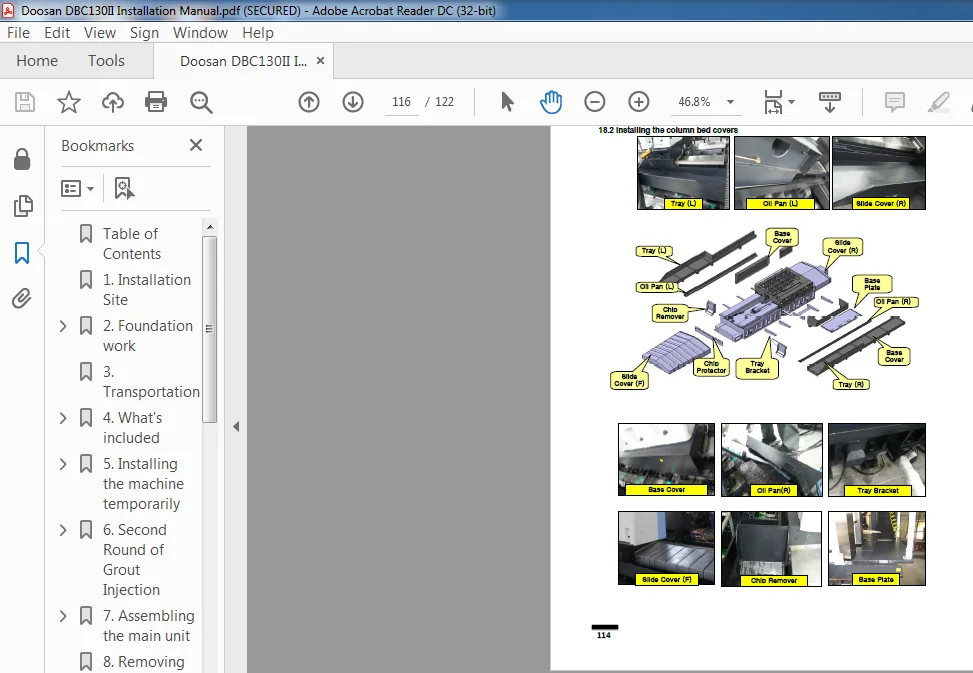
18 2 Installing the column bed covers 116
18 3 Installing the column covers 117
18 4 Installing the semi splash guard (in the table side) 118
18 5 Installing the semi splash guard (in the operator side) 119
18 6 Installing the semi splash guard (in the chip conveyor side) 120
19 Installation Complete 121
DOOSAN DBC130II INSTALLATION MANUAL – PDF DOWNLOAD:
IMAGES PREVIEW OF THE MANUAL:
PLEASE NOTE:
- This is the same manual used by the dealers to diagnose and troubleshoot your vehicle
- You will be directed to the download page as soon as the purchase is completed. The whole payment and downloading process will take anywhere between 2-5 minutes
- Need any other service / repair / parts manual, please feel free to contact [email protected] . We still have 50,000 manuals unlisted