EcoRay CX9Plus C-Arm Service Manual PDF DOWNLOAD
Original price was: $70.00.$26.95Current price is: $26.95.
Detailed EcoRay CX9Plus service manual PDF for mobile C-arm X-ray installation instructions, CX9Plus C-arm calibration procedures, mobile C-arm system troubleshooting guide, X-ray generator calibration for CX9Plus, and C-arm mechanical handling guidelines. Covers safety, system description, operation, fluoroscopy, radiography, and Xvision software for technicians maintaining this mobile X-ray system.
Description
EcoRay CX9Plus C-Arm Service Manual PDF DOWNLOAD
Description
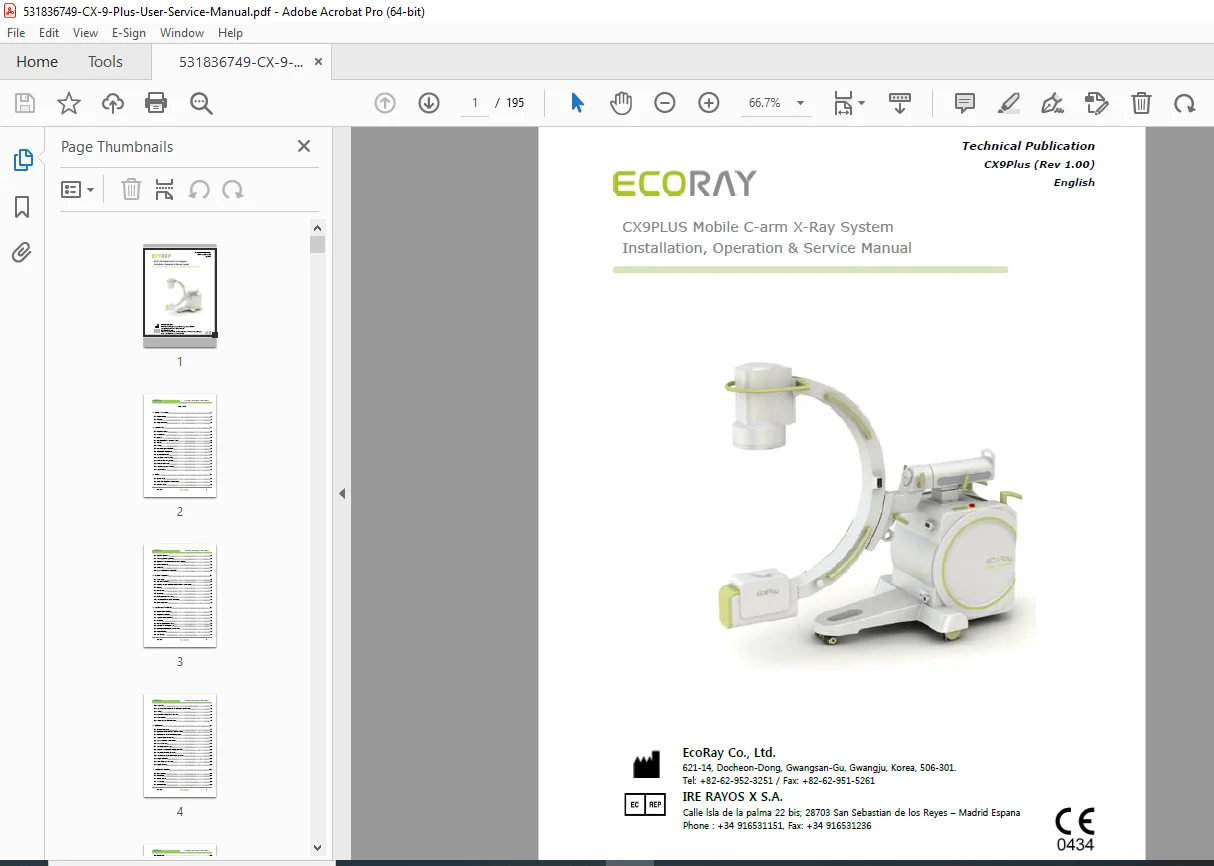
This EcoRay CX9Plus service manual PDF is a comprehensive resource for service engineers handling the CX9Plus mobile C-arm X-ray system from EcoRay Co., Ltd. It provides step-by-step mobile C-arm X-ray installation instructions, including unpacking, assembly of monitor cart, wiring, and software setup for seamless integration. The manual includes detailed CX9Plus C-arm calibration procedures for generator, radiography, fluoroscopy, and image optimization, ensuring accurate performance.
A mobile C-arm system troubleshooting guide addresses common issues with diagnostics, error resolution, and maintenance tips. X-ray generator calibration for CX9Plus covers USB converter installation, software execution, and sequence steps for precise adjustments. C-arm mechanical handling guidelines explain movements like orbital rotation, arm rotation, panning, and wheel brakes for safe operation.
Safety sections cover general precautions, radiation protection, electromagnetic compatibility, and disposal. Visual aids such as diagrams, photos, and schematics support all procedures throughout the mobile C-arm system troubleshooting guide and CX9Plus C-arm calibration procedures.
Table of Contents (Extracted from Pages 2-5, Categorized with Subsections and Page References):
- 1 About This Manual (Page 8)
- 1.1 Revision History (Page 9)
- 1.2 Warranty (Page 9)
- 1.3 Safety instructions (Page 10)
- 2 Introduction (Page 12)
- 2.1 Operating Principle (Page 12)
- 2.2 Intended Use (Page 12)
- 2.3 Features (Page 13)
- 2.4 Contraindications to the use of X-rays (Page 13)
- 2.5 Options (Page 13)
- 2.6 Training (Page 13)
- 2.7 Use According to Regulations (Page 14)
- 2.8 Classification of Equipment (Page 14)
- 2.9 Applicable Standards (Page 15)
- 2.10 ESSENTIAL PERFORMANCE (Page 15)
- 2.11 Intended Patient Population (Page 15)
- 2.12 Intended User Profile (Page 16)
- 2.13 Symbols marked on CX9PLUS (Page 17)
- 2.14 Label location (Page 18)
- 3 Safety (Page 20)
- 3.1 General safety (Page 20)
- 3.2 Safety from Explosion or Electric Shock (Page 21)
- 3.3 Radiation Safety (Page 21)
- 3.4 Radiation Protection (Page 22)
- 3.5 Electromagnetic compatibility (Page 22)
- 3.6 Disposal of Used Electrical & Electronic Equipment (Page 23)
- 3.7 Service information (Page 23)
- 3.8 Service Life (Page 24)
- 3.9 DECLARATION OF RESPONSIBILITY (Page 24)
- 4 System Description (Page 26)
- 4.1 C-arm stand (Page 26)
- 4.2 Rear of the main unit (Page 27)
- 4.3 Vertical movement control switch & Collimator control switch (Page 28)
- 4.4 Console (Page 29)
- 4.5 Monitor cart (Page 30)
- 4.6 Workstation (Page 31)
- 4.7 Hand Switch and Foot Switch (Page 32)
- 4.8 LAN Connector for External Connection (Page 33)
- 4.9 Screen assignment (Page 33)
- 5 Installation of CX9PLUS (Page 35)
- 5.1 Conditions for installation (Page 35)
- 5.2 Equipment dimensions (Page 36)
- 5.3 Preparations for installation (Page 36)
- 5.4 Unpacking (Page 37)
- 5.5 How to Open/Close the Covers (Page 39)
- 5.6 Assemble for the Monitor Cart (Page 40)
- 5.7 Installing the LAN Card for CCD Camera (Page 41)
- 5.8 Image Intensifier (Page 42)
- 5.9 CCD Camera (Page 44)
- 5.10 X-ray Tube (Page 46)
- 5.11 Assembly of the X-ray tube, the Collimator and DAP meter (Page 47)
- 5.12 Wiring (Page 49)
- 5.13 Installation of CX9PLUS Control S/W (Page 50)
- 5.14 Run “XVision” (Page 74)
- 5.15 How to use the “DICOM” function (Page 77)
- 6 Calibration (Page 86)
- 6.1 Generator Calibration (Page 86)
- 6.2 Installation of “USB to RS232 Converter Driver” (Page 88)
- 6.3 Installation of calibration software program (Page 91)
- 6.4 Preparations for the calibration (Page 95)
- 6.5 Program execution for calibration (Page 97)
- 6.6 Program functions (Page 100)
- 6.7 Calibration of radiography (Page 105)
- 6.8 Sequence of calibration for radiographic mode (Page 112)
- 6.9 Calibration of Fluoroscopy mode (Page 116)
- 6.10 Sequence of calibration for fluoroscopy mode (Page 123)
- 6.11 Image Calibration (Page 125)
- 6.12 How to view the values set (Page 127)
- 6.13 Image functions (Page 128)
- 7 Mechanical Handling (Page 134)
- 7.1 Orbital rotation (Page 134)
- 7.2 Arm rotation (Page 135)
- 7.3 Panning motion (Page 135)
- 7.4 FR Arm unit (Page 136)
- 7.5 Steering Handle (Page 136)
- 7.6 Wheel brake (Page 137)
- 7.7 Vertical device (Page 137)
- 7.8 Collimator (Page 138)
- 8 Starting and Shutting Down the System (Page 140)
- 8.1 Preparing the system (Page 140)
- 8.2 Starting and Shutting down the Main unit (Page 141)
- 8.3 Starting and Shutting down the Monitor Cart (Page 142)
- 8.4 EMERGENCY STOP button (Page 143)
- 9 Fluoroscopy Operation (Page 145)
- 9.1 Steps (Page 145)
- 10 Radiography Operation (Page 147)
- 10.1 Steps (Page 147)
- 11 Function (Page 149)
- 11.1 Selecting the ABC (Page 149)
- 11.2 Selecting the field of Image intensifier (Page 150)
- 11.3 Selecting the Pulse Exposure (Page 151)
- 11.4 Selecting the X-ray radiation conditions. (Page 152)
- 11.5 Setting the Radiation Time display (Page 153)
- 11.6 Screen display during radiation (Page 154)
- 11.7 Dose Area Product meter (Page 155)
- 12 Xvision (Page 157)
- 12.1 Main Screen (Page 157)
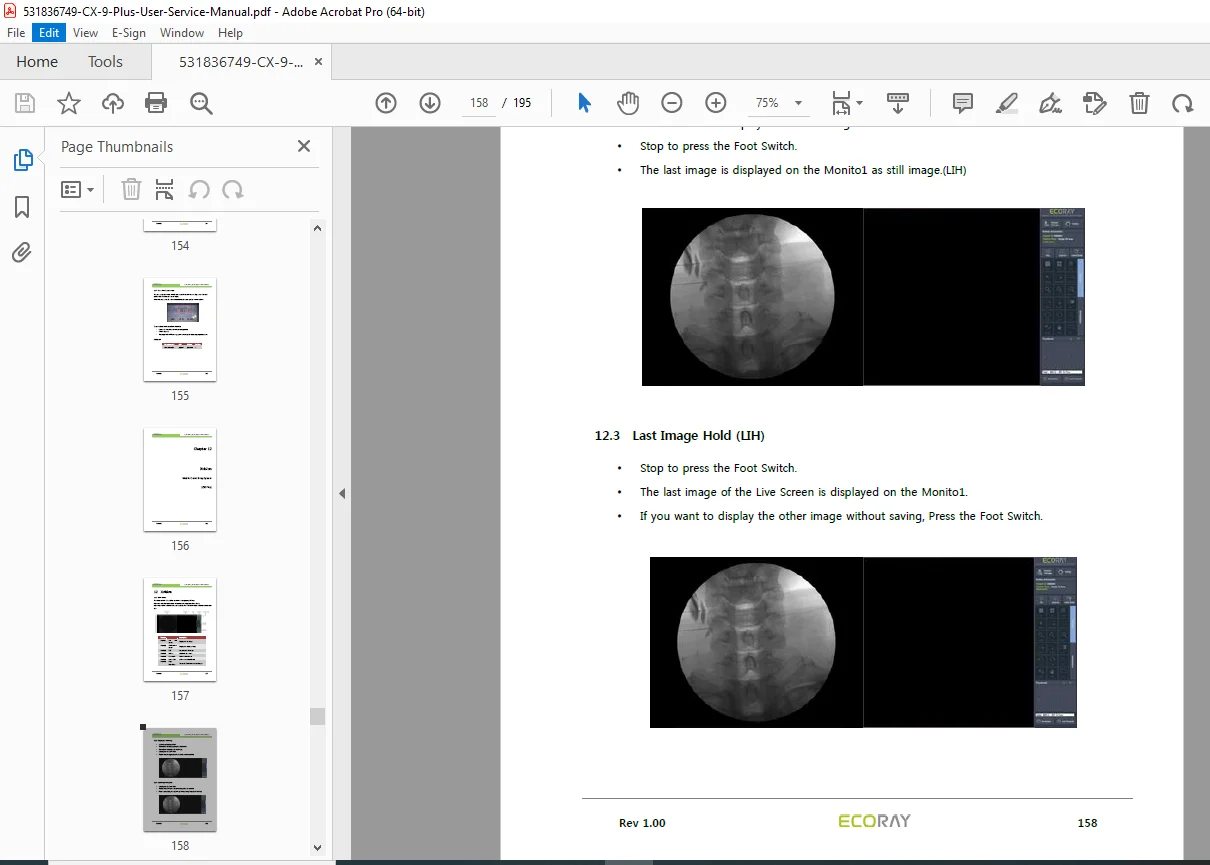
- 12.2 Display the live image (Page 158)
No separate bookmarks or index beyond the table of contents. This mobile C-arm X-ray installation instructions and X-ray generator calibration for CX9Plus ensure safe and effective use in surgical environments.
File Details
- Manual Name: CX9PLUS Mobile C-arm X-Ray System Installation, Operation & Service Manual
- Models Covered: CX9Plus
- Year: Not specified (Rev 1.00)
- Manual PDF Quality: High-resolution with clear text, diagrams, and searchable content
- No of Pages: 195