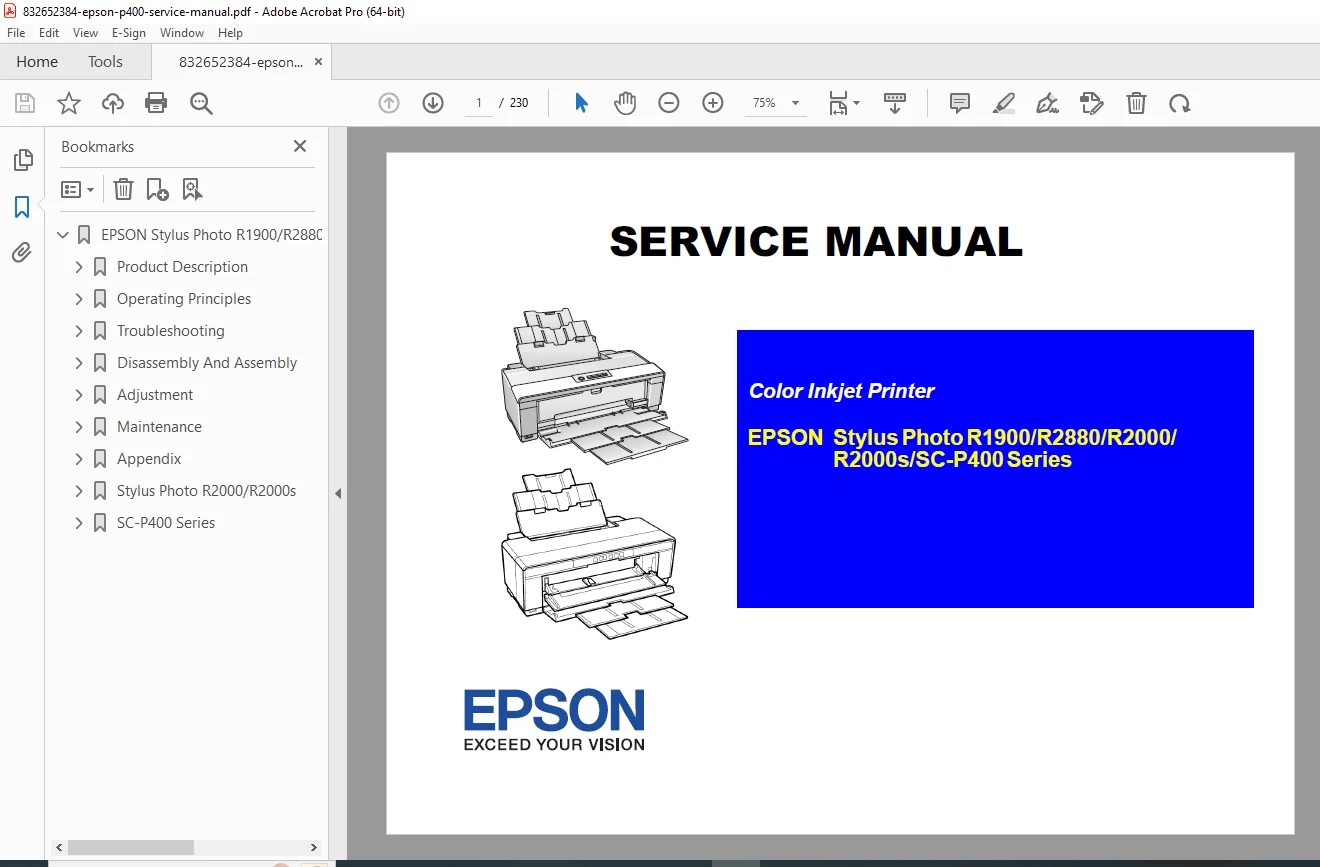
Epson SC-P400, R2000, R2880, R1900 Service Manual & Repair Guide PDF
Original price was: $65.00.$14.95Current price is: $14.95.
Complete 300+ page Official Factory Service Manual for the Epson Stylus Photo R1900, R2880, R2000, R2000s, and SC-P400 Series. This high-quality PDF includes full disassembly instructions, error code troubleshooting, and professional adjustment procedures. Master your Epson large-format printer maintenance with factory-approved print head replacement and colorimetric calibration guides.
Description
Epson SC-P400, R2000, R2880, R1900 Service Manual & Repair Guide PDF DOWNLOAD
DESCRIPTION
Maintain your professional photography production with the Official Epson Stylus Photo & SC-P400 Series Service Manual. This comprehensive technical reference is the exact resource used by certified Epson technicians to diagnose, repair, and calibrate the world’s leading A3+ photo printers.
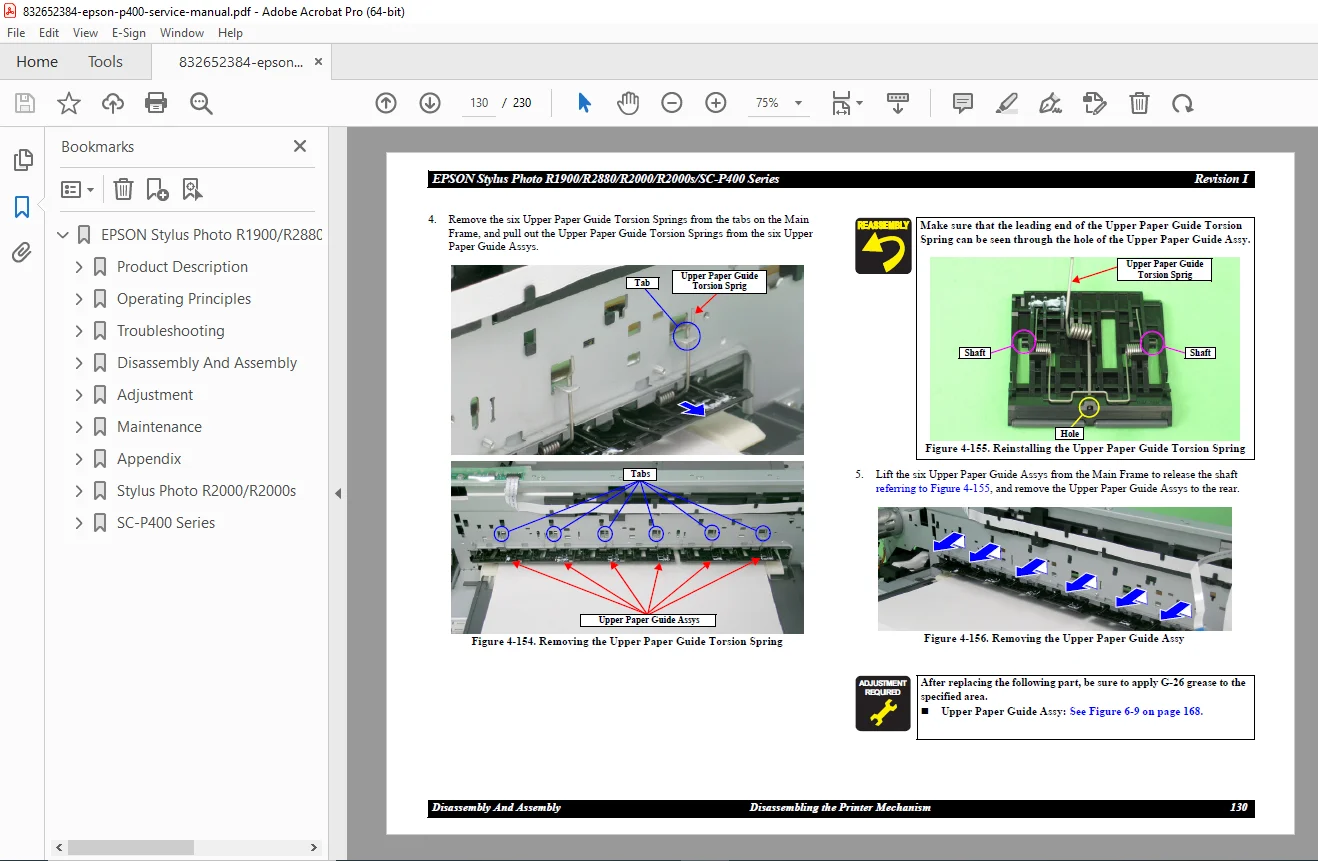
Whether you are performing a routine Epson print head cleaning or a complex MT-07 engine overhaul (of the printer’s mechanical system), this manual provides the step-by-step logic and high-resolution diagrams required. It covers everything from basic housing removal to the intricate Epson SC-P400 series maintenance menu and fatal error recovery.
Comprehensive Table of Contents:
Chapter 1: Product Description
Detailed Specifications for R1900, R2880, R2000, and SC-P400.
Ink Cartridge Product Codes and Storage Temperatures.
Control Panel Button and LED Functionality.
Chapter 2: Operating Principles
Printer Mechanism: DC Motors (CR, PF, APG) and Stepping Motors (ASF, Pump).
Printhead Specifications: Nozzle arrangement and F-Mach head data.
Sensors: PF Encoder, PE Sensor, and PW Sensor layout.
Chapter 3: Troubleshooting
Step-by-step procedures for Error Messages and Observed Faults.
Fatal Error Remedies: Diagnostics for mechanical and electronic failures.
Print Quality Issues: Fixing dot missing, banding, and color shading.
Chapter 4: Disassembly & Assembly
Housings: Removal of Rear Housing, Panel Unit, and Upper Housing.
Boards: Main Board and Power Supply Board replacement.
Mechanism: Disassembling the Printhead, Carriage Unit, and PF Roller Shaft.
Chapter 5: Adjustment
Mechanical Adjustments: PF Belt Tension and PG Adjustment.
Calibration: Colorimetric Calibration and EEPROM Data Copy.
Chapter 6: Maintenance
Waste Ink: Protection Counter reset and Waste Ink Pad replacement.
Lubrication: Specified grease points (G-26, G-45, G-71) for the Carriage Shaft.
Chapter 9: SC-P400 Specific Data
New parts and servicing differences from the R2000 series.
Firmware update procedures for Fatal Error recovery.
Core Technical Specifications:
| Feature | Specification +2 |
| Max Resolution | 5760 x 1440 dpi |
| Print Head | F-Mach with 180 nozzles x 8 lines |
| Weight | ~12.3 kg |
| Ink Type | Newly developed Pigment Ink Cartridges |
FILE DETAILS
Manual Name: Epson Stylus Photo R1900/R2880/R2000/R2000s/SC-P400 Service Manual
Models Covered: R1900, R2880, R2000, R2000s, SC-P400
Year / Revision: Revision I, January 2017
Manual PDF Quality: Factory High-Resolution, Searchable & Indexed
No. of Pages: 305 Pages
Don’t let a “Maintenance Request” or “Fatal Error” stop your workflow. Purchase this manual now to instantly download the factory blueprints and adjustment secrets needed to restore your Epson photo printer to perfect condition today!