Epson SQ 870 SQ1170 Service Manual – PDF DOWNLOAD
$25.95
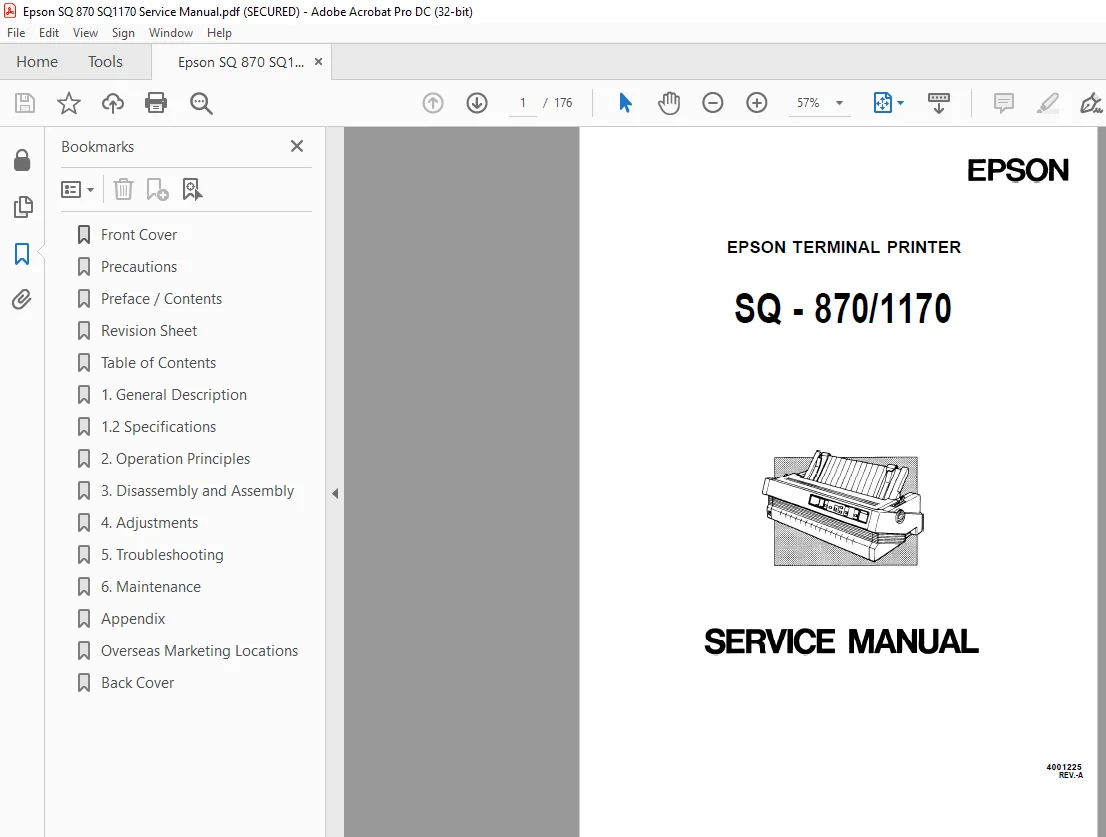
Epson SQ 870/SQ1170 Service Manual – PDF DOWNLOAD
Description
Epson SQ 870/SQ1170 Service Manual – PDF DOWNLOAD
FILE DETAILS:
Epson SQ 870/SQ1170 Service Manual – PDF DOWNLOAD
Language :English
Pages :176
Downloadable : Yes
File Type : PDF
IMAGES PREVIEW OF THE MANUAL:
DESCRIPTION:
Epson SQ 870/SQ1170 Service Manual – PDF DOWNLOAD
PREFACE
This manual describes functions, theory of electrical and mechanical
operations, maintenance, and repair of the SQ-870/l 170.
The instructions and procedures included herein are intended for the
experienced repair technician, and attention should be given to the
precautions on the preceding page. The chapters are organized as follows:
Chapter 1 – Provides a general product overview, lists specifications,
and illustrates the main components of the printer.
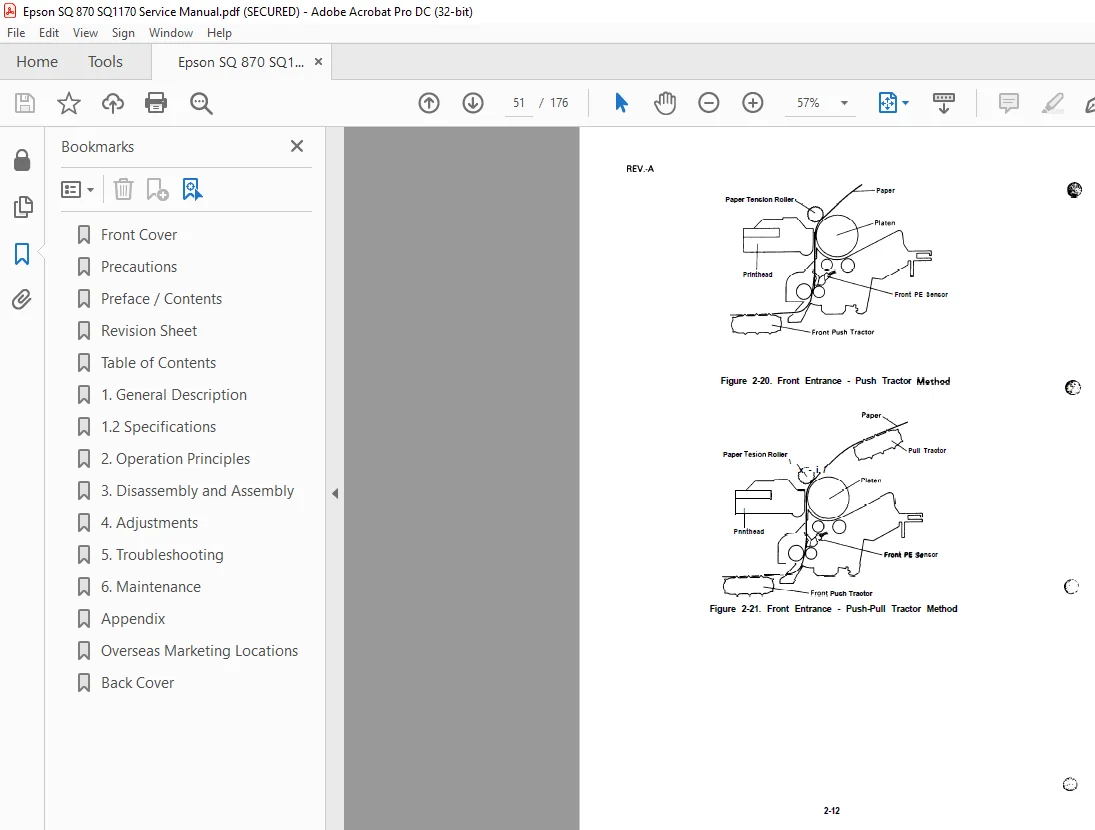
Chapter 2 – Describes the theory of printer operation.
Chapter 3 – Includes a step-by-step guide for product disassembly and
assembly.
Chapter 4 – Includes a step-by-step guide for adjustment.
Chapter 5 – Provides Epson-approved techniques for troubleshooting.
Chapter 6 – Describes preventive maintenance techniques.
TABLE OF CONTENTS:
Epson SQ 870/SQ1170 Service Manual – PDF DOWNLOAD
Figure 1-1 Exterior View of the SQ-1 170 1 -2
Figure 1-2 Nozzle Configuration 1 -3
Figure 1-3 Release Lever Positions 1 – 4
Figure 14 Label Size 1 – 5
Figure 1-5 Printable Area for Cut Sheets 1 -6
Figure 1-6 Printable Area for Continuous Papers 1 -6
Figure 1-7 Printer Operating Environment 1 -8
Figure 1-8 Character Matrix 1 – 13
Figure 1-9 Data Transmission Timing 1-14
Figure 1-10 Control Panel 1 – 16
Figure 1-11 Lever Positions 1 – 23
Figure 1-12 SQ-1 170 Component Layout 1 -25
Figure 1-13 C076 MAIN Board 1 – 26
Figure 1-14 Control Panel 1 – 27
Figure 1-15 C076 PSB/PSE Board l -27
Figure 1-16 Model-4710/4760 Printer Mechanism 1-28
Figure 1-17 Housing 1 – 2 8
LIST OF TABLES
Interface Options 1 -1
Optional Units 1 -2
Specifications for Cut Sheets 1-4
Specifications for Continuous Papers 1-4
Envelopes 1 – 5
Labels Specifications 1 -5
Built in Bit-map Fonts 1 -9
Printing (Text Mode) 1 -1o
Printing (Bit Image Mode) 1 – 11
Character Matrix and Character Size 1 -12
Connector Pin Assignments and Signal Functions 1-14
Settings for DIP Switch 1 (sw1)-1-18
Settings for DIP Switch 2 (SW2) 1 – 18
International Character Set Selection 1-19
Page Length 1 – 1 9
Lever Positions 1 – 23
S.M 1/3/2025