Epson Stylus Color 580 Service Manual – PDF DOWNLOAD
$27.95
Epson Stylus Color 580 Service Manual – PDF DOWNLOAD
Description
Epson Stylus Color 580 Service Manual – PDF DOWNLOAD
FILE DETAILS:
Epson Stylus Color 580 Service Manual – PDF DOWNLOAD
Language :English
Pages :149
Downloadable : Yes
File Type : PDF
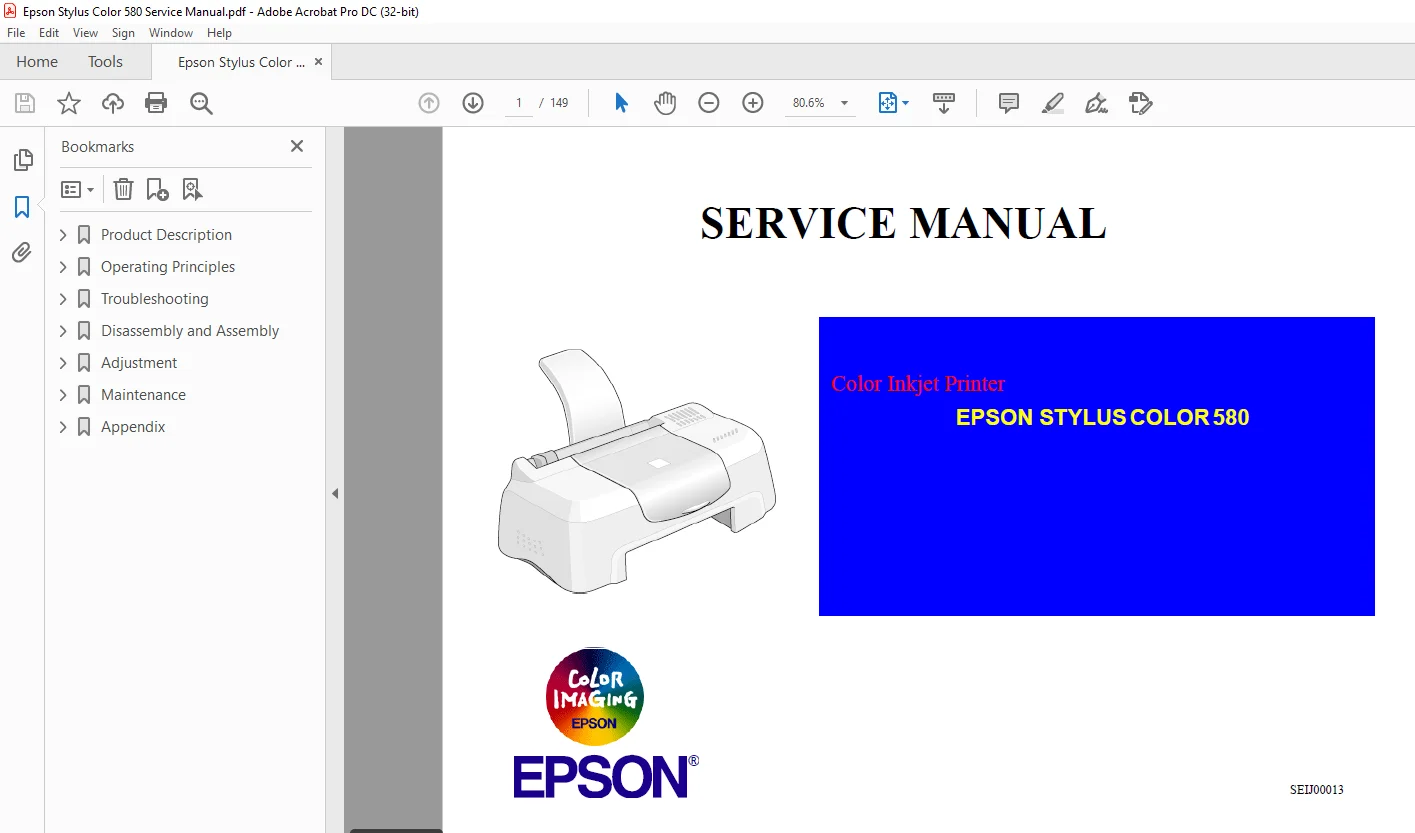
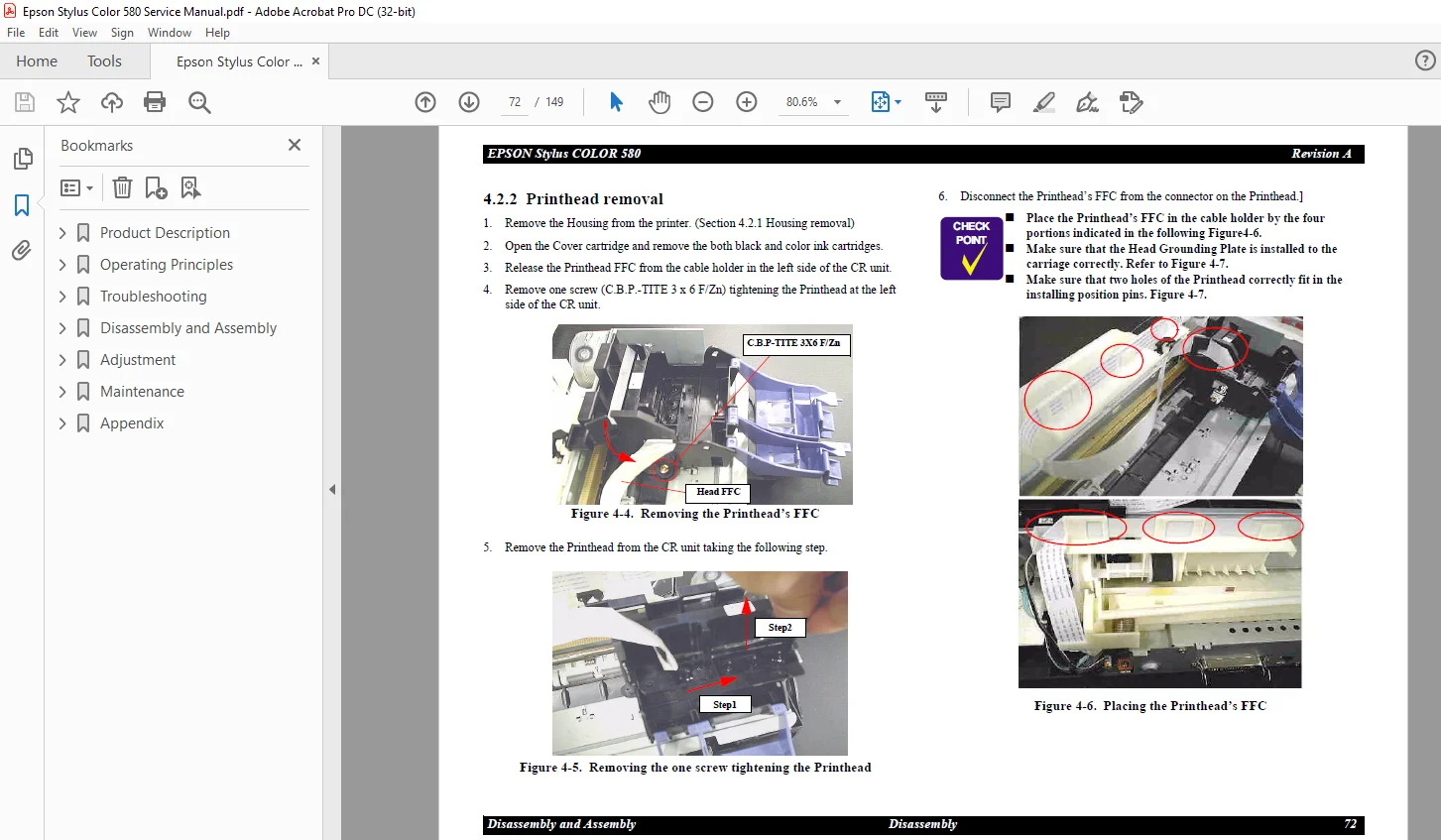
IMAGES PREVIEW OF THE MANUAL:
DESCRIPTION:
Epson Stylus Color 580 Service Manual – PDF DOWNLOAD
PRECAUTIONS
Precautionary notations throughout the text are categorized relative to 1)Personal injury and 2) damage to equipment.
DANGER Signals a precaution which, if ignored, could result in serious or fatal personal injury. Great caution should be exercised in
performing procedures preceded by DANGER Headings.
WARNING Signals a precaution which, if ignored, could result in damage to equipment.
The precautionary measures itemized below should always be observed when performing repair/maintenance procedures
TABLE OF CONTENTS:
Epson Stylus Color 580 Service Manual – PDF DOWNLOAD
Overview 10
Features 10
Basic Specification 11
Printing Specification 11
Paper Specification 12
Printable Area 15
PG Adjust Lever 16
Ink Cartridge 17
Input Data Buffer 18
Electric Specification 18
Reliability 18
Safety Approvals 18
Acoustic Noise 18
CE Marking (for 220V – 240V) 19
Environmental Conditions 19
Interface Specification 21
USB Interface 21
EEE12844 Protocol 22
Miscellanea 23
Panel-less control & Status Indication 23
Initialization 26
Physical Specification 27
Consumables and Options 28
Overview 30
Printer Mechanism 30
Printhead 31
Carriage Mechanism 33
Paper Feeding Mechanism 34
Paper Loading Mechanism (ASF Unit) 35
Ink System Mechanism 39
Ink Sequence 40
Printing mode 42
Electrical Circuit Operating Principles 43
C367 PSB/PSE board 43
C379MAIN-C Board 45
Overview 51
Unit Level Troubleshooting 55
Overview 67
Precautions 67
Tools 68
Work Completion Check 69
Disassembly 70
Housing removal 71
Printhead removal 72
CR motor removal 74
Circuit board removal 76
Waste drain ink pad unit removal 80
PF motor removal 81
LD Roller removal 82
HP/PE/IC Sensor removal 85
Ink system unit removal (Cap & Pump unit ) 87
Paper Eject Roller removal 89
Paper feed roller removal 91
CR unit removal 93
Disassembling ASF frame unit 96
Overview 100
Required Adjustment 100
Adjustment Program feature 101
Adjustment Program Installation Procedure 102
Adjustment Program Initial Setting menu 103
Sequential Repair Service Program feature 104
Feature 104
Printhead removal 106
Printhead replacement 109
Main board replacement 112
CR unit replacement or removal 116
CR motor replacement or removal 116
Printer mechanism replacement 117
Waste ink pad replacement 117
Individual service adjustment program feature 118
Get status function 118
Head cleaning function 118
Initial ink charge function 118
Protection counter check/reset 118
EEPROM check function 119
Refurbishment for DOA 120
A4 Check pattern 121
S.M 26/2/2025