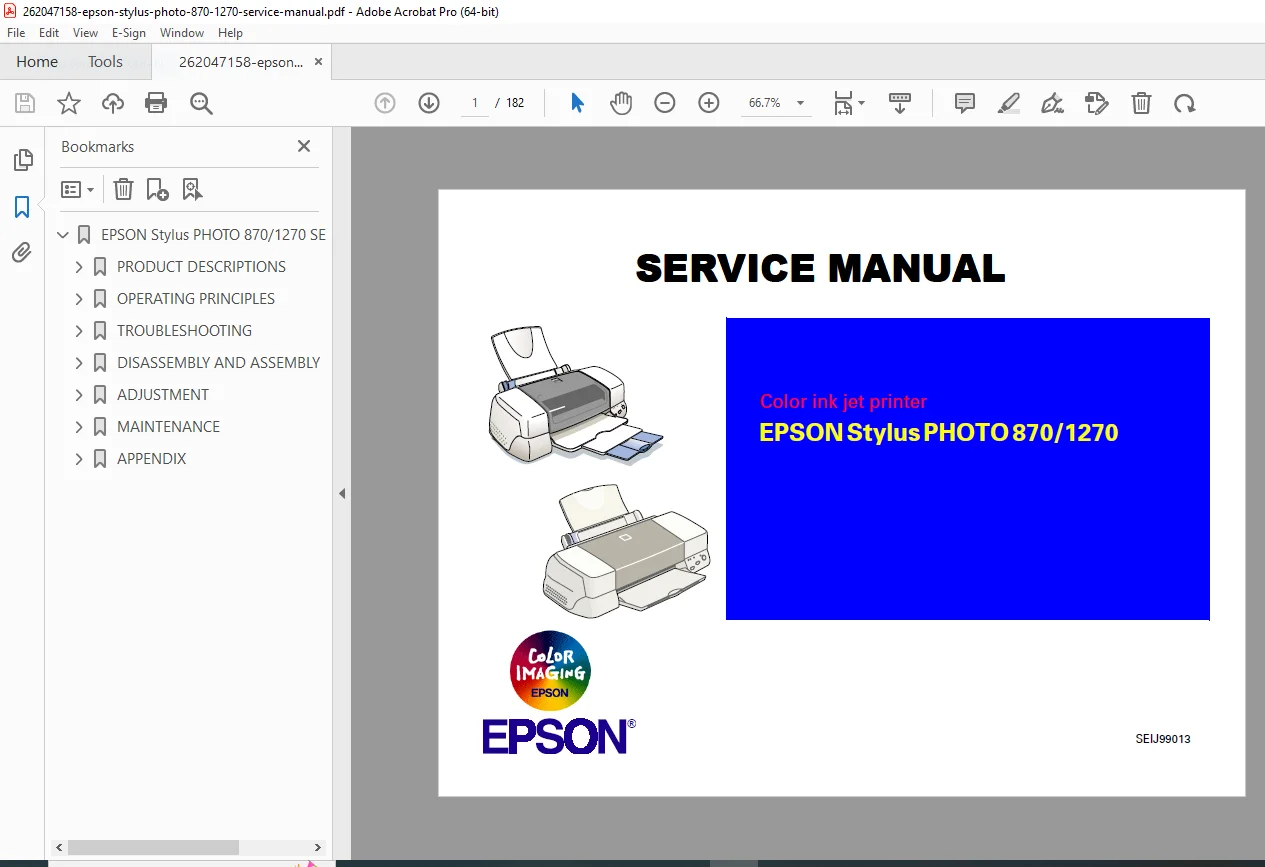
Epson Stylus Photo 870 1270 Service Manual PDF
Original price was: $95.00.$18.95Current price is: $18.95.
Complete factory service manual for Epson Stylus Photo 870 and 1270 printers. Comprehensive troubleshooting, disassembly procedures, technical specifications, maintenance guidelines, and repair instructions. Includes detailed diagrams, adjustment procedures, error code diagnostics, and parts replacement guides. Essential resource for technicians performing printer repairs, maintenance, or diagnostics. Instant PDF download with searchable content.
Description
Epson Stylus Photo 870 1270 Service Manual Repair Guid PDF Download
Description
File Details
- Manual Name: Epson Stylus Photo 870/1270 Service Manual
- Models Covered: Epson Stylus Photo 870, Epson Stylus Photo 1270
- Year: Professional Service Edition
- PDF Quality: High-resolution factory original scan
- Total Pages: 262 pages
Complete Service Manual Coverage
This Epson Stylus Photo 870 and 1270 service manual provides comprehensive technical documentation for professional repair and maintenance. Factory-authorized content includes detailed troubleshooting procedures, complete disassembly instructions, technical specifications, and diagnostic guidelines.
Major Sections Included
Safety & Technical Specifications
- Electrical safety precautions and guidelines
- Environmental operating conditions
- Power supply specifications and requirements
- Print head technology specifications
- Ink delivery system technical data
Troubleshooting & Diagnostics
- Systematic error code identification
- Print quality diagnostic procedures
- Paper feed mechanism troubleshooting
- Ink system diagnostics
- Control panel error messages
- Hardware failure diagnosis
- Software and driver issues
Disassembly & Assembly Procedures
- Step-by-step printer disassembly instructions
- Component removal sequences
- Print head carriage disassembly
- Paper feed mechanism removal
- Main board and control panel access
- Power supply unit disassembly
- Ink delivery system components
- Reassembly procedures and verification
Adjustment & Calibration
- Print head alignment procedures
- Bi-directional adjustment settings
- Paper feed calibration
- Ink density adjustments
- Carriage motor timing
- Sensor calibration procedures
- Test pattern printing and evaluation
Maintenance Procedures
- Routine cleaning procedures
- Print head maintenance and cleaning
- Paper path cleaning guidelines
- Lubrication points and specifications
- Preventive maintenance schedules
- Ink system flushing procedures
Parts Identification & Replacement
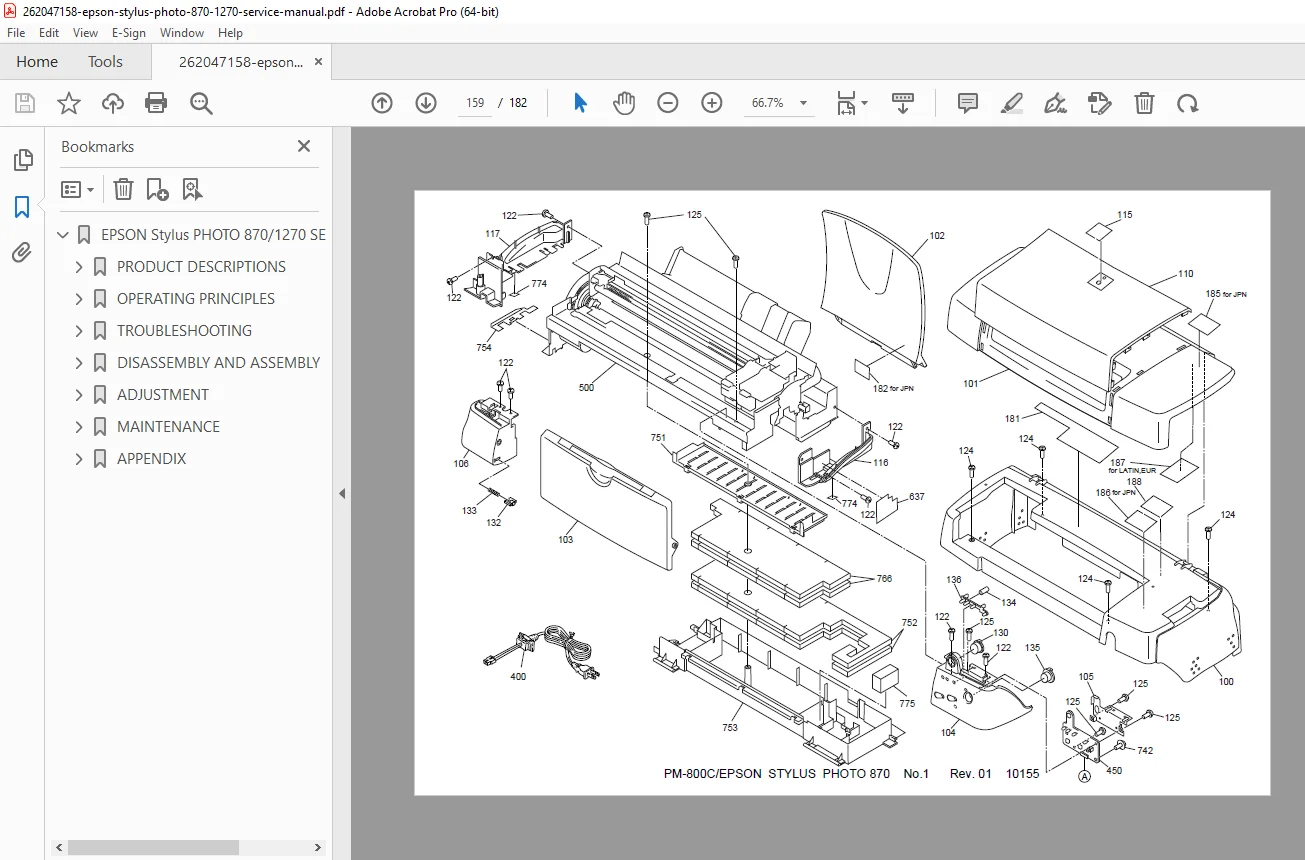
- Exploded view diagrams
- Parts catalog with reference numbers
- Component location illustrations
- Replacement part specifications
- Assembly component breakdown
- Fastener and hardware specifications
Electrical Schematics & Diagrams
- Complete circuit diagrams
- Main board schematics
- Power supply circuit diagrams
- Sensor and switch wiring
- Cable routing diagrams
- Connector pinout specifications
Service Mode Functions
- Accessing service mode procedures
- Diagnostic test patterns
- Waste ink counter reset procedures
- EEPROM adjustment functions
- Factory default restoration
- Firmware update procedures
Technical Repair Information
Print Mechanism Service
- Carriage rail cleaning and maintenance
- Print head nozzle recovery procedures
- Ink cartridge holder service
- Capping station maintenance
- Wiper blade replacement guidelines
Paper Handling System
- Feed roller replacement procedures
- Paper sensor adjustment
- Pick-up mechanism service
- Exit roller maintenance
- Paper path alignment procedures
Electronic System Service
- Main controller board diagnostics
- Power supply voltage testing
- Motor driver diagnostics
- Sensor functionality testing
- Interface connection troubleshooting
Error Code Reference Guide
Complete diagnostic error code listings including:
- Paper jam error codes and solutions
- Ink system error diagnostics
- Carriage movement errors
- Communication errors
- Hardware failure codes
- Service required indicators
Specifications & Technical Data
| Specification | Stylus Photo 870 | Stylus Photo 1270 |
|---|---|---|
| Print Technology | MicroPiezo inkjet | MicroPiezo inkjet |
| Maximum Resolution | 1440 x 720 dpi | 1440 x 720 dpi |
| Print Speed | Variable by mode | Variable by mode |
| Paper Capacity | 100 sheets | 120 sheets |
| Interface | USB, Parallel | USB, Parallel |
| Power Consumption | Details in manual | Details in manual |
Why This Service Manual Is Essential
Professional technicians rely on this Epson Stylus Photo service manual for accurate repair procedures and technical specifications. Contains factory-authorized information not available in user manuals, including advanced diagnostics, calibration procedures, and component-level repair instructions.
Instant Digital Access
Download immediately after purchase and access on any device. Searchable PDF format allows quick navigation to specific repair procedures. Print relevant sections for workshop reference or view on tablet/computer during repairs.
Get your printer back to factory specifications today – download this comprehensive service manual now and perform professional-grade repairs with confidence!
Pricing Rationale:
- Professional technical service manual (262 pages)
- Covers 2 printer models
- Specialized repair/technical content
- Competitive with similar printer service manuals
- Instant download value proposition