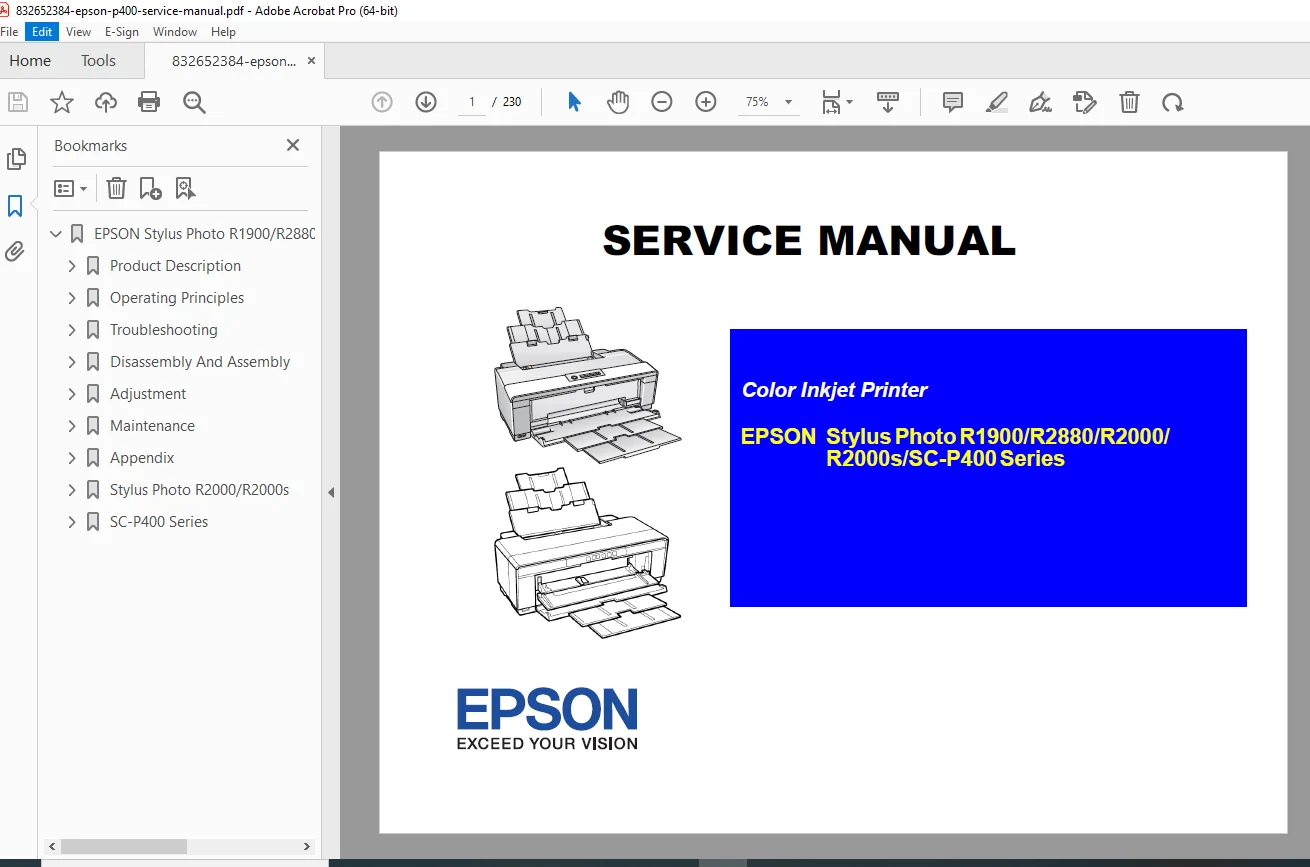
Epson Stylus Photo R1900 R2880 R2000 SC-P400 Service Manual Repair & Parts PDF
Original price was: $95.00.$15.95Current price is: $15.95.
Complete Service Manual for Epson Stylus Photo R1900, R2880, R2000, R2000s, and SC-P400 Series printers. This comprehensive technical guide covers disassembly, printhead replacement, error code troubleshooting (including fatal errors), and critical adjustments like Bi-D and PF belt tension. Essential for technicians repairing paper jams, ink system failures, and waste ink pad replacements. Includes exploded views and full parts lists.
Description
Epson Stylus Photo R1900 R2880 R2000 SC-P400 Service Manual Repair & Parts PDF DOWNLOAD
DESCRIPTION
Restore Your Professional Photo Printer to Factory Condition
The Epson Stylus Photo R1900/R2880/R2000/R2000s/SC-P400 Series Service Manual is the definitive resource for diagnosing and repairing Epson’s line of high-quality pigment ink photo printers. Whether you are fixing a “Service Required” error, replacing a clogged printhead, or troubleshooting a paper feed issue, this manual provides the step-by-step factory procedures you need.
Covering multiple models in the A3+ photo printer series, this manual is vital for anyone maintaining these precision machines. It includes detailed logic trees for troubleshooting error codes, specific voltage values for sensor checks, and precise mechanical alignment instructions.
Detailed Manual Contents:
Disassembly & Assembly:
Housing Removal: Safe removal of Panel Units, Rear Housing, and Upper Housing.
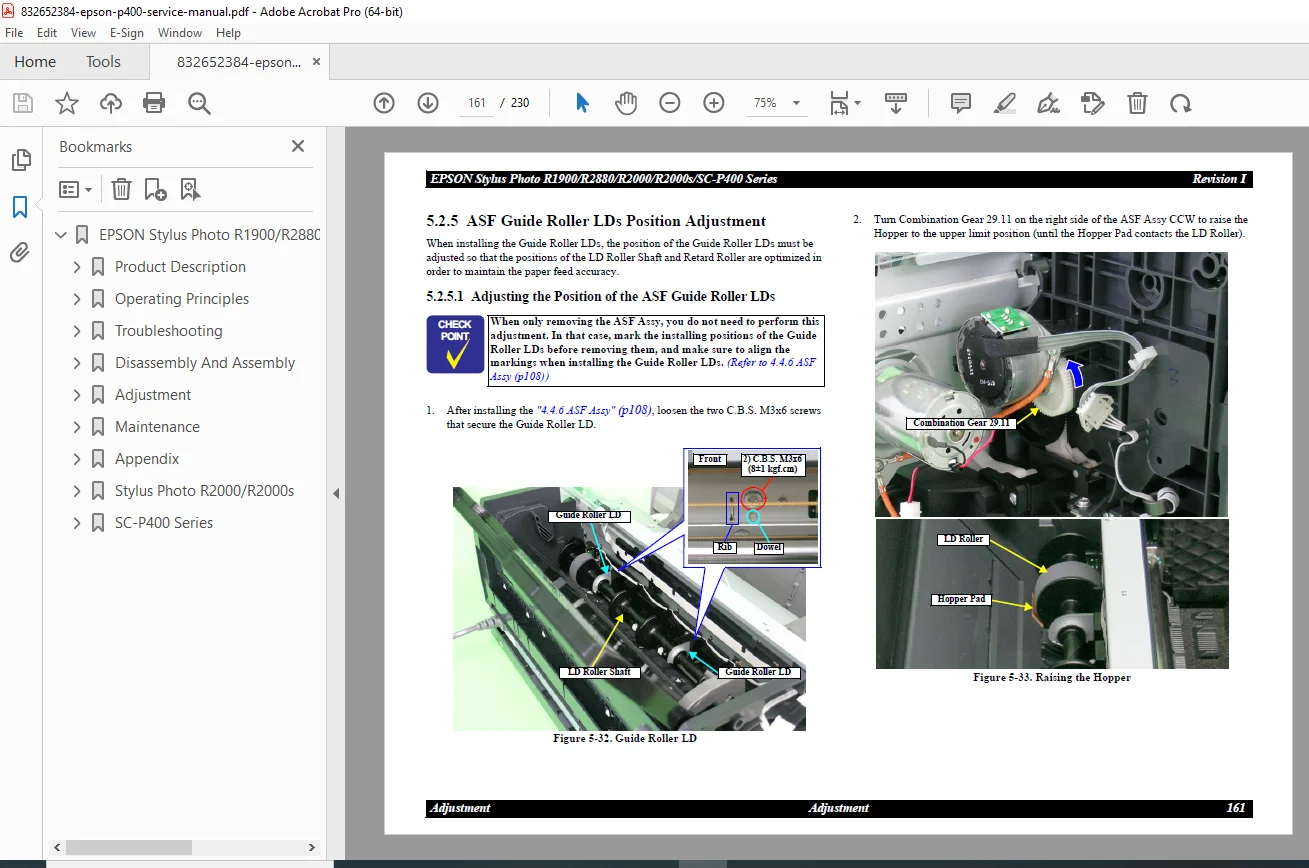
Printer Mechanism: Complete guide to removing the Main Board, Power Supply, ASF Assy, and Pump Motor.
Printhead Replacement: Step-by-step instructions for removing and installing the F-Mach printhead and CSIC Assy.
Ink System: Procedures for servicing the Waste Ink Pads, Cap Unit, and Wiper.
Troubleshooting:
Error Codes: Detailed remedies for Fatal Errors, Maintenance Requests (Waste Ink Pad Counter), and Communication Errors.
Print Quality Issues: Solutions for banding, dot missing, and color shading using nozzle checks and head cleaning cycles.
Sensor Diagnostics: Voltage checks and logic states for PE Sensor, PW Sensor, CDR Sensor, and CR Encoder.
Adjustments:
Mechanical Adjustments: PF Belt Tension, PF Roller Shaft Center Support, and PG (Platen Gap) settings.
Electronic Adjustments: Bi-D (Bi-Directional) alignment, Head Angular adjustment, and Colorimetric Calibration.
Software Tools: Instructions for using the Adjustment Program for EEPROM data copy, USB ID input, and Waste Ink Pad counter reset.
Maintenance:
Lubrication: Specific points and grease types (G-26, G-71) for the Carriage Shaft and gears.
Cleaning: Procedures for cleaning the ASF LD Roller and internal components.
Tables & Diagrams Included:
Connector Summary: Main Board connection points for all sensors and motors.
Error Indications: LED flash patterns and their corresponding error states.
Lubrication Charts: Precise locations for applying grease during reassembly.
FILE DETAILS
Manual Name: Epson Stylus Photo R1900/R2880/R2000/R2000s/SC-P400 Series Service Manual
Models Covered: Stylus Photo R1900, R2880, R2000, R2000s, SC-P400
Year: 2017 (Revision I)
File Type: Digital PDF (Searchable)
Total Pages: 230 pages
Content: Text, Exploded Views, Schematics, Troubleshooting Trees
⚡ INSTANT DOWNLOAD: Don’t let a “Service Required” message stop your printing workflow. Download this manual now to access the official repair procedures and adjustment settings you need to fix your Epson photo printer today!