Epson TM-U220 POS Printer Technical Reference & Service Manual (Rev. D) PDF
Original price was: $85.00.$15.95Current price is: $15.95.
Official Technical Reference Guide for Epson TM-U220 Impact POS Printers (Types A, B, & D). This 150+ page manual covers complete hardware setup, DIP switch configuration, memory switch settings, troubleshooting (LED codes, jams), and application development data (ESC/POS, OPOS). Essential for IT integrators and service technicians. Instant Download.
Description
Epson TM-U220 POS Printer Technical Reference & Service Manual (Rev. D) PDF DOWNLOAD
Description:
Master the Configuration of Your POS Hardware
This is the official Technical Reference Guide for the Epson TM-U220 Series, the industry-standard impact receipt printer. Unlike a basic user manual, this guide provides the deep technical level detail required to integrate, configure, and repair the printer within a Point-of-Sale network.
Whether you are replacing an older TM-U210, configuring specific international character sets, or troubleshooting a “Paper Out” LED error, this document provides the factory-specified procedures to ensure your system runs smoothly.
Comprehensive Coverage Includes:
The manual is expertly organized into six chapters and four appendices:
Chapter 1: General Information
Features & Structure: Breakdown of Types A, B, and D.
Specifications: Printing speeds, paper width (76mm/69.5mm/57.5mm), and power consumption.
Reliability Data: MTBF (180,000 hours) and MCBF (18 million lines) data.
External Dimensions: Detailed diagrams for installation planning.
Chapter 2: System Planning
Control Methods: Windows Drivers (APD), OPOS ADK, and ESC/POS Commands.
Connection Forms: Stand-alone, Y-connection, and Pass-through setups.
Interface Guides: Serial (RS-232), Parallel, USB, and Ethernet (10Base-T) pinouts and cabling.
Chapter 3: Setup & Configuration
Hardware Setup: Installing ribbons, roll paper (drop-in), and power supply units.
Configuration: Complete DIP Switch Tables (Serial communication, busy conditions) and Memory Switch setup modes.
Adjustments: Setting paper width and adjusting the Near-End Detector.
Self-Test: Procedure to print current settings and confirm operation.
Chapter 4: Troubleshooting
LED Diagnostics: Interpreting Blinking Patterns for Auto-recoverable and Unrecoverable errors.
Jam Clearance: Procedures for removing paper jams and fixing Autocutter locks.
Hex Dump Mode: How to enable hexadecimal dump for data analysis.
Chapter 5: Application Development
Status Management: ASB (Automatic Status Back) and querying printer status via APD/OPOS.
Cash Drawer Control: Pin assignments and programming examples for opening drawers.
NV Memory: Storing and printing bit-images (Logos) and user data.
Chapter 6: Migration & Replacement
Cross-Reference: Detailed guide for replacing legacy TM-U210 and TM-U300 printers with the TM-U220.
Compatibility: Comparison of print speeds, cutting positions, and receive buffers.
Appendices:
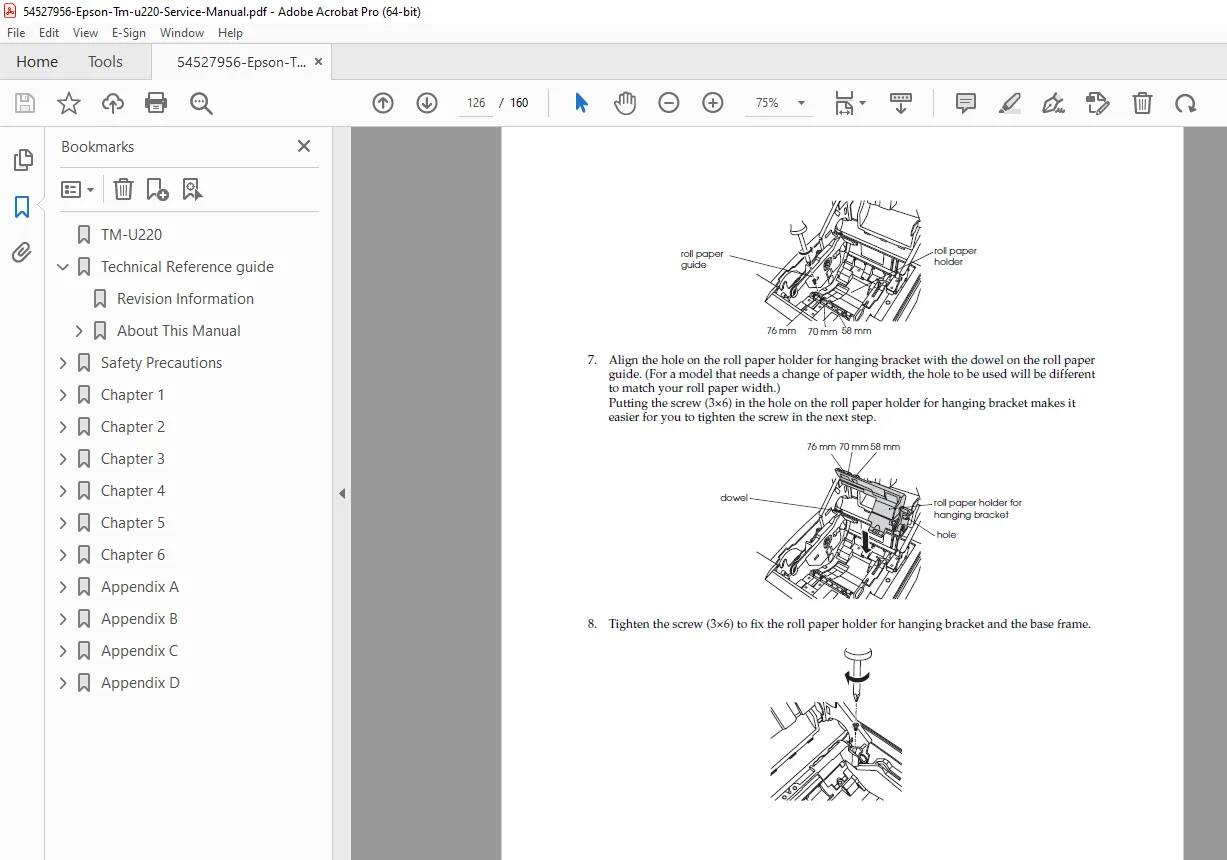
Wall Mounting Instructions (with WH-10 bracket).
Character Code Tables: Page 0 (PC437), Page 1 (Katakana), Multilingual, and Thai character sets.
Key Features:
DIP Switch Charts: Vital for setting baud rates and handshake protocols (DTR/DSR vs XON/XOFF).
Error Codes: Detailed lookup tables for flashing LED error sequences.
Compatibility: Clear instructions for retrofitting U220s into U200/U300 environments.
Product Details:
Manual Name: TM-U220 Technical Reference Guide (Rev. D)
Models Covered:
TM-U220 Type A (Autocutter + Take-up)
TM-U220 Type B (Autocutter)
TM-U220 Type D (Manual Cut)
Covers Alphanumeric and Multilingual Models
Year: Revision D (Current Standard)
File Type: PDF (Portable Document Format)
File Quality: High-Quality Digital / Searchable Text
Number of Pages: ~160 Pages
Download this essential technical guide today to access the specific switch settings and diagnostic codes you need to get your Epson printers communicating perfectly with your sales terminals!