★ TRUSTED BY 321,897+ PROFESSIONALS WORLDWIDE
🏢
Trusted Business
Verified & Licensed
🛡️
Virus Free Files
100% Safe Downloads
🔒
Secure Payment
SSL Protected
Instant Delivery
Available Immediately
Sale!

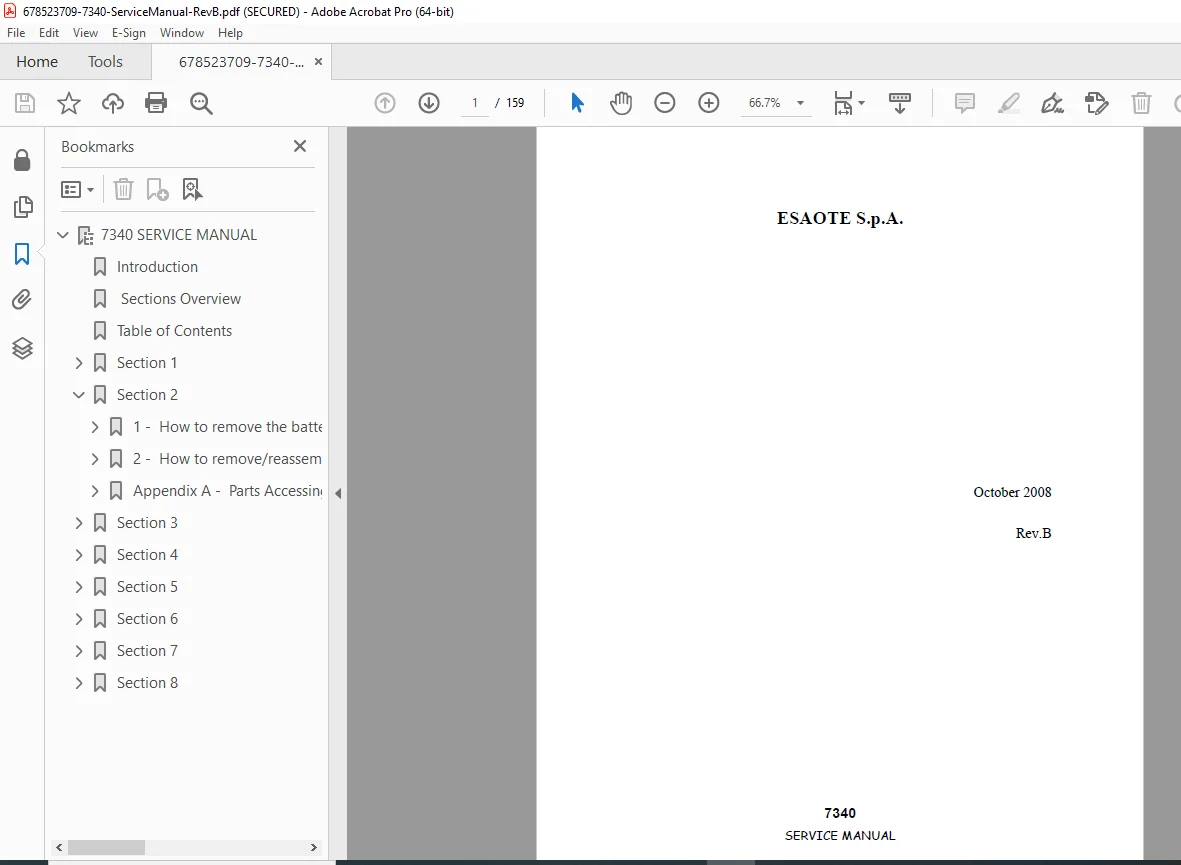
Esaote S.p.A. 7340 Service Manual PDF (Rev B, 8310082000)

Original price was: $120.00.Current price is: $30.95.

Official Esaote 7340 Service Manual PDF (Rev.B, Oct 2008). Covers service characteristics, configuration/self-test, disassembly & reassembly (covers, boards, HDD, LCD, DVD burner, keyboard/trackball), complete block diagram, parts lists & traceability, service menus/configuration & calibrations, maintenance & safety tests, troubleshooting (boot, archive/DVD/USB, printer/network, DICOM), plus checklists.

Instant PDF Download
Available immediately
💾
Save to Your Device
Download & keep forever
🛡️
Antivirus Scanned
100% virus-free
🌍
Trusted Worldwide
175,000+ customers

Description

Esaote S.p.A. 7340 Service Manual (Rev B, 8310082000) PDF DOWNLOAD
Description

This is the official 7340 Service Manual from Esaote, written for authorized service technicians. It explains how the 7340 system works, how to access service menus, and how to correctly diagnose and repair common faults using structured troubleshooting and checklists. It also provides step-by-step disassembly/reassembly for major assemblies and boards, along with parts lists and configuration guidance.

✅ What you’ll be able to do with this manual

  • Read the system configuration screens, firmware info, and understand self-test behavior at power-on

  • Perform safe disassembly/assembly (covers, batteries, trackball, fan, boards, HDD, LCD, DVD burner, keyboard assemblies) with recommended torque notes

  • Understand the internal architecture via 7340 block diagram and board-level functional descriptions (TRX, Control, Doppler, Processor, Video, Power Supply)

  • Use service menus for settings, save/load configuration, upgrades, printers, VTR settings, brightness adjustment, etc.

  • Follow maintenance procedures + safety tests, and troubleshoot archive media, USB devices, network, printer, and DICOM connectivity

Note: The manual states that electrical diagrams are not included and can be provided on request.


🗂️ Table of Contents (Neatly Categorized)

1) Service Characteristics

  • Identifying boards (SN / CI / FW levels)

  • Configuration screen (General / Licenses / Boards / Firmware)

  • Machine self-test & configuration conflicts

  • Updating the device

  • Equipment/tools (service key, upgrade disks, USB/CD)

  • Precautions (ESD, safe handling)

2) Disassembling / Assembling

  • Batteries & covers access (trackball, loudspeakers, fan)

  • Internal parts removal/reassembly:

    • Input / TRX / Control / Doppler boards

    • Processor & Video boards

    • Programmed hard disk

    • Power supply assembly

    • LCD display & LCD covers (high-voltage inverter warning)

    • Board chassis, DVD burner, keyboard assembly, encoder knobs

    • TGC board, PC keyboard, upper cover

  • Parts accessing times appendix

3) 7340 Block Diagram

  • Full block diagram

  • Functional descriptions: Input board, TRX1/TRX2, Control board, Doppler board, Processor board, Video board, Power supply board, Keyboard & TGC boards

4) Parts Lists

  • Traceability (S/N and lot number rules)

  • Current model configuration (main boards)

  • Covers list + spare parts list

  • Hard disk replacement procedure

  • Main power cables specs

5) Configurations & Calibrations

  • Service menu and settings

  • Save/load configuration, upgrading

  • Hard disk menu + network configuration

  • PC printer configuration & installation

  • Video/printer/VTR settings (multiple models listed)

  • Measure configuration

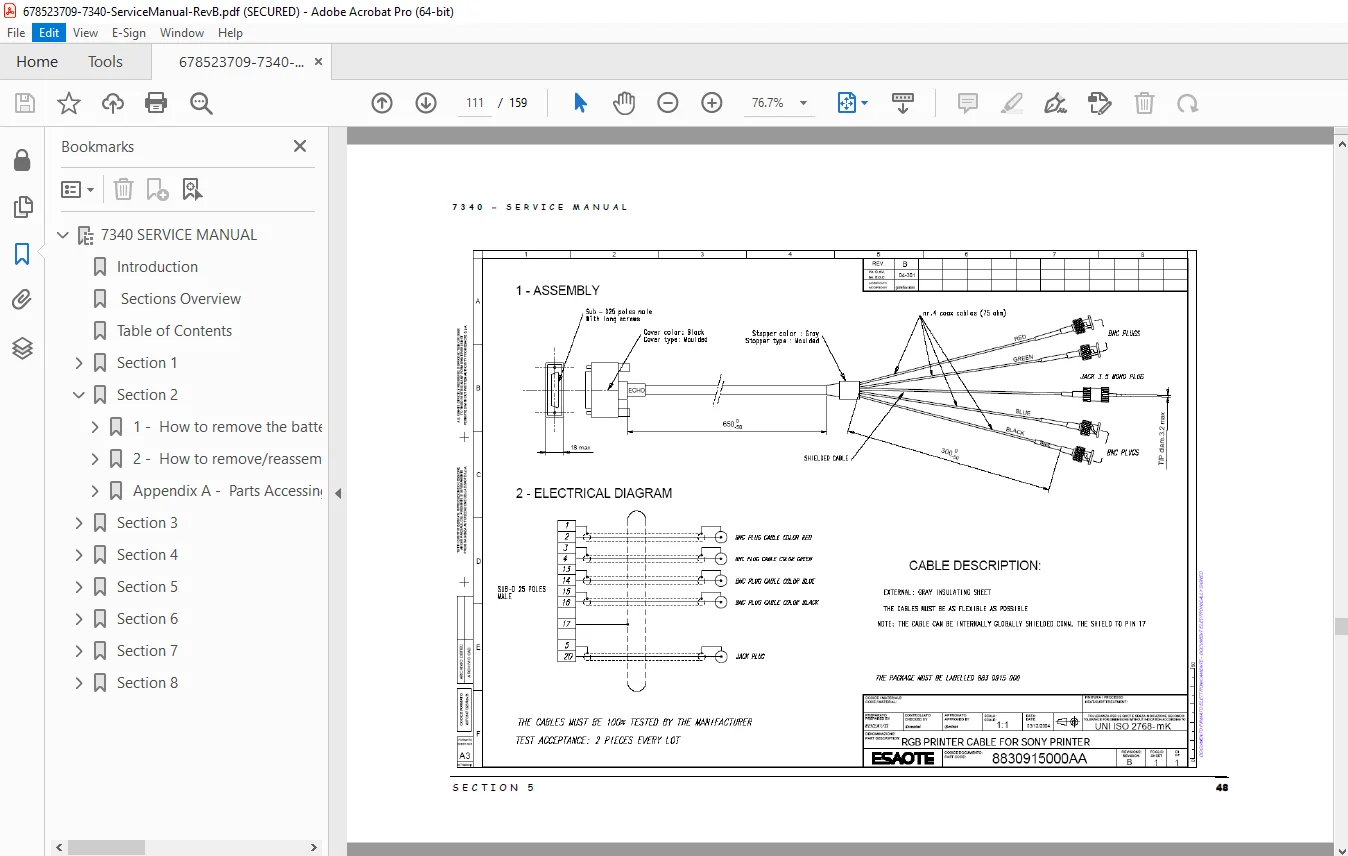
  • LCD/keyboard brightness adjustment + cables appendix

6) Maintenance Procedures

  • Trackball cleaning, fan cleaning

  • Processor battery cell & batteries replacement

  • Safety tests (unit/cart/probe safety tests)

7) Troubleshooting

  • Rules for exchanging information + fault description

  • Log files organization

  • Error messages & hardware error messages

  • Boot issues, archive access issues, Windows-related errors, system slowdown

  • DVD/USB archive troubleshooting

  • Printer/network troubleshooting

  • DICOM troubleshooting

8) Check Lists

  • Technical checklist

  • Maintenance checklist


📌 File Details

ItemDetails
Manual NameEsaote 7340 – Service Manual
Models Covered7340 system
Year / DateOctober 2008
RevisionRev. B
PDF QualityFactory service manual (clear text + diagrams/photos)
Pages159 pages
Document No.8310082000

Service it the right way with the official Esaote 7340 Service Manual—clear procedures, parts info, block diagrams, and real troubleshooting steps. Download instantly and start diagnosing with confidence today.

What Our Customers Say

★★★★★ Live reviews from customers
Loading customer reviews...
0
    0
    Your Cart
    Your cart is emptyReturn to Shop
    🛒
    Recently Purchased
    🕒 verified order