FIC A360 Notebook Service Manual & Disassembly Guide – PDF DOWNLOAD
Original price was: $65.00.$15.95Current price is: $15.95.
Get the official FIC A360 Notebook Service Manual PDF. This technical guide provides a complete A360 Laptop Disassembly Guide for key components such as the battery, HDD, ODD, keyboard, top cover, and motherboard. Includes full A360 Notebook Troubleshooting POST Codes, Phoenix BIOS Setup Utility instructions, system specifications, and hardware diagnostic procedures—ideal for technicians and repair professionals.
Description
FIC A360 Notebook Service Manual & Disassembly Guide – PDF DOWNLOAD
Description
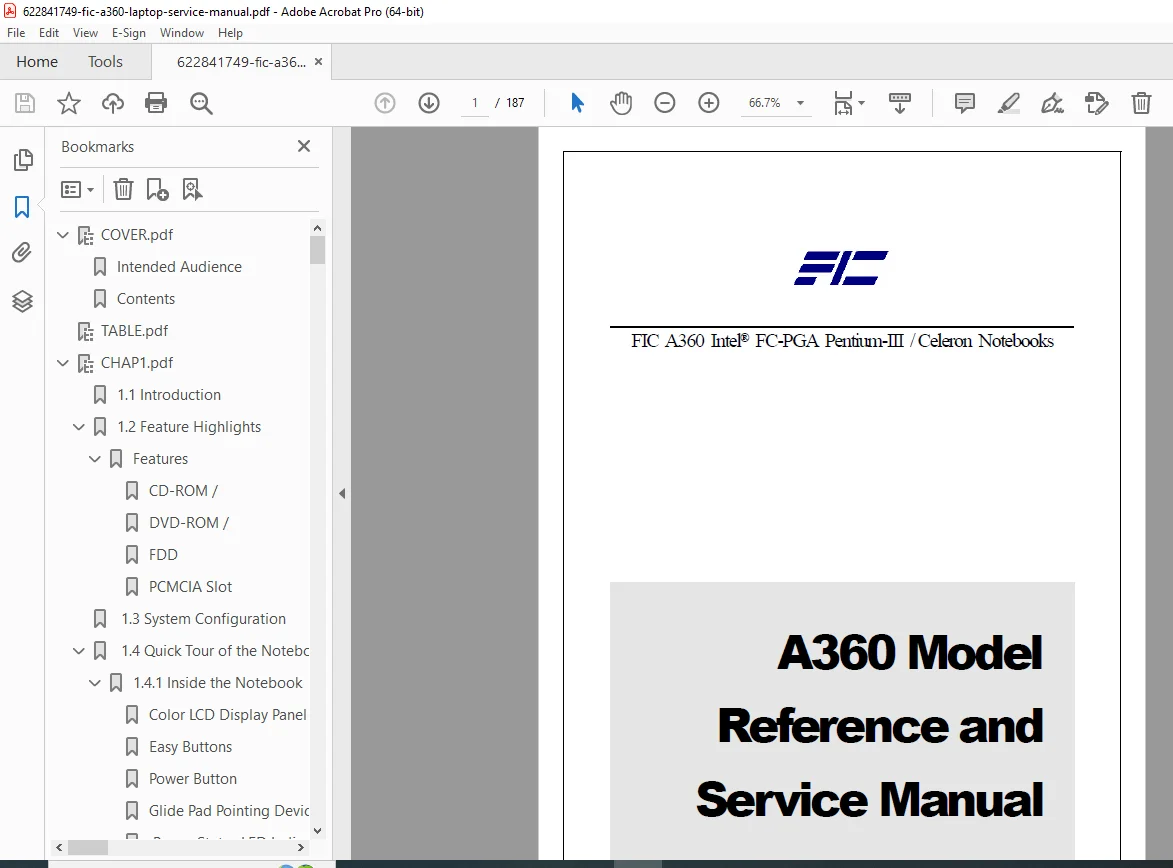
This is the official factory service manual for the FIC A360 Notebook Computer. Designed for repair technicians and advanced users, this 44-page manual provides complete hardware service information, troubleshooting procedures, illustrated disassembly steps, and BIOS configuration details.
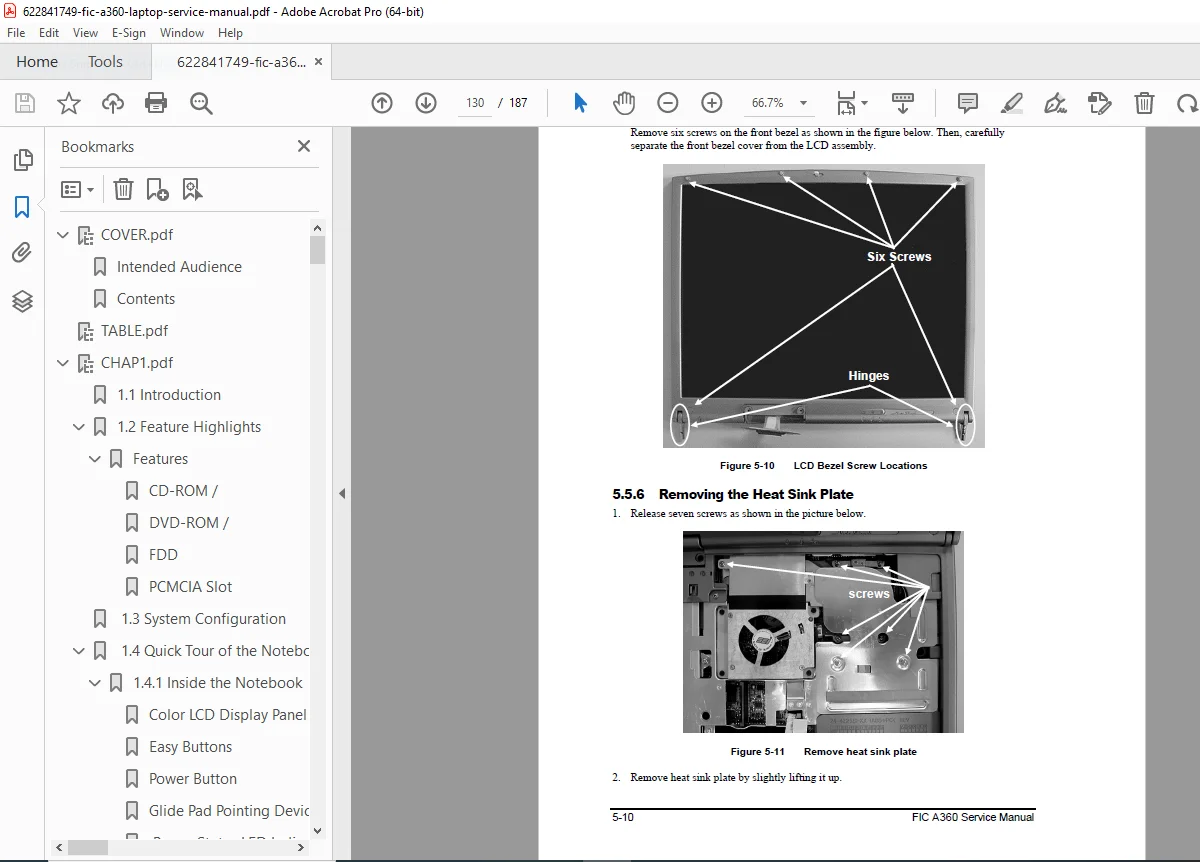
The manual includes a highly detailed A360 Laptop Disassembly Guide, covering the removal of every major component—from the battery and hard drive to the LCD module, motherboard, inverter board, and modem module. It also features a full A360 Notebook Troubleshooting POST Codes chart, helping diagnose power failures, display issues, HDD/ODD problems, and keyboard/touchpad malfunctions.
Whether you’re performing upgrades, replacing faulty hardware, or conducting component-level repairs, this service manual offers the exact factory-approved procedures you need.
Table of Contents
Chapter 1: Introduction
Features
System Specifications
Front and Rear View
Top and Bottom View
Left and Right View
Chapter 2: System Setup
Starting the System
Using the Phoenix BIOS Setup Utility
Main Menu
Advanced Menu
Security Menu
Boot Menu
Exit Menu
Chapter 3: System Components
System Overview
System Connectors
Function Key
System Indicators
Chapter 4: Troubleshooting
Overview
POST (Power-On Self-Test)
Beep Codes
Power Problems
Display Problems
Hard Disk Drive Problems
CD/DVD-ROM Drive Problems
Keyboard/Touchpad Problems
Audio Problems
Chapter 5: System Disassembly
Overview
Disassembly Precautions
Disassembly Procedure
Removing the Battery
Removing the Hard Disk Drive
Removing the CD/DVD-ROM Drive
Removing the Keyboard
Removing the Top Cover
Removing the LCD Module
Removing the Motherboard
Removing the System Fan
Removing the Inverter Board
Removing the Modem Board
Chapter 6: Replacing Components
Overview
CPU
Memory
Mini-PCI
Chapter 7: Pin Assignments
CRT Port
Parallel Port
Serial Port
USB Port
S-Video Port
Audio/Modem Port
LAN Port
Appendix A: Schematics
System Block Diagram
Power Sub-system Diagram
Appendix B: Part List
Exploded View
Part List
📄 File Details
| Field | Details |
|---|---|
| Manual Name | A360 Notebook Computer Service Manual |
| Models Covered | FIC A360 Notebook Computer |
| Year | 2003 |
| PDF Quality | High-Quality, Searchable Digital PDF |
| Total Pages | 187 pages |