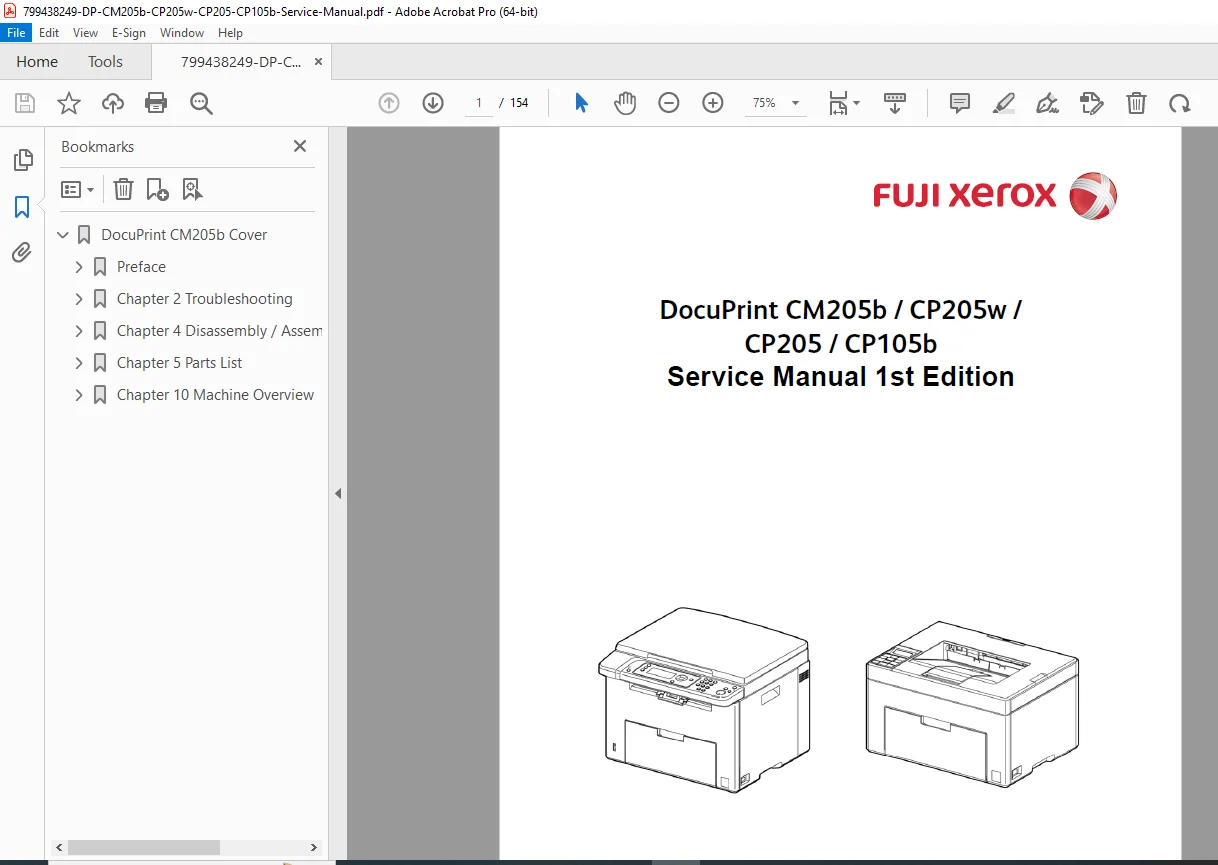
Fuji Xerox DocuPrint CM205b Service Manual CP205w Repair PDF
Original price was: $95.00.$16.95Current price is: $16.95.
Get the official Fuji Xerox DocuPrint CM205b service manual PDF for your color laser printer. This complete Fuji Xerox laser printer repair manual is essential for technicians, providing a detailed DocuPrint CP205w troubleshooting guide and precise DocuPrint CP105b disassembly instructions. Instantly download this factory guide to access the complete DocuPrint CP205 parts list download and accurately fix your equipment fast!
Description
Fuji Xerox DocuPrint CM205b Service Manual CP205w Repair PDF DOWNLOAD
Description
Welcome to the definitive Fuji Xerox DocuPrint CM205b service manual PDF. Designed for professional technicians and maintenance teams, this factory-authorized guide provides all the specifications, diagnostic procedures, and exploded parts diagrams needed to keep your Fuji Xerox color laser printers in peak operating condition.
Whether you are deciphering complex error codes using the DocuPrint CP205w troubleshooting guide, performing complete tear-downs with the DocuPrint CP105b disassembly instructions, or ordering OEM replacements via the DocuPrint CP205 parts list download, this Fuji Xerox laser printer repair manual takes the guesswork out of your servicing tasks.
File Details
Manual Name: Fuji Xerox DocuPrint CM205b / CP205w / CP205 / CP105b Service Manual (1st Edition)
Models Covered: * DocuPrint CM205b
DocuPrint CP205w
DocuPrint CP205
DocuPrint CP105b
Year: Issued October 2011
Manual PDF Quality: Crisp, clear, factory-original high-resolution digital PDF (Text-searchable)
Number of Pages: 154 Pages
Table of Contents & Highlights
This manual is logically categorized into technical overviews, troubleshooting, mechanical disassembly, and parts lists for rapid navigation.
1. Preface & Introduction
Getting to know the Service Manual
How to use the Service Manual
Terms, Symbols, and Abbreviations
2. Troubleshooting & Diagnostics
Status Codes [DocuPrint CM205b]
Controller, IOT, and Scanner specific error codes
Status Codes [DocuPrint CP205w/CP205/CP105b]
Quick-reference tables for Error Summaries, Descriptions, and Solutions (e.g., Fuser Failure, NVRAM Error, Fan Motor Failure)
3. Disassembly / Assembly & Adjustments
DocuPrint CM205b:
Cover Assemblies (Top, Rear, MSI, Front, Side L)
Electrical Components (KIT PWBA ESS)
Scanner Assemblies (3-in-1 & 4-in-1 Kits)
DocuPrint CP205w/CP205/CP105b:
Specific Cover and Electrical Disassembly
Handling Safety Critical Components (SCC)
Adjustments:
Serial Number Settings & Scanner Gap Correction
UI Panel Default Settings
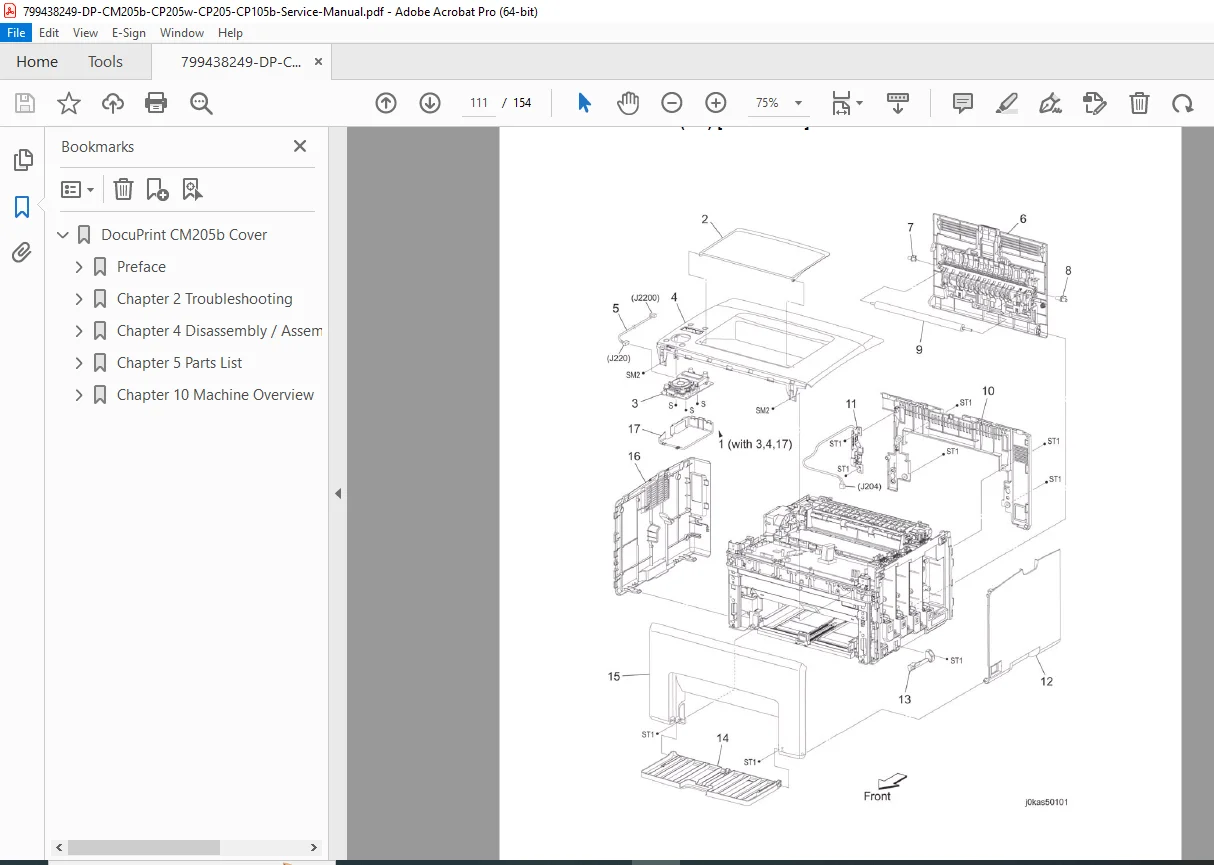
4. Exploded Parts List (PL)
Neatly categorized lists and high-quality illustrations for parts ordering:
PL1: Cover Assemblies
PL2: Paper Feeder & Trays
PL4: Dispenser
PL7: Electrical (PWBA LVPS, MCU, Harnesses)
PL8 & PL9: Scanner Assemblies
PL10: AIO / IOT Components
5. Machine Overview & Technical Data | Component / Function | Covered Specifications | | :— | :— | | Printing Process | Schematic diagrams and full process summary | | Paper Path | Layouts for MPF, PSI, Registration, Transfer, Fusing, and Exit | | Control Systems | Potential Control, Toner Density Control, Color Registration, Fusing Unit Temperature Control | | Scanner Functions | Document Scanning at Platen (IIT) and ADF, ADF Paper Path |
Why wait for costly service calls or shipping when you can have the answers right now? Stop guessing and start fixing! Add this manual to your cart to instantly download the complete PDF to your device, and get your Fuji Xerox printer running flawlessly today.