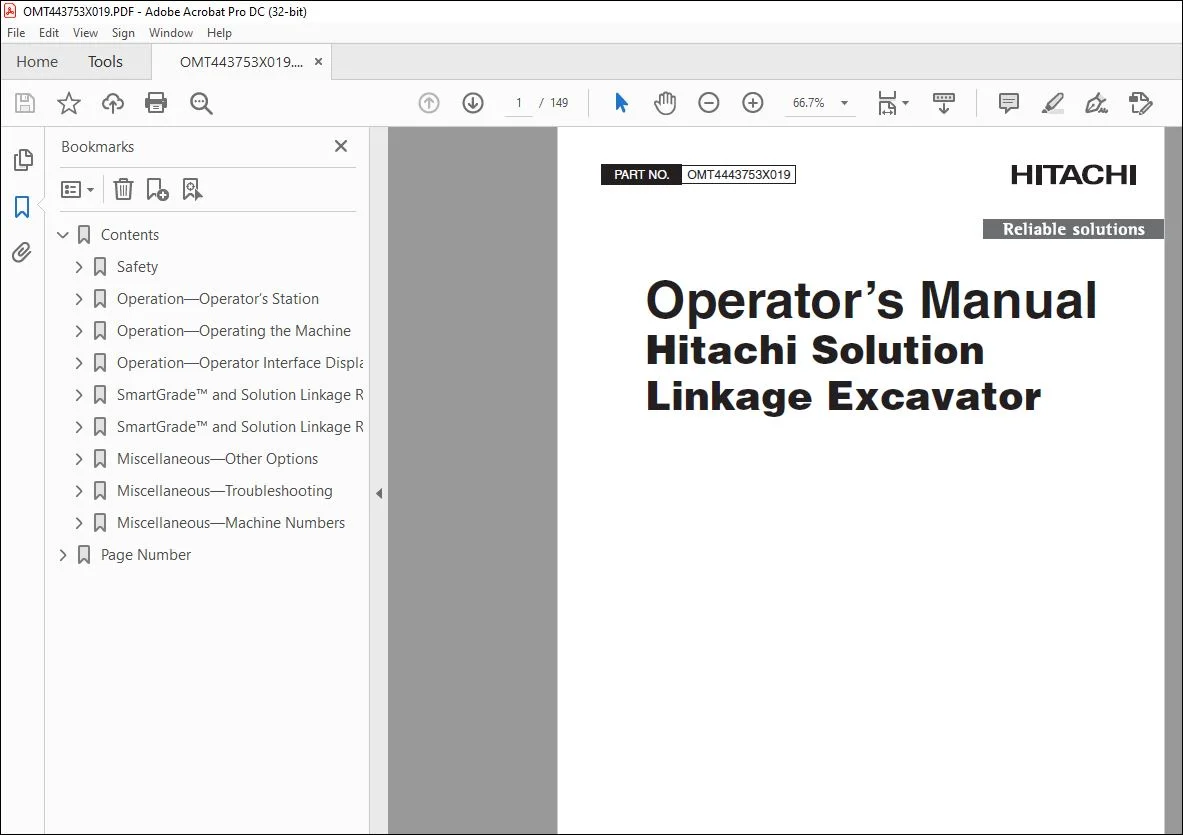
Hitachi Solution Linkage Excavator Operator’s Manual – PDF DOWNLOAD
$28.95
Hitachi Solution Linkage Excavator Operator’s Manual – PDF DOWNLOAD
Description
Hitachi Solution Linkage Excavator Operator’s Manual – PDF DOWNLOAD
FILE DETAILS:
Hitachi Solution Linkage Excavator Operator’s Manual – PDF DOWNLOAD
P/N: OMT443753X019_72
- Language: English
- Division: Hitachi
- Product Lines: Excavators
- Publication Type: Operator’s Manuals
- Associated Models: SOLUTION LINKAGE, ZAXIS210-6N, ZAXIS350LC-6N, ZAXIS210LC-6N
- Series: ZAXIS-6 SERIES
- Serial:
- PIN: 1FFDC571_ _F340001—
- PIN: 1FFDDR70_ _F940001
IMAGES PREVIEW OF THE MANUAL:
TABLE OF CONTENTS:
Hitachi Solution Linkage Excavator Operator’s Manual – PDF DOWNLOAD
Contents 9
Safety 11
Recognize Safety Information 11
Follow Safety Instructions 11
Operate Only If Qualified 11
Wear Protective Equipment 12
Avoid Unauthorized Machine Modifications 12
Prevent Fires 13
Decommissioning — Proper Recycling and Disposal of Fluids and Components 14
Notes About Making Settings 14
Avoid Work Site Hazards 15
Positional Awareness While Operating 15
Do Not Look Directly at a Laser 16
Disassembly and Assembly 16
Securing the Monitor 16
Operation—Operator’s Station 17
Display Unit Functions 17
Pilot Control Levers 18
Remove and Install Global Navigation Satellite System (GNSS) Receivers—If Equipped 19
Operation—Operating the Machine 21
Before Starting Work 21
Inspect Machine Daily Before Starting 21
Check Instruments Before Starting 22
Parking the Machine 23
Do Not Use High Impact Hydraulic Attachments 23
Operation—Operator Interface Display 24
Display Unit Start-Up 24
Main Display and Functions 25
Keyboard Functions 28
Changing Language 28
Changing Screen Brightness 29
Data Menu 30
Data Menu—Projects 31
Data Menu—Control—3D Control Mode Only 32
Data Menu—Layers—3D Control Mode Only 34
Data Menu—Points—3D Control Mode Only 36
Surface File Types 37
Surface Files—Display, Edit, and Delete 38
Create Flat or Sloped Surface Files—3D Control Mode Only 40
Create Crown Road Surface Files—3D Control Mode Only 44
Create Triangulated Surfaces From Topo Survey File—3D Control Mode Only 46
Raise or Lower Existing Surface—3D Control Mode Only 47
Subgrade Existing Alignment—3D Control Mode Only 48
Create 2D Slope Surface Files—2D Control Mode Only 49
Data Menu—Active 53
Data Menu—Import/Export 53
Control Menu 54
Control Menu—Machine Setup 55
Control Menu—Elevation Reference 62
Control Menu—Steer Indication—3D Control Mode Only 63
Control Menu—Virtual Warnings—Auto Control Only 64
Control Menu—Automatics—Auto Control Only 68
Control Menu—Attachment 69
Control Menu—Attachment Hitch Length Setting 73
Control Menu—2D Options—2D Control Mode Only 73
Control Menu—3D/2D Mode 73
Control Menu—Auto Control/Guidance Only 73
Control Menu—Restart Connection 74
Tools Menu 74
Tools Menu—Configure Radios—GNSS Antenna Only 75
Tools Menu—Position Check—3D Control Mode Only 77
Tools Menu—Navigate—3D Control Mode Only 78
Tools Menu—Topo Survey—3D Control Mode Only 79
Tools Menu—Creating 2D Slopes—2D Control Mode Only 81
Tools Menu—Supervisor Mode 84
View Menu 85
View Menu—Layout 86
View Menu—Display Options 87
Working Surface Display Options 88
Alignment Display Options—3D Control Mode Only 89
Point Display Options—3D Control Mode Only 90
Light Bar Display Options 90
Enable/Disable Shortcut Icons 91
Background Color Display 92
Display Units Options 92
Indicator Display Options 93
View Menu—About 93
SmartGrade™ and Solution Linkage Remote Support Website 94
At a Glance (Support Desk) 94
Accessing the Remote Support Website 94
Managing Remote Support Account Access 94
Viewing, Filtering, and Sorting Paired Client Devices 95
Finding the Remote Support Desk Number 98
Configuring the Remote Support Desk 99
Managing Pairings 102
Providing Support 103
Remote View 104
Remote Control 105
Remote File Management 106
Remote MC-X Configuration 110
Responding to Support Requests 111
Providing Unsolicited Support 113
SmartGrade™ and Solution Linkage Remote Support On-Machine Client 114
At a Glance (Client Device) 114
Opening Client Device Menu 114
Pairing To A Support Desk 114
Editing Pairing Tags 116
Reviewing and Modifying Support Desk Pairing 117
Request Support 118
Specifying Optional Dates and Times to Receive Support 119
Closing Support Requests 120
Viewing and Terminating Active Support Sessions 121
Unpairing From a Support Desk 122
Usage of Remote Support 123
Basic Remote Support Troubleshooting 123
Miscellaneous—Other Options 124
Isolating a Surface 124
GNSS Information—GNSS Antenna Only 124
Add/Edit/Delete Attachment 125
Elevation Control 129
Slope Control 131
Add and Edit Radio Channels—GNSS Antenna Only 132
Miscellaneous—Troubleshooting 133
RTK Communication Problems 133
Display Problems 134
Miscellaneous—Machine Numbers 136
Record Display Unit Serial Number 136
Record MC-X1 Controller Serial Number 136
Record Function A Controller Serial Number 136
Record Function B Controller Serial Number 137
Record Radio Receiver Serial Number 137
Record Body Sensor Serial Number 138
Record Boom Sensor Serial Number 138
Record Arm Sensor Serial Number 139
Record Bucket Sensor Serial Number 139
Record Laser Catcher Serial Number—If Equipped 139
Record Global Navigation Satellite System (GNSS) Receiver Serial Numbers—If Equipped 140
Keep Proof of Ownership 140
Page Number 9
Section 1-1 11
Section 2-1 17
Section 2-2 21
Section 2-3 24
Section 2-4 94
Section 2-5 114
Section 4-1 124
Section 4-2 133
Section 4-3 136
S.V 04/24