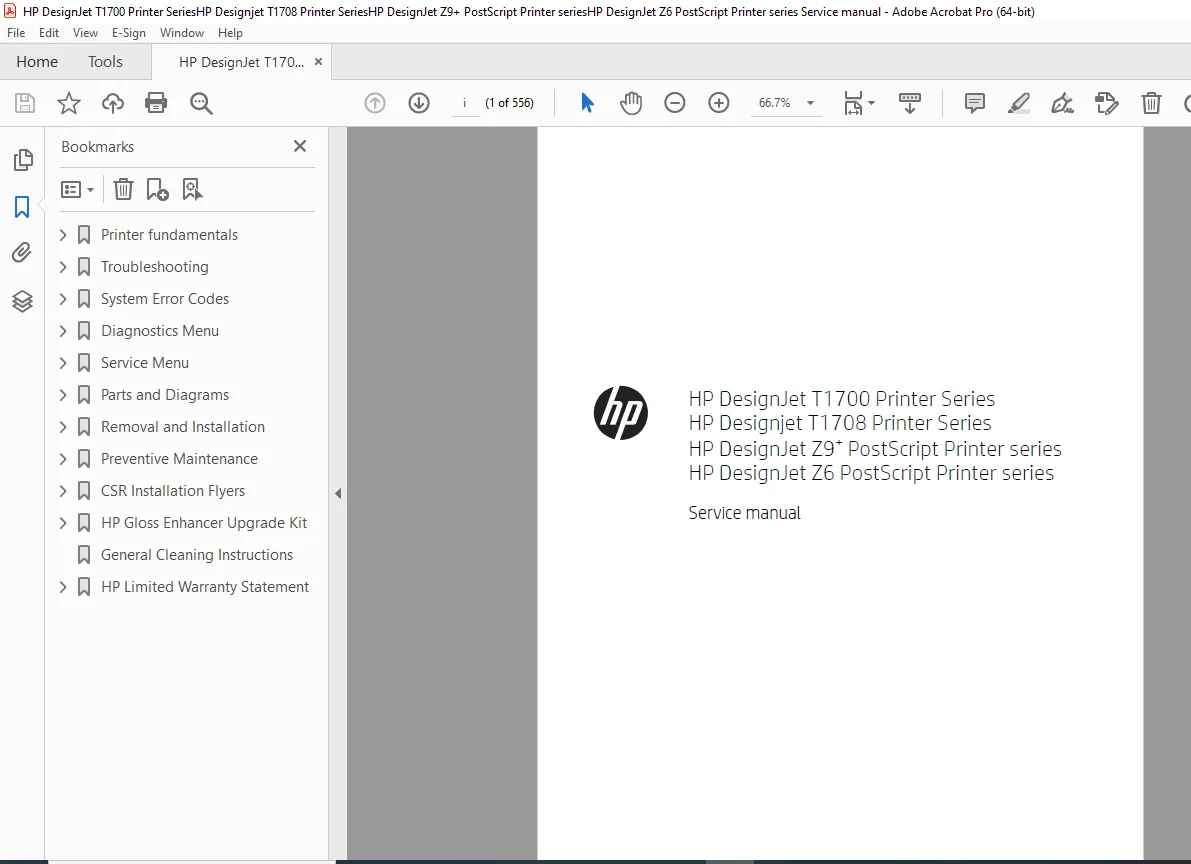
HP DesignJet T1700 T1708 Z6 Z9+ Service Manual PDF DOWNLOAD
Original price was: $95.00.$15.95Current price is: $15.95.
Complete HP DesignJet T1700, T1708, Z6 & Z9+ Service Manual PDF covering troubleshooting, system error codes, diagnostics menu, removal & installation, preventive maintenance, parts diagrams, firmware upgrades, and calibration procedures. Includes detailed service instructions for 24-inch and 44-inch PostScript models.
Description
HP DesignJet T1700 T1708 Z6 Z9+ Service Manual PDF DOWNLOAD
Description
This is the official HP DesignJet T1700 / T1708 / Z6 / Z9+ Printer Series Service Manual (Edition 4, March 2020) designed for HP-certified technicians and advanced repair professionals.
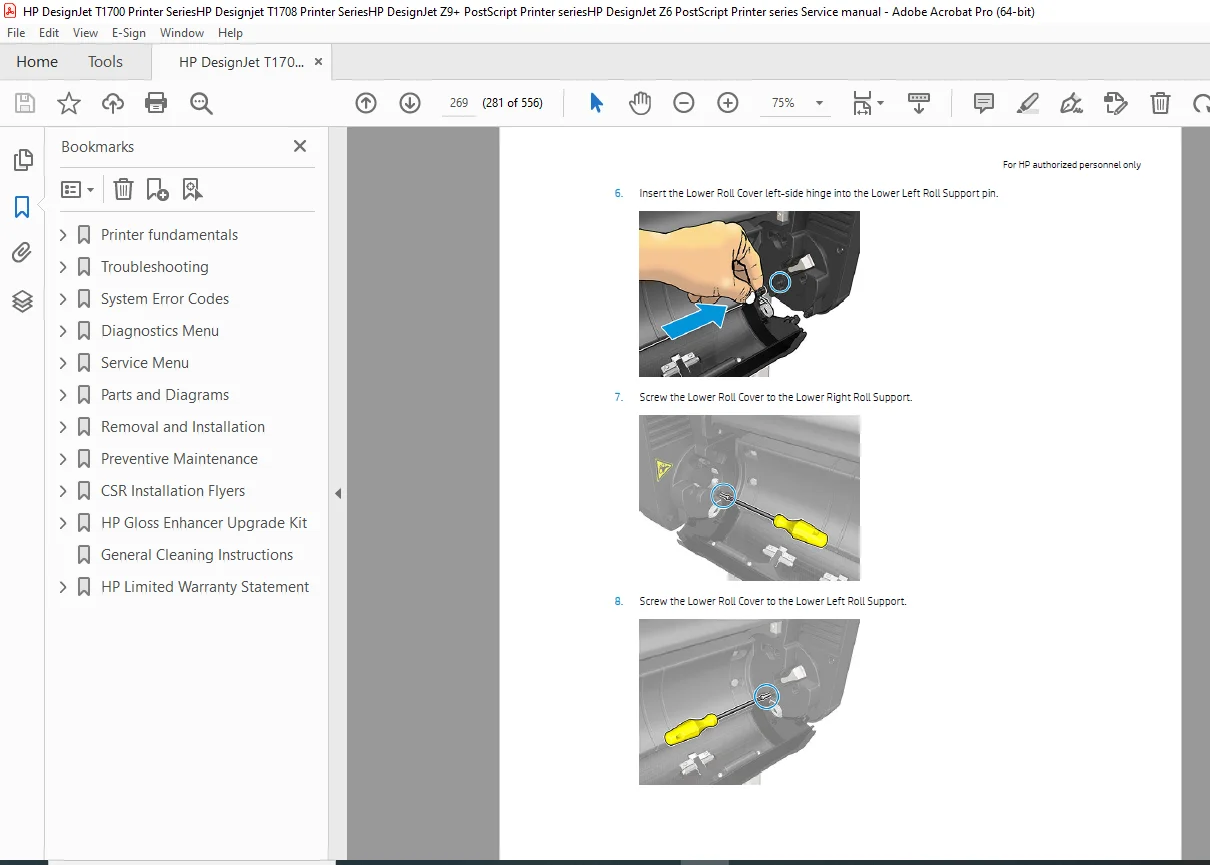
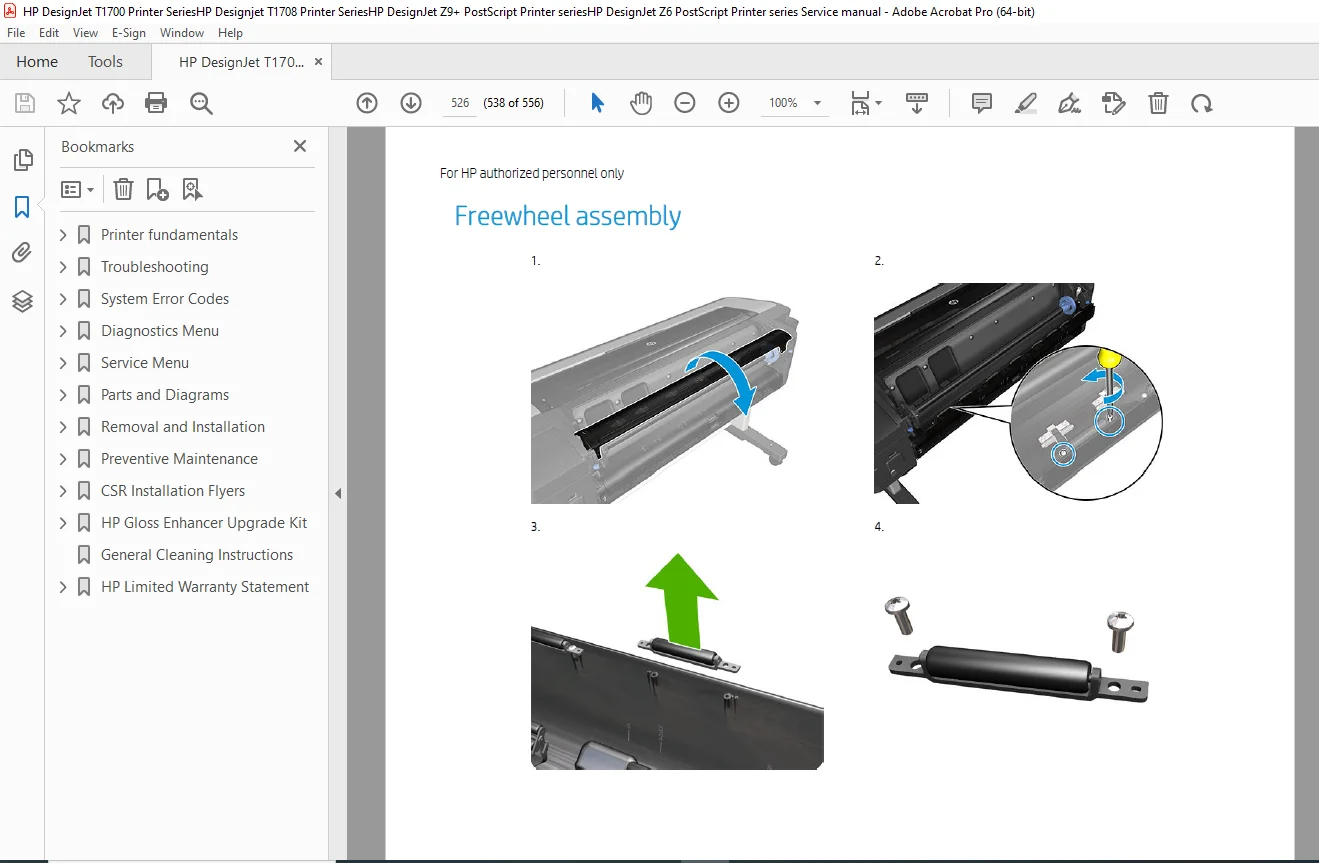
It provides full technical coverage including printer fundamentals, theory of operation, diagnostics, troubleshooting, parts diagrams, disassembly, calibration procedures, firmware recovery, and preventive maintenance.
📑 Models Covered
🔹 HP DesignJet T1700 Series
T1700 44-in Printer (W6B55A)
T1700dr 44-in Dual Roll (W6B56A)
T1700 PostScript Models
🔹 HP DesignJet T1708 Series
T1708 44-in Printer
T1708dr Dual Roll
PostScript Variants
🔹 HP DesignJet Z6 Series
Z6 24-in PostScript
Z6 44-in PostScript
Z6dr with Vertical Trimmer
🔹 HP DesignJet Z9+ Series
Z9+ 24-in PostScript
Z9+ 44-in PostScript
Z9+dr with V-Trimmer
📂 Table of Contents Overview
1️⃣ Printer Fundamentals
Product Specifications
Ink & Media Specifications
Mechanical Accuracy
Power & Environmental Specs
Theory of Operation
Electronics Block Diagrams
Printer Initialization Process
2️⃣ Troubleshooting
Touch Control Panel Usage
Service Key Combinations
Paper Handling Issues
Ink Supply & Printhead Problems
Print Quality Diagnostics
Connectivity Problems
Firmware Upgrades
3️⃣ System Error Codes
Error Code Reference
Firmware Initialization Errors
Accessory Errors
Emergency Firmware Recovery (USB)
4️⃣ Diagnostics Menu
Service Boot Mode
E-Box Testing
Media Path Diagnostics
Carriage Testing
Secure Electronics Testing
5️⃣ Service Menu
Service Utilities (Full Boot Mode)
Password Access (2703)
6️⃣ Parts and Diagrams
Covers & Assemblies
Paper Path Assemblies
Electronics & PCA Boards
Carriage Assembly
Scan Axis Assemblies
V-Trimmer Assemblies
Power Supply Unit
Ink Supply Stations
Motor Drivers
Formatter PCA
Service Station
Stand & Frame Components
7️⃣ Removal & Installation
Customer Self-Repair Parts
Belt Assembly
Carriage & Cutter Assembly
Encoder Strip
Hard Disk Drive
Formatter PCA
Media Drive Components
Touch Control Panel
Power Supply Replacement
V-Trimmer Motor & Transmission
8️⃣ Preventive Maintenance
Maintenance Schedules
Maintenance Kits
Cleaning Instructions
Gloss Enhancer Upgrade Kit
CSR Installation Flyers
⚙️ Technical Highlights
✔ Complete Electronics Block Diagrams
✔ Formatter & Engine PCA Details
✔ CryptoAsic & Secure Electronics
✔ Carriage PCA & Scan Axis Calibration
✔ Ink Supply Station Diagnostics
✔ Vertical Trimmer Repair Procedures
✔ Emergency Firmware Recovery
✔ Full Parts Catalog with Exploded Diagrams
✔ 500GB HDD & 128GB Virtual Memory Specifications
📊 Technical Specifications Snapshot
| Feature | Specification |
|---|---|
| Print Width | Up to 44 inches |
| Ink Capacity | 130ml & 300ml |
| Resolution | Up to 2400 x 1200 dpi |
| Hard Disk | 500GB |
| Virtual Memory | 128GB |
| Input Voltage | 100–240V AC |
| Max Paper Weight | 500 g/m² (Z Series) |
📁 File Details
Manual Name: HP DesignJet T1700 / T1708 / Z6 / Z9+ Service Manual
Edition: Edition 4 – March 13, 2020
Models Covered: T1700, T1708, Z6, Z9+ Series
PDF Quality: High Resolution Digital Factory Manual
Total Pages: 556 Pages
Language: English
🚀 Instant Download – Start Repairing Today
Download the complete 555-page factory HP DesignJet service manual instantly and gain full access to advanced diagnostics, parts diagrams, firmware recovery procedures, and professional-level repair instructions. Keep your large-format printer running at peak performance with expert-level documentation at your fingertips.