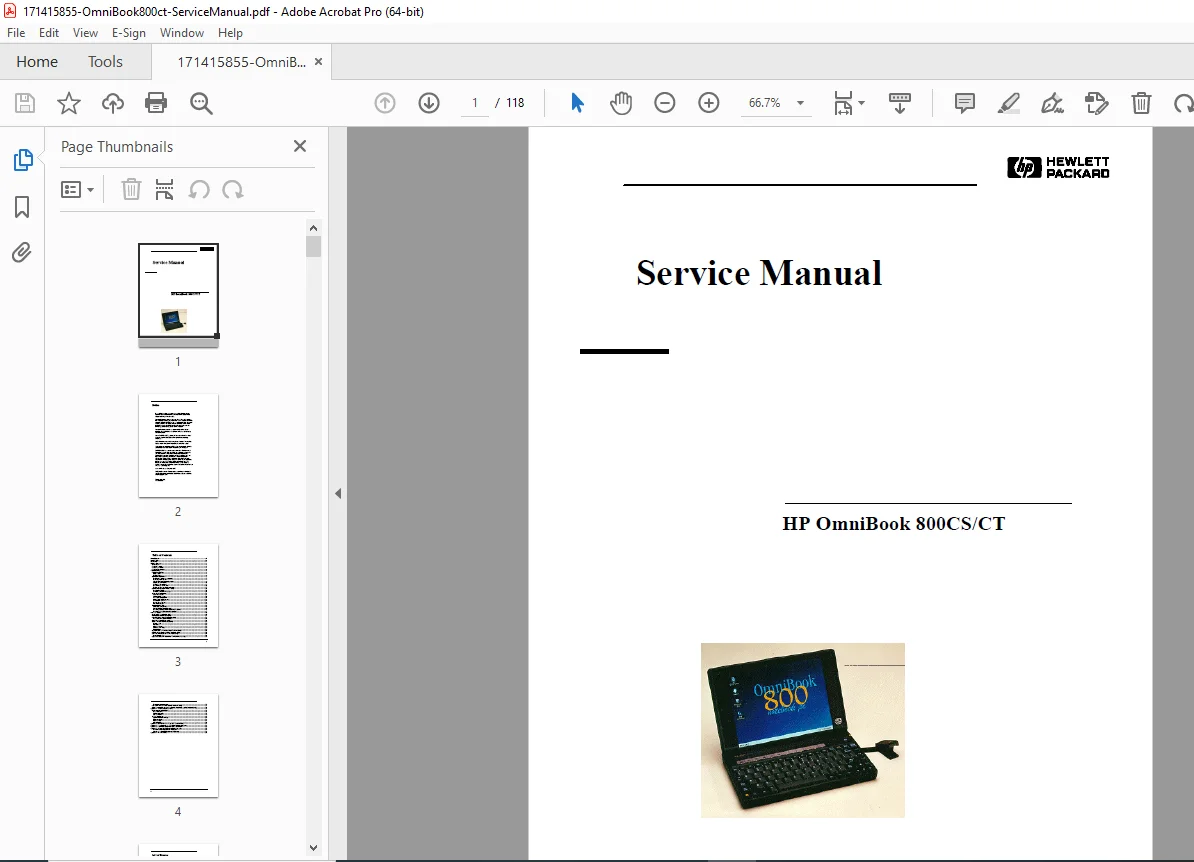
HP OmniBook 800CS CT Service Manual F1360-90049 Repair Guide PDF
Original price was: $95.00.$13.95Current price is: $13.95.
Official HP OmniBook 800CS/CT service manual (F1360-90049) in PDF format. Covers complete hardware repair, step-by-step disassembly, diagnostics, BIOS beep codes, SCU setup configuration, memory/HDD/display/CPU replacement, troubleshooting, technical specs, IRQs, DMA, I/O addresses, and part numbers. Ideal for HP OmniBook 800 repair technicians, vintage laptop restorers, and IT service professionals. Instant digital download.
Description
HP OmniBook 800CS CT Service Manual F1360-90049 Repair Guide PDF DOWNLOAD
DESCRIPTION
HP OmniBook 800CS / CT Service Manual – Complete PDF Repair Guide
This is the official Hewlett-Packard service manual for the HP OmniBook 800CS and OmniBook 800CT laptop computers. Originally published in 1997 with part number F1360-90049, this comprehensive HP OmniBook 800 repair guide covers every aspect of hardware servicing — from end-user replaceable parts to HP Authorized Service Provider-level component replacement.
Whether you’re restoring a vintage HP OmniBook 800, replacing failed components, or diagnosing startup issues, this HP OmniBook 800CT service manual has everything you need.
📋 File Details
| Field | Details |
|---|---|
| Manual Name | HP OmniBook 800CS/CT PC Service Manual |
| Part Number | F1360-90049 |
| Models Covered | HP OmniBook 800CS, HP OmniBook 800CT |
| Year | 1997 |
| PDF Quality | Original OEM scan – clear, searchable text |
| Number of Pages | 95+ pages with appendices & figures |
| Format | PDF (instant download) |
📚 Full Table of Contents
Introduction & Product Overview
- What’s New in OmniBook 800 Series
- Product Features
- Product at a Glance
- Product Comparisons
Troubleshooting
- Power-On Self-Test (POST)
- Beep Codes
- Display Codes
- OmniBook Diagnostics Program
- Running the Diagnostics Program
- Main Diagnostic Screen
- Special Test Hardware Requirements
- Loopback Connectors (Serial, Parallel, SCSI)
- Command Line Options
- User Interface Commands
- Details on Diagnostic Tests
- Desktop Management Interface (DMI)
- Description of DMI
- Contents of the DMI Package
- Setup and Configuration (SCU)
- SCU Main Screen
- System Menu Screen
- Password Configuration
- Input/Output Menu Screen
- Power Menu Screen
- Default & Exit Menu Screens
- Troubleshooting Tips by Component
- CD-ROM Drive Troubleshooting
- Docking Station Operating Problems
- OmniBook Docking Problems
Hardware Repair Procedures
End-User Replaceable:
- Battery Removal & Replacement
- Memory Module Replacement (8MB, 16MB, 32MB)
- Hard Disk Drive Replacement (with Breather Hole guidance)
- Mouse Replacement
- Small Parts: Battery Latch, I/O Door, Memory Cover, PCMCIA Card Tray, Rubber Feet
HP Authorized Service Providers Only:
- Keyboard Replacement
- Display (TFT) Replacement
- CPU Replacement & Heat Transfer Disk
- Logic PCA Board Replacement
- Electronic Serial Number Programming
- Paw Active Component Replacement
- Other Components and Accessories
📐 Appendices
| Appendix | Contents |
|---|---|
| A | Technical Specifications – HDD, Floppy, CD-ROM; IRQs, DMA Channels, Memory Map, I/O Addresses |
| B | HP Password Removal Policy |
| C | HP TFT Display Quality Statement |
| D | OmniBook Diagnostics BIOS Checksums |
| E | Diagnostics Error Messages (HP-supplied & Watergate Software) |
| F | Complete Part Numbers List |
🖼️ Figures Included
- External features diagrams (front & rear views)
- Full exploded assembly diagram
- Main diagnostic screen layout
- Loopback connector wiring (Serial, Parallel, SCSI)
- SyCard solder bridge diagram
- Keyboard, mouse, and dock test screens
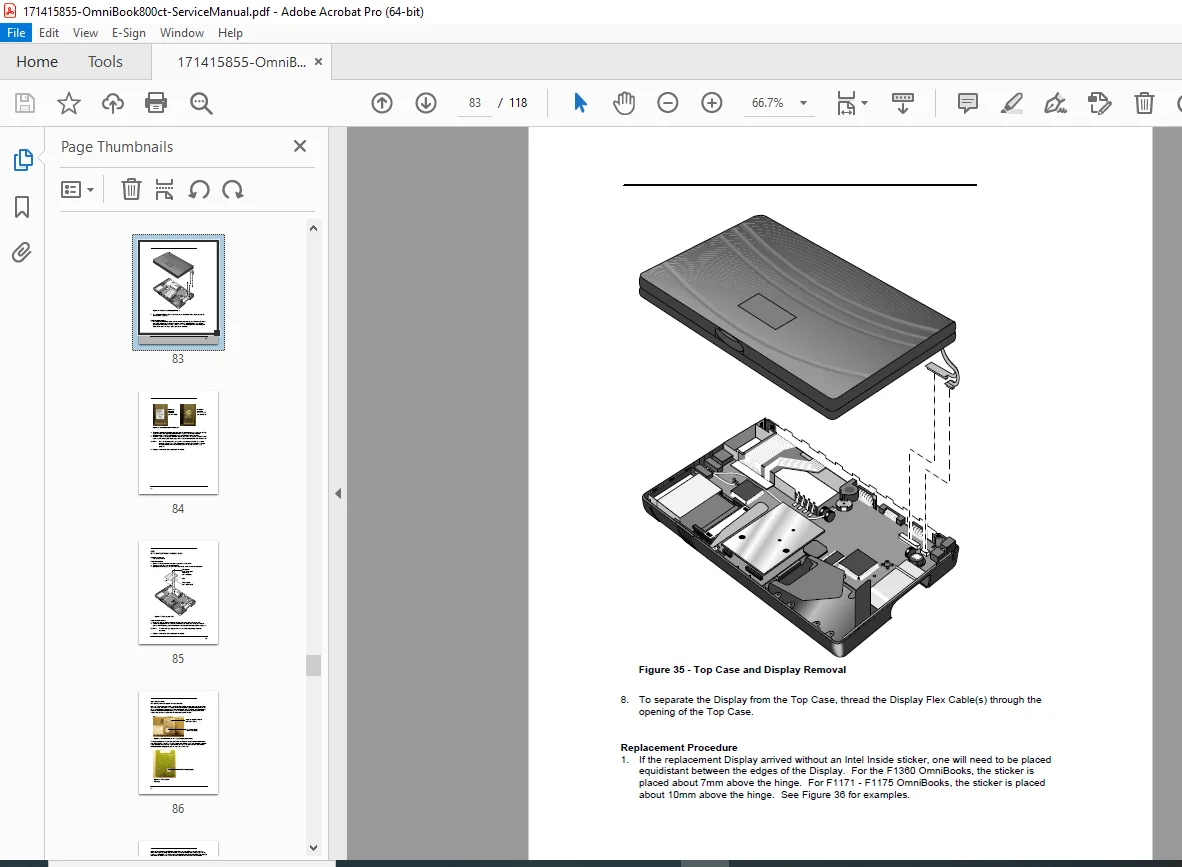
- Step-by-step removal photos for: Battery, Memory, Hard Drive, Keyboard, Display, CPU, Logic Board
🛒 Sales Pitch
Don’t let a rare vintage HP OmniBook 800 go to waste — this is the only official service manual that gives you the exact disassembly steps, diagnostic codes, and part numbers to bring it back to life. Buy now and download instantly — no waiting, no shipping, just the technical answers you need right now.