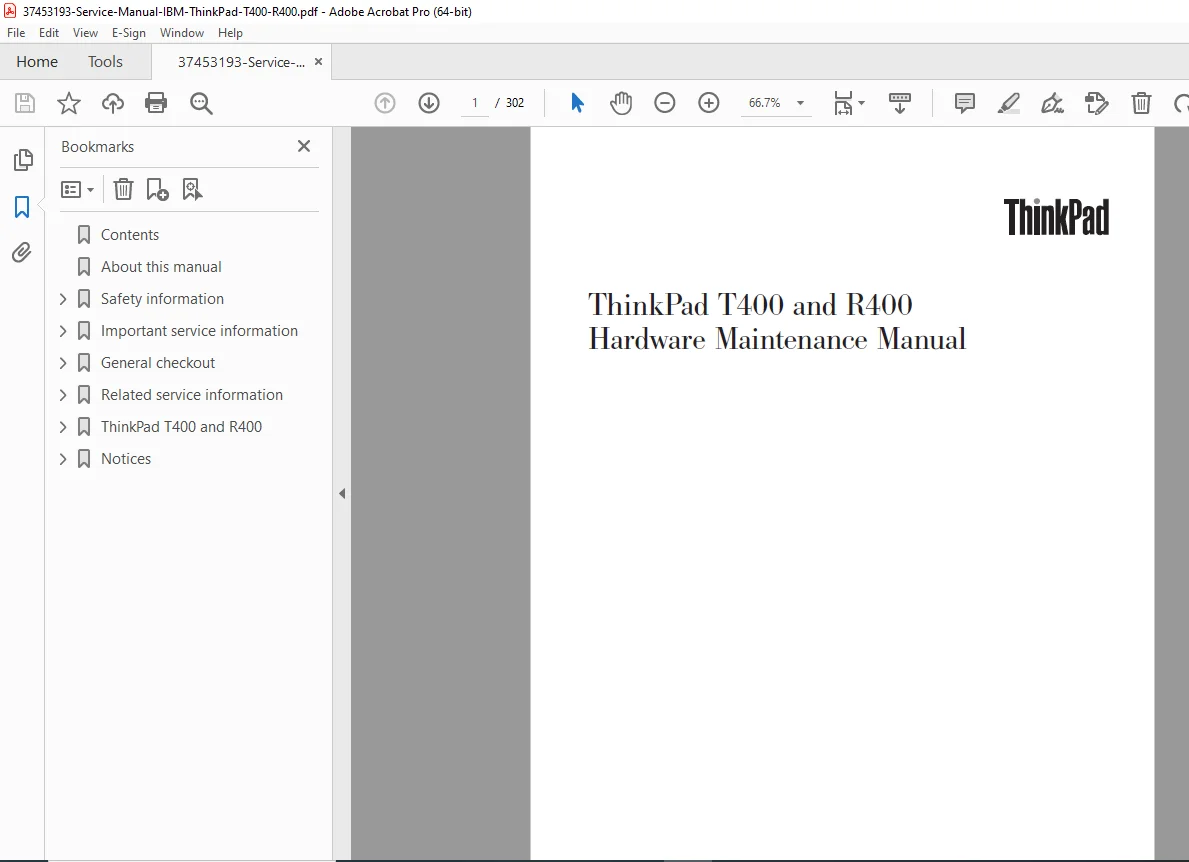
IBM Lenovo ThinkPad T400 R400 Laptop Service Repair Manual PDF Download
Original price was: $85.00.$18.95Current price is: $18.95.
Complete official Lenovo hardware maintenance manual for ThinkPad T400 and R400 laptops covering all MT models. Comprehensive 302-page technical service documentation with detailed disassembly procedures, FRU replacement instructions, circuit diagrams, diagnostic tests, and complete parts lists. Essential repair guide for professional laptop technicians servicing Intel Core 2 Duo business notebooks.
Description
IBM Lenovo ThinkPad T400 R400 Laptop Service Repair Manual PDF Download
FILE DETAILS
| Detail | Information |
|---|---|
| Manual Name | ThinkPad T400 and R400 Hardware Maintenance Manual |
| Models Covered | ThinkPad T400 (MT 2764-2769, 2773, 6473-6475, 7417-7434), ThinkPad R400 (MT 2782-2789, 7438-7447) |
| Year | 2009 (Fourth Edition, January 2009) |
| Pages | 302 pages |
| PDF Quality | Excellent – factory original with searchable text |
| Language | English |
| File Size | 6.4 MB |
| Part Number | 43Y6629_03 |
DESCRIPTION
Official Lenovo Hardware Maintenance Manual for ThinkPad T400 and R400 Business Laptops
This comprehensive ThinkPad T400 R400 service manual is the complete factory hardware maintenance documentation used by authorized Lenovo service centers worldwide. Essential for professional laptop repair technicians working on these reliable Intel Core 2 Duo business notebooks.
Complete Model Coverage:
ThinkPad T400 Machine Types:
- MT 2764, 2765, 2766, 2767, 2768, 2769, 2773
- MT 6473, 6474, 6475
- MT 7417, 7420, 7425, 7434
ThinkPad R400 Machine Types:
- MT 2782, 2783, 2784, 2786, 2787, 2788, 2789
- MT 7438, 7439, 7440, 7443, 7445, 7446, 7447
Detailed Technical Specifications Covered:
Processors Supported:
- Intel Core 2 Duo: P7370, P8400, P8600, P8700, P9500, P9600 (2.0-2.66 GHz, 3MB cache)
- Intel Core 2 Duo: T5670, T5870, T6570, T9400, T9550, T9600, T9800 (1.8-2.93 GHz, 2-6MB cache)
- Intel Celeron M: 575, 585 processors
- Intel Celeron Dual Core: T1600, T1700 processors
Memory & Graphics:
- DDR3-1067 SDRAM (PC3-8500): 512MB to 4GB configurations
- Intel Integrated Graphics 4500MHD
- AMD M82XT 256MB discrete graphics
- Intel Turbo Memory Minicard 2GB support
Display Options:
- 14.1-inch WXGA TFT LCD (1280×800 resolution)
- 14.1-inch WXGA+ TFT LCD (1440×900 resolution)
- 16 million colors
Comprehensive Manual Contents:
Safety Information Section:
- General safety guidelines for laptop repair
- Electrical safety procedures and warnings
- Electrostatic discharge (ESD) handling protocols
- Grounding requirements for service work
- Safety inspection checklists
- Multilingual safety notices
- Laser compliance statements
Important Service Information:
- FRU (Field Replaceable Unit) replacement strategies
- Hard disk drive replacement procedures
- System board replacement critical notices
- Error message interpretation guide
- CTO/CMV/GAV product definitions and FRU identification
- RoHS compliant FRU replacement information
- Serial number retention procedures
General Checkout Procedures:
- Initial troubleshooting workflow
- Complete checkout guide
- PC-Doctor for DOS diagnostic procedures
- PC-Doctor for Windows testing
- PC-Doctor for Rescue and Recovery
- Power system comprehensive checkout
- AC adapter testing procedures
- Operational charging verification
- Battery pack testing and diagnostics
- Backup battery (CMOS) testing
Related Service Information:
- Factory restore using Product Recovery discs
- Password management (Power-on, Hard-disk, Supervisor)
- Password removal procedures
- Power management modes (Screen blank, Standby, Hibernation)
- Comprehensive symptom-to-FRU troubleshooting index
- Numeric error codes with complete FRU/action sequences
- Error message explanations
- Beep and no-beep symptom diagnosis
- LCD-related troubleshooting
- Intermittent problem diagnosis
- Undetermined problem resolution strategies
Complete Disassembly Procedures with Photos:
- 1010 – Battery pack removal
- 1020 – Ultrabay Slim/Enhanced device removal
- 1030 – Hard disk drive (HDD/SSD) and storage converter
- 1040 – Palm rest and fingerprint reader assembly
- 1050 – DIMM memory module replacement
- 1060 – Backup battery (CMOS) replacement
- 1070 – Keyboard removal and replacement
- 1080 – Modem daughter card (MDC-3.0)
- 1090 – PCI Express Mini Card for wireless LAN
- 1100 – PCI Express Mini Card for wireless WAN
- 1110 – Intel Turbo Memory Minicard/wireless USB adapter
- 1120 – SIM card slot access
- 1130 – Keyboard bezel disassembly
- 1140 – Speaker assembly replacement
- 1150 – Fan assembly and thermal module
- 1160 – CPU (processor) replacement
- 1170 – Complete LCD assembly removal
- 1180 – Base cover, USB sub card, PC Card/ExpressCard slots
- 1190 – Structure frame disassembly
- 1200 – System board (motherboard) replacement
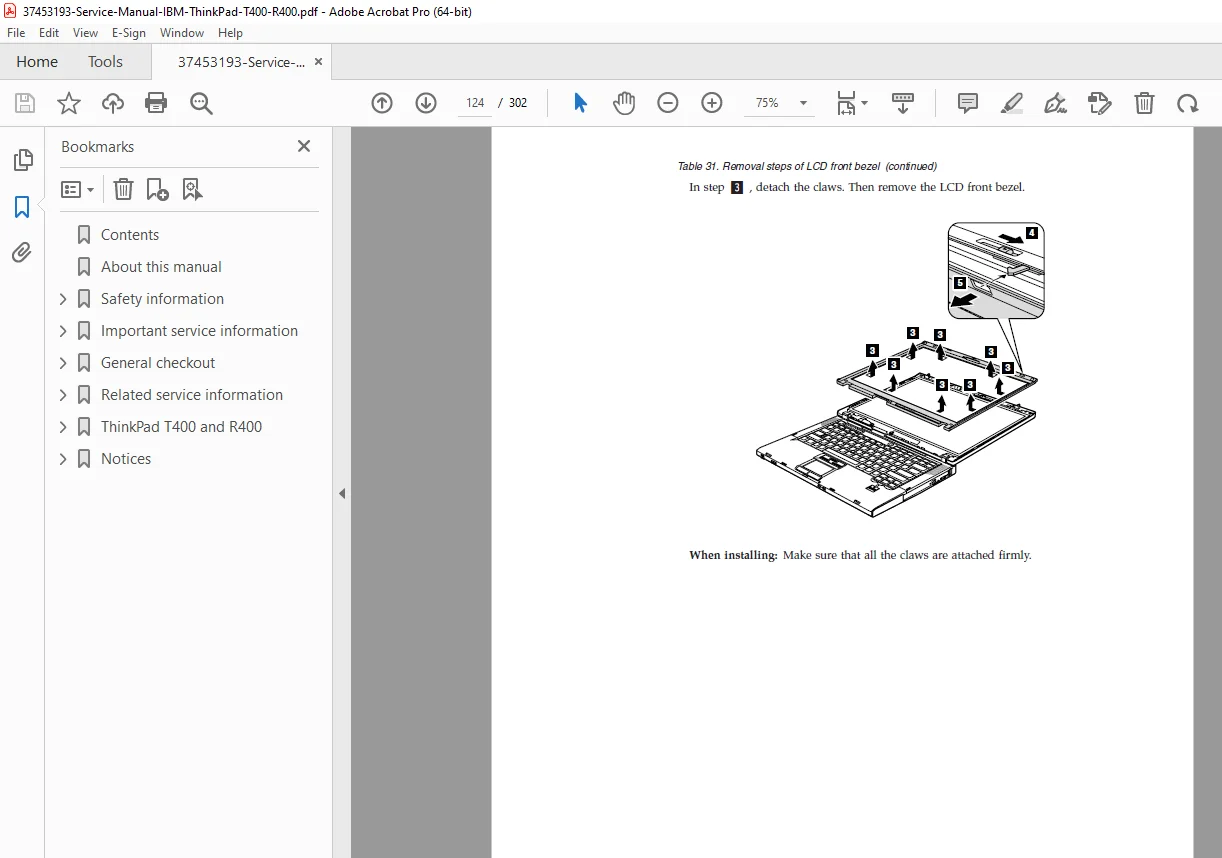
- 2010 – LCD front bezel removal
- 2020 – LCD rear cover disassembly
- 2030 – Inverter card replacement
- 2040 – Bluetooth daughter card (BDC-2.1)
- 2050 – LCD magnesium frame, hinges, integrated camera
- 2060 – Antenna assembly
- 2070 – LCD panel and LCD cable replacement
Hardware Specifications:
- Complete technical specifications table
- Status indicator descriptions
- FRU testing procedures
- Function key combinations reference
- Screw identification and torque specifications
Diagnostic and Testing:
- Advanced diagnostic test procedures
- Component-level testing protocols
- PC-Doctor diagnostic software usage
- Interactive keyboard and input device tests
- Memory diagnostic procedures
- Hard drive diagnostic protocols
Complete Parts Catalog:
- Overall assembly parts list with part numbers
- LCD FRU components and assemblies
- Keyboard parts (multiple language layouts)
- Miscellaneous components and accessories
- AC adapters and power cords
- Product recovery discs
- Common service tools list
Location Diagrams:
- Front view component locations
- Rear view port and connector locations
- Bottom view screw and component locations
- Internal component placement diagrams
Service Tools and Equipment:
- Required measuring instruments
- Recommended service tools
- Calibration equipment specifications
Professional Features Include:
- RoHS Compliance Information – Complete details on replacing RoHS-compliant components
- Product Recovery Procedures – Factory content restoration using recovery media
- BIOS Setup and Configuration – Detailed setup utility procedures
- Thermal Management – Fan assembly service and thermal paste application
- Wireless Technology Service – WiFi, WAN, Bluetooth, and wireless USB modules
- Storage Solutions – HDD, SSD, and Ultrabay device servicing
- Memory Upgrade Paths – DDR3 SODIMM installation up to 4GB maximum
- ExpressCard/Smart Card/Media Card Reader – Multiple slot configuration servicing
Why This Manual is Essential:
This Lenovo ThinkPad service manual provides complete factory-level repair documentation for professional laptop technicians. With step-by-step disassembly photos, comprehensive diagnostic procedures, and complete parts lists with Lenovo part numbers, you’ll have everything needed for efficient laptop repair.
Perfect for:
- Professional laptop repair technicians
- Authorized service centers
- Corporate IT departments
- Electronics repair shops
- Computer maintenance professionals
- Technical schools and training centers
DOWNLOAD INSTANTLY AND START REPAIRING TODAY! Get immediate access to this official 302-page Lenovo factory service manual. Stop wasting time with incomplete repair information and get the professional documentation trusted by authorized service centers worldwide!
Reasoning:
- Substantial 302-page factory service manual
- Covers two popular business laptop models (T400 + R400)
- Multiple machine type variants (27+ MT numbers)
- Comprehensive technical content with photos
- Complete parts catalog with part numbers
- Professional diagnostic procedures included
- High-value documentation for business laptop repairs
- Popular ThinkPad models with large installed base