JHS-183 AIS Service Manual (JRC) Setup, Maintenance & Troubleshooting PDF
Original price was: $95.00.$25.95Current price is: $25.95.
Official JHS-183 Automatic Identification System (AIS) Service Manual PDF (Oct 2021, Ed.1). Covers configuration, specifications, wiring/interconnection diagrams, maintenance/LAN mode setup, sensor & AUX port settings, RMS remote maintenance, BAM (Bridge Alert Management) settings, installation operation checks, troubleshooting, maintenance reports, unit replacement procedures, and software upgrade steps.
Description
JHS-183 AIS Service Manual (JRC) Setup, Maintenance & Troubleshooting PDF DOWNLOAD
JHS-183 Automatic Identification System — Service Manual (PDF)
This is the factory Service Manual for the JHS-183 AIS system, written for service engineers and marine technicians. It explains how to configure, set up, inspect, troubleshoot, maintain, and replace key AIS components—plus how to use Maintenance Mode and LAN Mode for advanced settings, monitoring, and system integration.
✅ Ideal for
Ship electricians, marine electronics technicians, and service teams
New installations + commissioning checks
AIS problems like data mismatch, sensor input faults, poor transmission/VSWR issues, RMS/BAM integration issues, or configuration errors
🔧 What this manual covers (highlights)
1) Configuration & Specifications
Basic system configuration and supported options
Block diagram and system layout
Technical specifications (AIS frequencies/channels, output power, power requirements, environmental specs)
Supported interface sentences (IEC 61162-1/2/450, AUX, Pilot, etc.)
External dimensions for major units
Full interconnection diagrams (general + overall configurations)
2) Setting & Adjustment (Setup + Maintenance Mode)
Full setup flow chart and recommended setting order
Maintenance Mode vs LAN Mode start procedures
Menu trees and setting items
Ship static data settings (MMSI, IMO, callsign, ship name, type, antenna position, controller type)
Sensor port settings (baud rate, device selections)
AUX sentence configuration (input/output/in-out)
Transmission power confirmation/adjustment
RMS (Remote Maintenance System) settings
BAM (Bridge Alert Management) settings:
BAM ON/OFF, escalation/timer settings
AUX-based BAM vs LAN-based BAM (LWE output)
Transmission group settings and command source settings
3) Operation Check After Installation
Post-installation checklist
Wiring checks and power supply voltage checks
Sensor/AUX connection confirmation
Registration/self-diagnosis confirmation
Communication test procedures
Transmission power/frequency/antenna VSWR confirmation
Final re-check + handover guidance
4) Maintenance
Maintenance/inspection checklists
Operation checks for controller/transponder/power supply/sensor inputs
Software version checking
Maintenance records + inspection report templates
Annual survey items + AIS test report format
Unit exchange guidance (saved information lists, maintenance parts list)
5) Software Upgrade + Appendix
Preparing for software upgrades
Upgrade tools, settings, and step-by-step procedures
Appendix block diagrams + internal wiring diagrams
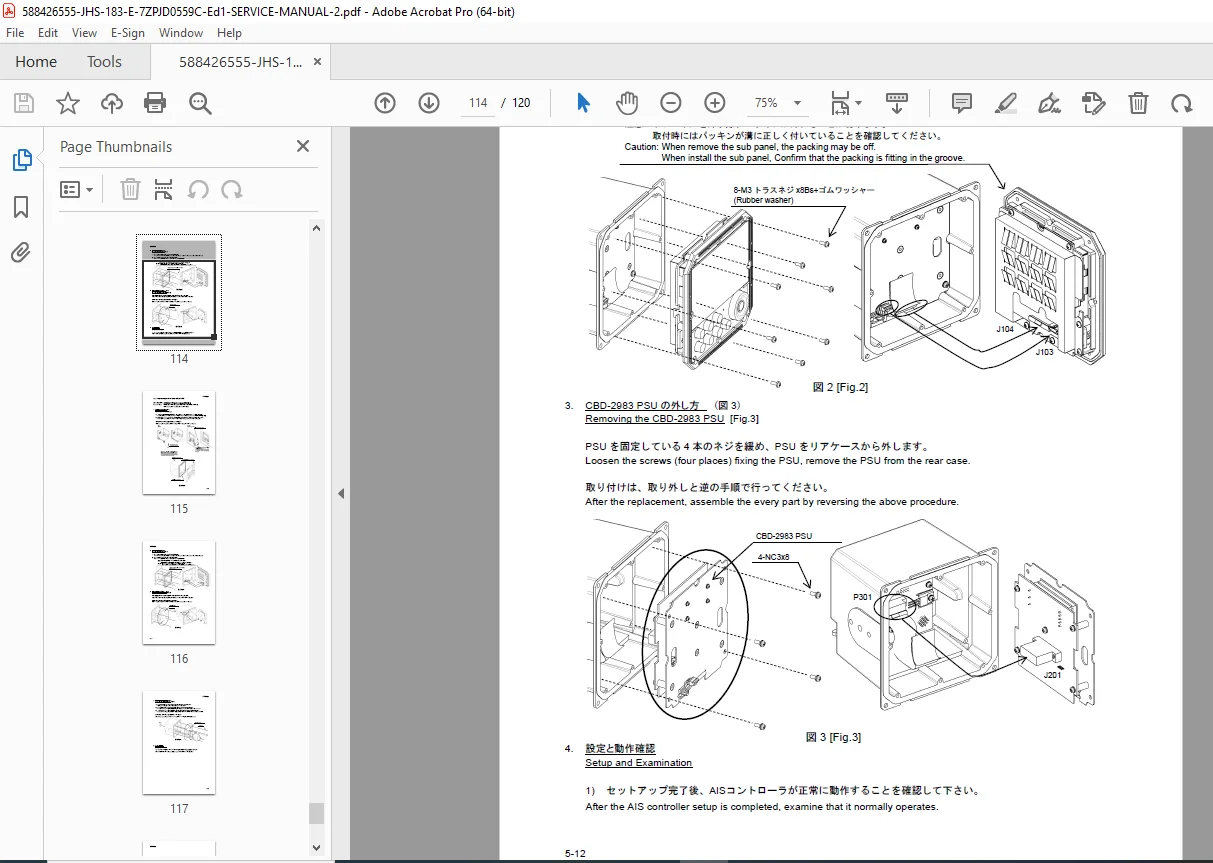
Replacement procedures (example: LCD/DPU/PSU/IFU related replacements)
📌 File Details
| Detail | Information |
|---|---|
| Manual Name | JHS-183 Automatic Identification System — Service Manual |
| Models Covered | JHS-183 AIS system (includes AIS transponder & AIS controller) |
| Year / Edition | Oct 2021 — Edition 1 |
| PDF Quality | Searchable service manual text + diagrams + wiring/interconnection drawings |
| Total Pages | 120 pages |
Avoid costly downtime—use the official JHS-183 service procedures, wiring diagrams, and setup menus to diagnose and restore AIS performance fast. Instant download so you can start troubleshooting and configuring today.