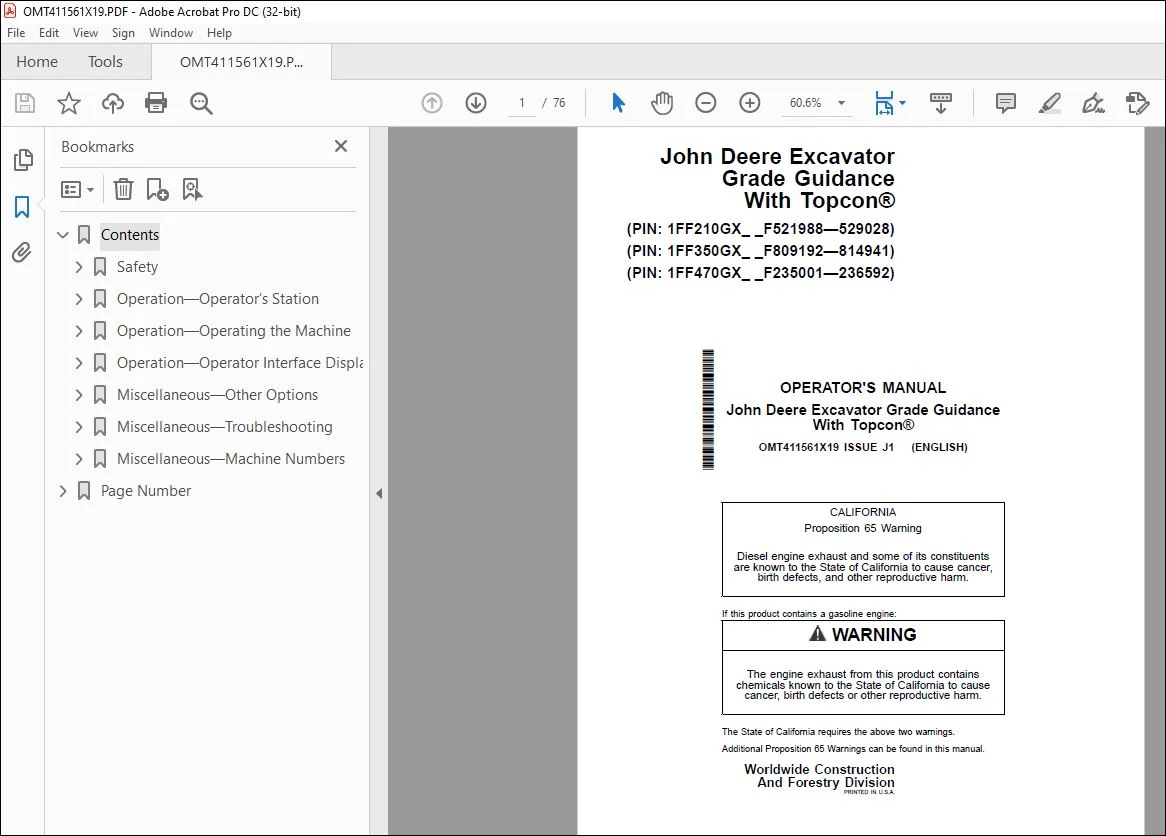
John Deere Excavator Grade Guidance Topcon Operator’s Manual PDF
$19.95
John Deere Excavator Grade Guidance With Topcon Operator’s Manual – PDF DOWNLOAD
Description
John Deere Excavator Grade Guidance With Topcon Operator’s Manual – PDF DOWNLOAD
FILE DETAILS:
John Deere Excavator Grade Guidance With Topcon Operator’s Manual – PDF DOWNLOAD
P/N: OMT411561X19_91
Language: English
Division: Construction
Product Lines: Excavators
Associated Models: GRADE GUIDANCE, 210G, 210GLC, 350GLC, 470GLC
Series: G SERIES
Serial: PIN: 1FF210GX_ F521988—, PIN: 1FF350GX F809192—, PIN: 1FF470GX _F235001—
IMAGES PREVIEW OF THE MANUAL:
TABLE OF CONTENTS:
John Deere Excavator Grade Guidance With Topcon Operator’s Manual – PDF DOWNLOAD
Contents 5
Safety 7
Recognize Safety Information 7
Follow Safety Instructions 7
Operate Only If Qualified 7
Wear Protective Equipment 8
Avoid Unauthorized Machine Modifications 8
Prevent Fires 9
Decommissioning — Proper Recycling and Disposal of Fluids and Components 10
Notes About Making Settings 10
Warnings About Using Height Detection 11
Positional Awareness While Operating 11
Do Not Look Directly at a Laser 12
Precautions for Disassembling and Assembling 12
Securing the Monitor 12
Operation—Operator’s Station 13
Display Unit Functions 13
Pilot Control Levers 14
Operation—Operating the Machine 16
Before Starting Work 16
Inspect Machine Daily Before Starting 16
Check Instruments Before Starting 17
Parking the Machine 18
Operation—Operator Interface Display 19
Display Unit Start-Up 19
Keyboard Functions 19
Changing Language 20
Changing Screen Brightness 21
File Menu 22
File Menu—Projects 23
File Menu—Control 23
File Menu—Layers 24
File Menu—Points 24
Surface File Types 24
Import a Surface File From a Project File 25
Creating Flat or Sloping Surface Files 25
Creating Crown Road Surface Files 29
Creating Triangulated Surfaces From a Topo Survey File 30
Raising or Lowering an Existing Surface 31
Subgrade an Existing Alignment 32
File Menu—Active 33
Control Menu 34
Control Menu—Machine Setup 35
Control Menu—As-Built Control 45
Control Menu—Elevation Reference 46
Control Menu—Attachment 46
Control Menu—3D/2D Control 48
Control Menu—Restart Connection 48
Tools Menu 48
Tools Menu—Configure Radios 49
Tools Menu—Position Check 50
Tools Menu—Navigate 51
Tools Menu—Topo Survey 54
Tools Menu—Data Logging 57
Tools Menu—Supervisor 58
View Menu 61
Changing the Window Display Types 62
View Menu—Display Options 62
View Menu—About 3DMC 62
Miscellaneous—Other Options 63
Isolating a Surface 63
GPS Information 63
Add/Edit Attachment 63
Adding or Editing Radio Channels 65
Miscellaneous—Troubleshooting 66
RTK Communication Problems 66
Display Problems 67
GPS Localization Problems 68
Miscellaneous—Machine Numbers 69
Record Display Unit Serial Number 69
Record MC-X1 Controller Serial Number 69
Record Radio Receiver Serial Number 70
Record Body Sensor Serial Number 70
Record Boom Sensor Serial Number 71
Record Arm Sensor Serial Number 71
Record Bucket Sensor Serial Number 72
Record Laser Catcher Serial Number—If Equipped 72
Record Global Navigation Satellite System (GNSS) Antenna Serial Numbers—If Equipped 73
Keep Proof of Ownership 73
Page Number 5
Section 1-1 7
Section 2-1 13
Section 2-2 16
Section 2-3 19
Section 4-1 63
Section 4-2 66
Section 4-3 69
S.V 04/24