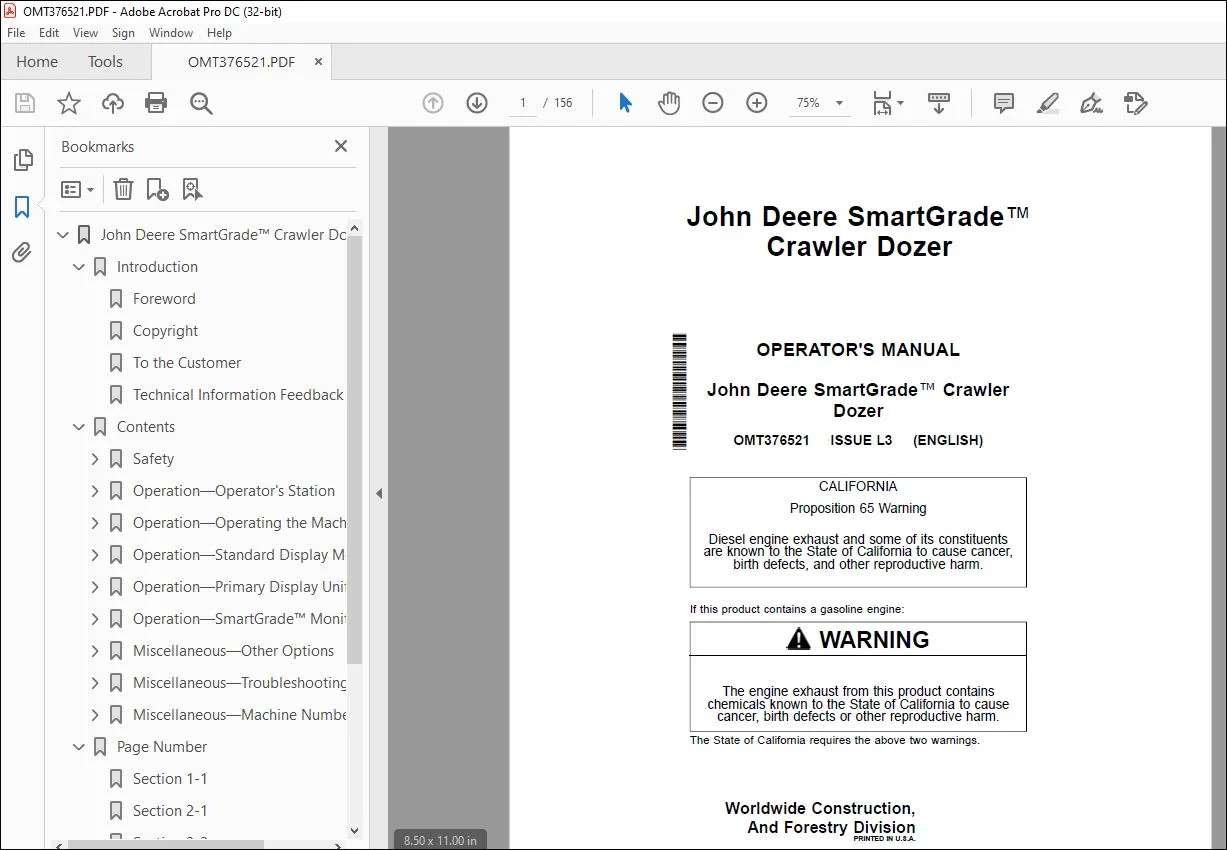
John Deere SmartGrade Dozer Operator’s Manual OMT376521 PDF
$28.95
John Deere SmartGrade Crawler Dozer Operator’s Manual OMT376521 – PDF DOWNLOAD
Description
John Deere SmartGrade Crawler Dozer Operator’s Manual OMT376521 – PDF DOWNLOAD
- Part Number (P/N): OMT376521_24
- Language: English
- Division: Construction
- Product Lines: Crawler Dozers
- Publication Type: Operator’s Manuals
- Associated Models: 650K, 700K, 750K, 850K, 950K, 850L, 950 P
- Serial Numbers:
- 650K: 1T0650KK_ _F305399—429660
- 700K: 1T0700KX_ _F275598—
- 750K: 1T0750KX_ _F271593—
- 850K: 1T0850KX_ _F271510—
- 950K: 1T0950K_ _ _F310401—
- 850L: 1T0850LX_ _F352989—411253
- 950 P: 1T0950PA_ _FX07442?
TABLE OF CONTENTS:
John Deere SmartGrade Crawler Dozer Operator’s Manual OMT376521 – PDF DOWNLOAD
John Deere SmartGrade™ Crawler Dozer 1
Introduction 2
Foreword 2
Copyright 2
To the Customer 2
Technical Information Feedback Form 3
Contents 5
Safety 7
Recognize Safety Information 7
Follow Safety Instructions 7
Operate Only If Qualified 7
Wear Protective Equipment 8
Avoid Unauthorized Machine Modifications 8
Prevent Fires, Clean Debris From Machine 9
Decommissioning — Proper Recycling and Disposal of Fluids and Components 10
Operation—Operator’s Station 11
Standard Display Monitor (SDM) Functions 11
Primary Display Unit (PDU) Functions 14
SmartGrade™ Display Unit Functions 22
Blade Control Lever 24
Right-Hand Joystick—850L (S N —411253), 950 P 25
Operation—Operating the Machine 26
Before Starting Work 26
Inspect Machine Daily Before Starting 26
Inspect Machine Daily Before Starting—850L (S N —411253) 27
Inspect Machine Daily Before Starting—950 P 28
Check Instruments Before Starting 29
Auto SmartGrade™ Operation 32
Enable Auto SmartGrade™ 33
Parking the Machine 38
Operating SmartGrade™ System 39
Operation—Standard Display Monitor (SDM) 42
Standard Display Monitor (SDM) 42
Main Menu, PDU 43
Diagnostics—Grade Control, SDM 43
Setup—Preferences, SDM 44
Operation—Primary Display Unit (PDU) 46
Primary Display Unit (PDU) 46
Main Menu, PDU 48
Main Menu, PDU—850L, 950 P 49
Diagnostics—Integrated Grade Control, PDU 50
Main Menu—SmartGrade—850L and 950 P 51
Setup—Machine Preferences, PDU 52
Operation—SmartGrade™ Monitor Operation 54
Main Display and Functions 54
Keyboard Functions 58
Changing Language 58
Changing Screen Brightness 59
File Menu Options 61
Creating a Project File 61
Copying Project Files From a USB 61
Exporting Project Files 61
Copying Machine Builder Files to a USB 62
Importing Control Point Files 62
Adding a New Control Point 62
Editing a Control Point 62
Importing Layers 62
Surface File Types 63
Import a Surface File From a Project File 63
Creating Flat or Sloping Surface Files 63
Creating Crown Road Surface Files 66
Creating Triangulated Surfaces From a Topo Survey File 67
Raising or Lowering an Existing Surface 67
Subgrade an Existing Alignment 68
Selecting an Active Surface File 70
Selecting an Active Alignment File 70
Selecting an Active AsBuilt File 70
Control Menu Options 71
Setting Blade Control 72
Setting Steer Indication 73
Setting Blade Wear 73
Setting Light Bars 75
Tools Menu Options 76
Radio Configuration 76
Checking the Blade’s Position 77
Using Points to Navigate 78
Topographic Surveys 81
Using Supervisor Mode 84
View Menu Options 89
Changing the Window Display Types 89
Changing the Grade Indicator Scale 89
Display Options 91
Working Surface Display Options 91
Point Display Options 92
Enable/Disable Shortcut Buttons 93
Using Shortcut Buttons 94
Background Color Display 95
Display Units Options 96
About 3DMC 96
Updating 3DMC Options 96
SmartGrade™ Options 97
3DMC Machine Setup 98
Blade Calibration 106
SmartGrade™ System Calibration 109
Other Options 130
Miscellaneous—Other Options 134
Isolating a Surface 134
Steering/Grading to Polyline 134
GPS Information 134
Adjusting Valve Gain 134
Elevation Control Button 135
Miscellaneous—Troubleshooting 136
RTK Communication Problems 136
SmartGrade™ Display Unit Problems 137
SmartGrade™ Control Unit Problems 139
Body/Chassis IMU Sensor Problems 140
GPS Localization Problems 141
Blade Response Problems 142
Miscellaneous—Machine Numbers 143
Record SmartGrade™ Display Unit Serial Number 143
Record SmartGrade™ Controller/Receiver Serial Number 143
Record Main Global Navigation Satellite System (GNSS) Antenna Serial Number 146
Record Auxiliary Global Navigation Satellite System (GNSS) Antenna Serial Number 147
Record Blade Inertial Measurement Unit (IMU) Serial Number 148
Record Chassis Inertial Measurement Unit (IMU) Serial Number 151
Keep Proof of Ownership 152
Page Number 7
Section 1-1 7
Section 2-1 11
Section 2-2 26
Section 2-3 42
Section 2-4 46
Section 2-5 54
Section 4-1 134
Section 4-2 136
Section 4-3 143
S.V 04/24