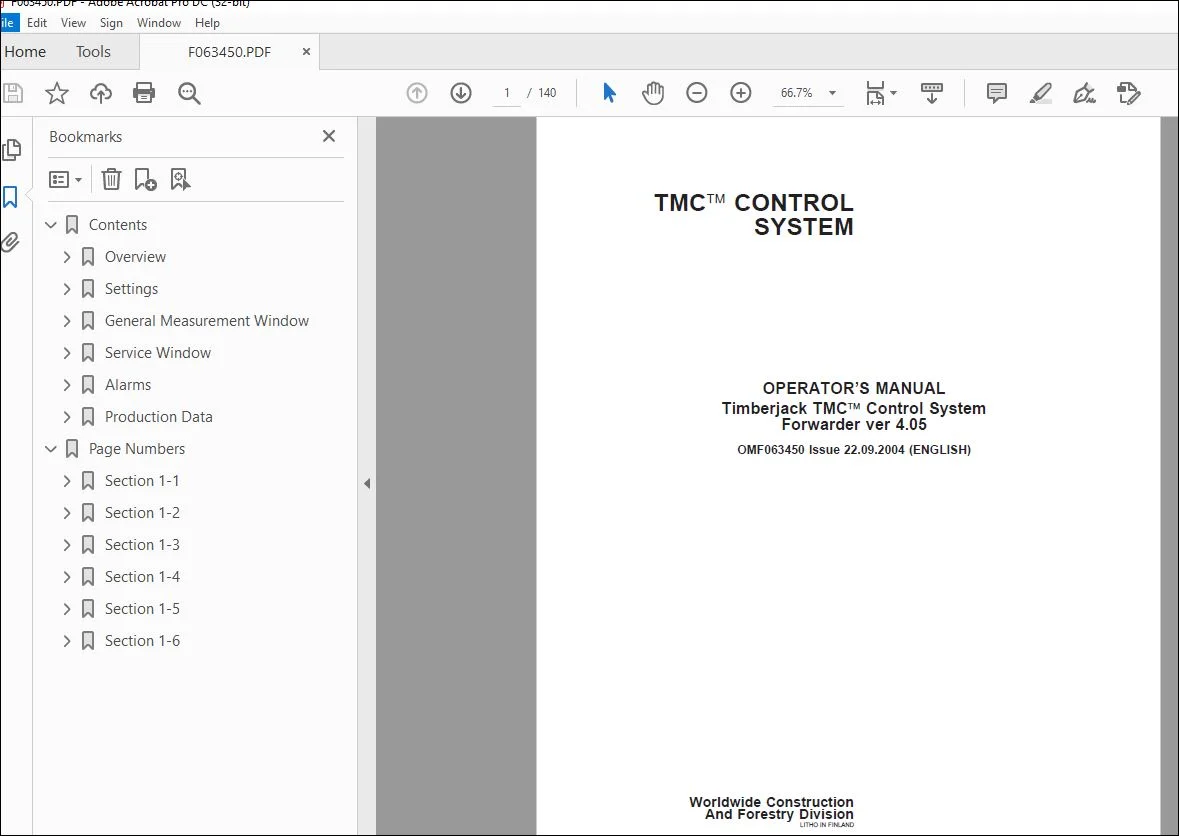
John Deere Timberjack TMC Forwarder ver 4.05 Operator’s Manual PDF
$26.95
John Deere Timberjack TMC Control System Forwarder ver 4.05 Operator’s Manual – PDF DOWNLOAD
Description
John Deere Timberjack TMC Control System Forwarder ver 4.05 Operator’s Manual – PDF DOWNLOAD
FILE DETAILS:
John Deere Timberjack TMC Control System Forwarder ver 4.05 Operator’s Manual – PDF DOWNLOAD
- P/N: F063450_WL
- Language: English
- Division: Forestry
- Product Lines: Control Systems
- Publication Type: Operator’s Manuals
- Associated Models: TMC
- Serial: VER. 4.05
IMAGES PREVIEW OF THE MANUAL:
TABLE OF CONTENTS:
John Deere Timberjack TMC Control System Forwarder ver 4.05 Operator’s Manual – PDF DOWNLOAD
Contents 3
Overview 5
Timberjack TMC™ System 5
General 6
Display’s Symbols 7
Window Configuration 11
Basic Menu Window 11
Information on the Status of the Machine 12
Base Machine’s Run-Time Window in Operation Mode 23
ALS/Boom Weight Scale Machine’s Run-Time Window in Operation Mode 24
Settings 25
General 25
Boom Settings 25
Adjustable Boom Functions 26
Adjustable ALS Load Space Functions 27
Adjustable Parameters 28
Adjusting the Boom During Operation 30
Quick Adjustment of Boom 32
Balance Window 33
Copying the F- and S-parameters 34
Base Machine Settings 35
Operator Settings 37
Driver Profiles 38
Copying the Settings 38
Driver’s Name (if ALS/ Boom Weight Scale) 39
Machine Running Hours 40
Calibration of Control Levers and Pedals 41
Settings of the Display 49
General Measurement Window 51
General 51
Boom Function Measurement Window 52
Transmission Measurement Window 53
Frame Steering and Auxiliary Equipments (AUX) Measurement Window 56
Alarm Log 59
Engine Alarm Logs Printouts *) 64
Engine Alarm List 65
Active Load Space (ALS) Measurement Window 71
Module Outputs and Inputs 72
Service Window 81
General 81
Engine Operating Minimum and Maximum Values 82
Module Program Versions 85
Alarm Settings Window 87
Control of the System 89
General Machine Settings 90
Machine Service Code 93
Automatic Module Program Updating Button 94
Machine Immobilizer Button 95
Parameter Locking 97
Engine Control Unit (ECU) Info 98
Alarms 99
General 99
Stages of Alarm 100
Alarm Window 101
Active Alarms 102
Alarm List 103
Alarm Helps 105
Notices 106
Production Data 107
General 107
Setting Up a Work Site 107
Deleting a Work Site 111
Weighing Sensor Measuring Window 111
Window Configuration of the Boom Weight Scale Machine 112
Window Configuration of the ALS Machine 113
Using the Weight Scale 113
Chart of Loading Procedure 114
Starting the Load 116
Registering a Load, Boom Weight Scale 118
Registering a Load, ALS 120
Cancellation a Load 122
If the driver has forgotten to start a work site 123
If the load has not been registered 123
Weighing the Load in Unloading Mode *) 124
Resetting the Grapple *) 126
Printing Production Data 127
Saving Data in Files 129
Example Print-Out: 130
Calibrating the Boom Weight Scale 131
Calibrating the Load in the ALS System 137
S.V 03/24