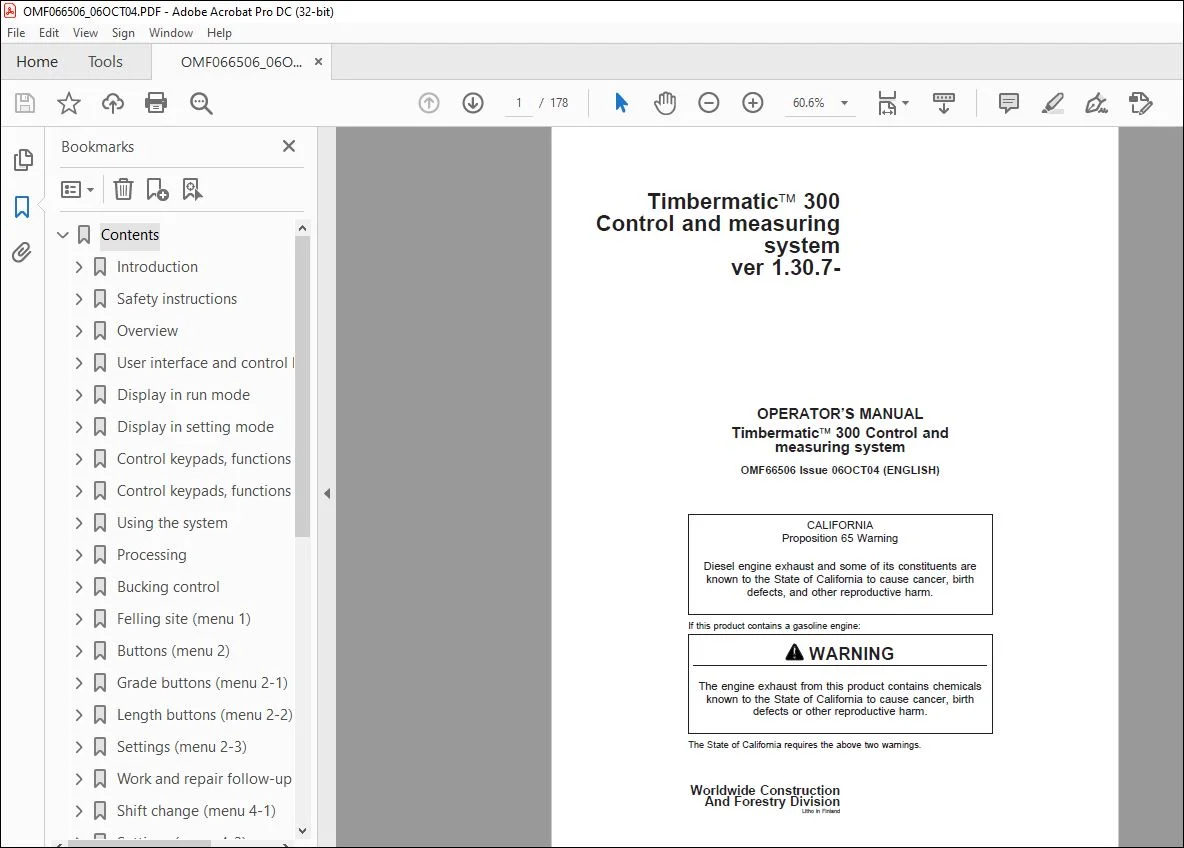
John Deere Timbermatic 300 Control & measuring Operator’s Manual PDF
$27.95
John Deere Timbermatic 300 Control & measuring system Operator’s Manual – PDF DOWNLOAD
Description
John Deere Timbermatic 300 Control & measuring system Operator’s Manual – PDF DOWNLOAD
FILE DETAILS:
John Deere Timbermatic 300 Control & measuring system Operator’s Manual – PDF DOWNLOAD
P/N: OMF066506_WJ
Language: English
Division: Forestry
Product Lines: Control Systems
Publication Type: Operator’s Manuals
Associated Models: TIMBERMATIC 300 TIMBERJACK
Series: D SERIES_TIMBERJACK MODELS
Serial: 770D
1070D
1270D
1470D
IMAGES PREVIEW OF THE MANUAL:
TABLE OF CONTENTS:
John Deere Timbermatic 300 Control & measuring system Operator’s Manual – PDF DOWNLOAD
Contents 2
Introduction 6
Introduction 6
Warranty 7
Warranty Service 7
Safety instructions 8
General 8
Recognize Safety Information 8
Understand Signal Words 8
General safety rules 9
Operating safety precautions 10
Overview 11
General 11
CAN bus modules 12
Cabin and control system equipment 13
Abbreviations 14
General usage 15
Description of harvester head functions 15
Principles of length and diameter measurement 17
User interface and control keypads 18
General 18
Start-up 19
Display in run mode 20
General 20
Display in run mode 21
Base machine functions 25
Display in setting mode 26
General 26
Main menu, functions of measuring system and harvester head 27
Base machine functions 29
Administrative program 29
Externals 29
Control keypads, functions in run mode 30
Harvester head functions 30
Base machine functions 38
Control keypads, functions in setting mode 39
Control keypads 39
PC keyboard 40
Using the system 41
Settings prior to operation 41
Processing 43
General 43
Processing the stem 44
Processing example 46
Top break or dropped stem 47
Problems with measurement 48
Bucking control 49
General 49
Manual bucking 49
Feed control 50
Saw control 54
TimberNavi™ 55
Felling site (menu 1) 56
General 56
Overview (menu 1-1) 56
Edit (menu 1-2) 57
Site (menu 1-3) 58
Files (menu 1-4) 60
Stem files 62
Buttons (menu 2) 64
Bucking 64
Grade buttons (menu 2-1) 65
General 65
Forced assortment 66
Long length (full stem run) 67
Length buttons (menu 2-2) 68
General 68
Settings (menu 2-3) 69
General 69
Stem grade changing point 70
Length stepping (+/- length selection) 71
Work and repair follow-up (menu 4) 73
General 73
Follow-up levels and implementation 73
Division of working hours 74
Overview (menu 4-2) 75
Shift change (menu 4-1) 76
General 76
Settings (menu 4-3) 77
Work and repair follow-up level 77
General 78
Measurement / Calibration (menu 6) 80
General 80
Length (menu 6-1) 81
Length calibration values 81
Basic calibration of length measurement 82
Diameter (menu 6-2) 83
Diameter calibration values 83
Basic calibration of diameter measurement 84
Diameter correction 85
Calliper (menu 6-3) 86
General 86
Using the calliper 87
Automatic calibration 88
Settings (menu 6-4) 89
Data transfer to calliper 89
Settings for measurement 90
Random sample (menu 6-5) 91
General 91
Manual calibration 92
General 92
Length measurement control 93
Diameter measurement control 96
Harvester head settings 99
General 99
Feeding (menu 7) 100
Feeding (menu 7-1) 100
Grabbing (menu 7-2) 104
Test mode for grabbing 109
Speeds (menu 7-3) 113
Automatic level (menu 7-4) 116
Saw control levels 120
Auto bend passing 122
Sawing (menu 8) 125
Saw (menu 8-1) 125
Checking and adjusting the saw depth 130
Color marking (menu 8-2) 131
Stump treatment (menu 8-3) 134
Automatic cuts (menu 8-4) 135
Boom drop (menu 8-5) 136
Diagnostics and troubleshooting 138
General 138
HPC 139
HHM 141
Welding instructions 145
Using booster batteries 146
CDM 147
Diagnostics (menu 9) 150
Event log (menu 9-1) 150
Error log (menu 9-2) 150
HHM Outputs (menu 9-3) 151
Saw diagnostics (menu 9-4) 152
Diameter sensors (menu 9-5) 153
Saw sensors (menu 9-6) 154
Keypad (menu 9-7) 155
Handling the system 156
General 156
Saving files 156
Back up copy 157
Loading the software 158
System configuration (menu 0) 159
General 159
Display and sounds 160
Backup (menu 0-3) 162
Base machine (menu 0-4) 163
Harvester head (menu 0-5) 165
General settings (menu 0-6) 167
Print (menu 3) 168
General 168
Print shortcut (menu 3-1) 168
Select report (menu 3-2) 169
Print setup (menu 3-3) 170
E-mail (menu 5) 171
General 171
Settings 171
Send mail (menu 5-1) 173
Inbox (menu 5-2) 174
Notebook (menu 5-3) 174
S.V 03/24